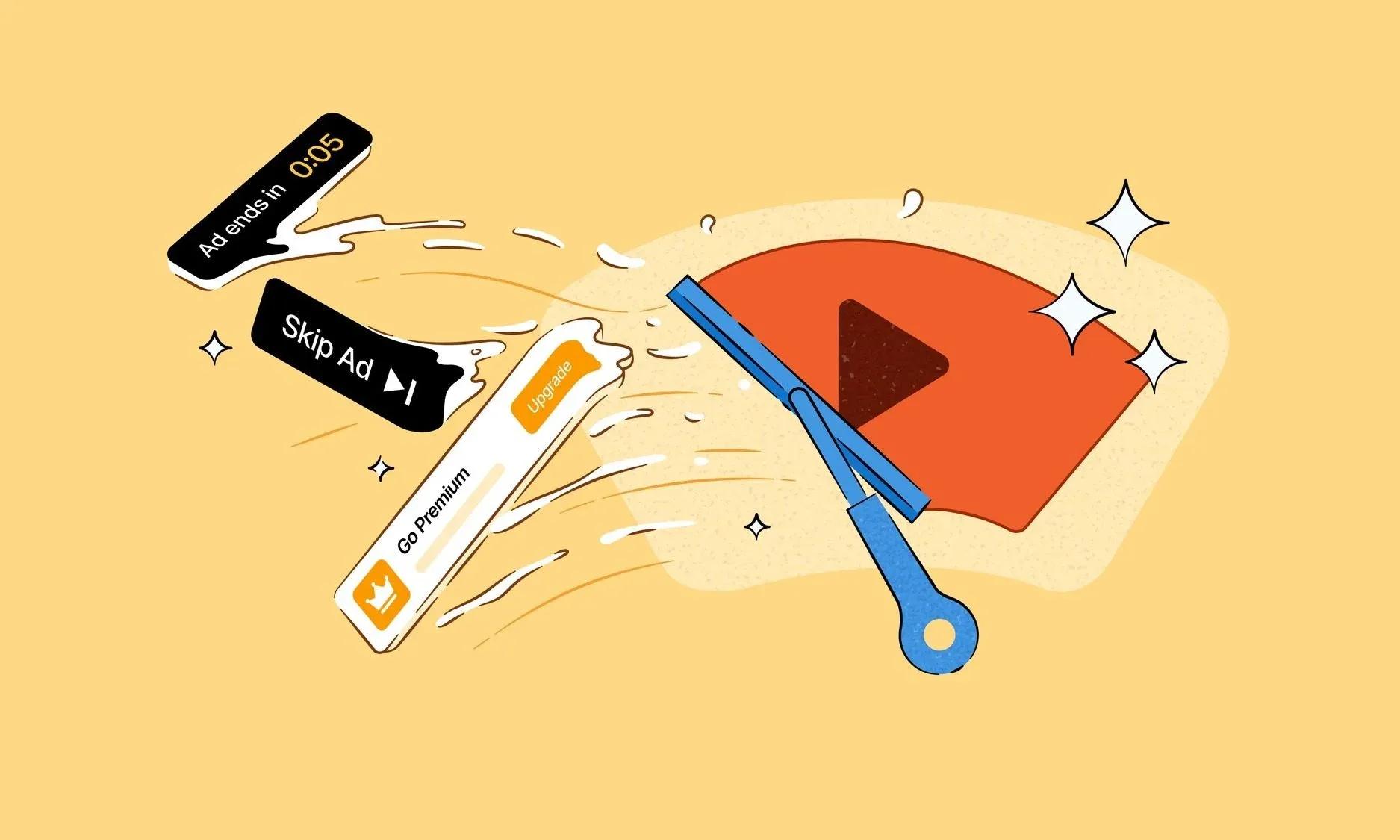

"YouTube Ad Blocking is already on by default for most iPhone, Windows, and Mac users," DuckDuckGo stated in a blog post published this week. That single sentence is doing a lot of heavy lifting for anyone who spends hours watching YouTube gaming content, patch breakdowns, or speedrun streams.
The privacy-focused browser has quietly enabled YouTube ad blocking as a default feature across its iOS, Windows, and Mac builds. Android users are next, though auto-enablement is still rolling out. For now, Android users can switch it on manually through browser settings.
What is actually doing the blocking
Here's the thing: DuckDuckGo is not building this from scratch. The YouTube ad detection and blocking runs on filter lists from uBlock Origin, the well-established open-source content blocker. DuckDuckGo layers its own compatibility rules on top of those lists, but the heavy lifting comes from one of the most trusted names in ad blocking.
The tradeoff is real. The browser warns that some users may notice longer buffering times, and occasional unexpected hiccups are possible. That is the standard cost of intercepting ad calls before they load. For most viewers, it is a non-issue. For anyone on a slower connection, it is worth knowing upfront.
On-the-fly control while you watch
The feature is not a set-it-and-forget-it toggle buried three menus deep. Users can enable or disable YouTube Ad Blocking directly from browser settings at any time, and the toggle is also accessible while a video is actively playing. That kind of live control matters if you want to support a specific creator by letting their ads run, or if a video starts buffering badly and you want to test whether the blocker is the cause.
What this means for the YouTube ad ecosystem
YouTube runs somewhere between 300 billion and 750 billion ad impressions globally every month, based on reverse-engineered industry estimates. DuckDuckGo's browser is not a dominant platform by any measure, but every browser-based viewer who switches represents one fewer ad impression available to advertisers. As available slots shrink, cost-per-thousand rates on the remaining inventory tend to climb.
The key here is scale. DuckDuckGo's user base is real but niche compared to Chrome or Safari. The immediate impact on YouTube's ad revenue is marginal. The longer-term signal is more interesting: default-on ad blocking in a mainstream browser is a line that has not been crossed often, and it sets a precedent others may follow.
For gaming creators specifically, ad revenue is already fragile. Channels under 1,000 subscribers typically see between 100 and 1,000 impressions in their first 48 hours on a new upload. If early viewers happen to be using an ad blocker by default, those initial engagement signals weaken before the algorithm has a chance to push the video further. It is a small variable, but one worth understanding if you are building a channel.
The bigger picture for privacy browsers
DuckDuckGo has been steadily building its browser into something more than just a search engine wrapper. Default YouTube ad blocking is a strong feature statement, and it lands at a time when YouTube has been aggressively cracking down on third-party ad blockers through its own platform-level countermeasures.
The browser route sidesteps those countermeasures entirely, at least for now. YouTube's ad enforcement targets extensions and injected scripts at the browser extension layer. A browser with ad blocking baked into its core architecture is a different problem to solve.
You'll want to check whether your current browser setup already covers this, or whether switching to DuckDuckGo makes sense for your YouTube-heavy workflow. For more gaming tools and strategy resources, the gaming guides section has you covered across a wide range of titles.
If you play Roblox and want to sharpen your combat fundamentals, the The Strongest Battlegrounds blocking guide breaks down defense mechanics in detail. And if web3 gaming is your lane, the Champions Arena free-to-play tips guide is worth bookmarking before you grind the leaderboards.