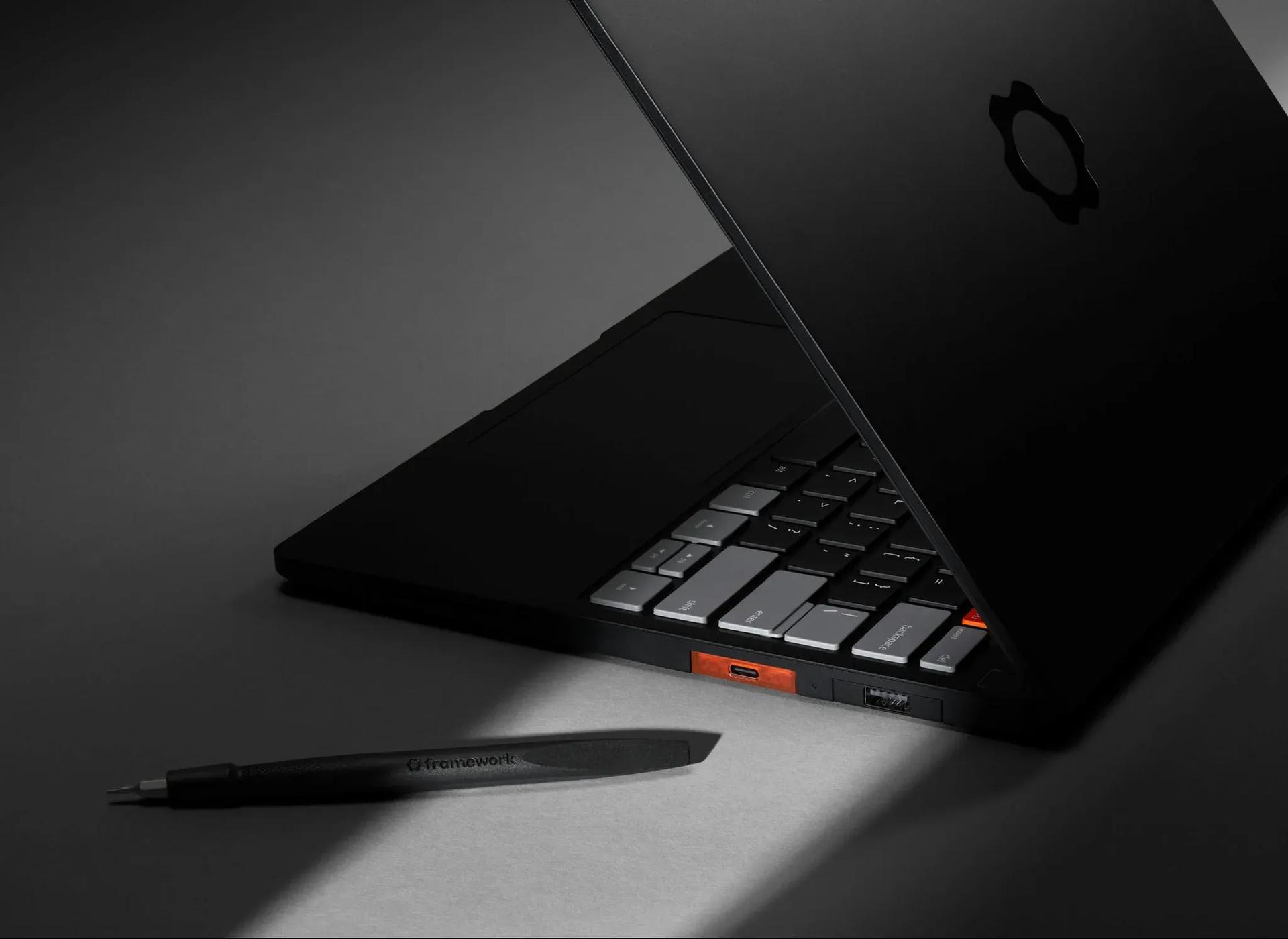

The Framework Laptop 13 has always been the laptop for people who believe repairability and upgradeability should be non-negotiable. The one thing that kept it from being a genuine daily driver recommendation? Battery life. The new Framework Laptop 13 Pro finally fixes that, hitting just over 18 hours in productivity testing. The catch is that a global LPCAMM2 RAM shortage has pushed prices to levels that would make even a MacBook Pro buyer wince, with no configuration coming in under $1,500 and the review unit pushing close to $3,000.
What actually changed from the original design
This is the closest thing to a second-generation revision the Laptop 13 has ever seen. Previous refreshes were incremental, tweaking hinges or speakers without touching the fundamentals. The Laptop 13 Pro breaks backward compatibility on three key parts (bottom case, keyboard and trackpad cover, and battery) in exchange for meaningful improvements across all three.
The battery jumps from 61 WHr to 74 WHr, enabled by a redesigned bottom case machined from extruded 6063 aluminum blocks. The result is a body that feels noticeably more solid than its predecessor. Framework also switched from a trackpad with a physical click mechanism to a haptic version, similar to what Apple has used in MacBooks for years. With firmness turned up, it's close enough to a real click that most users won't miss the old mechanism.
The screen keeps the same 13.5-inch size, 2,880x1,920 resolution, and 3:2 aspect ratio, but gains touch support for the first time. Typical brightness climbs to 700 nits and contrast ratio reaches 1,800:1. It's not an OLED panel and DCI-P3 coverage is still incomplete, so color professionals will still look elsewhere. Minor light bleed at the top of the display is also worth noting. Expansion Card compatibility is maintained between the old Laptop 13 and the Pro, so your existing USB-C modules still work fine.
The LPCAMM2 situation is genuinely complicated
Here's the thing: the shift to LPCAMM2 memory is both technically smart and financially painful right now. The new Intel Core Ultra Series 3 (Panther Lake) processors require LPDDR5X memory, and LPCAMM2 is the only upgradeable form factor that supports it. Framework had no real alternative if it wanted to maintain its core promise of user-upgradeable RAM.
The technical upside is real. LPCAMM2's low-power characteristics are a major reason the Laptop 13 Pro's battery life is so dramatically improved. A single module handles dual-channel speeds without needing matched pairs. The wireless performance improvement Framework claims from the module's EMI shielding is a bonus.
The downside is pricing that has gotten out of hand. A 32GB LPCAMM2 module costs $800 from Framework's store. Framework has been transparent about why: its supplier recently doubled the prices it charges Framework for these modules, and that increase is being passed directly to buyers. This isn't a Framework markup problem. It's a supply chain problem that happens to be landing on Framework's customers at the worst possible time.
Battery life numbers that finally matter
The full Laptop 13 Pro configuration with the Core Ultra X7 358H chip and 74 WHr battery cleared 18 hours in the PCMark 10 Modern Office test at 200 nits brightness. That's not a marginal improvement over previous Framework laptops. It's a completely different category of result.
What's interesting is how much of that comes from the chip versus the battery. Testing the same Core Ultra Series 3 board with an older 61 WHr battery still produced around 15 hours and 45 minutes of runtime. The Panther Lake chip and LPCAMM2 memory are doing most of the heavy lifting. By contrast, dropping the new 74 WHr battery into a system running the Ryzen AI 300 board only pushed runtime from around 8.5 hours to just over 11 hours, roughly proportional to the capacity increase.
The practical takeaway for existing Laptop 13 owners: upgrading the motherboard to Core Ultra Series 3 will deliver a much bigger battery life gain than swapping in the new 74 WHr battery alone.
Upgrade pricing for existing owners
For people already in the Framework ecosystem, the math is at least somewhat more forgiving than buying a complete new machine. Here's a breakdown of the key upgrade parts:
| Part | Price | Notes |
|---|---|---|
| 74 WHr battery | $89 | Requires new bottom case and keyboard cover |
| Input Cover Kit (haptic trackpad) | $179 | Requires battery and bottom case upgrade |
| Bottom Cover Kit | $169 | Requires battery and keyboard upgrade |
| Touchscreen Display Kit | $299 | Compatible with original Laptop 13 |
| Core Ultra 5 / Ultra X7 motherboard | $449 / $899 | Compatible with original Laptop 13 |
| 32GB LPCAMM2 RAM | $800 | Laptop 13 Pro only |
The display upgrade is the most straightforward value play for owners who don't want to touch the chassis. The full bottom case, battery, and keyboard cover bundle is the only way to get the new haptic trackpad and larger battery, and Framework is planning an all-in-one upgrade kit that isn't available to purchase yet.
For gaming-adjacent workflows, the Panther Lake chip's Intel Arc integrated GPU is a genuine step up from previous Framework generations. It won't replace a dedicated GPU for serious gaming, but it handles lighter titles and emulation better than most ultraportable Intel chips have managed. If you want to dial in your graphics settings on demanding PC games, check out our 007 First Light PC settings guide for an example of how much difference proper settings optimization makes even on capable integrated hardware.
The honest verdict on timing
The Framework Laptop 13 Pro is the best version of this laptop that has ever existed. The battery life problem is solved. The build quality is meaningfully improved. Linux support is as strong as ever, with Ubuntu 24.04 LTS now available as a preinstalled option alongside Ubuntu 26.04 and Fedora 44. Framework even managed to make most of the improvements available as retrofits for people who already own a Laptop 13.
The problem is purely economic. A RAM shortage that Framework didn't cause has made this laptop's most appealing configuration prohibitively expensive for a lot of the people who would otherwise be its natural buyers. Framework has been unusually open about this, which is admirable, but transparency doesn't make the prices easier to swallow.
If you're an existing Laptop 13 owner eyeing a board upgrade, the Core Ultra Series 3 motherboard is the most impactful single purchase you can make. If you're buying new and can stomach the price, this is genuinely one of the most interesting laptops on the market. If you're looking for gaming-focused hardware coverage in the meantime, our gaming guides hub has everything from build optimization to PC settings breakdowns while you wait for component prices to stabilize.