

Grand Theft Auto 6 now supports cloud streaming on PS5 and PlayStation Portal through PlayStation Plus Premium, with access appearing on November 23. The feature was not available when the game launched.
Cloud streaming runs the game on Sony's servers. Remote Play works differently, sending the game from your own PS5 to the handheld over Wi-Fi.
Portal players can now leave their PS5 switched off or keep playing while another account uses the console. You can also stream GTA 6 on the handheld without owning a PS5, since Sony's servers handle running the game.

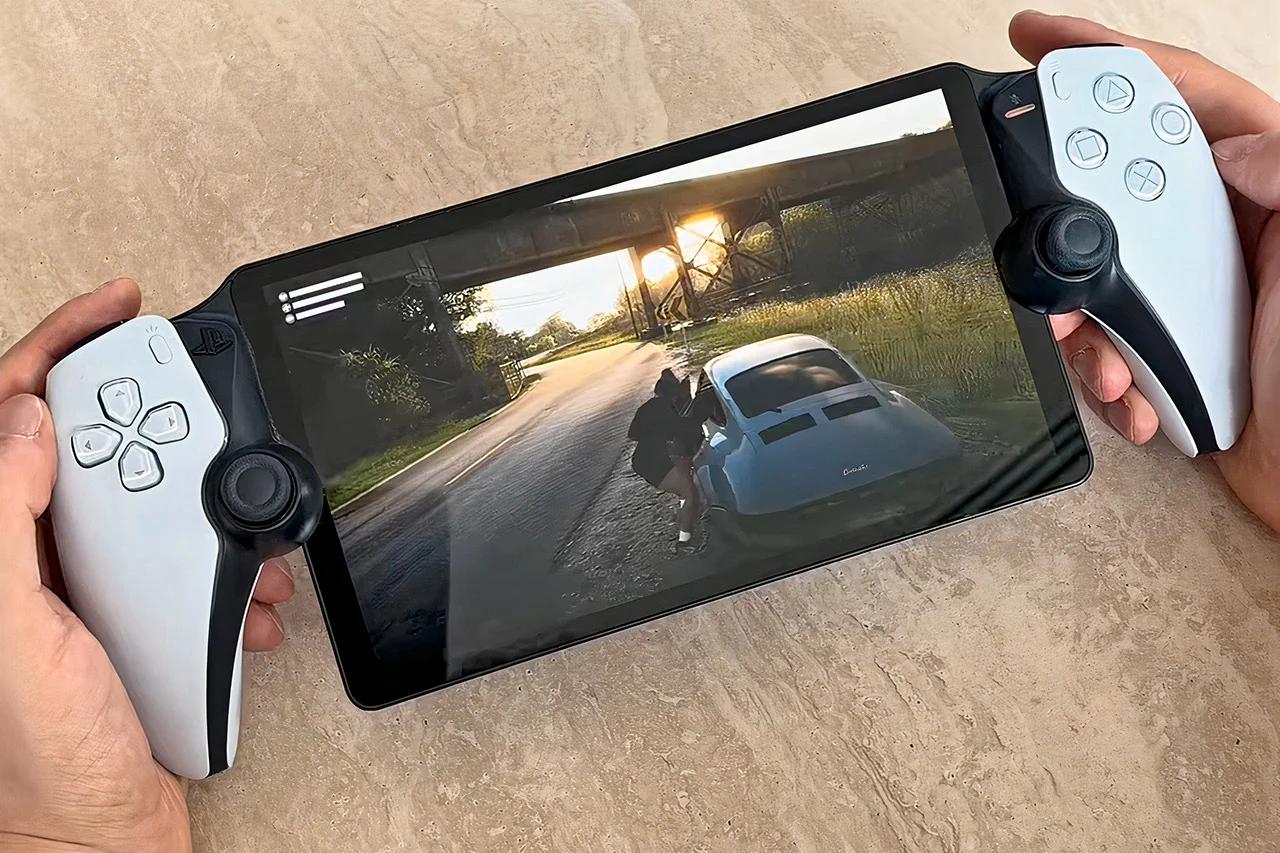
PlayStation Portal handheld
PS5 players get a storage benefit, too: streaming does not require a local download. If your console is short on space, you can use the cloud option without clearing room to install GTA 6.
How to start streaming on Portal
Portal cloud streaming requires an adult PlayStation account and a supported country. The UK is among the supported regions, though availability varies by title and region.
To start a cloud session on the handheld:
- Open the Cloud Streaming tab on your PlayStation Portal.
- Find GTA 6 under Your Library.
- Select Stream to launch the game from Sony's servers.
Sony recommends a minimum connection speed of 13Mbps for 1080p streaming on Portal. Performance depends on your connection, so cloud support does not guarantee the same experience on every network. Inactive sessions can also close automatically.