

Most idle games hand out promo codes that give you a small currency bump. Idle Breakout works differently. The codes circulating this month are full save state imports, meaning each one drops you into a completely different game snapshot rather than adding a minor bonus on top of your existing progress. The gap between grinding to level 200 yourself and pasting a code into the import field is measured in days, sometimes weeks, of active play.
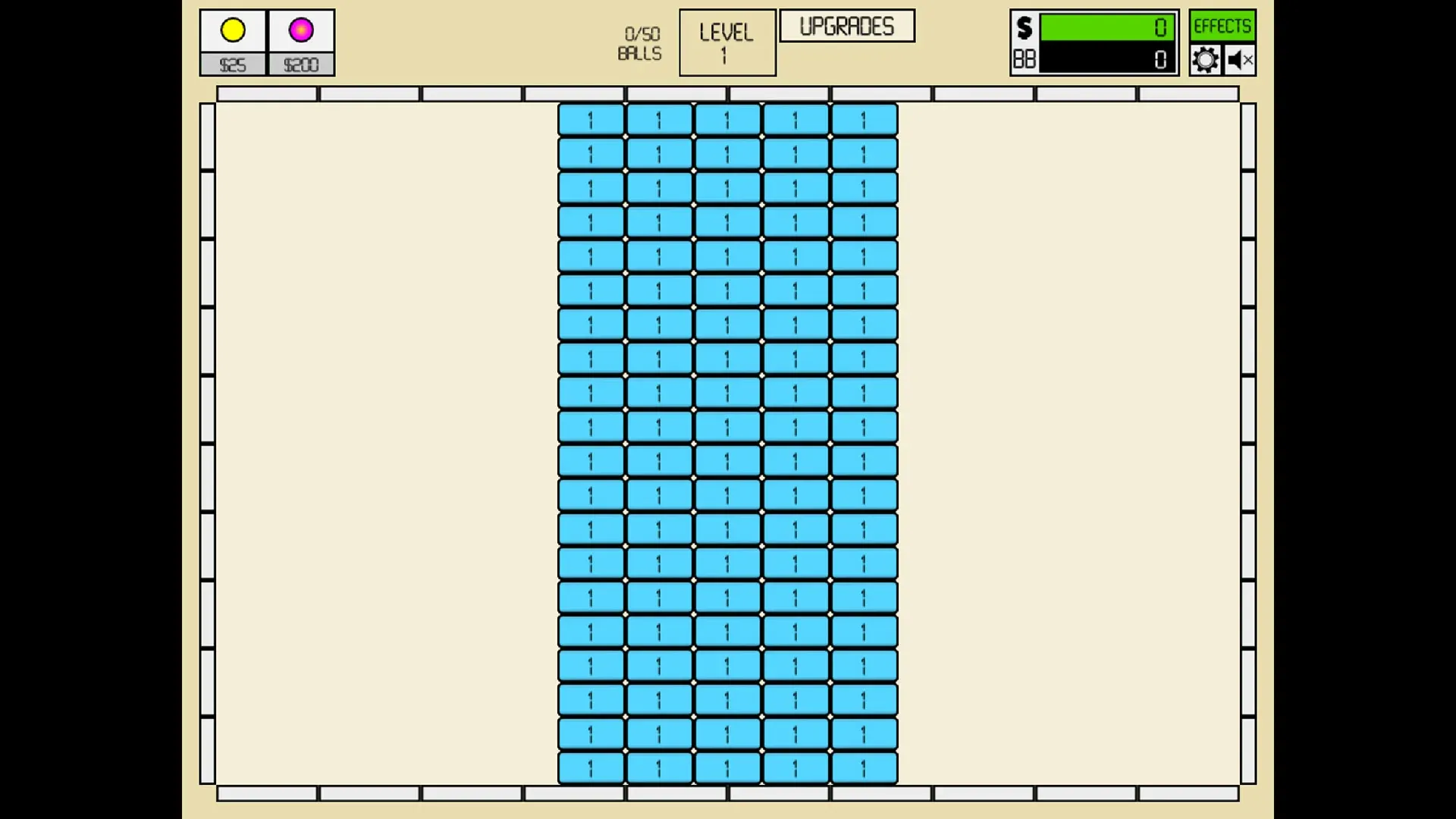
For players who want to see the deep game without committing to the long haul, that distinction matters. Fans of block-breaking idle games like VOID/BREAKER will recognize the same core loop here: balls bounce, blocks break, cash accumulates, and upgrades compound until the numbers get genuinely absurd.

Use code TRYHARD33 at checkout to redeem this offer before code expires again.
Get 33% Off GAMES+ Subscription
The full list of working codes this month
Here's the lowdown on every save state confirmed working as of late September 2026. Each code produces a distinct game snapshot, so pick the one that matches what you actually want out of the session.
Why save states beat traditional codes here
Here's the thing: most idle games use redeemable promo codes that layer bonuses on top of your save. Idle Breakout skips that system entirely. The developer, Kodiqi, built the game around a base64-encoded save format that can be copied, shared, and imported by anyone. That means the community has been able to generate and distribute specific game states rather than waiting for official code drops.
The practical upside is flexibility. Want to test the late-game ball physics without grinding through 9,000 levels first? There's a code for that. Want infinite money to experiment with every upgrade path from the start? That's covered too. The downside is that you can't combine effects. The infinite money code won't also give you level 42,000 progress because each code is a complete snapshot, not a modifier.
How to import a code in under a minute
The process is straightforward. Open Idle Breakout in your browser, then hit the Cog icon at the top right of the screen to open the settings panel. From there, press the IMPORT button. A text box will appear where you can paste the code directly.
One thing worth knowing: if you're running the game in full screen mode, the import prompt sometimes doesn't appear. Drop back to regular browser view first, paste the code, then hit Return or press OK to confirm. The game will reload into the new save state immediately.
Because the codes are long base64 strings, typing them manually isn't realistic. Copy and paste is the only sensible approach.
The stability ceiling at extreme levels
Jumping to level 260,464 sounds appealing on paper, but there's a real performance cost. At significantly high level counts, the game can become unstable depending on your hardware and browser. The sheer number of active ball calculations and upgrade multipliers running simultaneously puts pressure on older machines in particular.
The level 42,000 and 10,000 codes tend to be the sweet spot for most players, offering late-game content without the frame rate issues that come with the extreme jump codes. Pro tip: if you notice the game slowing down after importing a high-level state, try closing other browser tabs to free up memory.
For players who prefer building their own progression from scratch but want smarter strategies to speed up the grind naturally, the gaming guides at GAMES.GG cover idle game optimization across a range of titles.