
Skate. is adding optional proximity chat in Update 0.33.1, bringing distance-based voice conversations to every map. The feature is moving from in-game testing to a full release.
EA and Full Circle are also dropping seasons. Season 5 will end on December 1, 2026.
Nearby voice chat will work in Free Skate, Block Parties, Skate Jams, and Spot Battles. Skaters sharing a spot will be able to discuss trick attempts and coordinate runs, with the audio tied to how close they are to each other.

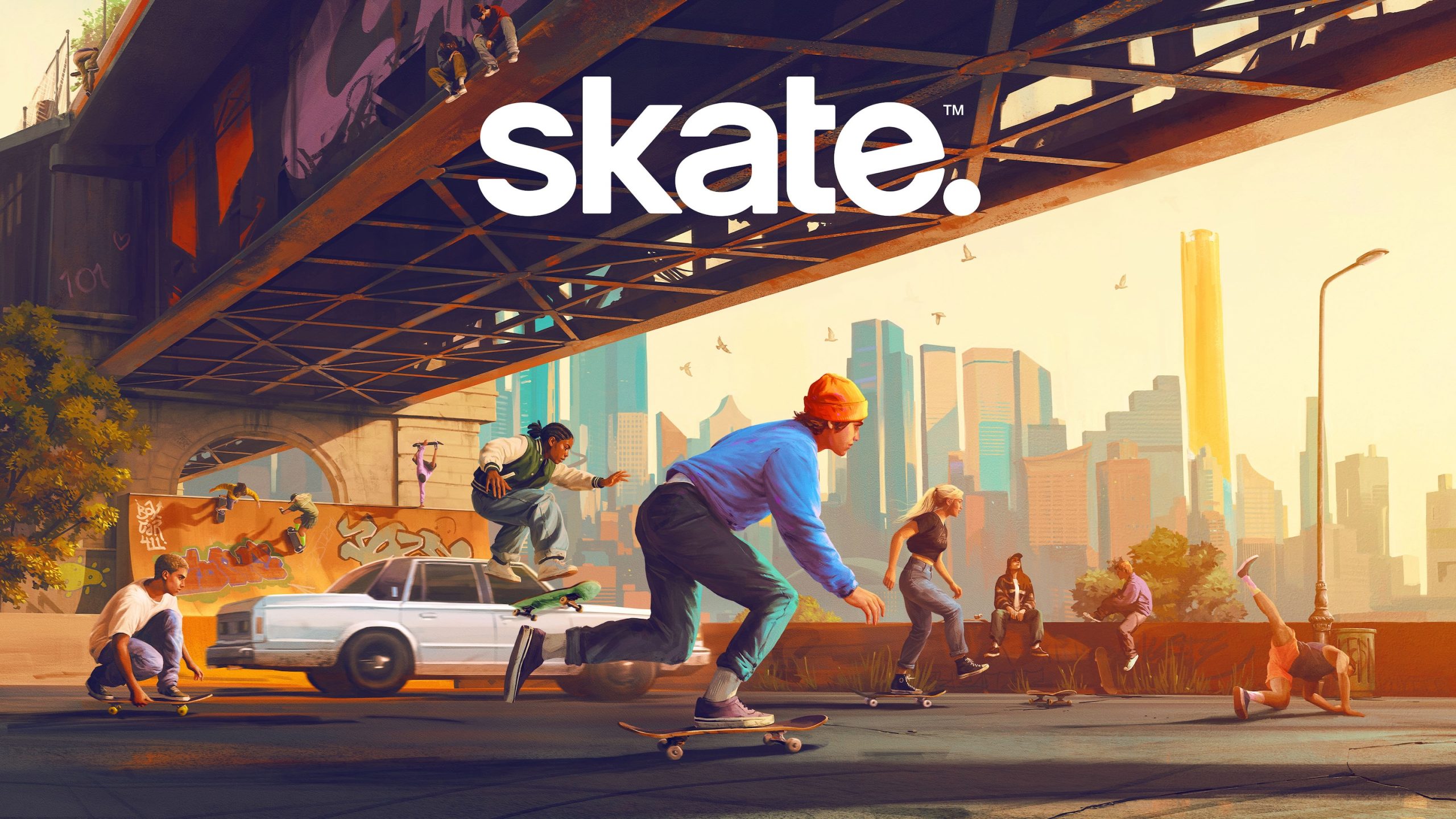
Skaters around San Vansterdam
How proximity chat handles distance and microphones
EA's feature breakdown sets three distance markers for voice audio:
- Within 5 meters: Voices remain fully clear at normal volume.
- At 18 meters: Audio drops to roughly half volume.
- Around 30 meters: Voices fade out entirely.
That falloff keeps conversations local instead of broadcasting every nearby session at the same volume. Moving away from another skater gradually quiets their voice, so the people at your spot remain the focus.
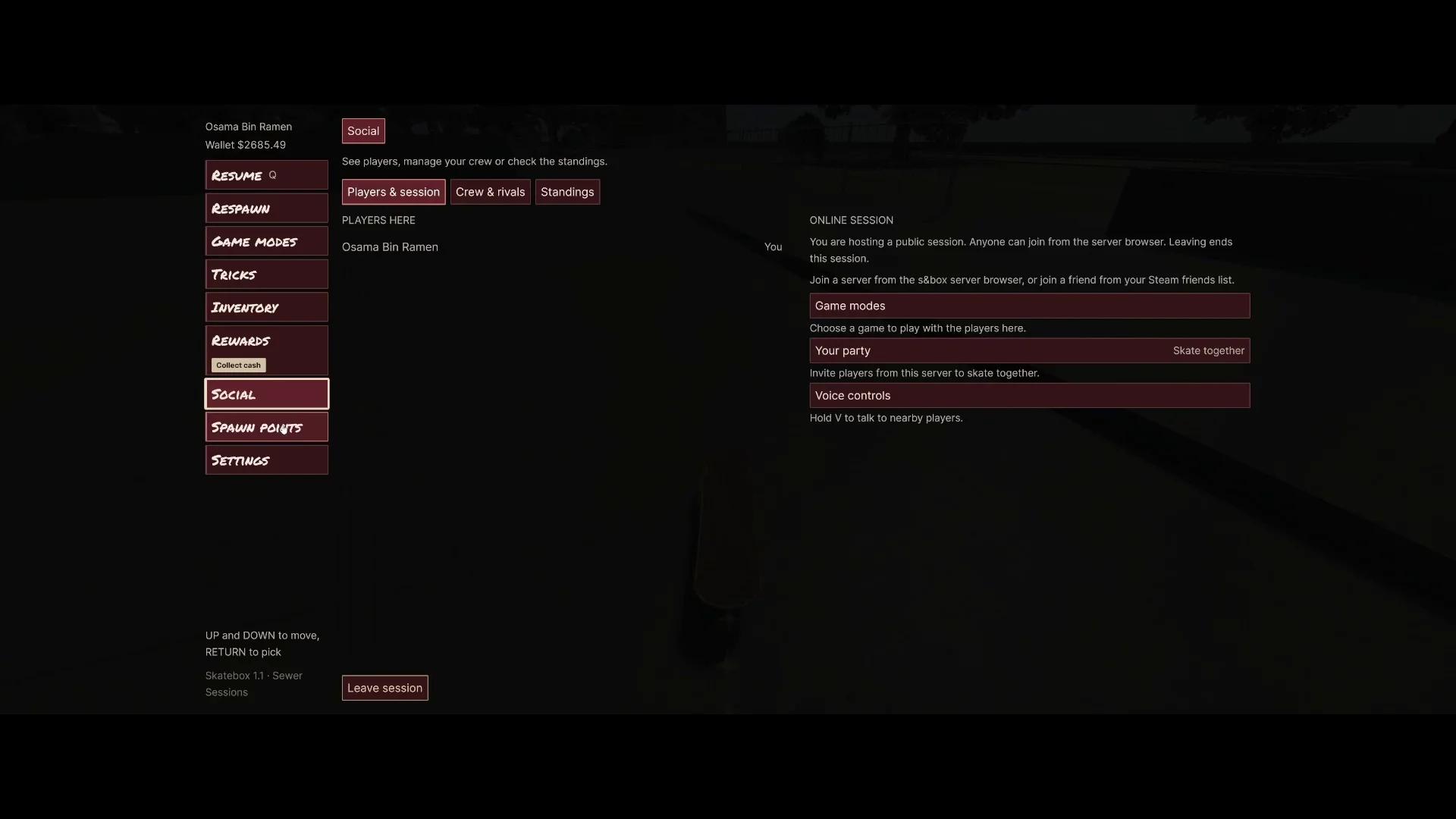
The first time you load into Update 0.33.1, a pop-up will let you accept or disable proximity chat. Accepting does not immediately broadcast your microphone: your mic starts muted by default.
Social Settings contains the controls to mute or unmute your microphone and disable the feature. If you decline proximity chat on that first screen, you will also need to return to Social Settings to turn it on later.
Players can use the in-game report and block features if someone becomes disruptive. Joining the conversation is optional, and the initial microphone setting leaves players in control of when they speak.
Changing audio devices has an extra step. To change the system-default microphone input or audio output used by proximity chat, you need to temporarily enable Party Voice Chat.