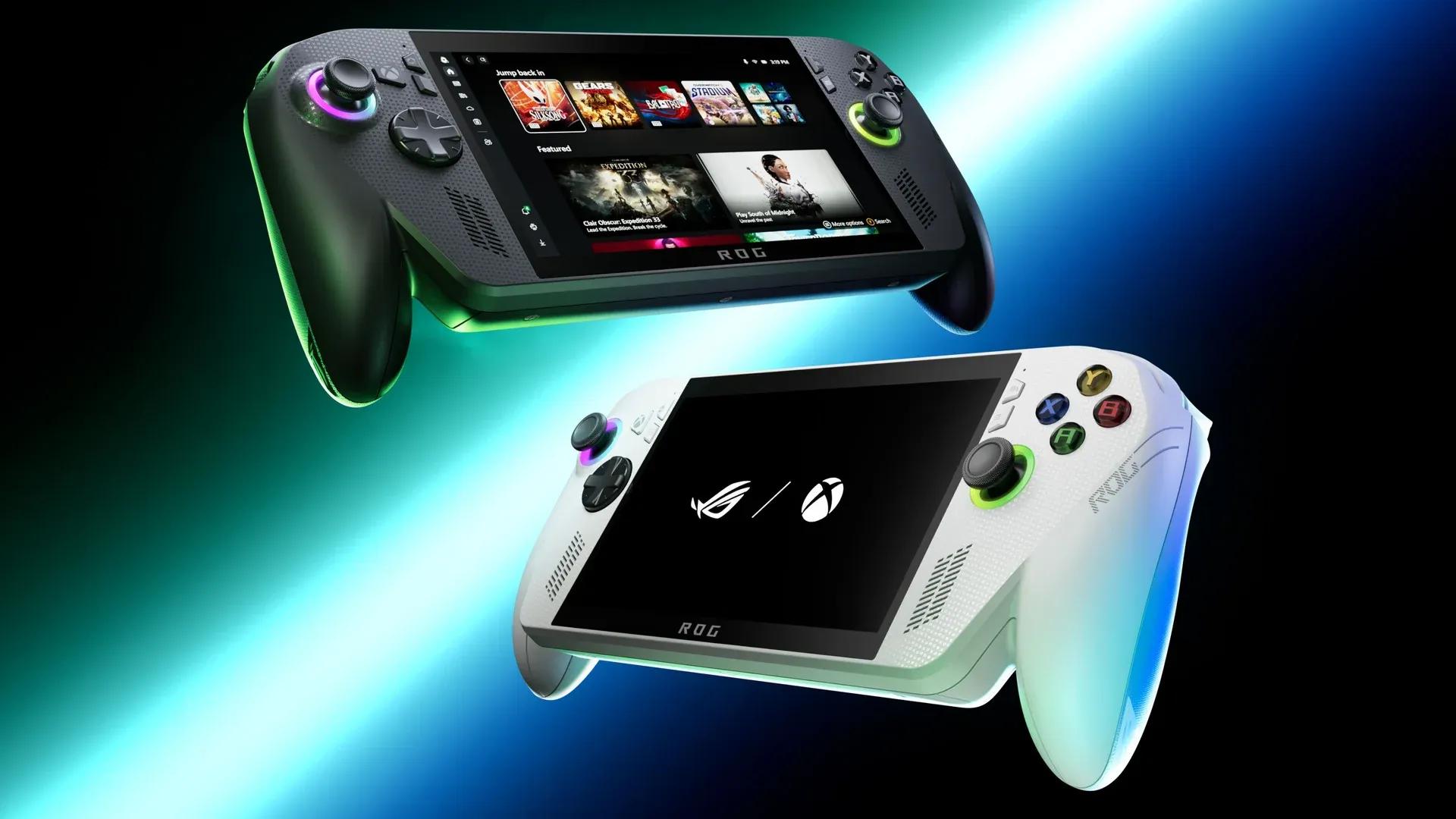

A new Xbox App update has landed for ROG Xbox Ally handhelds, adding a Display widget to the Game Bar that lets you adjust screen settings and access Auto Super Resolution options without ever touching desktop mode. The good news stops there, because Windows 11 may have absolutely no intention of letting you install it cleanly.
What the update actually adds
The new widget arrives with Xbox App version 7.326.326.0 and shows up inside the Xbox Game Bar as a Display panel. From there, you get dropdowns for resolution and refresh rate, plus the early groundwork for Auto SR (Auto Super Resolution) controls, Microsoft's AI-based upscaling feature targeting DirectX titles.
Here's the thing: resolution and refresh rate toggles already existed in the Game Bar through Asus Armoury Crate, so the real headline is the Auto SR integration. That feature has been positioned as one of the stronger selling points for the Ally lineup, yet it has largely stayed buried in menus where most players never think to look. Surfacing it directly in the Game Bar overlay is a sensible move, even if the widget itself is not exactly a showstopper right now.
The Windows 11 obstacle course
Getting to that widget is where things get messy. Even with the device fully updated and enrolled in the correct Windows Insider branches, specifically the "PC gaming" and "Game Bar - SDK Development" previews, the update did not appear automatically. The fix required fully uninstalling all Xbox App-related software and reinstalling the latest OS version before the patch finally registered.
This is not an isolated quirk. The update pipeline for Xbox Ally handhelds splits across the Microsoft Store, the Xbox App, and ROG Armoury Crate, and any one of those moving parts can silently stall the whole process. The Xbox Full Screen Experience does a decent job of making Windows 11 feel console-adjacent during normal play, but the second an update is involved, the illusion collapses fast.
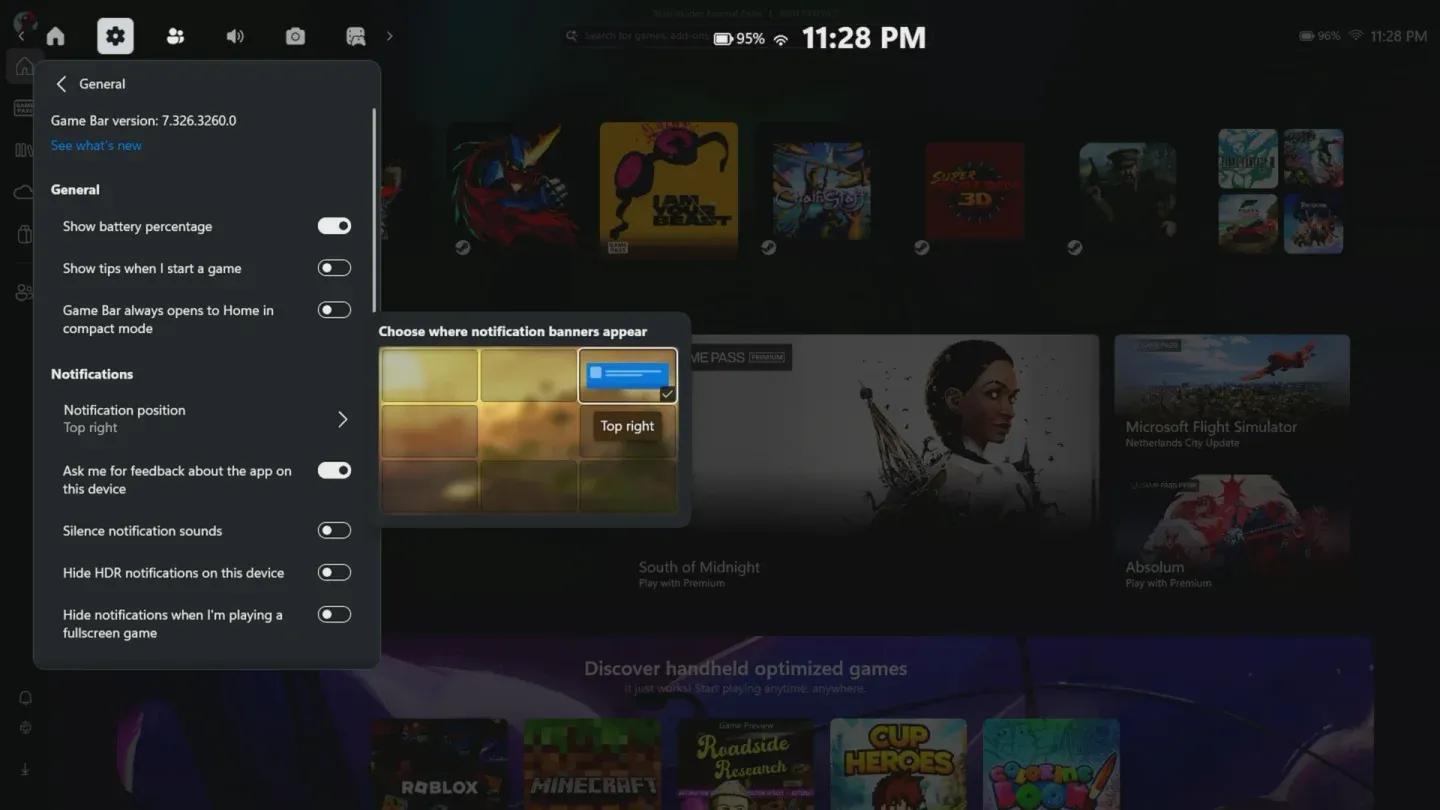
Xbox App update changelog view
Beta caveats and what comes next
The beta label matters here. Auto SR support in the widget is preparatory rather than fully functional at this stage, so Ally owners enrolling in the preview are getting early access to infrastructure that will become more useful as the feature matures. The display controls are live and working, though, and being able to manage multi-screen projection options from the overlay without dropping into desktop mode is a genuine quality-of-life improvement for anyone who docks their handheld regularly.
The broader pattern is worth noting. Microsoft has been steadily building out the Ally's software experience since launch, and each incremental update moves the Game Bar closer to a proper handheld control center. The question is whether the update delivery itself gets more reliable before the next wave of features arrives, because right now the hardware is ahead of the software pipeline supporting it.
Ally owners who want the widget today will need to go through the Windows Insider enrollment process manually and likely trigger a fresh Xbox App install to get things moving. For everyone else, the stable branch rollout should bring these changes eventually without the troubleshooting tax. For more on the Xbox Ally and other handheld PCs, make sure to check out more: