
Grab and Decorate has three active furniture codes: FIVEMILLIONGIFT, BEGINNER, and BLURPLE. These Roblox rewards go straight into your inventory, ready to place in your house.
The active bundles include everyday tables and Exclusive-tier furniture, giving you more options for arranging empty rooms. Two older codes have unconfirmed availability and appear separately below. Start with the active rewards, then use the redemption steps and troubleshooting table if the menu does not respond.
Grab and Decorate codes for November 2026

Active codes
Three codes are active. Copy each string exactly, including its capitalization.
| Code | Reward |
|---|---|
| FIVEMILLIONGIFT | 5 furniture items |
| BEGINNER | 3 Shelf Tables and 4 Coffee Tables |
| BLURPLE | 5 unique Exclusive-tier furniture pieces |
For a new house, BEGINNER is a practical starting point because its tables help establish a basic room layout. Claim the other active bundles during the same visit to the code menu so you can arrange your available pieces together.
Unconfirmed and inactive codes
The following two codes have unconfirmed availability. Their rewards are listed here separately so they are not confused with the active bundles.
| Code | Reward |
|---|---|
| MILLIONGIFT | One Million Foil Balloons, Million Gift Box, and One Million Visits Trophy |
| GOBBLE26 | One of every Common Thanksgiving furniture piece |
The older code SPOOKY26 is inactive. Leave it out of your redemption run.
Codes for other Roblox games
All codes
Run a Figure Skating Club! Codes for November 2026

Anime Reborn Codes for November 2026

Towers of Fortune Codes for November 2026

Anime Maid Cafe Codes for November 2026

Fix a KuKirin Codes for November 2026
Command A Squad Codes for November 2026
How to redeem Grab and Decorate codes
Open the in-game code panel
Launch Grab and Decorate by Evil Tomato and wait until the house HUD appears. The CODES button is on the right side of the screen. Its panel contains the Enter code here! field and the REDEEM button.
Follow these steps for each active code:
- Select CODES to open the panel.
- Click or tap the field labeled Enter code here!.
- Paste one code from the active table.
- Press REDEEM once.
- Open your inventory to find the furniture, then place a new piece in your house.
- Return to the panel for the next code.
Enter the code string by itself. The reward description belongs in the table, not in the text box.
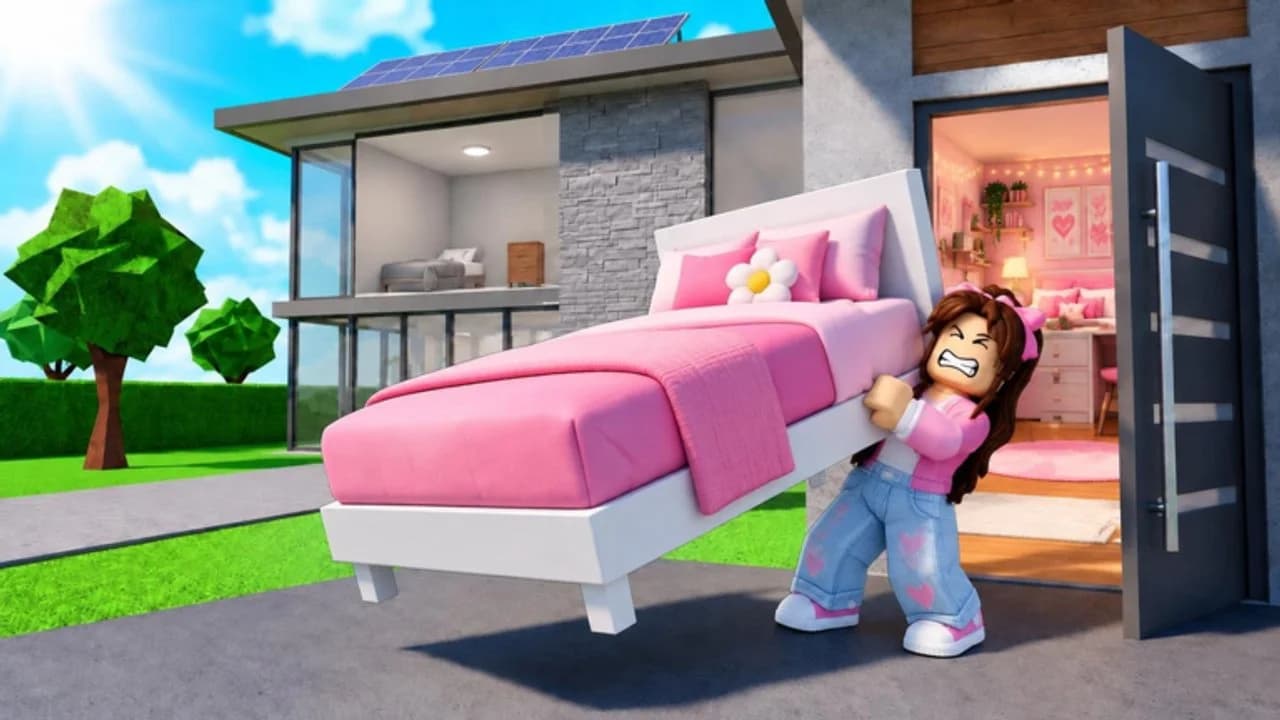
A Grab and Decorate house
Keep the capitalization and spacing exact
Grab and Decorate codes are case-sensitive. Use the uppercase letters shown in the table and remove any spaces before or after the code.
If a pasted entry fails, clear the field and type the string manually once. This removes hidden spaces without repeatedly submitting the same entry.
Why a Grab and Decorate code will not work
Match the fix to the problem
A spelling error, an unresponsive interface, and an already-claimed bundle need different responses. Use the symptom below to choose your next action.
| Problem | What to do |
|---|---|
| The code was entered incorrectly | Replace the entry with the exact string from the active table. |
| The redemption button does nothing | Close the code panel and reopen it once. |
| The house HUD is stuck | Rejoin the experience, then reopen the panel. |
| You previously redeemed the code | Look in your inventory for its furniture. Each bundle is a one-time claim per account. |
| A correctly entered, never-claimed code still fails | It may have expired. Stop repeatedly submitting it. |
An account that already received a bundle will not receive another copy by entering the same code again. Missing a new reward notification does not necessarily mean the furniture is missing, so look for the relevant pieces in your inventory before another attempt.
What to do with your free furniture
Build the layout before painting
Place your largest furniture first, add tables next, and finish with trophies or seasonal decorations. This keeps the main room layout settled before you work on smaller details. Paint after the large pieces are in place: layout first, color second.
Use the code furniture before spending cash at the Mall. Keep cash available for weapon upgrades when delivery trucks start taking longer to break.
Trucks are a regular source of additional furniture. Smash them, carry the dropped pieces home, and choose the items you want to add to your rooms.
Expand beyond the free bundles
The Mall provides another furniture source when you want more choices for your house. Visit it after arranging the free pieces so you know which parts of your layout still need furniture.
Leveling up unlocks additional rooms to decorate. If you are working toward Full House, the requirement is to unlock every room in the default house, not to complete an Exclusive-tier furniture collection.
