
Vox Seas codes offer EXP boosts and stat resets, which you claim through the game's reward-code menu. The five entries below cover both reward types in Roblox, with the exact code strings and redemption steps.
These are previously released codes, not a guarantee of current availability. Check the game's response to each submission before counting on a reward. Choose an EXP code when you're ready to level, or look at the reset entries if you want to change your stat allocation.
Vox Seas codes and rewards
The following five codes have defined rewards. Copy the complete entry, including the number at the end of each BugFix code.
| Code | Reward | Reward type |
|---|---|---|
| Release | 2x EXP for 20 minutes | EXP boost |
| BugFix1 | 2x EXP for 20 minutes | EXP boost |
| BugFix2 | Stat Reset | Stat reset |
| BugFix3 | Stat Reset | Stat reset |
| BugFix4 | 2x EXP for 20 minutes | EXP boost |
These are separate code entries. A response to one numbered BugFix code does not tell you whether you have used the others.


Which reward should you choose?
An EXP boost suits a leveling session. Get ready to play before submitting an EXP entry so you can spend the reward period progressing instead of deciding what to do next. Do not calculate a combined boost duration from the table, since the individual rewards do not establish how multiple boosts interact.
A stat reset serves a different purpose: changing how your points are assigned. Before choosing a reset entry, review the stats screen, which lists Strength, Defense, Sword, Gun, and Vox Fruit. Decide which allocations you want to change first.
How to redeem Vox Seas codes
Code redemption uses the gift-box menu. You do not need to enter a code into chat or select an item from the shop.
Open the reward screen
- Launch Vox Seas in Roblox.
- Select MENU on the left side of the screen.
- Select the gift-box icon.
Enter and submit a code
The gift-box icon opens REWARD CODES. Put one code from the table into the ENTER CODE HERE text box, then select REDEEM. Read the response before replacing the text with another entry.
Work through the codes individually. Keeping track of each result helps you distinguish an entry you have already claimed from one you have not tried yet.
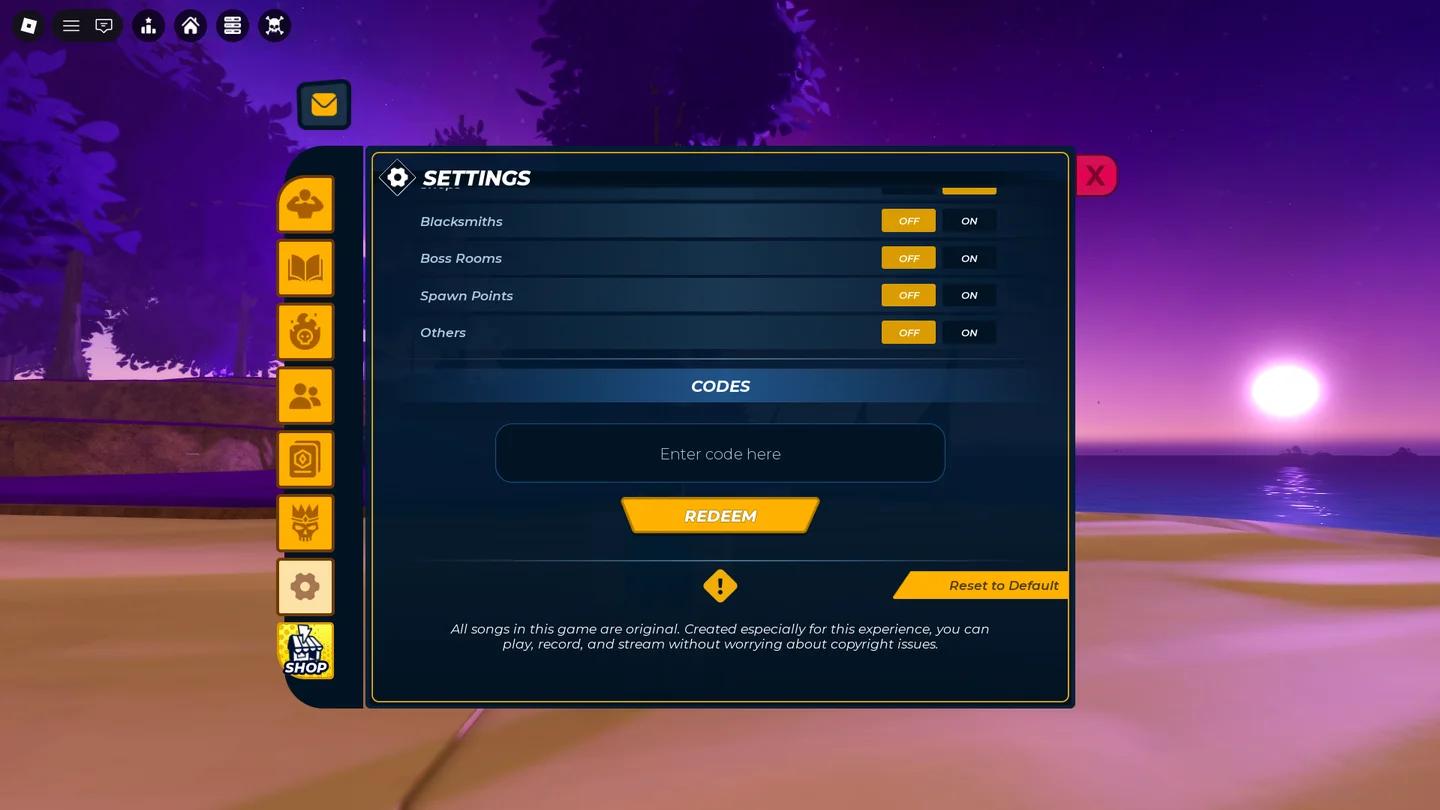
Vox Seas reward code panel
Use a safe zone while entering codes
If you want to avoid PvP interruptions while working through the list, enter an area displaying Safe Zone: PvP Disabled before opening the menus. That label identifies a place where PvP is disabled; opening the code panel itself is not a substitute for finding one.
What to do when a code does not work
A rejected entry does not automatically mean you typed it incorrectly. Check the response first, then compare the submitted text with the table.
Check the exact entry
For other unsuccessful submissions, use this short checklist before moving on:
- Check every letter and the final number against the code in the table.
- Remove any spaces accidentally copied before or after the entry.
- Make sure the field contains only one code.
Preserve the spelling shown here without assuming that a similar-looking variation is interchangeable. If the game still does not accept an exact entry, move to another code and judge success by the in-game response, not by the code remaining in the text box.