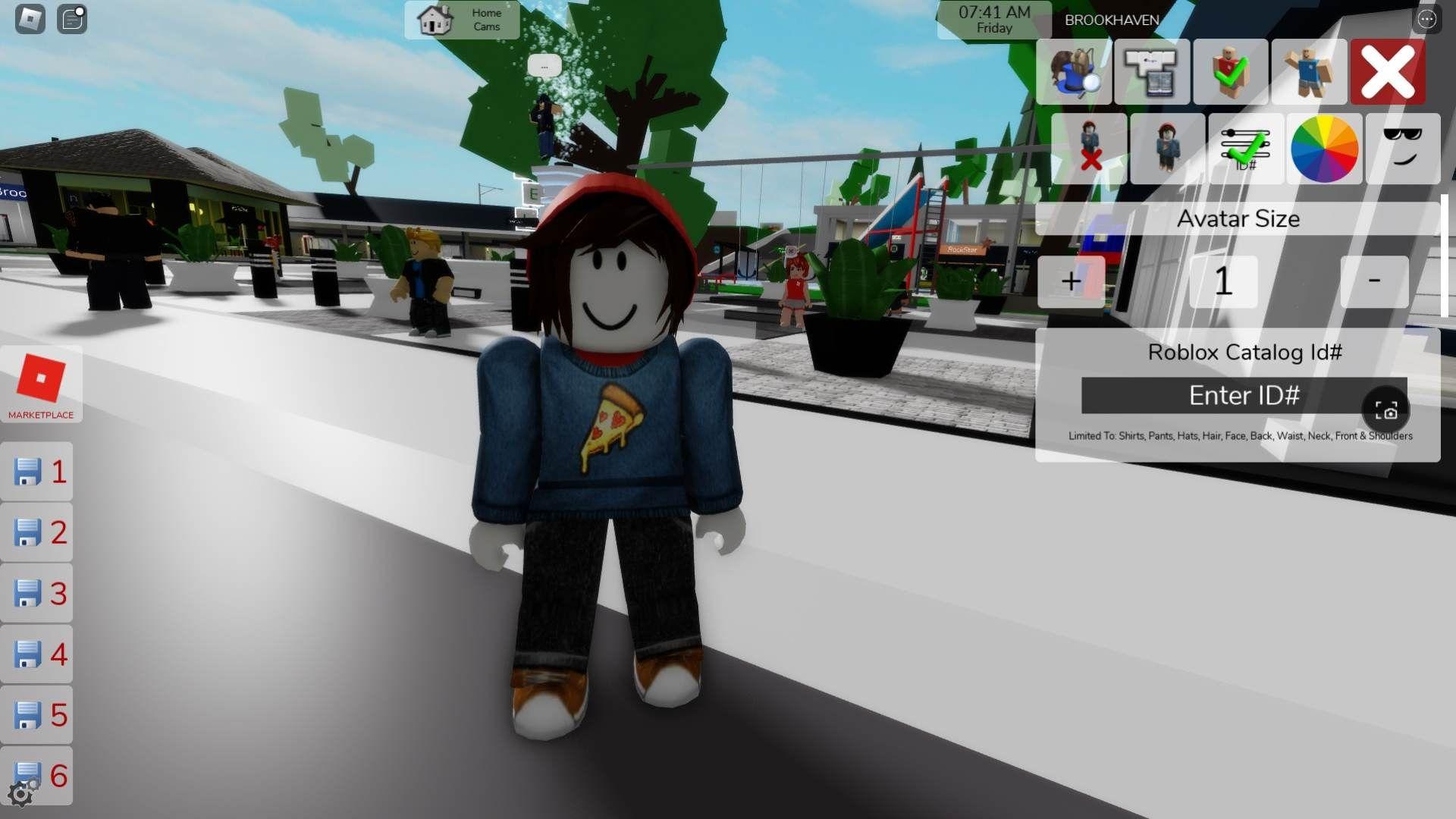


Brookhaven RP pulls over 200,000 concurrent players on Roblox for a reason: it hands you a virtual city and lets you do whatever you want with it. No quests, no levels, no bosses. Just houses, vehicles, hidden locations, and other players to interact with. If you just spawned in and felt completely lost while everyone else seemed to know exactly what they were doing, this guide fixes that fast.
What Is Brookhaven RP and Why Is It So Popular?
Brookhaven RP is an open-world sandbox game on Roblox where you own property, drive vehicles, customize your character, and build roleplay stories with other players. There is no fixed objective, no progression bar to fill, and no pressure to perform. You decide what kind of experience you want.
The game succeeds because it respects player freedom entirely. You can spend an entire session decorating a house, drive around causing harmless chaos, or build an elaborate family roleplay scenario from scratch. According to the Brookhaven RP changelog on the official Fandom wiki, the game receives regular updates adding new poses, props, furniture, and features, so there is always something fresh to discover.
How Do You Get Started in Brookhaven RP?
The moment you spawn in, press M to open the main menu. This single button is your control center for everything in the game.

Understanding the Menu Tabs
Here is what each tab does:
- Houses — Claim properties, teleport between owned homes, and enter build mode
- Avatar — Full character customization at no Robux cost
- Vehicles — Spawn cars, bikes, boats, and premium vehicles
- Moods — Roleplay animations like sitting, sleeping, and emoting
- Settings — Graphics and experience preferences
There are no tutorial pop-ups or NPC guides. Everything is self-directed, which is exactly why pressing M first is the single most important habit to build.
How Does Housing Work in Brookhaven RP?
Housing is the heart of the Brookhaven experience. Here is the step-by-step process to claim and customize your first home.
Claiming Your First House
- Press M to open the menu
- Select the Houses tab
- Click Available Houses to see unclaimed properties (shown in green)
- Choose a property and click Claim
You can own multiple houses simultaneously, with no hard cap. That said, beginners are better off starting with one or two. Owning ten houses at once just creates navigation confusion.
One important detail: house customizations reset when you leave the server. This is intentional on Voldex's part to prevent server performance issues from thousands of decorated properties loading at once.
Customizing Your House
Once inside your claimed property, click the hammer icon to enter Build Mode. From there you can:
- Place furniture from the full free catalog
- Adjust wall colors and floor materials
- Rotate and resize objects
- Duplicate or delete items
Hold Shift while dragging objects to rotate them, and hold Ctrl to duplicate items quickly. These two shortcuts cut decorating time significantly.
Which House Type Should You Pick?
For your first session, a small suburban house near the town center is the smartest pick. You can always upgrade later once you are comfortable with the build system.
How Do You Customize Your Character?
Press M and select the Avatar tab to access Brookhaven's character editor. Every option here is free, which separates it from most Roblox games.
Avatar Customization Categories
- Body — Height, proportions, and skin tone
- Face — Dozens of options from realistic to cartoonish
- Hair — Hundreds of styles in every color
- Clothes — Shirts, pants, dresses, shoes, and more
- Accessories — Hats, glasses, bags, and jewelry
- Animations — Custom walk, run, jump, and idle styles
A few practical tips for standing out:
- Avoid the most popular default face and hair combinations. Mixing unexpected choices creates a more memorable look.
- Match your appearance to your roleplay role. A chef character dressed in casual streetwear breaks immersion for everyone around you.
- Keep accessories to 2-3 key items. Stacking 15 accessories at once looks cluttered rather than creative.
- Save multiple outfits so you can switch between a formal look, a casual look, and a themed look instantly.
Finding and Using Vehicles
Vehicles are one of the best ways to explore Brookhaven's map and add energy to roleplay scenes.
How to Get a Vehicle
- Free spawn: Press M, go to the Vehicles tab, and click any free option (basic cars, bikes, boats)
- Parked vehicles: Any car sitting around town is public. Jump in and drive
- Premium vehicles: Helicopters, sports cars, and specialty vehicles require Brookhaven Premium (100 Robux per month)
Driving Controls
- W/A/S/D to steer
- Space to brake
- Shift for boost on vehicles that support it
- Helicopters: Space to ascend, Ctrl to descend, W/S for forward and backward
Crashes have no consequences in Brookhaven. If your vehicle flips or glitches after a collision, just despawn it from the menu and spawn a fresh one.
What Are the Best Secret Locations in Brookhaven RP?
Most players never venture beyond the main town streets. That is a mistake. Hidden areas are some of the most interesting spots in the game and perfect for private roleplay or exploration.
- The Secret Agency — Walk behind the large waterfall near the lake to find a cave entrance leading into a fully furnished spy headquarters complete with computers and gadgets
- The Underground Sewers — Find the circular metal grate near the park and click it to enter a dark, sprawling sewer system perfect for horror or hide-and-seek roleplay
- The Rooftop Apartment — Enter the tall downtown apartment building, ride the elevator to the top floor, then find the stairs leading to a rooftop area with a pool and lounge chairs
- The Hidden Beach Cave — Walk past the main beach area toward the far rocks near the waterline to find a small private cave room
- The Abandoned House — Drive toward the forest outskirts of town to find a creepy run-down house with broken windows that does not appear in the house menu
How Does Roleplay Work in Brookhaven RP?
Roleplay is optional but it adds structure and social depth to an otherwise freeform experience. Here are the most popular scenario types:
- Family roleplay — Someone claims a house and invites others to play family members, living out everyday domestic life together
- Work roleplay — Players run businesses (restaurants, shops, hospitals) while others visit as customers or employees
- School roleplay — A large house becomes a classroom with players as students and teachers
- Emergency services roleplay — Players act as police, firefighters, or doctors responding to staged incidents
How to Find a Roleplay Group
- Watch the chat for messages like "Looking for family RP" or "Anyone want to run a café?"
- Walk up to active groups and ask politely if you can join
- Start your own scenario by setting up a themed house and posting an open invitation in chat
- Join Brookhaven community Discord servers to organize sessions before entering the same server
Roleplay etiquette to follow: Stay in character to keep immersion intact. Use mood animations appropriately (sitting at tables, sleeping in beds). Respect boundaries immediately if someone declines. Keep all content appropriate since Brookhaven has a wide age range of players.
Is Brookhaven Premium Worth Buying?
Brookhaven Premium costs 100 Robux per month and unlocks additional content beyond the free version.
What Premium adds:
- Premium-exclusive vehicles (helicopters, sports cars)
- Luxury houses and penthouses
- Exclusive furniture and build items
- Priority server queue
- Premium-only accessories
For most beginners, Premium is not necessary. The free version gives you access to roughly 90% of the game's content including houses, full avatar customization, vehicles, and all hidden locations. The Brookhaven RP beginner guide from BloxEarn also confirms that the free catalog alone offers more options than most premium games on the platform.
Premium makes sense only if you play daily, are passionate about vehicle collecting, or want every possible build item for serious house decoration. Try the free version for a few weeks first.
What Mistakes Do New Players Make Most Often?
- Claiming too many houses at once — You can only be in one house at a time. Owning ten properties creates confusion with no real benefit. Start with one or two.
- Skipping the Avatar Editor — Your default character looks identical to thousands of others. Ten minutes of customization makes a significant difference in how other players perceive and interact with you.
- Waiting for objectives — Brookhaven will never tell you what to do. Set your own goals: decorate a house, find a hidden location, start a roleplay. The game only comes alive when you direct it yourself.
- Ignoring hidden areas — The majority of players stick to the main streets and miss the secret agency, sewers, rooftop, and other locations that make the map genuinely interesting.
Quick-Start Checklist for New Players
Here is the five-step sequence that gets any new player up to speed fast:
- Press M and explore every menu tab
- Claim a small house and experiment with Build Mode
- Customize your avatar in the Avatar tab
- Spawn a free vehicle and drive around the full map
- Find at least one secret location on your own
Complete those five steps and you will have a solid feel for everything Brookhaven offers. From there, the experience shapes itself around what you find most enjoyable.
For more Roblox tips and guides across all the platform's biggest games, browse the latest guides on GAMES.GG to keep building your knowledge.