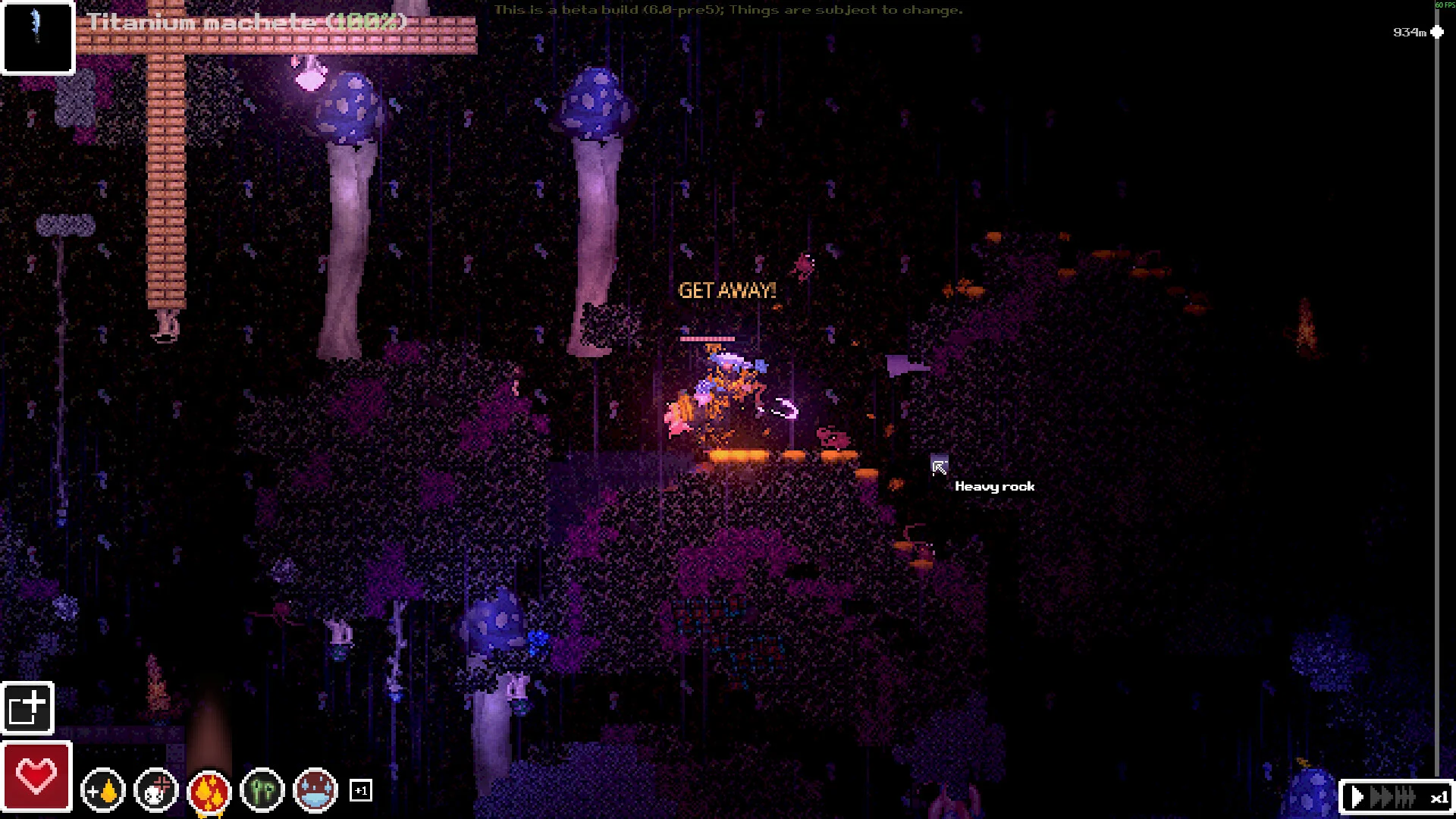

To tackle Casualties: Unknown PC crashes and stutter, reduce fast-forward load and resolve mod setup or version problems separately.
Startup hangs, slow simulation, and crashes during modded encounters need different responses. Begin with the Windows requirements and graphics drivers, then follow the steps that match your symptoms. A performance mod can reduce wasted work, but installing one before resolving an existing startup problem adds another component to troubleshoot. Keep optional changes separate so you can identify which change affects the problem.
Check your PC requirements and game version
Steam lists the following minimum requirements. These are the published baseline, not a promise of smooth performance during every simulation-heavy situation.
| Component | Published minimum |
|---|---|
| Operating system | Windows 10, 64-bit |
| Processor | Intel Core i3-8130U at 2.20 GHz |
| Storage | 500 MB |
Steam does not publish minimum RAM or graphics specifications. The 500 MB figure covers the game, so leave additional room for saves and other Steam files.
Use a quiet life-pod interior to assess basic movement and menu responsiveness before comparing performance during a busy encounter. Keep the location and activity similar between comparisons instead of judging one change in an empty room and another during a fight.
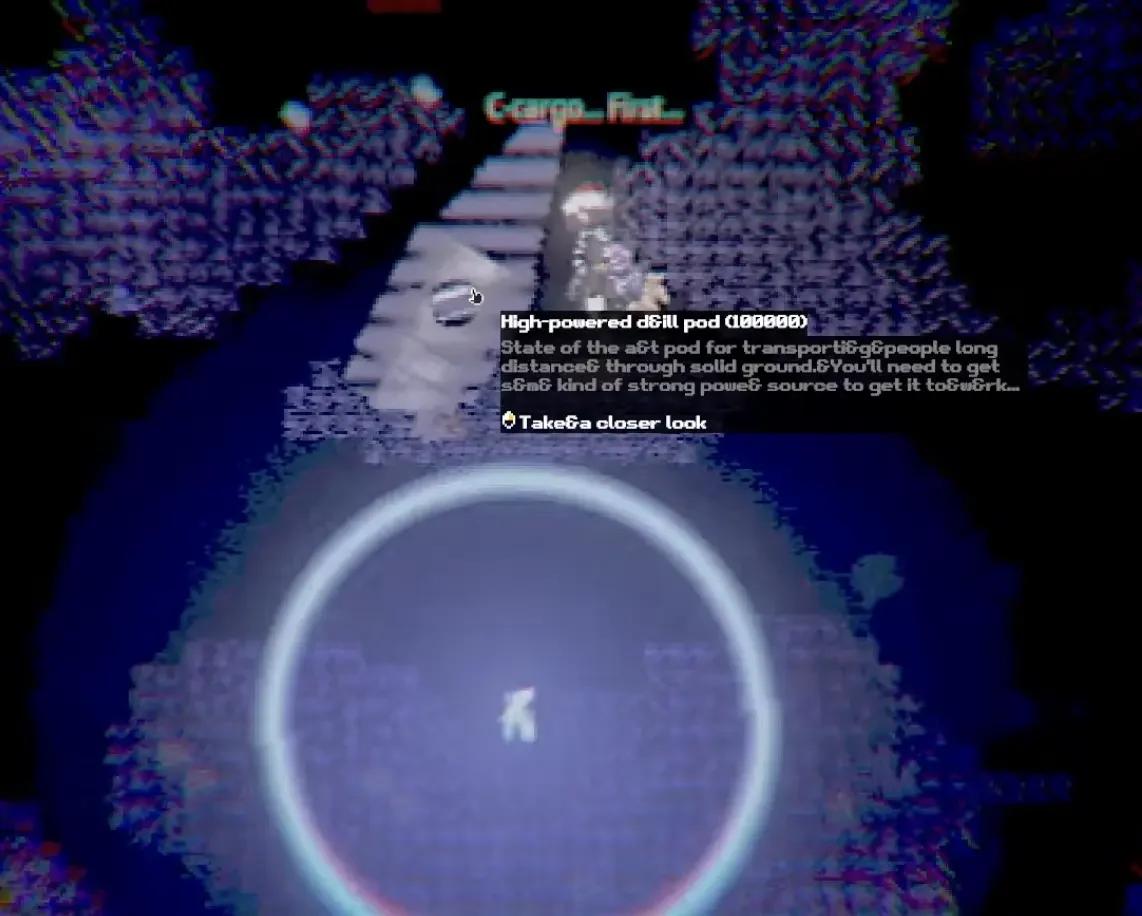
Underground life-pod interior
The demo covers five layers, but it will not receive the full game's changes. Use a familiar route from the Casualties: Unknown cave navigation guide for comparisons within the demo, not as a guarantee of full-release performance.
Verify a modded installation before changing settings
Open the installation folder through Steam: right-click the game in your library, then select Manage > Browse local files. This opens the folder used for BepInEx and its plugins.
Check the loader and plugin layout
If you use Comforts Unknown - Performance, its installation needs BepInEx 5 x64. Its troubleshooting instructions specify the x64 package, so do not substitute a loader package intended for another setup.
Follow this installation order:
- Extract BepInEx into the game folder. The folder should contain both BepInEx and winhttp.dll.
- Start the game once, then close it so the loader can create its folders.
- Place the performance mod's folder at BepInEx\plugins\ComfortsUnknown.Performance.
- Launch the game. Green Comforts Unknown: Performance text and its version should appear on the main menu unless that display option is disabled.
An extra nested folder can leave the plugin outside its expected location. Use the path above as the destination for the mod's folder, not another copy of the entire extracted archive.
Allow a modded startup to finish
Windows can display Not Responding while a modded installation starts. Mods increase loading time, so give the game a moment before treating that label as a crash. The label alone does not establish that the process has failed.
If the game closes or repeatedly fails to reach the menu, move to the mod-specific fixes and reporting steps below. Lowering visual settings cannot correct a plugin that has not loaded properly.
Update graphics drivers and close unused apps
Update your graphics driver before making more complicated changes. Laptop integrated-graphics drivers are a particular priority because they can remain outdated for long periods.
On a Windows PC with 4 GB of RAM, close unused browsers and Discord during troubleshooting. That amount of memory leaves little room for the game alongside other applications. Treat 8 GB as practical Windows guidance, not an official game minimum.
Do not assume a background application caused the crash simply because it was open. Closing unused software is a way to reduce competing resource use, not evidence of a confirmed Casualties: Unknown compatibility bug.
Reduce stutter without changing survival rules
Lower accelerated-time load first
Casualties: Unknown continuously updates body systems, injuries, AI, and items. Fast-forward increases simulation work, so a game that feels responsive at normal speed can become choppy when time is accelerated.
If you're struggling with stutter during fast-forward, use 2× instead of 3×. Compare that change before reducing the image quality, because a lower resolution does not remove the extra simulation work.
If your build offers resolution or window-size controls, try 1280×720. You can also compare fullscreen with borderless if both are available. Keep these changes separate from difficulty options: infection chance, bleeding rate, and metabolism change survival rules, not rendering performance.
Blood loss can also make your character pass out while the game continues running. Handle that through the Casualties: Unknown survival guide, not graphics adjustments.
Use optional optimization features selectively
Comforts Unknown - Performance is an optional optimization mod that reduces repeated work in the simulation and interface. Start with its default settings before enabling options that change how off-screen areas, visibility, or physics behave.
The mod's inventory optimization avoids rebuilding descriptions for every item every frame. This is particularly useful when a large, heavily filled backpack is open. Its crafting optimization also avoids unnecessary inventory checks when refreshing recipes.
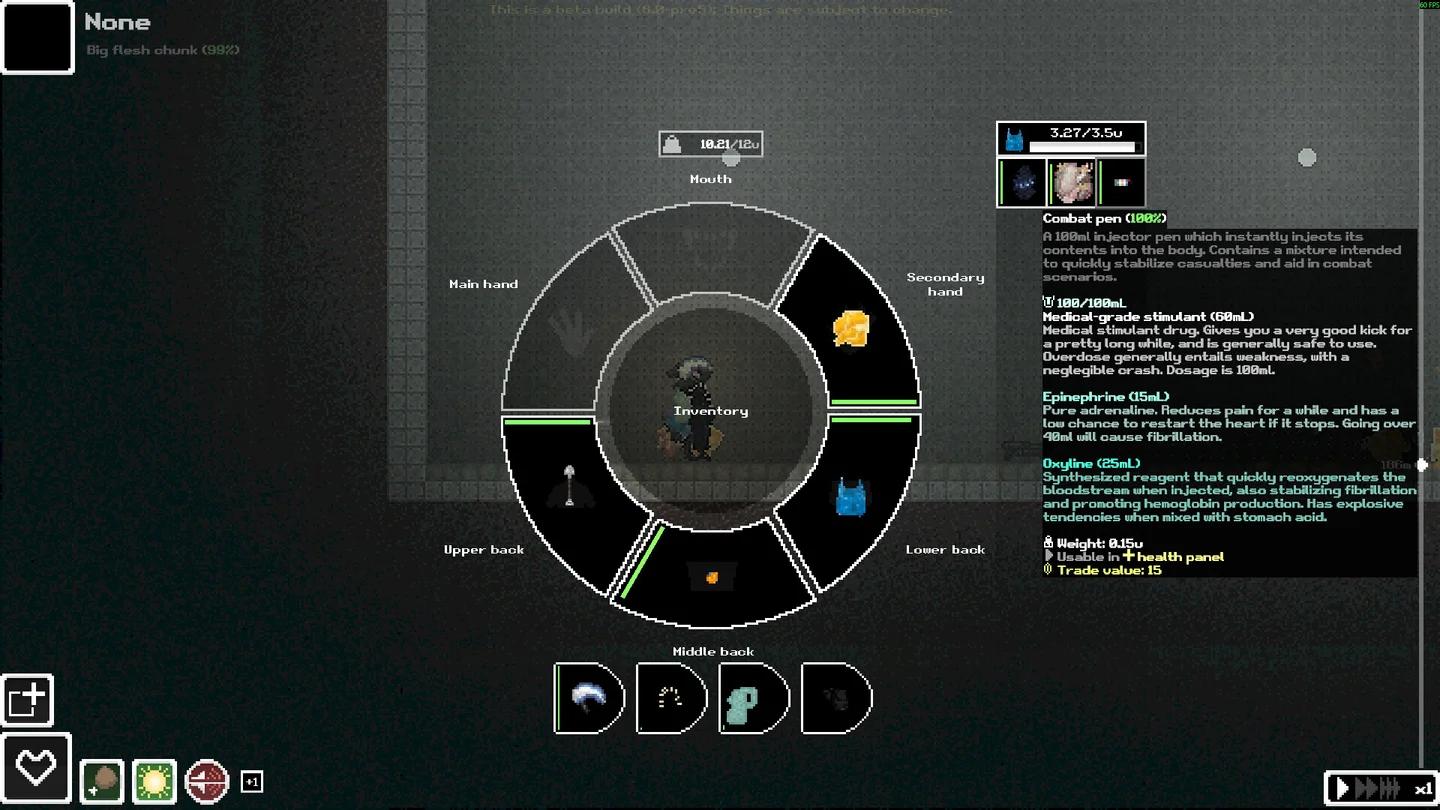
Radial inventory and medical gear
Other default features reuse temporary data to reduce cleanup-related stutter, prepare cursors during layer loading, and move memory cleanup to quieter moments such as menus and completed layer loads.
The mod also skips unnecessary gravity-crystal searches when nothing movable is in range and pauses lights that cannot reach the screen. These target repeated background work without requiring you to reduce physics precision.
Use the following comparison to choose optional settings. Change one at a time, starting with the symptom you actually have.
| Setting | Starting point | What another setting changes |
|---|---|---|
| Pause far-away areas | Leave off initially, then try Careful | Careful pauses distant activity while keeping a buffer around the screen. Aggressive keeps a smaller area active. |
| Line of sight redraw | Every frame | Redrawing every 2, 3, or 4 frames reduces updates but can make dark edges lag while moving. This applies to unchipped characters. |
| Load sounds while loading | Leave off unless first-use sounds cause hitches | Enabling it loads sounds during layer loading, increasing loading time and memory use. |
| Blood stain limit | Unlimited | Limits of 200, 100, 50, or 25 remove the oldest stains early. This helps only when many stains are present. |
| Physics precision | Original | Medium and Low offer a small gain but can make limbs, ragdolls, and items jitter or behave differently. |
Pause far-away areas switches itself off while Casualties: Together is active. Do not expect every solo optimization to remain active in modded co-op.
For the visibility trade-offs in particular, the Casualties: Unknown best PC settings guide explains how to balance performance with readable cave edges. Keep physics precision unchanged unless the smaller optimizations are insufficient.
Restore the performance hotkeys if they do nothing
The mod uses F3 for its performance overlay and F4 to toggle its fixes and trade-offs. The F4 switch is temporary: your settings return after restarting the game.
If either key does nothing, open BepInEx\config\BepInEx.cfg. Find HideManagerGameObject in the Chainloader section, set it to true, and restart the game.
Apply known mod crash fixes only to matching problems
Whole Meal replaces the Elder Thornback's bite with a swallowing sequence and an internal encounter. Its crash and performance fixes apply to that modded encounter, not every crash in the base game.
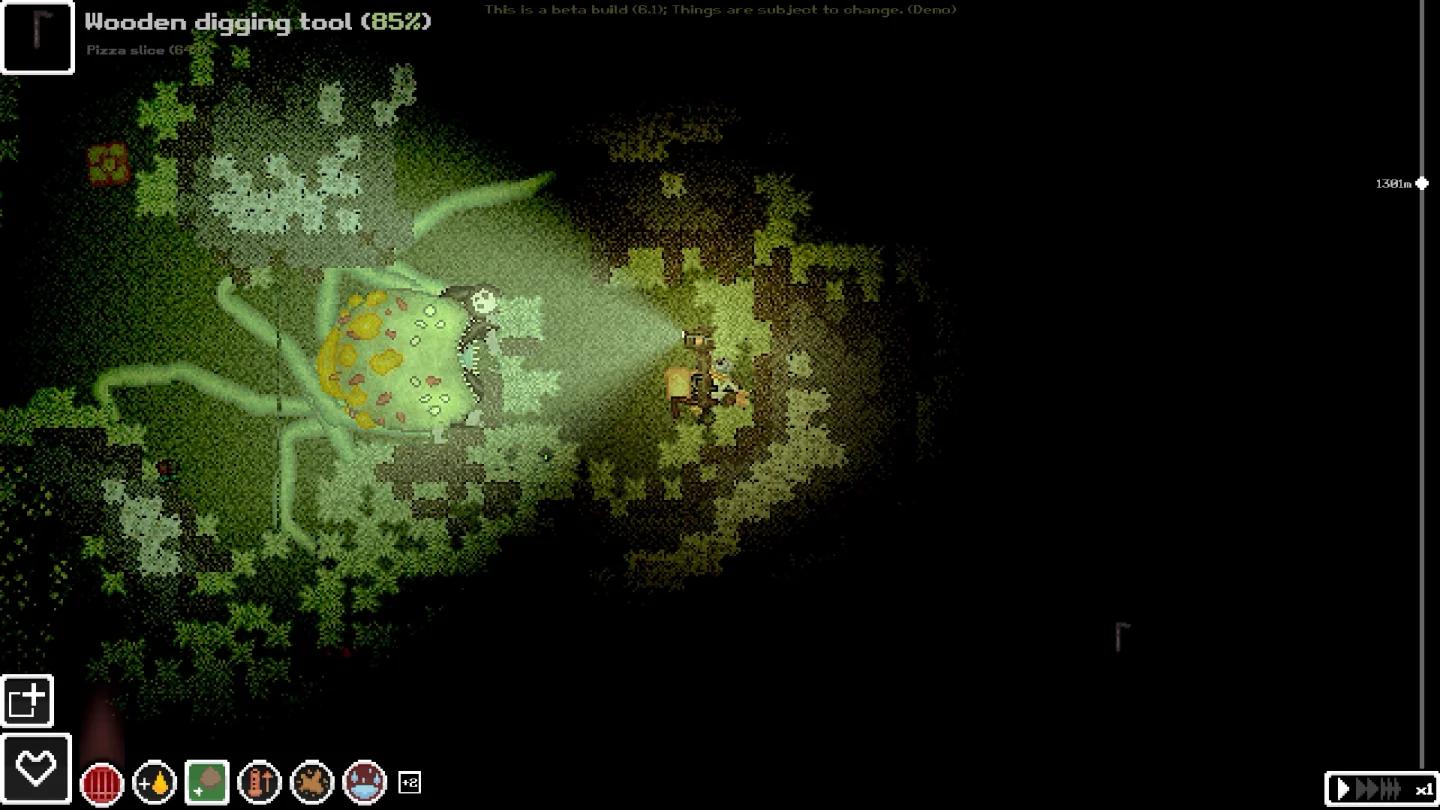
Elder Thornback cave encounter
The relevant version changes are specific:
- Whole Meal 1.2.0: Fixed KrokMP crashing in local-host mode. Multiplayer was still unsupported in that version.
- Whole Meal 1.5.2: Reduced multiplayer lag while someone is swallowed, particularly in deeper caves, and included allocation and animation optimizations to reduce stutter.
- Whole Meal 1.7.0: Added support for the full game release.
Use the full-game-compatible version when playing the release. The older demo requirements and historical local-host fix are not interchangeable with full-game compatibility.
Casualties: Unknown is a single-player game. Co-op behavior in these examples comes from mods, so distinguish a modded host failure from a crash during an unmodded run when describing the problem.
Report persistent crashes with the useful details
Persistent base-game bugs can be reported through the game's official Discord. Describe whether the failure happens before the menu, during a layer load, while opening inventory, or during a particular encounter.
For a BepInEx installation, include BepInEx\LogOutput.log with a mod-related bug report. State the relevant mod versions and whether the game closes, remains stuck during startup, or continues running with uneven frame rates. Those symptoms point to different problems and give the recipient a clearer starting point.