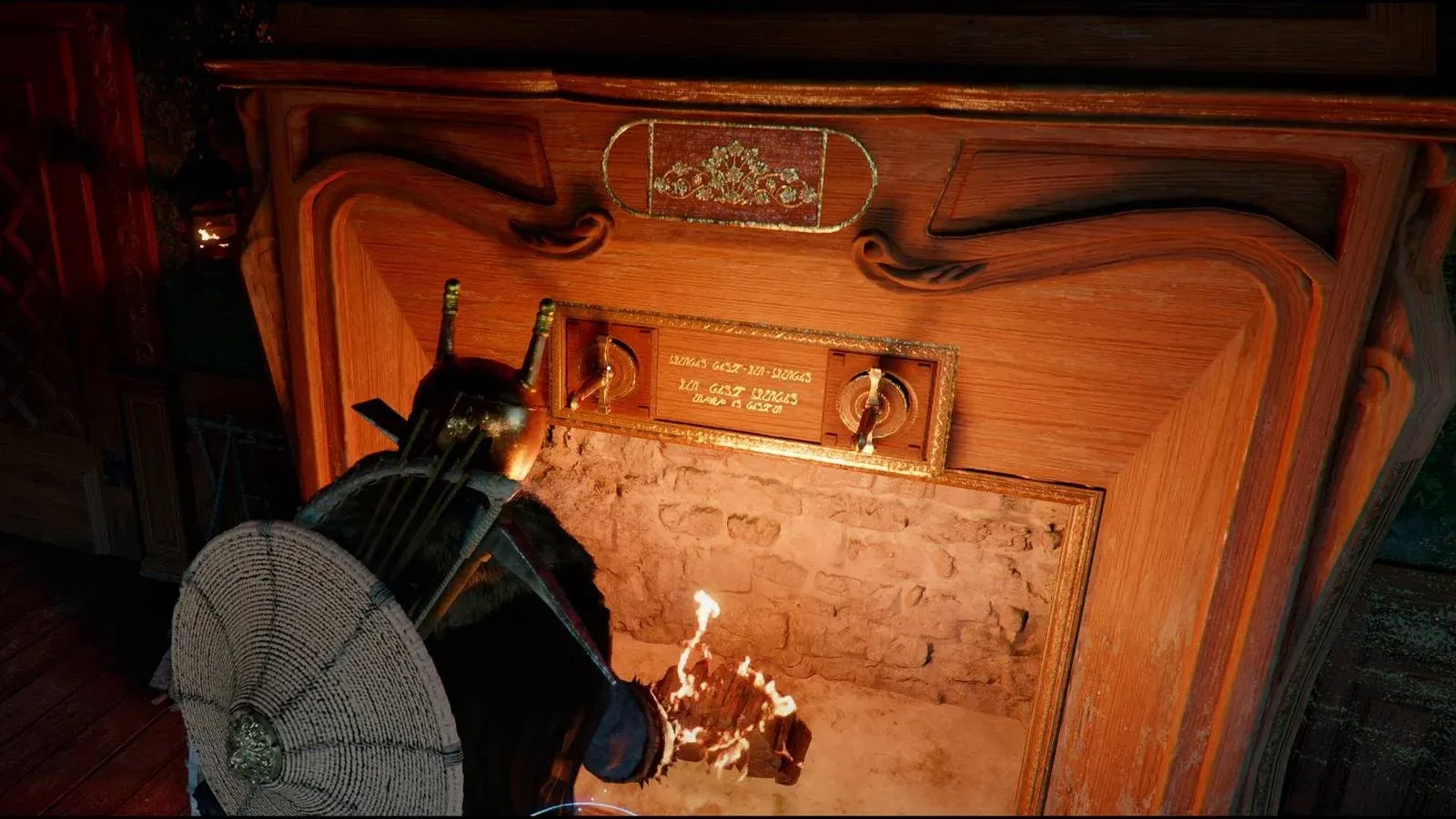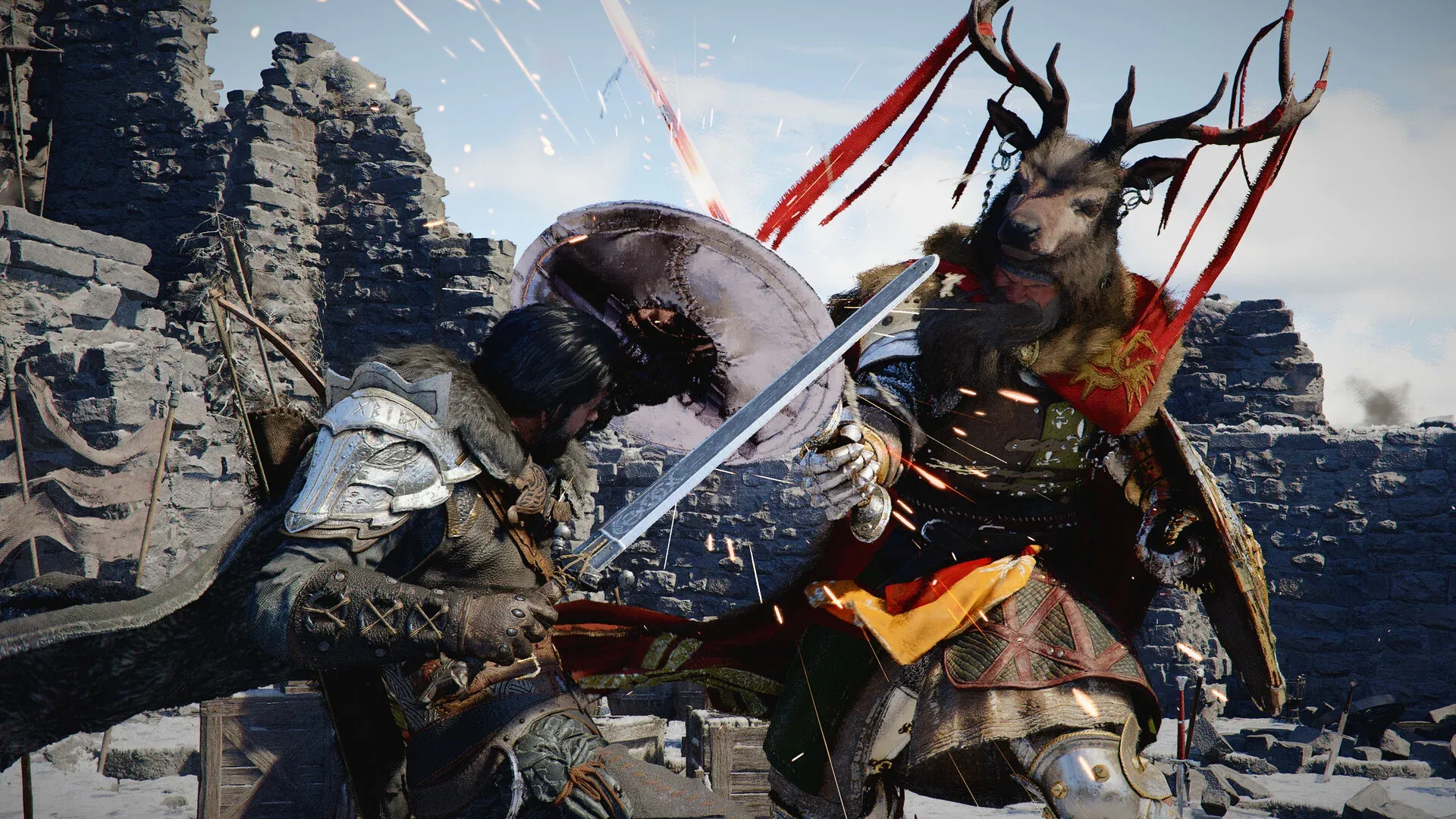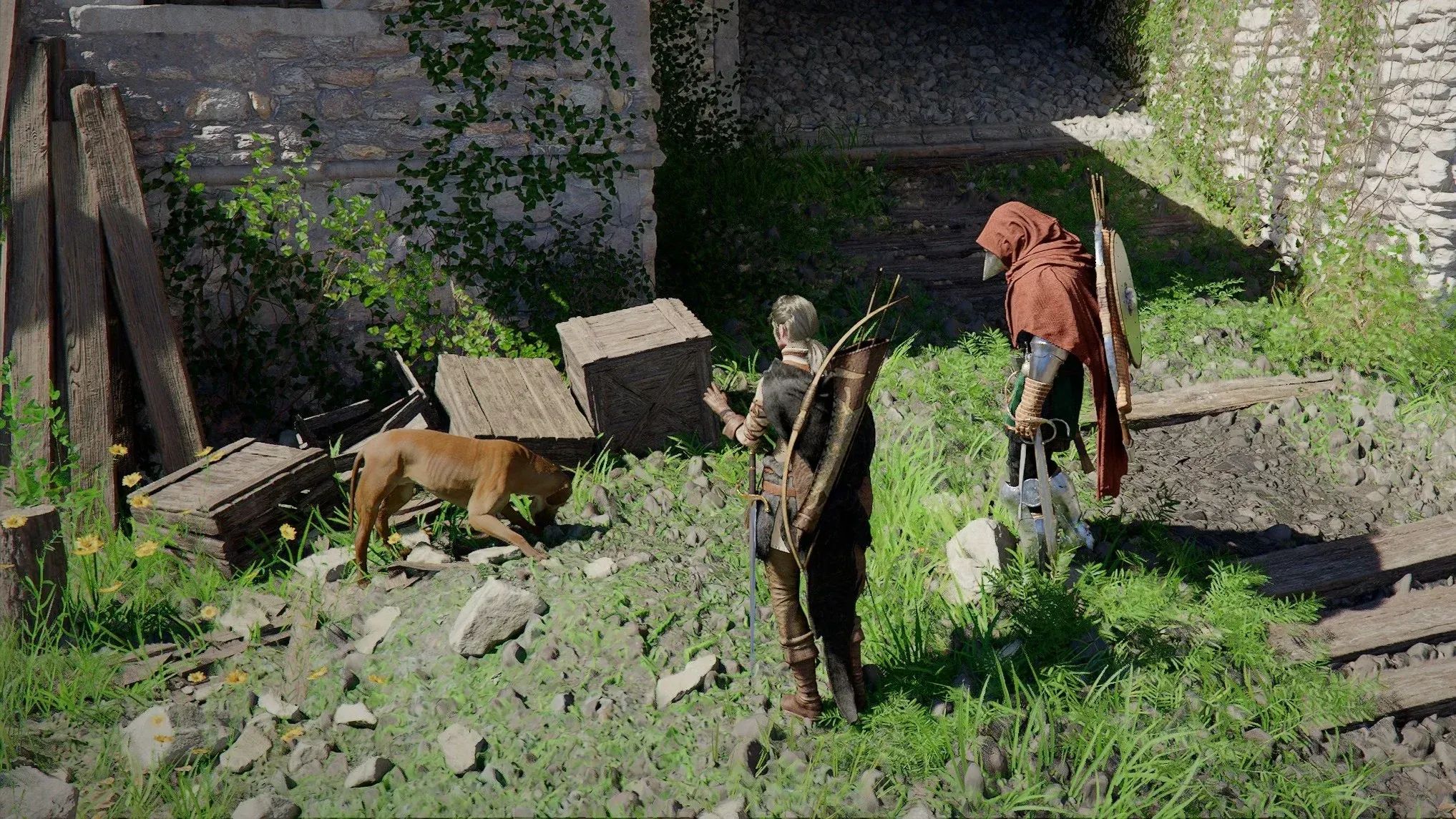

Watching Crimson Desert streams on Twitch pays off in a big way. Pearl Abyss has set up a two-week Twitch Drops campaign that hands out exclusive Blue Scout gear for protagonist Kliff, plus a full suite of horse cosmetics, all for free. You just need to tune into qualifying streams and rack up a maximum of 8 hours of watch time to unlock everything. Here's exactly what's up for grabs and how to make sure every item lands in your inventory.
What Are the Crimson Desert Twitch Drop Rewards?
The campaign splits rewards across two separate weeks, each with its own watch time milestones. Week 1 focuses on Kliff's personal gear, while Week 2 delivers horse equipment to outfit your mount. All items belong to the exclusive Blue Scout collection, which is only obtainable through this Twitch campaign.
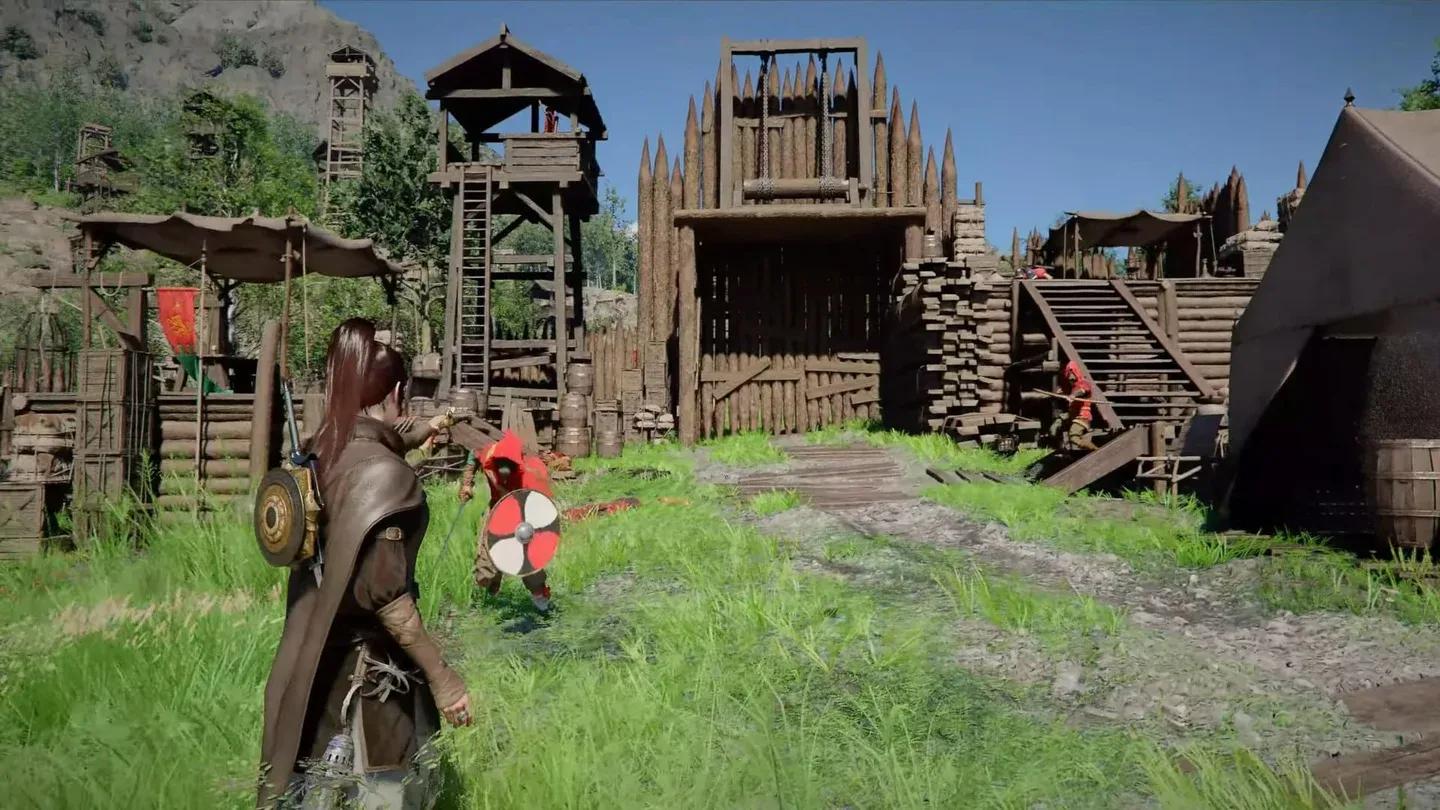
Blue Scout full gear set

Week 1 Rewards (Character Gear)
| Watch Time | Rewards Unlocked |
|---|---|
| 1 Hour | Modest Braised Meat x10, Blue Scout Lantern |
| 2 Hours | Blue Scout Earring, Blue Scout Necklace, Blue Scout Ring |
| 3 Hours | Blue Scout Shield |
| 5 Hours | Blue Scout Cloak, Blue Scout Armor, Blue Scout Hat |
Week 2 Rewards (Horse Cosmetics)
| Watch Time | Rewards Unlocked |
|---|---|
| 1 Hour | Blue Scout Stirrups |
| 2 Hours | Blue Scout Champron |
| 3 Hours | Blue Scout Saddle |
The Modest Braised Meat x10 at the 1-hour mark is a practical early-game resource boost, while the armor pieces at 5 hours represent the biggest gear payoff. If you only have time for one week, prioritize Week 1 to gear up Kliff before pushing deeper into the world of Pywel.
How to Link Your Pearl Abyss and Twitch Accounts
Before any watch time counts toward rewards, your Pearl Abyss ID must be connected to your Twitch account. Even if you previously linked accounts for Black Desert Online, you will likely need to reauthorize the connection specifically for Crimson Desert.
Here's how to set it up:
- Visit the Pearl Abyss Account website and sign in with your credentials.
- Navigate to Account Details, then select Linked Accounts.
- Find the Twitch section and click Connect.
- Approve the authorization pop-up that appears.
- Confirm the link by checking your Twitch Settings > Connections and verifying that "Pearl Abyss" appears under "Other Connections."
How to Claim Your Crimson Desert Twitch Drops
Once your accounts are linked, the process for earning and collecting rewards is straightforward:
- Open Twitch and browse the Crimson Desert game category.
- Select any stream that displays the "Drops Enabled" tag on the channel page.
- Watch the stream until you hit a milestone. A notification will appear at the top of the Twitch page when a reward becomes available.
- Head to your Twitch Drops Inventory to click Claim Now before the item is officially yours.
- Log into the official Crimson Desert website and navigate to the Web Storage menu to forward the claimed items directly to your character's in-game mailbox.