
Memory fragments in Crimson Desert are easy to miss and surprisingly awkward to replay, thanks to controls that Pearl Abyss somehow forgot to explain properly. The Visione helmet is the key to all of it, and once you understand how it works, you'll stop losing quest-critical story beats to accidental button presses and distractions. Here's everything you need to know.
How do you unlock the Visione in Crimson Desert?
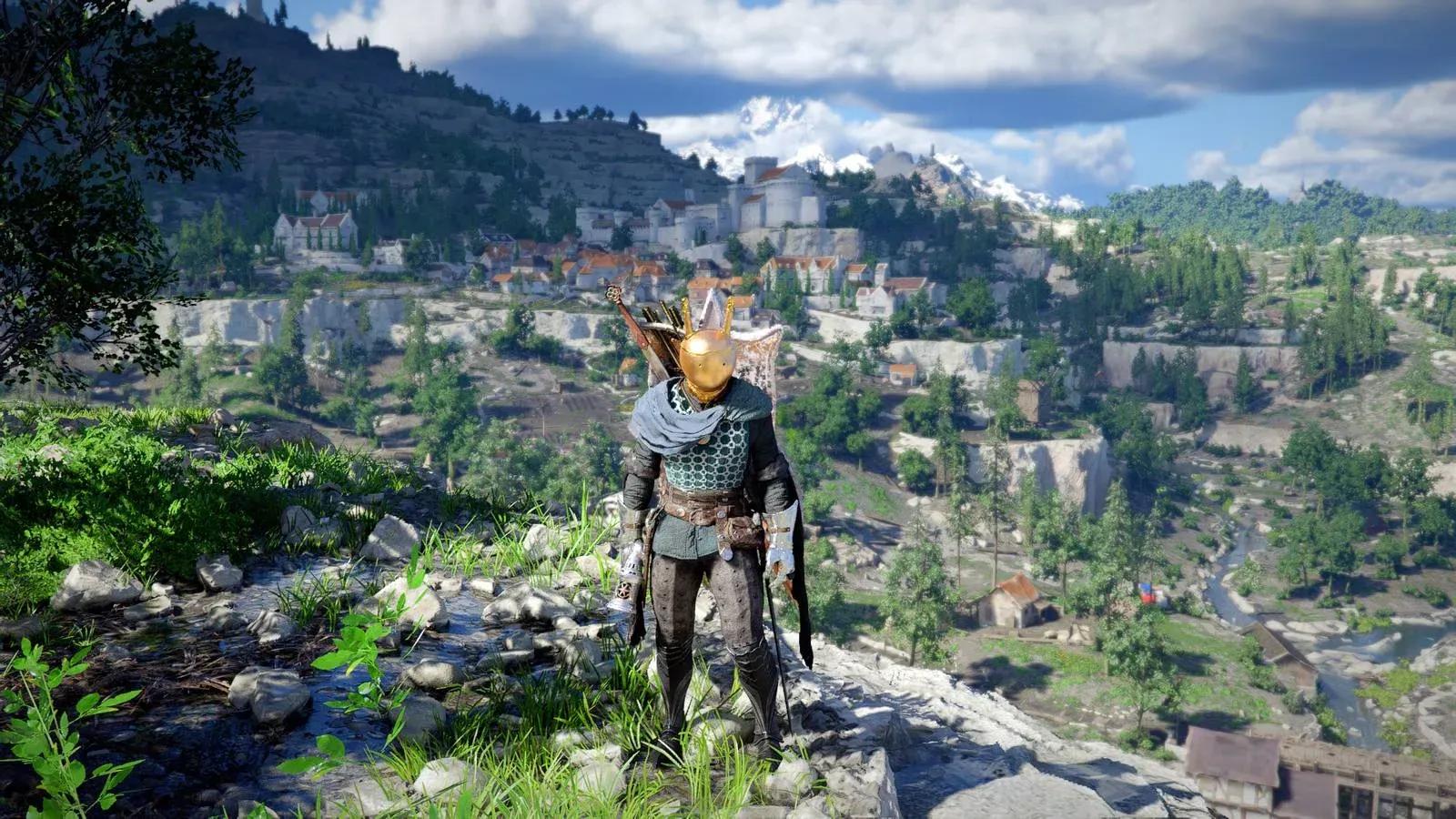
You pick up the Visione during the "Where the Light Leads" quest in Chapter 2, part of the Unexpected Gift act. The quest sends you to the Lioncrest Watchtower to clear out a bandit camp. You don't need to kill every enemy; roughly six or seven kills causes the rest to scatter.
Once the bandits are gone, pull out your bow and hold it near one of the torches to ignite your arrow. Fire it at the vines blocking the door to burn them away, then climb the tower. The Visione sits in the corner of the top floor. Picking it up triggers a brief tutorial on memory fragments, though the game's explanation leaves a lot to be desired.
Visione found at tower top

How to read memory fragments with the Visione
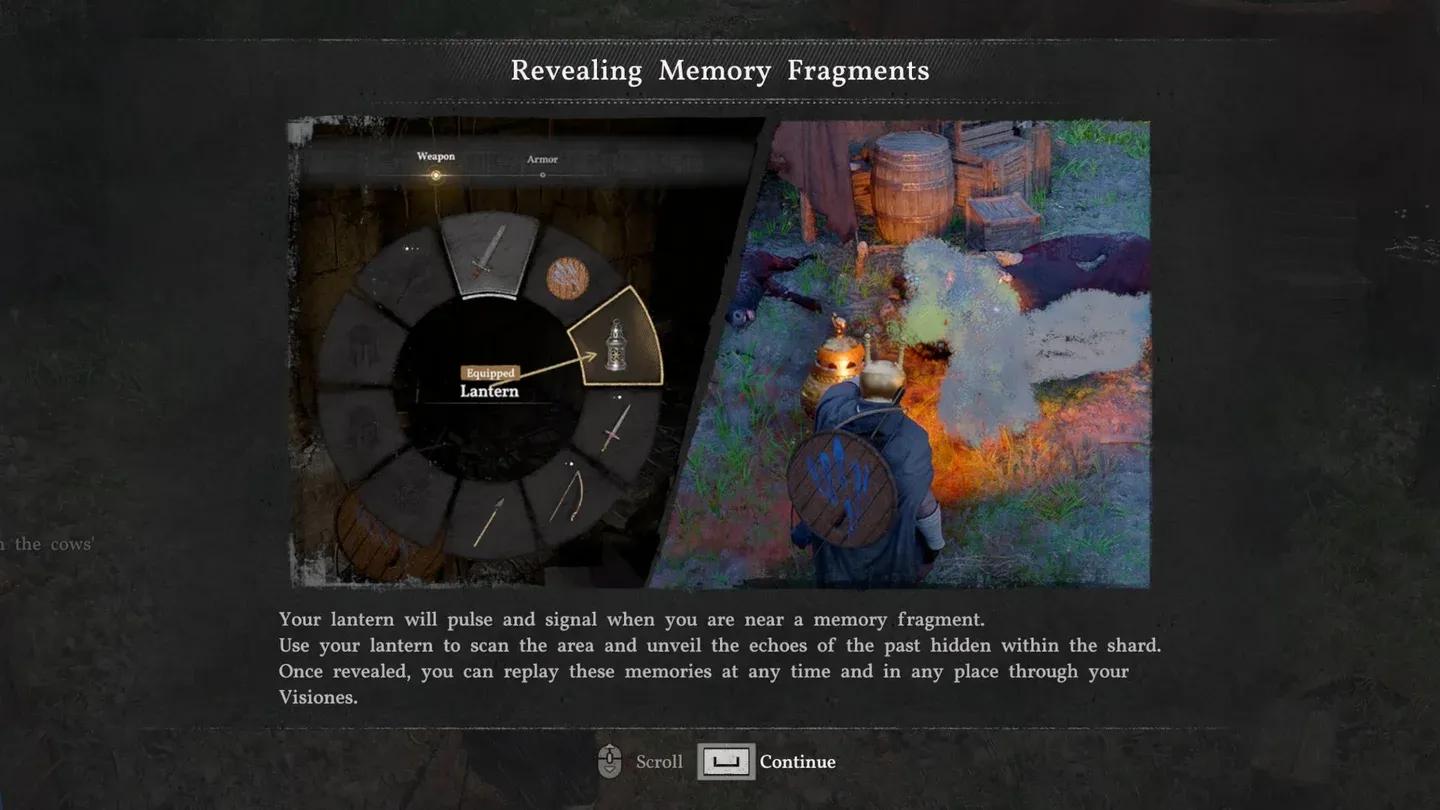
Reading a memory fragment is a two-step process that the game splits between your lantern and the Visione helmet.
Step 1: Watch for blue lantern pulses
As you explore Pywel, your lantern will occasionally pulse with a blue glow. That signal means a memory fragment is somewhere nearby. To find it, equip your lantern by holding left on the D-Pad, select the lantern, then press A (Xbox) or X (PlayStation) and choose Turn On from the radial menu.
With the lantern active, hold the left bumper to keep it raised and slowly scan your surroundings. You're looking for blueish-white blobs drifting through the environment. These are the memory echoes you need to lock onto.
Lantern scanning for fragments
Step 2: Fill the learning bar and confirm
Face the blobs directly with your lantern up. A "Learning in Progress" bar will appear on the left side of the screen. Hold your position and let it fill completely. Once it does, a prompt appears on the right side of the screen to read the memory fragment.
Confirm the prompt and Kliff will equip the Visione automatically. The world shifts to blue and the memory plays out, showing you the people, events, and conversations that took place in that spot.
What happens if you miss a memory?
Missing a memory is usually harmless, but certain quests require you to actually watch one to progress. The Blood Coronation quest is the most notable example: skip the memory there and you'll hit a wall. The good news is that the replay system exists exactly for this reason.
How to replay memory fragments in Crimson Desert
Replaying a memory you've already witnessed is straightforward once you know where to look.
- Open your equipment wheel and navigate to the Armor section.
- Hover over the headgear slot and select the Visione helmet.
- Hold the selection or hover for a few extra seconds until a prompt appears with additional options.
- Choose Play from the menu that appears.
- A list of every memory you've witnessed so far opens. Select the one you want and press Select to replay it.
On PC, hold F2 (the dedicated headgear button) with the Visione equipped to open the memory menu directly.
Where to find your collected memory fragments
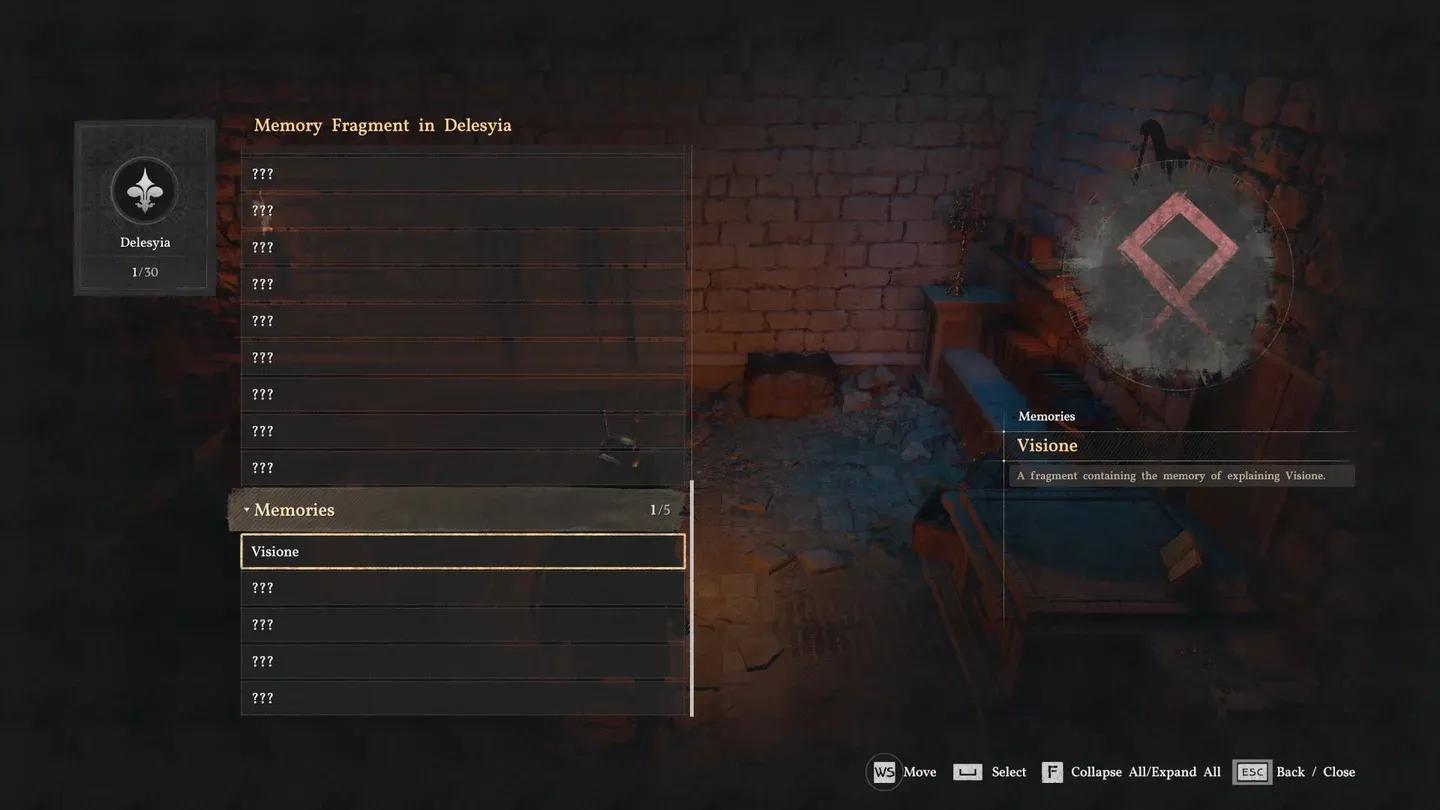
You can browse a log of every memory fragment you've collected by going to Others > Knowledge > Memory Fragments in the main menu. This is useful for tracking which fragments you've found, but you cannot rewatch memories from this screen. It's a reference log only.
Memory fragment quick reference
| Action | Method | Platform note |
|---|---|---|
| Equip lantern | Hold D-Pad left, select lantern | All platforms |
| Activate lantern | Press A/X, choose Turn On | Xbox / PlayStation |
| Scan for fragment | Hold left bumper with lantern out | All platforms |
| Trigger memory | Press Start after bar fills | All platforms |
| Replay memory | Equip Visione, hold headgear button, choose Play | Hold F2 on PC |
| View fragment log | Others > Knowledge > Memory Fragments | All platforms |
The Memory Fragment quest
The Memory Fragment subquest is the second objective in the Unexpected Gift act, which sits inside Chapter 2: Golden Greed. It kicks off immediately after "Where the Light Leads" concludes.
The two objectives are:
- Check the suspicious helm among the treasure
- Read the memory contained in the helm
At the top of the Lioncrest Watchtower, turn right immediately and you'll spot the Visione on the ground. Hold E on PC (or the interact button on console) to collect it. The game should auto-equip it, but if it doesn't, manually swap to it using F2 on PC or the headgear tab on console.
With the Visione on, hold the headgear button to open the memory menu. Only one memory will be available at this stage. Select Delesyia, scroll to the bottom of that tab to find the Recollections section, then select the Visione memory. Watch the sequence through and the quest completes.
For more walkthroughs and tips across Crimson Desert and other games, browse the latest guides at GAMES.GG.