
The Abyss Without Balance quest in Crimson Desert is one of the earliest places the game decides to stop holding your hand. You've just unlocked Axiom Force, navigated a painfully slow set of floating platforms, and activated your first Abyss Nexus. Then the game drops you into a pit and tells you to "Synthesize the Abyss Cell" without much else to go on. Plenty of players stall here, and it's not because the puzzle is hard — it's because the game never explains that you need to switch Force Palm variants mid-charge.
What is the Abyss Without Balance quest?
The Abyss Without Balance quest is part of Crimson Desert's Chapter 2 main story, and it marks your second visit to the Abyss — the techno-magical realm floating high above the land of Pywel. You'll have already unlocked Axiom Force during the prologue section, so this quest is where Pearl Abyss starts building on that foundation with new abilities and more complex puzzle interactions.
Before you get to the Abyss Cell section, you'll pass through a skybridge activation puzzle and a long platforming stretch. Both of those are fairly self-explanatory once you know Axiom Force is involved. The Abyss Cell step is where most players hit a wall.
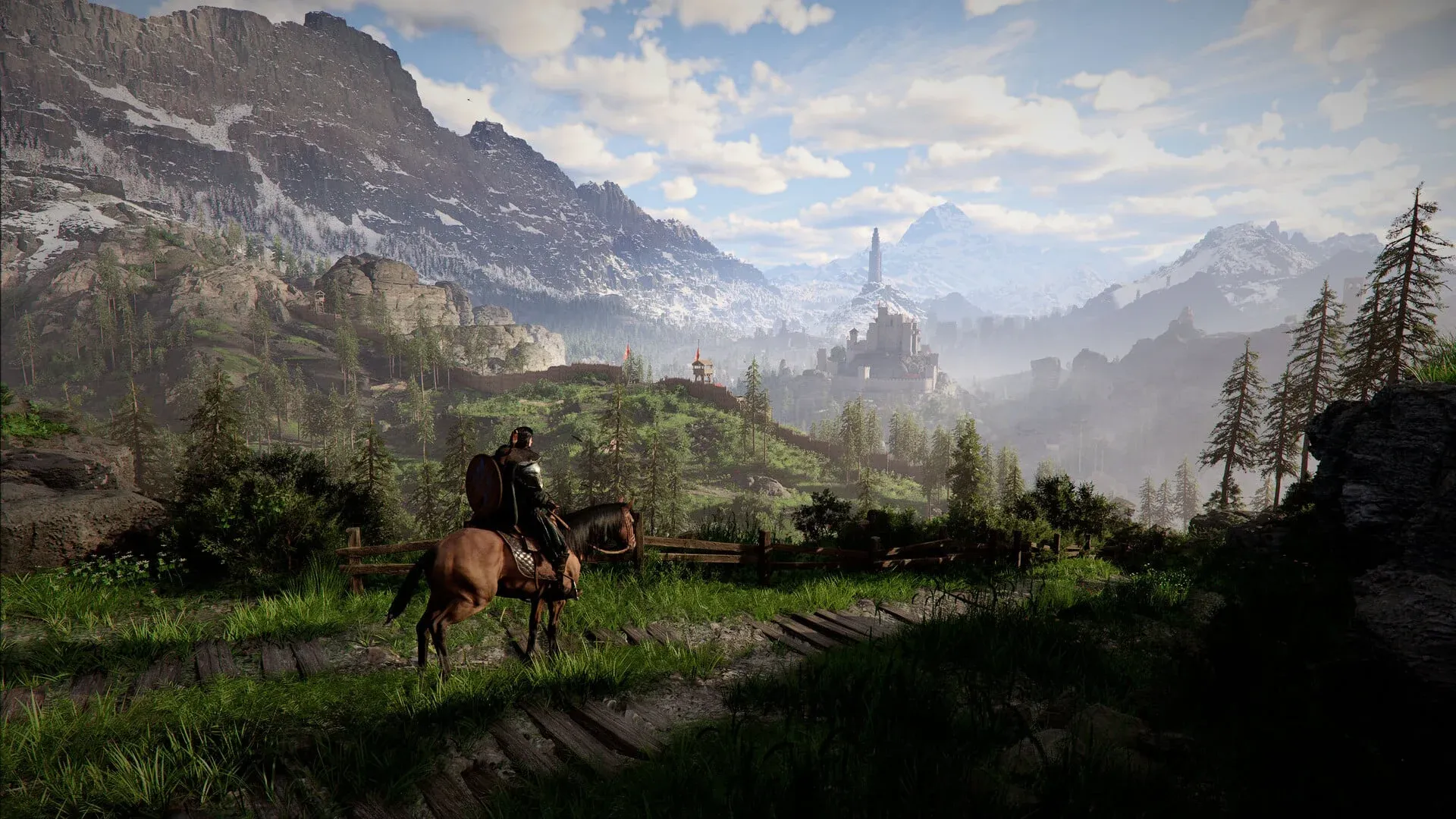
Grabbing the Abyss Cell with Axiom Force

How to activate the skybridge first
Before you reach the Abyss Cell puzzle, you need to power up the skybridge. After speaking to Alustin inside the Axiom Archive, head through the triangular gate directly in front of you. An alignment device (a pillar with a dial) will appear.
Here's how to operate it:
- Hold Tab (or L3 on controller) and aim at the dial to attach Axiom Force to it.
- Move the dial right using D (or the D-pad on controller).
- Keep going until you hear a charging sound — the skybridge will build shortly after.
Once the bridge is up, you'll have a platforming section to navigate. One jump looks impossible: there's a higher platform that seems out of reach. Run, jump, then press Space to grab the ledge and climb up. There are also two slow-moving floating platforms — just wait for them, they do arrive.
At the end of the platforming section, you'll reach the heart of the Abyss. Activate the Abyss Nexus fast travel point before doing anything else.
How to synthesize the Abyss Cell
This is the step that trips people up. Here's the full breakdown of what to do after dropping into the pit below the Abyss Nexus.
Step 1: Power the lantern to remove the floor
Before you can even reach the Abyss Cell, you need to clear the floor panel blocking access to the pit.
- Use Axiom Force to grab the floating blue cube in the centre of the area.
- Drag it over to the stone pillar at the edge of the pit — this reactivates the lantern.
- The floor panel will retract, opening the pit below.
- Drop down.
Step 2: Learn Force Palm from the ghostly figure
Once you're in the pit, don't rush straight to the floating cell. There's a ghostly blue figure standing near the wall socket.
- Hold LB on controller (or Ctrl on PC) near the figure to Observe it.
- This teaches you the Force Palm ability, which you'll need in the next step.
Step 3: Position the Abyss Cell over the wall socket
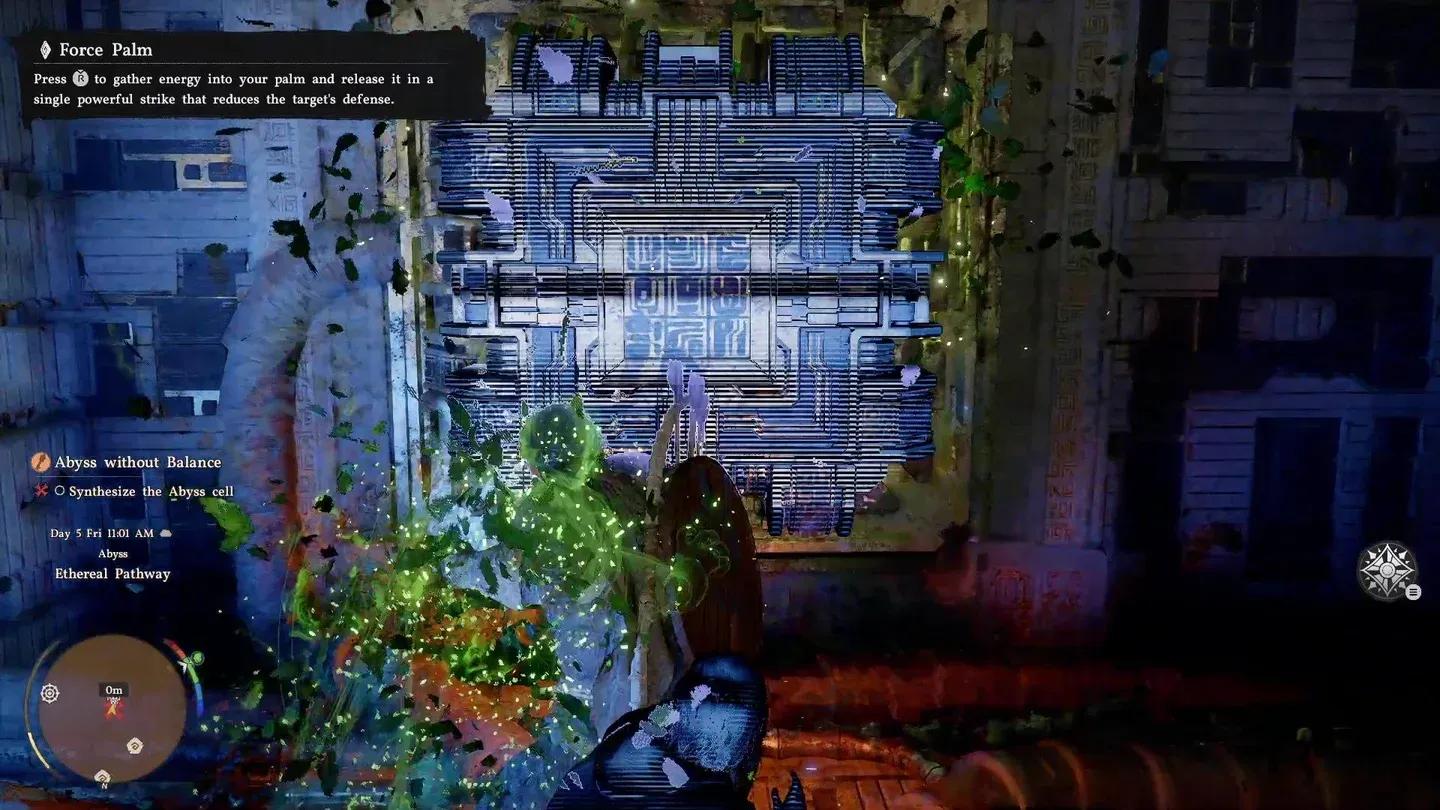
- Use Axiom Force (Left Thumbstick click and hold on controller, or hold C on PC) to latch onto the floating Abyss Cell in the middle of the pit.
- Move it over to the wall socket — the glowing blue slot on the wall to your right.
- Position it directly in front of the socket. Precision isn't critical here; close is good enough.
- Tap B (controller) or E (PC) to release Axiom Force and let the cell hover in place.
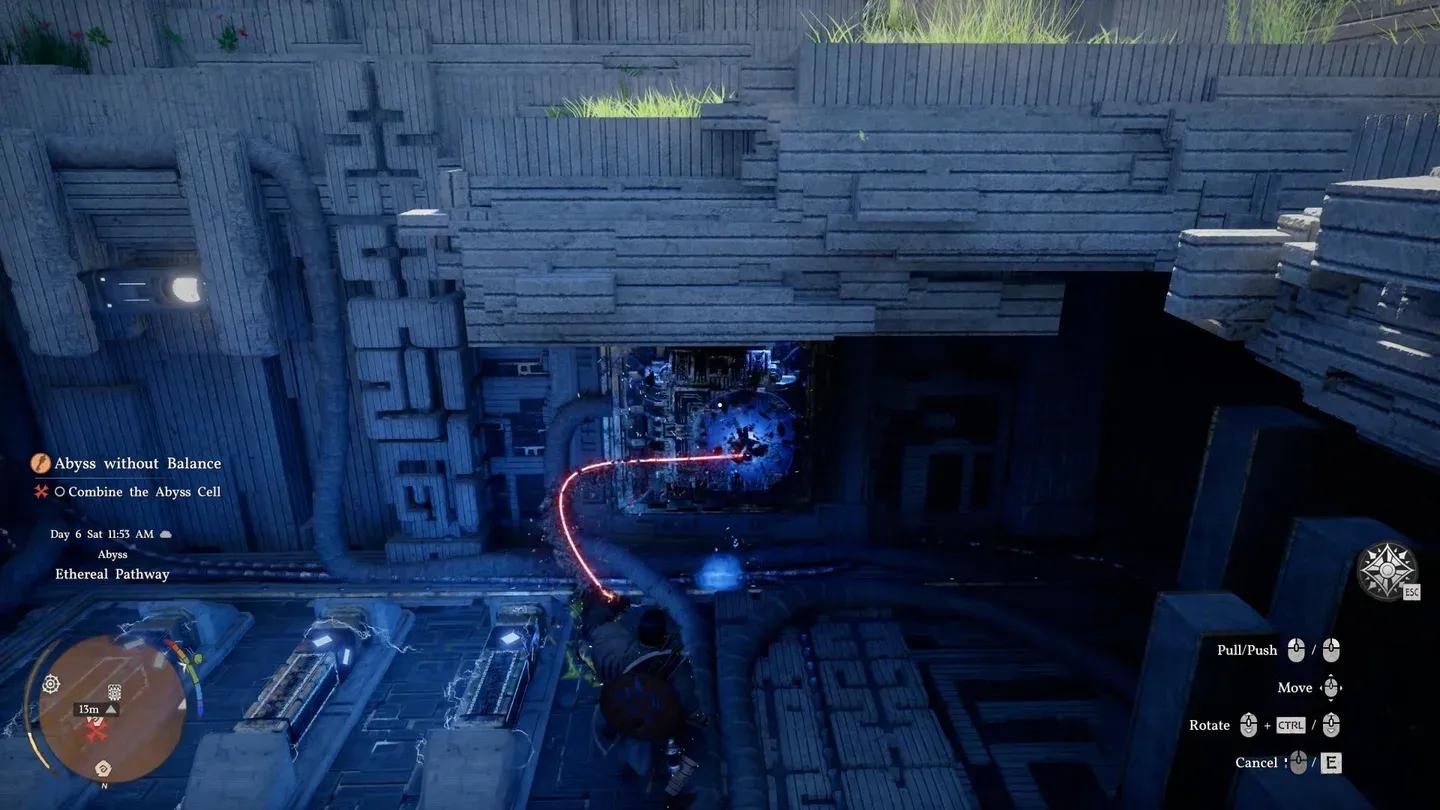
Positioning the cell at the wall socket
Step 4: Charge and release Healing Force Palm
This is the exact step where most players get confused. A standard Force Palm won't synthesize the cell — you need to switch to Healing Force Palm mid-charge.
- Walk right up to the Abyss Cell.
- Hold Right Thumbstick (controller) or Middle Mouse Button (PC) to charge up Force Palm.
- While still holding the charge, click Left Thumbstick or tap C to switch to Healing Force Palm.
- Release to fire the Healing Force Palm at the cell.
The cell will slam into the wall socket and lock in place. A short cutscene plays showing power flowing to the large circular device above.
How to activate the Abyss power supply
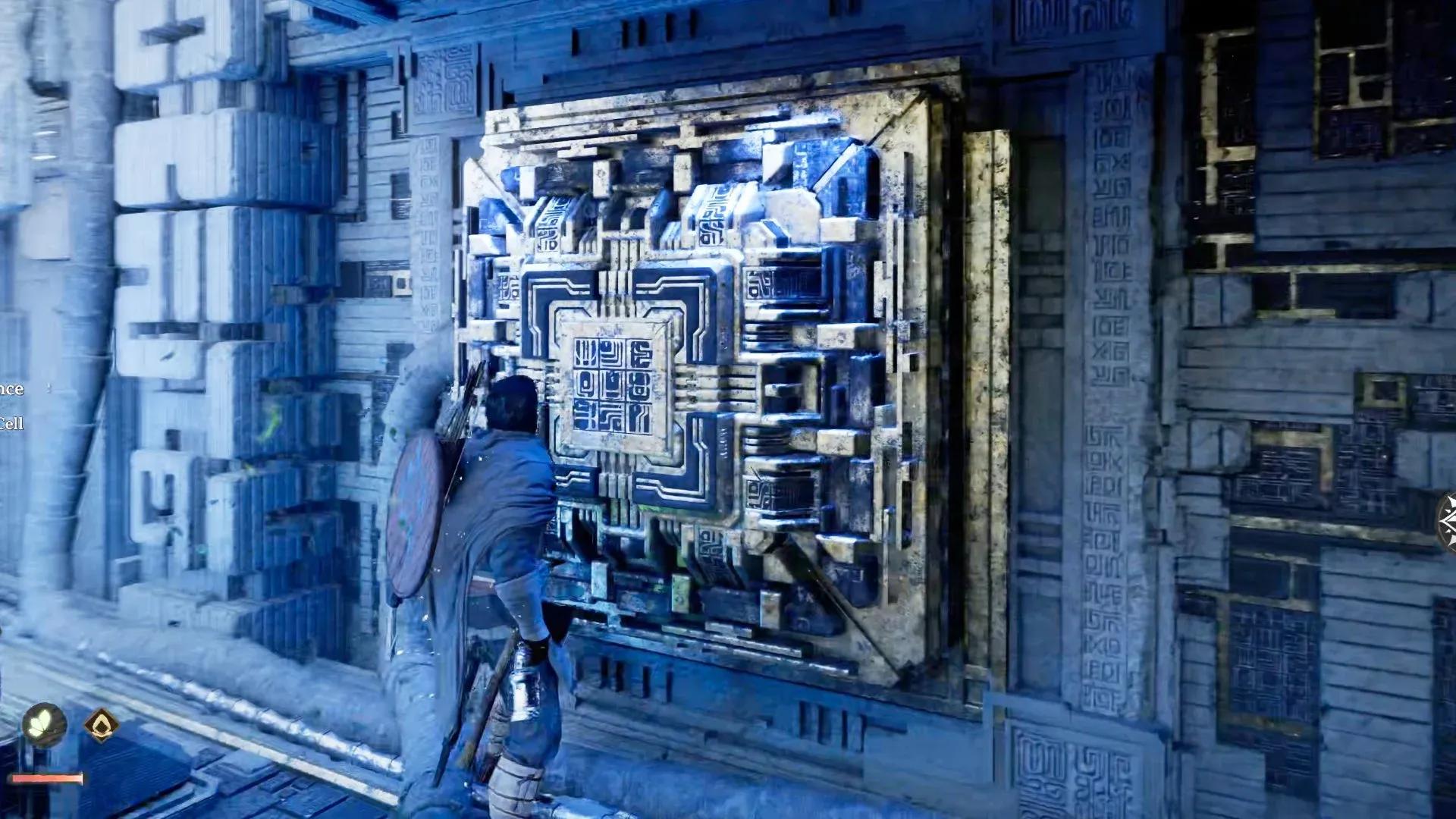
With the Abyss Cell synthesized, the large circular device on the far wall lights up. Here's how to finish the quest:
- Climb out of the pit.
- Jump up and grab onto the centre of the large circular device on the wall.
- Hold Right Thumbstick or Middle Mouse Button to charge Force Palm again.
- Release it at the centre of the device.
This activates the power supply and completes the Abyss Without Balance quest. Collect the Abyss Artifact that appears and speak to White Crow to wrap up Chapter 1.
For more Crimson Desert walkthroughs and tips, browse our full guides collection covering everything from boss fights to hidden mechanics.