Cult of the Lamb added two-player co-op, and it fits the game better than you might expect. One player controls the Lamb, the other takes on the role of the Goat, and together you can run dungeons, manage the cult base, go fishing, and play minigames. The setup process is simple once you know the prerequisites, but there are a few things that will block you if you skip them.
What do you need before starting co-op?
Before you can add a second player, three things need to be true. The game must be updated to the version that includes co-op mode. You need to have finished the prologue. You also need at least one controller connected, because the game cannot detect two keyboards simultaneously. A keyboard-and-controller combination works fine, and two controllers work too.
For Steam Remote Play Together, only the host needs to own the game. Your friend can join remotely without purchasing a copy.

Player two joins as the Goat
How to set up local split-screen co-op
Local co-op runs on one device with both players sharing the same screen. Here is the exact process:
- Load a save file where the prologue has already been completed.
- Press ESC to open the pause menu.
- Select the option to add a multiplayer player.
- Player two presses any button on their controller so the game recognizes the device.
- Assign controls and summon the Goat.
Once player two is in, one player controls the Lamb and the other controls the Goat. You can explore dungeons and manage the cult base together from that point. Player two can join or leave at any time, even in an existing save.
How to set up Steam Remote Play Together
Remote Play Together is the option for friends in different locations. The host does all the heavy lifting here.
- The host loads a save with the prologue completed.
- Press Shift+Tab to open the Steam overlay and access the friends list.
- Right-click the friend you want to invite and select Invite to Remote Play Together.
- Once the friend accepts, they stream the host's game screen.
- The host presses ESC, opens the menu, and selects the add multiplayer player option.
- Assign the controller to the friend, who then presses a button to confirm.
The connection is now active. Keep in mind that Remote Play streams the host's screen to the friend, so network quality directly affects the experience.
Co-op setup comparison
| Feature | Local Split-Screen | Steam Remote Play Together |
|---|---|---|
| Same location required | Yes | No |
| Friend needs to own the game | Yes | No |
| Controller required | At least one | At least one (host side) |
| Network dependency | None | High |
| Screen setup | Shared screen | Streamed from host |
What can two players actually do together?
Both players share map resources, so gathering materials and building the cult is a cooperative effort rather than a competitive one. The scene-follow mechanic means that when the host switches maps, player two follows automatically.
In combat, two players can distribute damage between them, and dungeon boss difficulty scales for two-player mode. Some base interactions still require individual activation, so do not expect everything to be fully shared. Minigames like fishing and the bones dice game both support two players.
The Goat is not a stripped-down second character. The second player participates in the full campaign, including tarot card choices during dungeon runs.
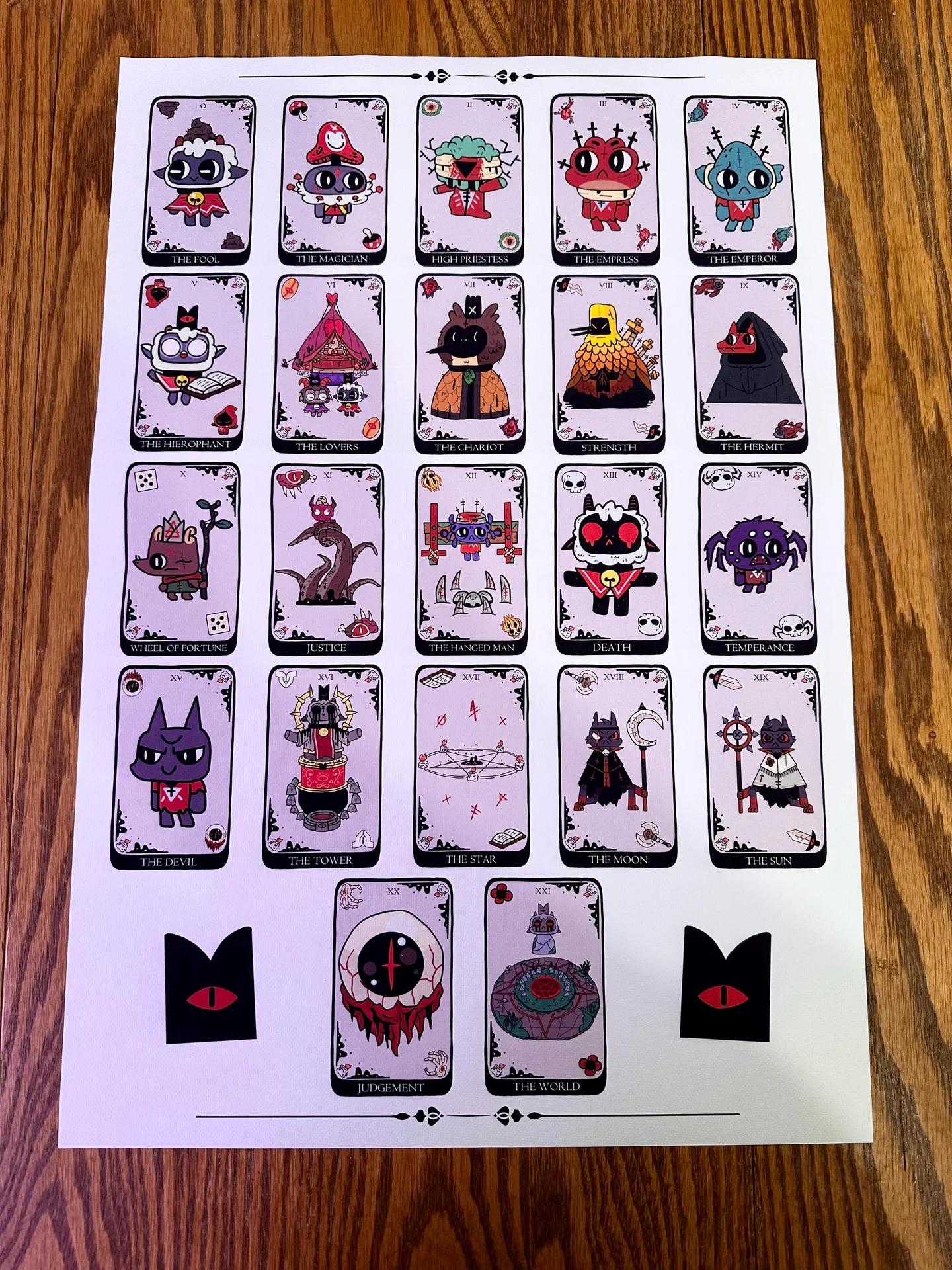
Each player picks their own tarot card
Troubleshooting common co-op problems
The add multiplayer player option is greyed out. Check that the game is updated to the co-op version and that the prologue is finished on the loaded save.
Friend cannot join Remote Play. Verify their Steam friend status is visible, resend the invitation, and check both network connections.
Second controller is not detected. Confirm controller drivers are up to date, avoid using two keyboards, and try reassigning the controller from the menu.
Frequent disconnections during Remote Play. This is almost always a network issue. Both players should test their connection stability before starting a session.
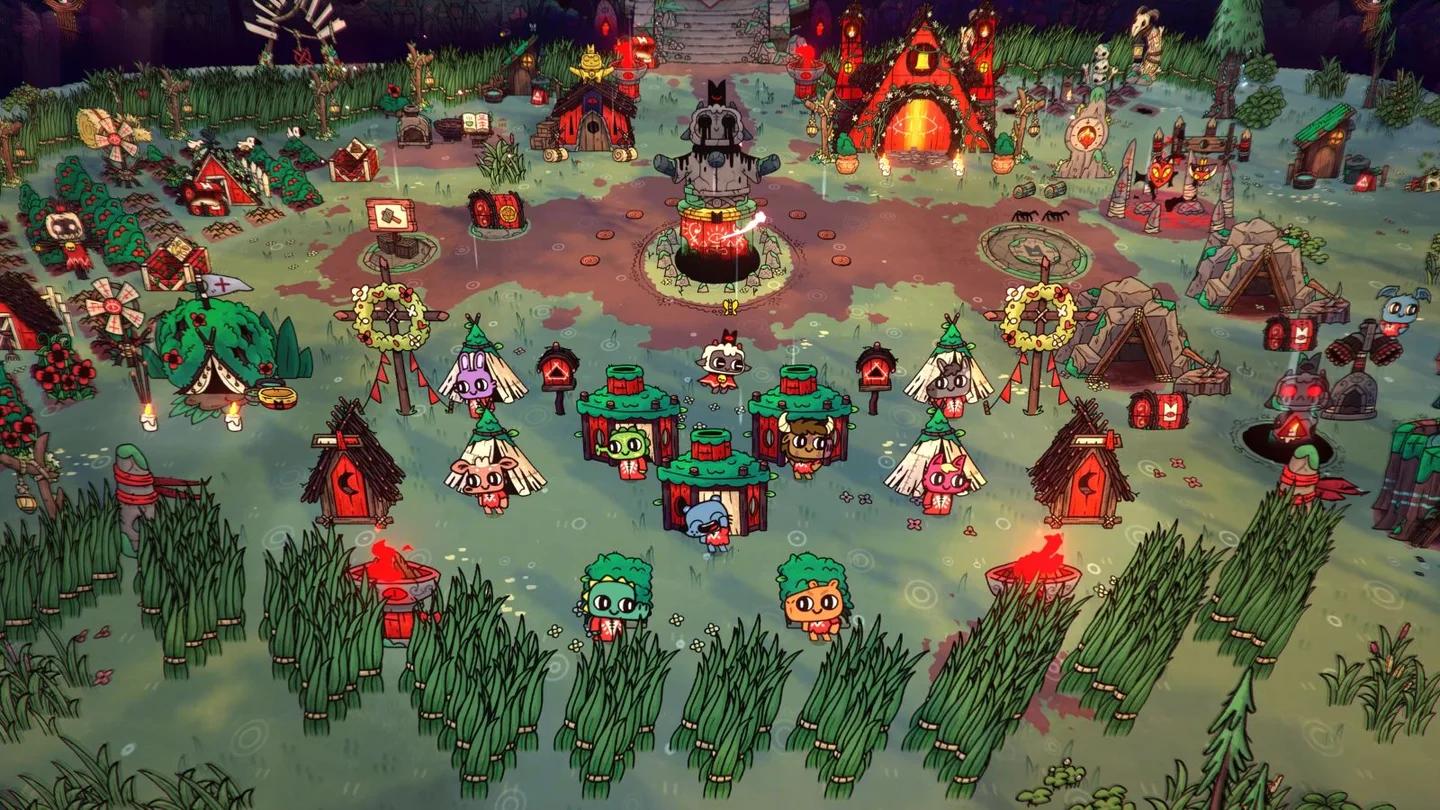
Build the cult together
FAQ
Does the second player need their own copy of the game for Remote Play? No. Only the host needs to own Cult of the Lamb for Steam Remote Play Together.
Can you play co-op on iPad? Yes. Two players can play on one iPad using the same screen with two controllers. The setup mirrors the console process: finish the first level, connect a second controller, and choose co-op from the menu.
Is the Goat weaker than the Lamb? The sources do not break down stat differences between the two characters, but the Goat participates in the full campaign including tarot card selections.
Can player two join an existing save? Yes. Co-op is not restricted to new games. Player two can join or leave any existing save after the prologue is done.
For more on what the game offers across platforms, check the Cult of the Lamb Nintendo Switch 2 Edition upgrade guide or browse the full Cult of the Lamb strategy guides collection. If you enjoy this style of adventure games, there is plenty more worth exploring.