
Night City has a lot to offer, but grinding for ammo, Eurodollars, and perk points across a third playthrough gets old fast. Cyberpunk 2077 has no built-in cheat system, but PC players can unlock a full developer-style console through the Cyber Engine Tweaks mod, which opens up commands for everything from infinite stamina to instant teleportation. This guide covers every command available after the Edgerunners 2 (Update 2.5) patch, plus the exact steps to get the console running.
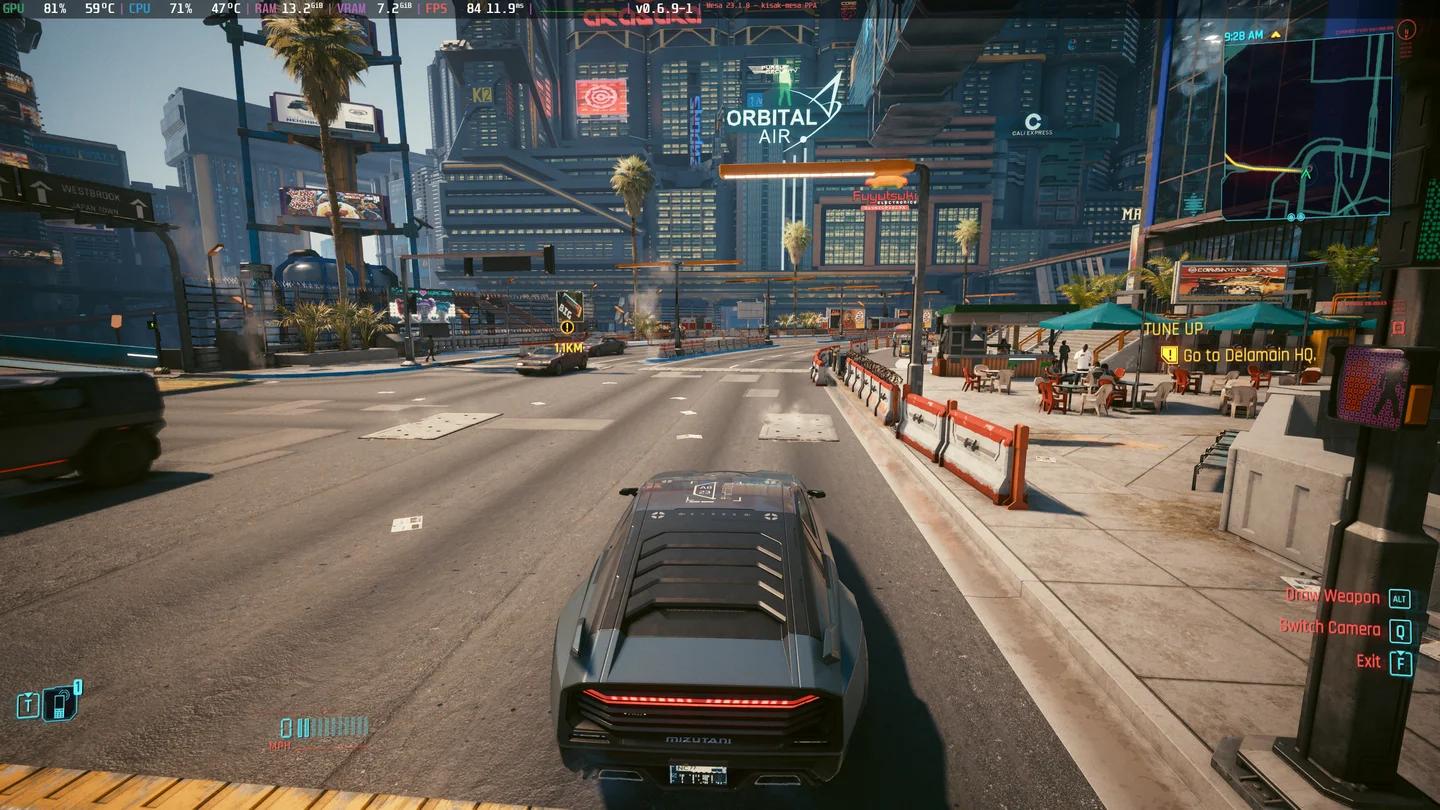
CET console overlay in-game
How do you enable console commands in Cyberpunk 2077?
Cyberpunk 2077 does not include a native developer console, so you need to install Cyber Engine Tweaks (CET) to access it. Here's the full setup process:
- Download Cyber Engine Tweaks from the official GitHub releases page.
- Locate your Cyberpunk 2077 installation folder:
- Steam:SteamLibrary/steamapps/common/Cyberpunk 2077
- GOG:GOG Games/Cyberpunk 2077
- Extract the downloaded CET files directly into the game directory, replacing files when prompted.
- Launch Cyberpunk 2077, then press the ~ (tilde) key to open the console overlay.
Once the overlay appears, you can type any command from the lists below and press Enter to execute it.


All Cyberpunk 2077 console commands
These are the core commands you can run after installing Cyber Engine Tweaks. Replace x with your desired numeric value.
| Console Command | What it does |
|---|---|
| Game.ModStatPlayer("Health", "x") | Set a custom HP value |
| Game.ModStatPlayer("CarryCapacity", "x") | Set a custom carry capacity |
| Game.ModStatPlayer("MaxSpeed", x) | Change V's default movement speed |
| Game.InfiniteStamina(true) | Enable infinite stamina |
| Game.SetLevel("StreetCred", x, 1) | Set a custom Street Cred level |
| Game.SetLevel("Level", x) | Set V's character level |
| Game.AddToInventory("Items.money", x) | Add Eurodollars to your wallet |
| Game.AddToInventory("Ammo.x", x) | Add ammo for the specified type |
| Game.AddToInventory("Items.CWCapacityPermaReward_Legendary") | Increase maximum Cyberware capacity |
| Game.AddToInventory("Items.PerkPointSkillbook") | Add Perk Points as a consumable item |
| Game.AddToInventory("Items.AttributePointSkillbook") | Add Attribute Points as a consumable item |
| Game.AddToInventory("Items.x", 1) | Add any specific item by its ID |
| Game.TeleportPlayerToPosition(x, y, z) | Teleport V to exact coordinates |
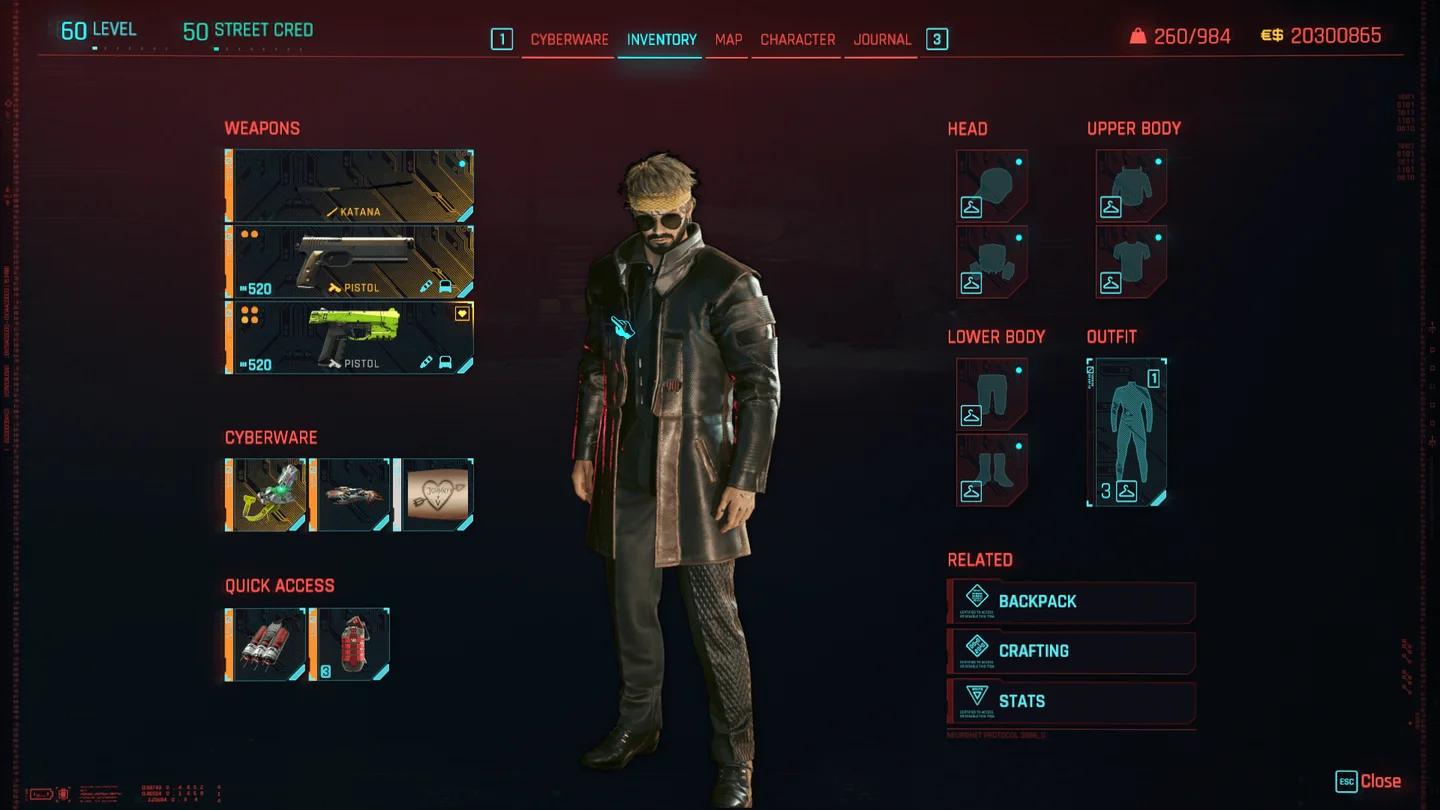
Eurodollar balance in inventory
Ammo and crafting component commands
Running low on handgun rounds mid-gunfight, or need crafting materials to upgrade gear? These specific AddToInventory commands handle both. The numbers after the ammo type indicate the quantity added.
| Ammo or Component | Full Command |
|---|---|
| Handgun ammo | Game.AddToInventory("Ammo.HandgunAmmo", 500) |
| Rifle ammo | Game.AddToInventory("Ammo.RifleAmmo", 700) |
| Shotgun ammo | Game.AddToInventory("Ammo.ShotgunAmmo", 100) |
| Sniper rifle ammo | Game.AddToInventory("Ammo.SniperRifleAmmo", 100) |
| Common components | Game.AddToInventory("Items.CommonMaterial1", 1000) |
| Uncommon components | Game.AddToInventory("Items.UncommonMaterial1", 1000) |
| Rare components | Game.AddToInventory("Items.RareMaterial1", 1000) |
| Epic components | Game.AddToInventory("Items.EpicMaterial1", 1000) |
| Legendary components | Game.AddToInventory("Items.LegendaryMaterial1", 1000) |
You can adjust the quantity by changing the number at the end of each command. The defaults above are just starting points.
All teleport coordinates for Cyberpunk 2077
The teleport command uses three-axis coordinates in the format Game.TeleportPlayerToPosition(x, y, z). Paste the coordinate set directly into the console after the command name. These cover all major apartments, iconic locations, and story-relevant areas.
| Location | Coordinates |
|---|---|
| Megabuilding H8 Apartment | -690.816, 823.984, 324.856 |
| Japantown Apartment | -786.091, 975.949, 29.828 |
| Glen Apartment | -1517.805, -969.188, 91.200 |
| Northside Apartment | -1504.078, 2228.468, 23.798 |
| Corpo Plaza Apartment | -1607.948, 350.182, 50.997 |
| V's Penthouse (Path of Glory) | -1340.495, 1189.842, 116.618 |
| Afterlife | -1455.068, 1010.975, 17.824 |
| Clouds | -625.404, 794.564, 132.252 |
| Arasaka Tower - CEO Level | -1437.788, 157.247, 565.346 |
| Arasaka Tower - Jungle Floor | -1449.256, 118.300, 321.639 |
| Arasaka Tower - Johnny's Interrogation Room | -1389.446, 141.266, -139.361 |
| Arasaka Tower - Orbital Station | 4743.650, -1091.755, 1310.439 |
| Time Machine Guitar Room | -1843.676, -575.336, 7.754 |
| Voodoo Boys' Subway | -1662.758545, -1867.002563, 54.982040 |
| Hanako's Estate Bedroom | 290.197662, 1022.468079, 229.920425 |
The Orbital Station coordinates are dramatically different from the rest of Night City's coordinate range, so double-check them before executing if you want to avoid a disorienting jump.
What can you actually do with these commands?
Here's a practical breakdown by use case, so you're not scrolling through the full table every time:
- Leveling up fast: Use Game.SetLevel("Level", x) to jump to any level, then Game.SetLevel("StreetCred", x, 1) to match your Street Cred. Both are needed to unlock all vendors and gigs.
- Free build experimentation:Items.PerkPointSkillbook and Items.AttributePointSkillbook let you respec without paying Eddie. Useful for testing the new dual-wield Double Trouble build added in Update 2.5.
- Crafting without grinding: Stack all five component tiers with a single session of commands. Legendary components in particular are time-consuming to farm naturally.
- Revisiting story locations: The Arasaka Tower coordinates let you return to areas that are normally locked after certain story beats. The Orbital Station coordinate is especially useful for this.
Does using console commands affect your save or trophies?
Cyber Engine Tweaks is a mod, and like all mods, it operates outside CD Projekt Red's official support scope. Achievements and trophies are generally not disabled by CET on PC, but this can change with updates. Keep a clean save before running commands if you want to preserve a legitimate playthrough alongside your modded one.
The commands themselves do not flag your account or cause bans since Cyberpunk 2077 has no competitive multiplayer component. The main risk is save corruption from running commands in unstable states, so save manually before experimenting.
For everything else new in the Edgerunners 2 patch, the full Cyberpunk 2077 guides collection covers all the new quests, cyberware customization options, and build changes introduced in Update 2.5.