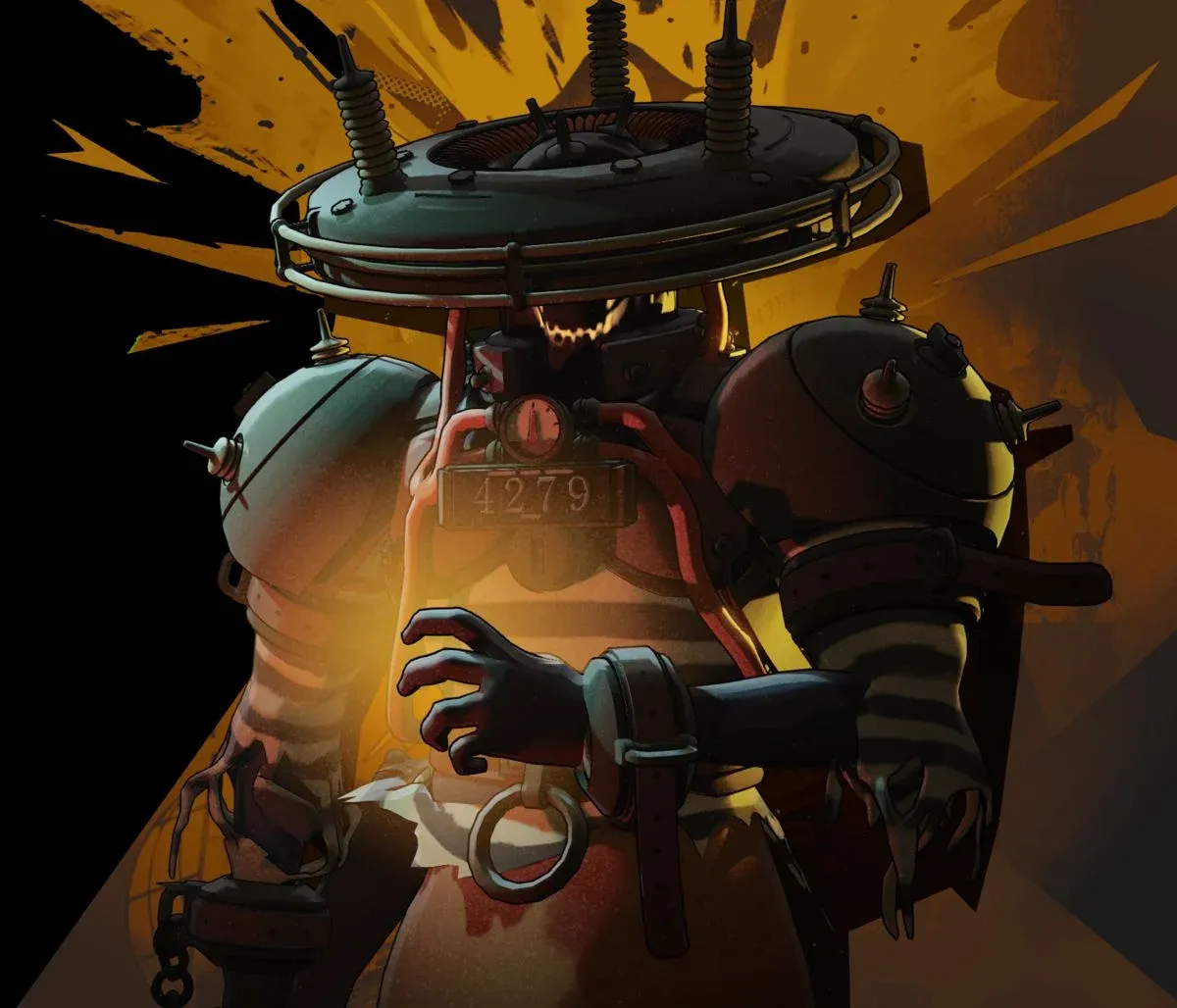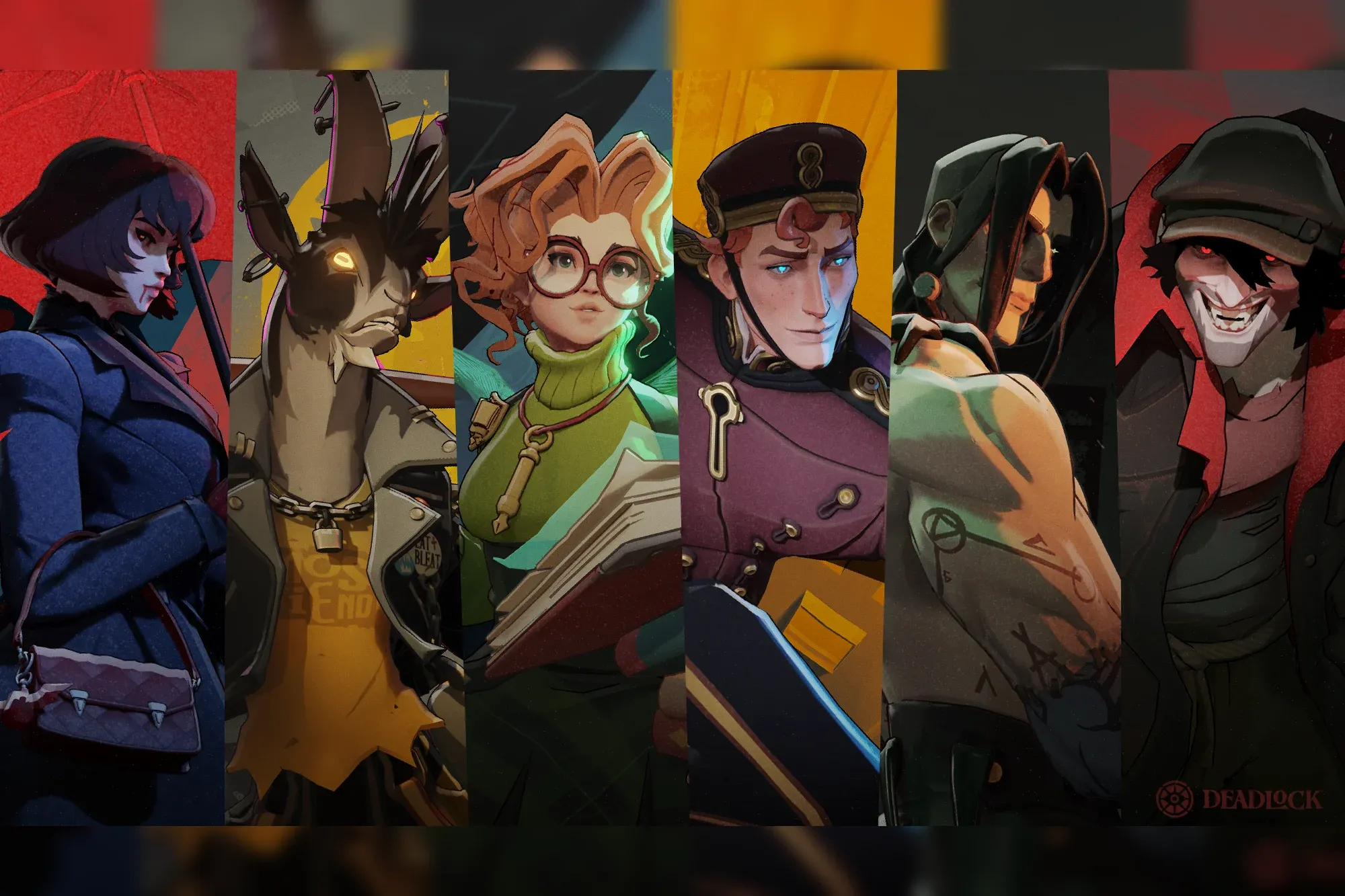

To pick in Deadlock, select at least three heroes for Standard mode, then use selection priorities to mark your preferred choice.
Treat those selections as playable options, not spare portraits you add to get past the queue requirement. A useful pool starts with a kit you understand and includes backups you can handle. Read the role keywords, check the beginner recommendations, and try each hero’s gun and abilities before you queue.
How Deadlock’s hero selection options work
Your selected roster tells matchmaking which heroes you are willing to play. Priority settings express your preferences within that roster. They do not turn your favorite hero into a guaranteed pick.
Use the priority options to separate the hero you most want from the alternatives you are comfortable receiving:
| Selection option | What it communicates | How to use it |
|---|---|---|
| High priority | A stronger preference for that selected hero | Apply it to your main choice or the heroes you most want to play |
| Low priority | A lower preference within your selected pool | Apply it to practiced backups you would still willingly play |
A low-priority hero remains a selection option. Low priority is not an exclusion setting, so adding an unfamiliar character here can leave you playing a kit you do not understand.
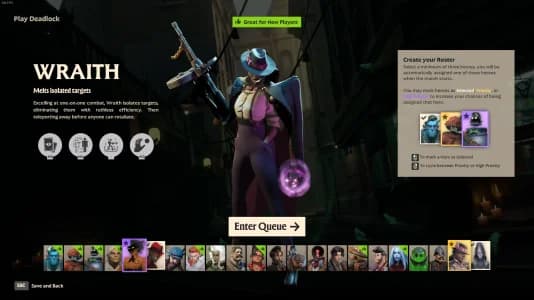
Set preferences before queuing

Can you guarantee one specific hero?
You cannot count on receiving the same hero every Standard match. Build your pool around that limitation: learn your alternatives instead of treating them as placeholders.
If several heroes interest you equally, you can give those choices high priority. If you want to focus on learning one, make that preference clear and keep the other selections manageable. Neither approach removes the need to understand your backups.
Choose heroes by the job you want
The role keywords on the Hero Selection screen give you a quick starting point. Use them to identify whether you want weapon-focused damage, ability damage, durability, or tools that help teammates.
These are playstyle descriptions, not fixed role queues. Items can change how a hero contributes, so start with the kit’s basic job and learn its build choices afterward.
| What you want to do | Heroes to consider | Why they fit |
|---|---|---|
| Focus on gun damage | Wraith or Haze | Both fit a gun-carry playstyle |
| Deal area damage with abilities | Seven | His area damage and Storm Cloud ultimate support an ability-focused approach |
| Fight on the frontline | Abrams | His durability and self-healing suit close-range pressure |
| Help teammates with utility | Kelvin or Ivy | Both offer a support-oriented starting point |
| Start fights and control space | Infernus | His area-denial damage supports an initiator playstyle |
Choose a job you actually want to perform. A durable frontline hero still asks you to move into danger, while a gun-focused pick makes its primary weapon a central part of your play. A strong reputation does not make either approach a better fit for your preferences.
Start with the beginner recommendations
The thumbs-up marker identifies easier heroes on the selection screen. Good starting candidates include Wraith, Infernus, Kelvin, Seven, and Venator.
A simpler kit leaves more attention for the movement, farming, and objective basics covered in the Deadlock new-player guide. Use those recommendations to narrow your first practice session, then choose based on how the gun and abilities feel to control.
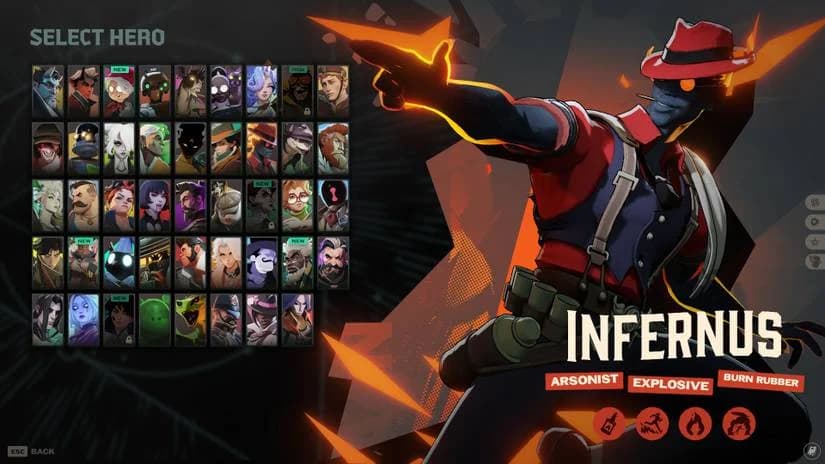
Find a manageable first hero
Do not confuse a beginner recommendation with a promise that every fight will be easy. You still need to learn when to engage, how to spend stamina, and what each ability contributes. The marker helps reduce kit complexity while you learn those shared systems.
Test your choices before matchmaking
Each hero has a unique gun and melee attack, plus three regular abilities and an ultimate. Two heroes with similar role descriptions can still ask for different aiming, positioning, and ability use.
Practice tools let you separate those questions before committing to a full match. Use the mode that matches what you need to learn:
| Practice option | Best use before selecting a hero |
|---|---|
| Practice range | Check the gun, aim, and individual abilities |
| Sandbox | Explore the kit and experiment with testing tools |
| CPU bot matches | Practice using the hero’s tools during a match |
Check the whole kit, not just the ultimate
Work through these checks for every candidate:
- Fire and reload the gun. Decide whether its basic shooting pattern is something you want to use regularly.
- Try the melee attack. Learn the difference between a normal strike and a charged heavy melee.
- Use every ability. Read the effects and identify what each button contributes before focusing on combinations.
- Practice movement between attacks. Jump, dash, and slide while watching your stamina.
- Play against bots. Put the separate controls together before taking the hero into matchmaking.
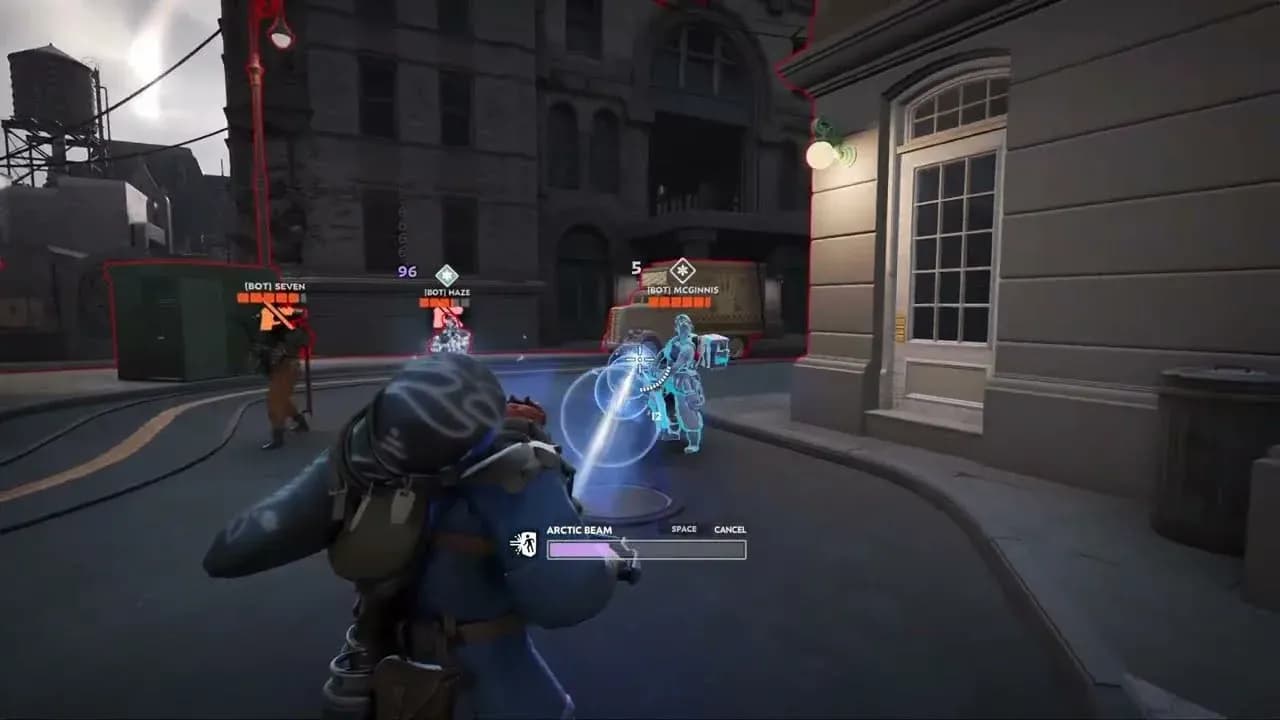
Check the kit before you queue
If you’re struggling with a candidate, identify the specific problem. Difficulty aiming the gun calls for a different practice focus than forgetting an ability or spending all your stamina. Change heroes if you dislike the basic controls; keep practicing if you enjoy the kit but need familiarity.
Build a small learning pool
Wraith, Seven, and Kelvin make a reasonable trial pool because they let you compare gun damage, ability-focused damage, and support. You do not need to keep that exact combination. Replace whichever option you least enjoy with another beginner candidate.
Once you settle on a favorite, learn its decisions in more detail. The Deadlock Seven guide covers builds, abilities, and playstyle if Seven becomes your preferred pick.
Keep your learning pool small enough that you remember every kit. Adding more heroes before you understand the existing choices creates more abilities and weapon behaviors to learn alongside the game’s shared mechanics.
Give each selected hero a starting build
The Shop provides a default build for each hero in its blue build tab. Check it before queueing so your backup pick does not also leave you facing an unfamiliar item menu.
Item categories explain the main directions your build can take. Weapon items improve primary-weapon properties, Spirit items improve ability-related properties, and Vitality items improve defenses and survival. Your hero’s role label is a starting point for those decisions, not a rule that fixes every purchase.
Learn the default path first, then use the Deadlock item tier list to understand alternative purchases and how items fit different situations. Item knowledge gives you more ways to adjust your chosen hero as a match develops.
Before your next queue, check the least familiar hero in your pool. If you cannot explain its abilities or recognize its starting build, take that hero into practice first.