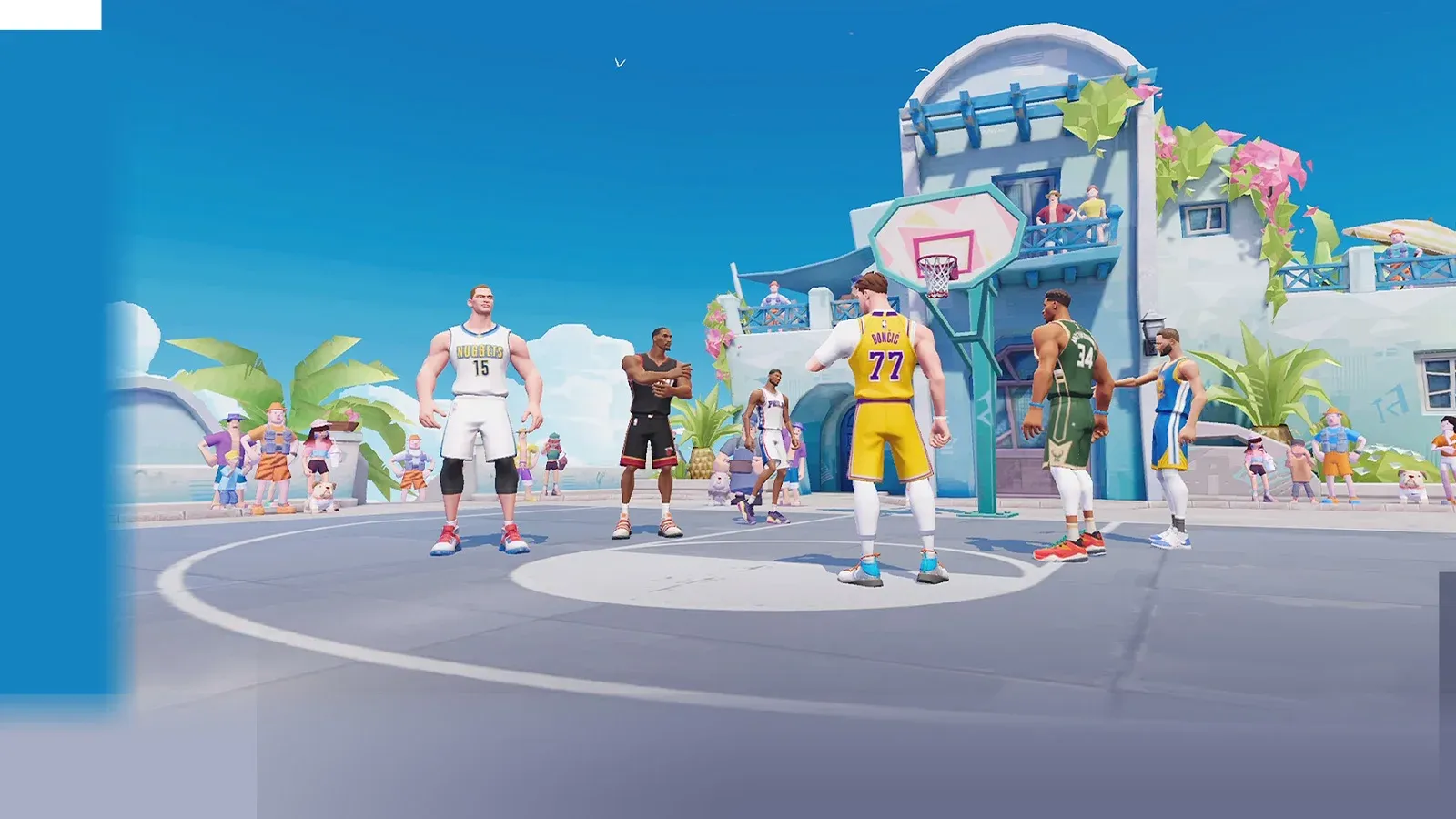


Dunk City Dynasty drops you straight into fast-paced street basketball with a roster of larger-than-life players, flashy moves, and a competitive edge that rewards players who understand the fundamentals. The game sits at a 4.5-star rating on mobile stores, which tells you the foundation is solid, but getting your bearings early makes a real difference between winning your first few matches and getting dunked on repeatedly. This guide covers everything you need to get up to speed.
What kind of game is Dunk City Dynasty?
Dunk City Dynasty is a mobile basketball game developed by Exptional Global, the same studio behind Where Winds Meet and Once Human. It falls squarely in the sports games category, built around arcade-style street basketball rather than simulation. Matches are quick, the action is high-energy, and the skill ceiling comes from mastering player abilities and reading your opponents rather than memorizing playbooks.
The game is free to play, and monetization is limited to cosmetic items. There is no pay-to-win structure, which means every player you face on the court earned their wins through actual gameplay.
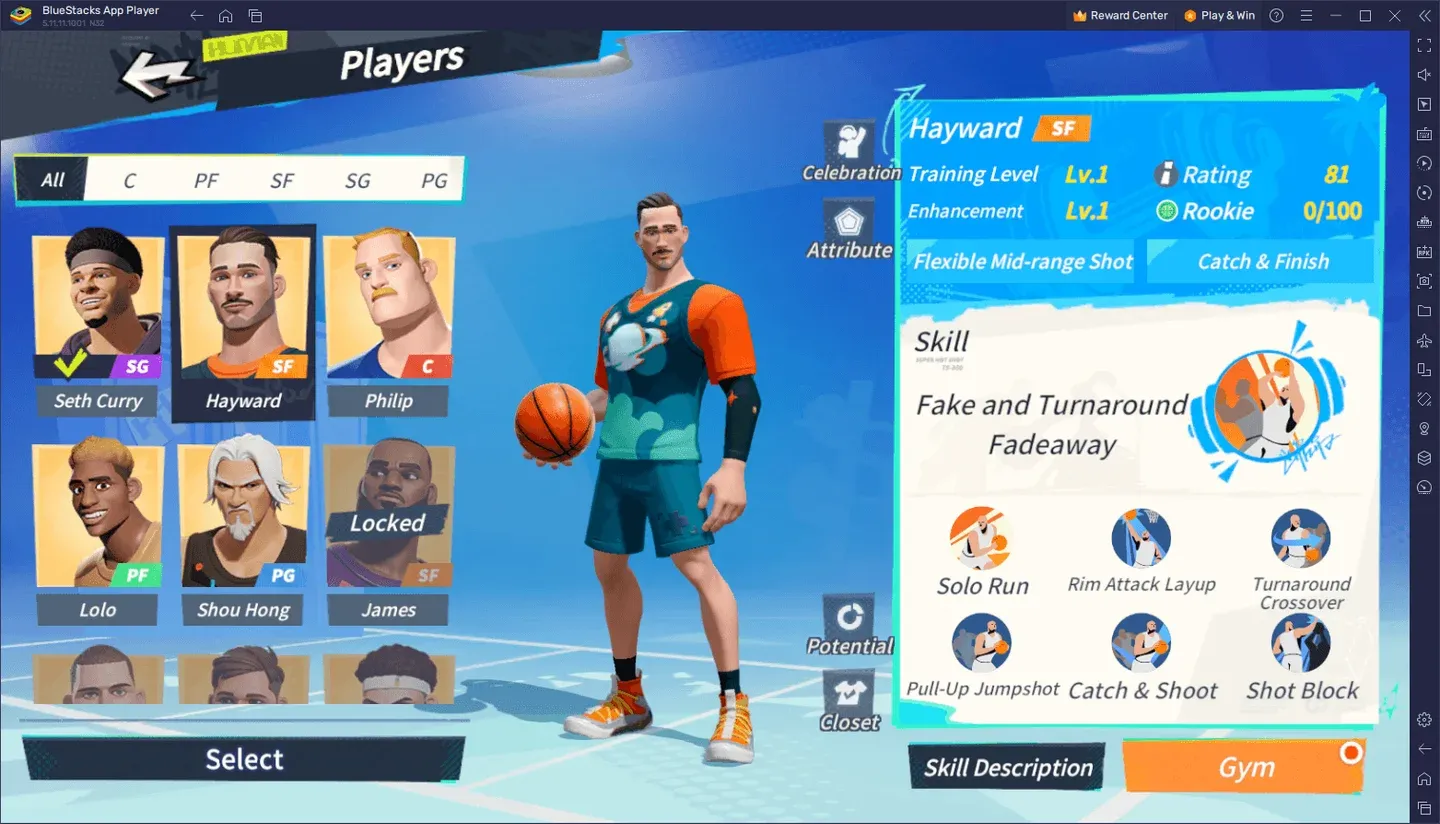
Choose your player wisely
How do the core controls work?
The control scheme is designed for mobile touchscreens, but it takes a few matches to feel natural. Here is what you need to internalize before your first ranked game:
- Movement uses a virtual joystick on the left side of the screen.
- Shooting and passing are mapped to dedicated buttons on the right.
- Special abilities are tied to individual player skill buttons that charge during play.
- Autocombat is available if you want the game to handle basic actions while you focus on positioning.
The controls are described by players as intuitive once you spend time with them. The UI can be adjusted in settings, which matters especially if you plan to compete in PVP modes.
Understanding player abilities and build saves
Each player in Dunk City Dynasty comes with a distinct set of abilities that define their role on the court. Some players excel at driving to the basket, others are built for perimeter shooting or defensive lockdowns. Spending time with multiple players early on helps you figure out which style fits how you naturally play.
The game includes a Build Save feature that lets you store your preferred ability loadout. After experimenting with different combinations, you can return to your best setup instantly without reconfiguring everything from scratch. This is worth using once you settle on a playstyle.
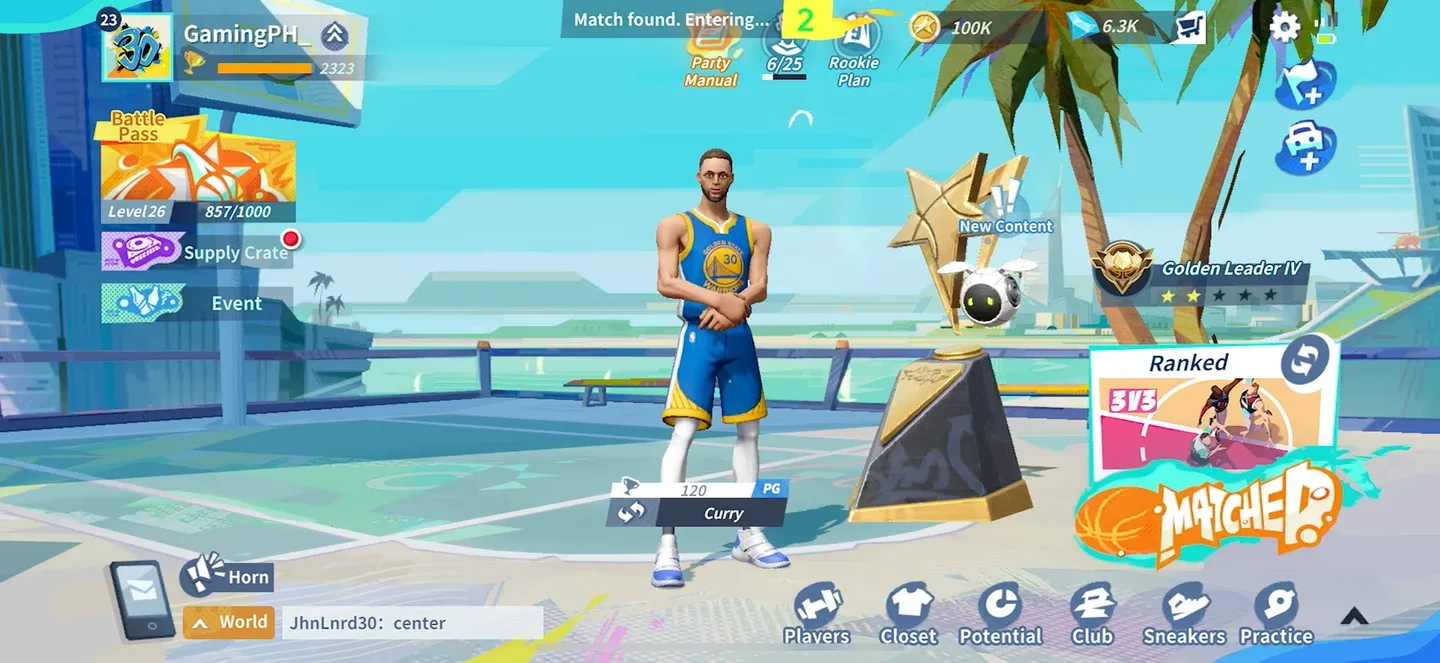
Save your best builds here
Solo play vs. multiplayer: which should you focus on first?
The game supports both solo and multiplayer modes, and the right starting point depends on what you want to get out of it.
Starting in solo modes gives you space to understand each player's moveset without the pressure of a live opponent reacting to every mistake. Once you feel comfortable with two or three players, moving into casual multiplayer is the natural next step.
What should beginners prioritize?
After testing the game across multiple sessions, a few priorities stand out for players just getting started:
- Pick one player and stick with them. Spreading your time across the full roster early on means you never develop real proficiency with anyone. Find a player whose abilities click with you and grind them until you know every cooldown and combo.
- Learn the UI layout. The default interface works, but tweaking button placement to match your grip makes a noticeable difference in reaction time during fast breaks.
- Watch ability cooldowns. The biggest beginner mistake is burning a special ability at the wrong moment and then having nothing available when a real scoring opportunity opens up.
- Use the Build Save system. Once you find a loadout that works, save it. Rebuilding from memory mid-session wastes time and breaks your rhythm.
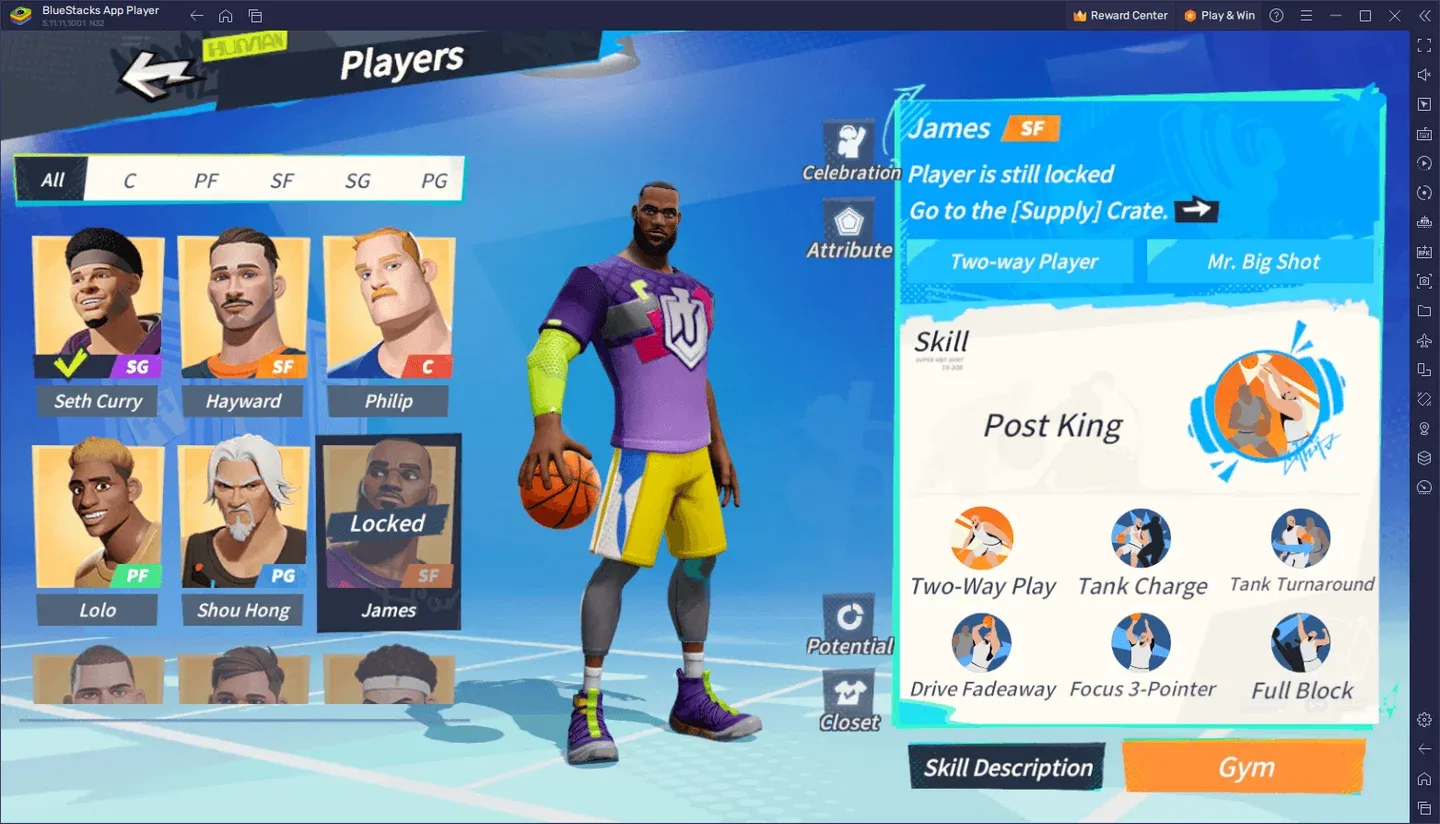
Track your ability cooldowns
How does monetization work in Dunk City Dynasty?
The game is free to download and all gameplay content is accessible without spending money. Purchases are limited to cosmetic items, things like player skins and visual customizations. There is no mechanism to buy better stats or stronger abilities.
This is worth knowing upfront because it means the competitive playing field is level. If someone beats you, they did it with skill, not a credit card.
Storage and device requirements
One practical note that comes up repeatedly from the player community: Dunk City Dynasty requires meaningful device storage. If your phone is running low on space, clear it out before installing. Players on mid-to-high range devices report smooth performance, with flagships like the Galaxy S24 Ultra handling the game without issues.
For more tips and strategy content, the Dunk City Dynasty guides collection covers everything from advanced player breakdowns to competitive mode strategies as you level up your game.