Search games, articles, guides...CtrlK
Sign InGet Started

Get the best FPS in Echoes of Aincrad with these optimized PC graphics settings to eliminate stutters and lag during combat.

Written by Larc
Content Writer
See more GAMES.GG guides on Google
Add us as a preferred source and our guides show up first in your results.

Echoes of Aincrad Beginner Guide: Master Every Core System
Learn stamina, Sword Skills, weapons, Iori modes, Growth Points, and Smithy upgrades to survive Aincrad from day one.
Echoes of Aincrad Weapons Tier List: Best Weapon Types Ranked
Every weapon type in Echoes of Aincrad ranked from best to worst, with tips on stats, shields, and which fits your playstyle.

Echoes of Aincrad Guide: How to Save to Avoid Permadeath
Learn how to manually save in Echoes of Aincrad and what Death Game Mode's permadeath rules mean for your progress.
Echoes of Aincrad is not a hardware-demanding game by modern standards, but that does not mean you can ignore your graphics settings. Stutters and frame drops during fast combat sequences can cost you a fight just as easily as a bad build. Getting your settings dialed in before you start playing is 10 minutes well spent.
The settings below were tested on a mid-range PC setup: AMD Ryzen 7 5700X, AMD Radeon RX 9060XT 16 GB, and 32 GB DDR4 RAM. That configuration sits comfortably above the Steam recommended specs, so if your hardware is closer to minimum requirements, prioritize the performance-focused options listed here.
| Setting | Recommended Value | Notes |
|---|---|---|
| Resolution | Native or 1920x1080 | Match your monitor's native resolution |
| V-Sync | Off | Enable only if you see extreme combat lag |
| Game Performance | Prioritize Performance | Use Equilibrium if you want a visual middle ground |
| Texture Quality | Medium | Low impact on FPS, decent visual result |
| Texture Filtering | 2x | Balanced sharpness without GPU strain |
| Model Detail | Low | Biggest FPS gain on weaker hardware |
| Anti-Aliasing | Off | Enable FSR on AMD, FXAA on Nvidia if needed |
| Anti-Aliasing Level | 2 | Only relevant if AA is enabled |
| FPS Limit | 60 FPS cap | Prevents stutters; no need for uncapped in this genre |
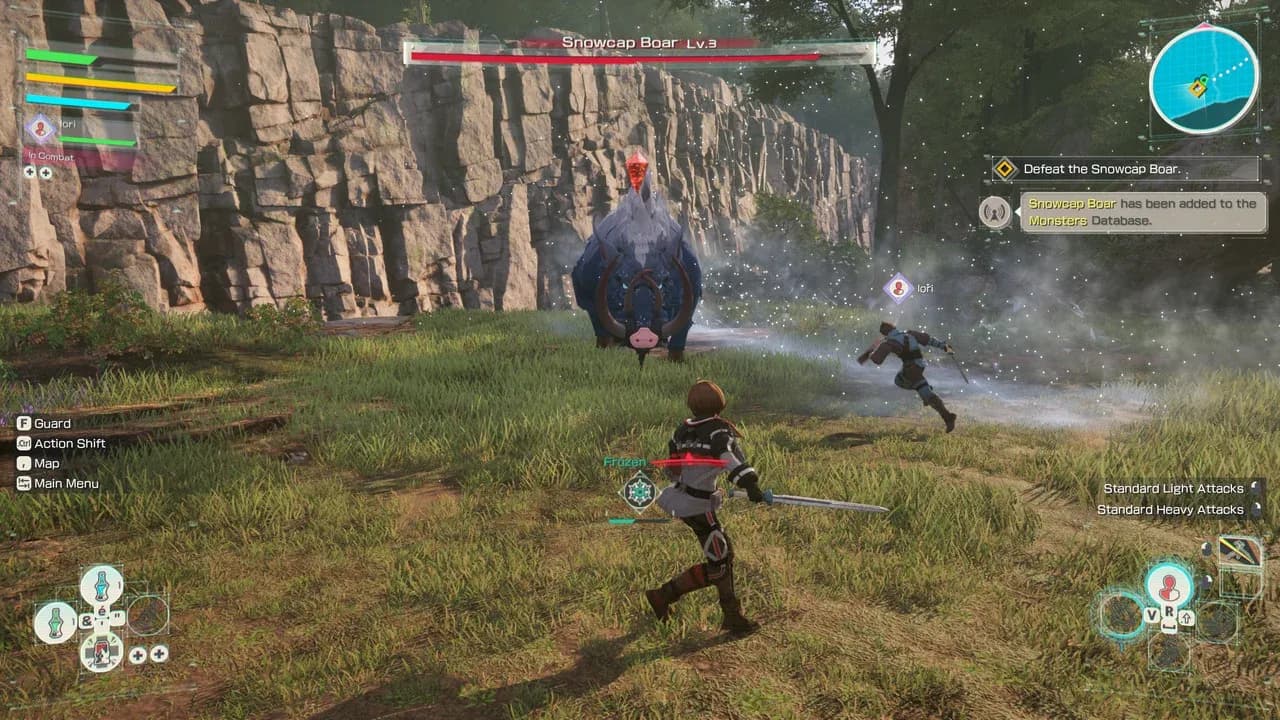
Graphics settings menu
Running the game without an FPS limit produces noticeable stutters even on capable hardware. Echoes of Aincrad is an action RPG, not a competitive shooter, so the benefit of 120+ frames is minimal compared to the consistency you get from a locked 60. A smooth 60 FPS during a boss fight beats an unstable 90 every time.
Once the game receives post-launch patches that address performance, revisiting the cap makes sense. For now, the lock keeps things predictable.
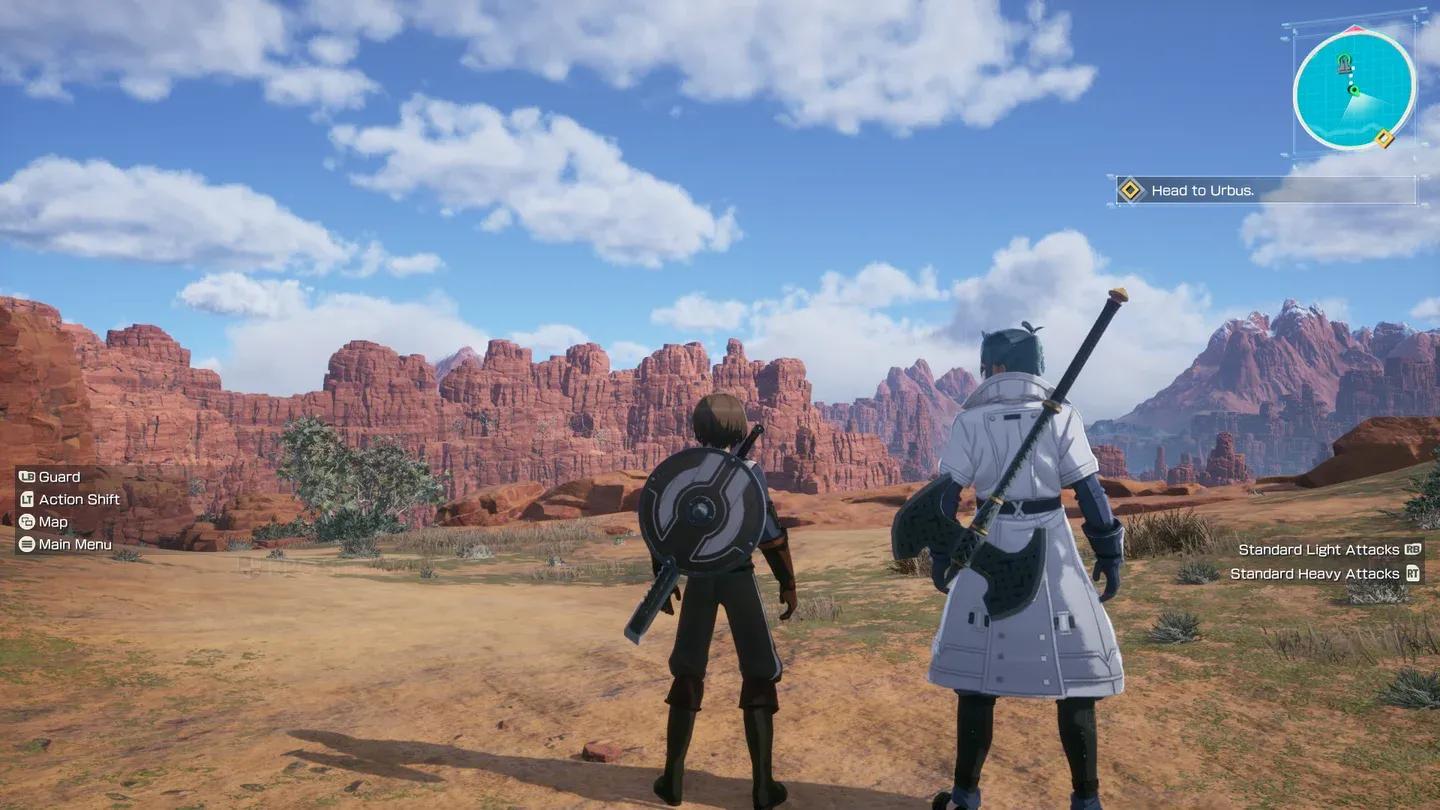
FPS cap and performance mode
The Game Performance setting has two useful options:
There is no reason to use a quality-focused mode unless your PC is well above recommended specs and you are not experiencing any performance issues.
For most players, yes. V-Sync introduces input lag and can drag your frame rate down to hit sync thresholds, which is a bad trade in an action game where timing matters. The only scenario where enabling it helps is if you are seeing severe screen tearing that makes the game genuinely hard to play. In that case, turning it on trades one problem for a smaller one.
If your machine is below the recommended specs, apply these settings first:
Those six changes will give you the best chance at a stable experience before you start adjusting anything else.
Solid performance settings keep you in the fight, but knowing the game's systems is what wins it. The Echoes of Aincrad beginner guide covers stamina, Sword Skills, and Growth Points so you are not learning the hard way. For deeper optimization, the combat, crafting, and builds guide breaks down weapon types, EX-MODs, and partner mechanics. Browse the full Echoes of Aincrad strategy guide collection for everything else you need.