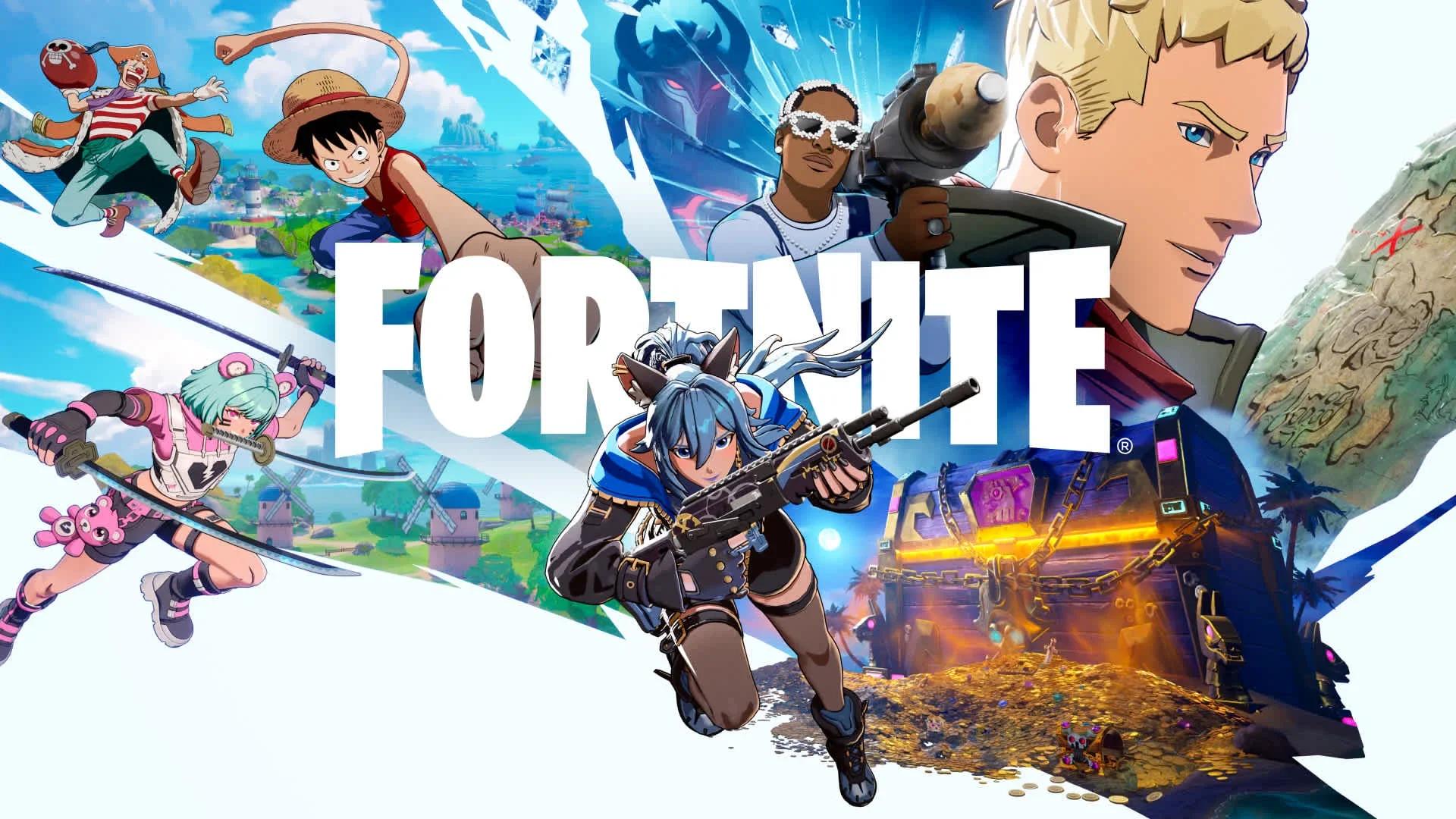

Jonesy, Ramirez, Emmy and 11 more default characters sit behind the Edit Styles option of the Default Outfit in your Locker. Here are all 14 options and how to choose the one you want.
What Is the Fortnite Default Skin?
The Fortnite default skin is the outfit Fortnite puts on your character when you have no other outfit equipped. These plain characters have been part of the game since launch, and players often call them "defaults" or "recruits."
For years, the game picked a default at random every match. Since December 2024, you can choose which default you wear, and the choice costs nothing.

All 14 Default Skins You Can Pick
The default picker offers 14 characters:
| Default Skins (1 to 7) | Default Skins (8 to 14) |
|---|---|
| Emmy | Jonesy |
| Amy | Aiden |
| Melody | Cyrus |
| Ramirez | Elias |
| Simone | Jonah |
| Lena | Robbie |
| Jo | Liam |
Randomize Your Default
The same menu also has a Randomize option. Pick it and the game goes back to giving you a random default from this list.
Which Chapter 1 Defaults Are Available?
Several famous Chapter 1 defaults, such as Headhunter, Spitfire, Renegade, Hawk, Banshee and Wildcat, are not in the picker. Of the original Chapter 1 group, only Jonesy and Ramirez made the list.
How to Change Your Default Skin
The default you choose shows up whenever no other outfit is equipped. Follow these steps in the lobby:
- Open the Locker tab in the Fortnite lobby menu.
- Go to the Character section and open Outfits. This is the list of every outfit you own.
- Select Default Outfit. It is the hanger and t-shirt icon at the top left of the outfit list.
- Open the three-dot menu and choose Edit Styles. This opens the Pick Outfit screen.
- Pick one of the 14 defaults, or choose Randomize. The character you select becomes your Default Outfit look.
Where the Default Skins Came From
The first group of defaults arrived with the game in 2017. Players gave them nicknames such as Jonesy, Ramirez, Headhunter, Spitfire, Renegade, Hawk, Banshee and Wildcat, since the game itself never named them.
A new set of defaults, including Emmy, came with Chapter 2 Season 1 in October 2019. Apart from Jonesy and Ramirez, every name in today's picker belongs to these later default groups.
If you want your character to stand out from the default crowd, the Override Battle Pass and Treasure Hunters skins list the outfits you can earn this season. Two free options are the Shadow the Hedgehog skin and the Pixel Polli skin. For a themed look, the Fortnite cat skins guide lists every cat outfit and how it was released.