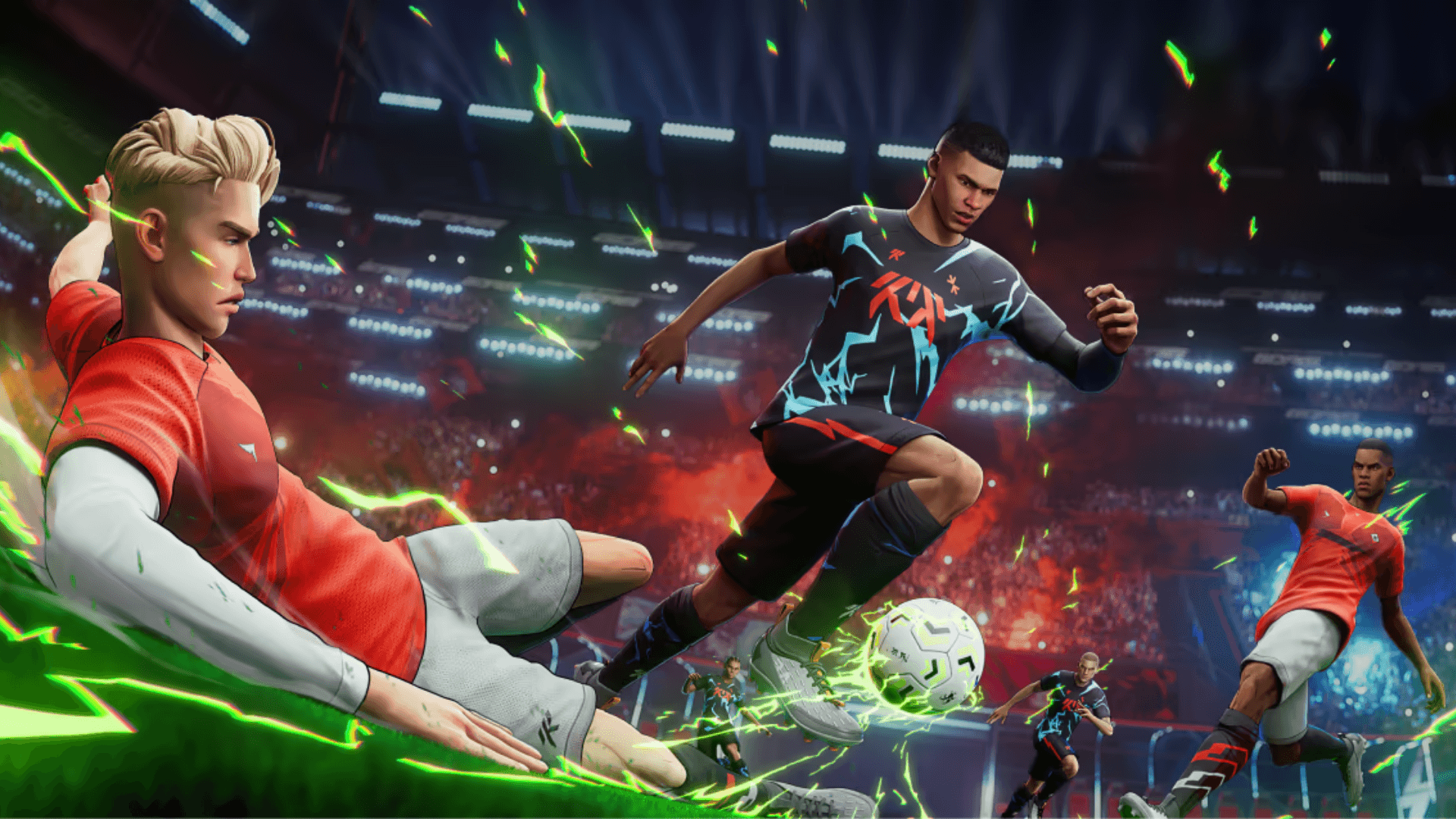


GOALS launched on PC, PlayStation 5, and Xbox Series X|S as a free-to-play competitive football game built around skill and player control. The release went smoothly for most platforms, but a chunk of Steam players hit a wall immediately: the game downloads fine, then locks up at a Finishing Install screen and never moves past it. The loop repeats indefinitely, and there is no in-game prompt telling you what to do.
The good news is there are two working fixes. The bad news is neither of them comes from a patch, because the root cause is still unconfirmed. Here is what to try.
What is the GOALS 'Finishing Install' bug?
The Finishing Install bug triggers during the final phase of the Steam installation process. Instead of completing and launching, the game gets stuck in a loop at that stage. The issue appears to be random, meaning some Steam users install without any problems while others hit it every time. No specific hardware configuration or system spec has been identified as the trigger.
How do you fix the 'Finishing Install' bug in GOALS?
There are two approaches. One is quicker but less reliable. The other takes more setup but consistently avoids the problem.
Fix 1: Uninstall and reinstall through Steam
The first option is to fully uninstall GOALS from Steam and start the download again from scratch. Some players in the official discussion thread confirmed this resolved the issue for them. The process is straightforward:
- Right-click GOALS in your Steam library
- Select Manage then Uninstall
- Confirm the uninstall and wait for it to complete
- Relaunch Steam and reinstall the game
The catch is that the bug can trigger again on the second attempt. There is no guarantee a clean reinstall will stick. If it works, great. If the loop returns, move to Fix 2.
Fix 2: Install GOALS through the Xbox app on PC
This is the more reliable workaround. Downloading GOALS through the Xbox app on PC bypasses the Steam installation process entirely, and the Finishing Install bug does not appear to affect this route.
Here is what you need:
- The Xbox app installed on your PC (free to download)
- A Microsoft account (also free to create if you do not have one)
Once you have both, search for GOALS in the Xbox app, approve the download prompts, and the installation runs cleanly. The game uses the same account across platforms, so any progress or profile you set up carries over regardless of which client you used to install.
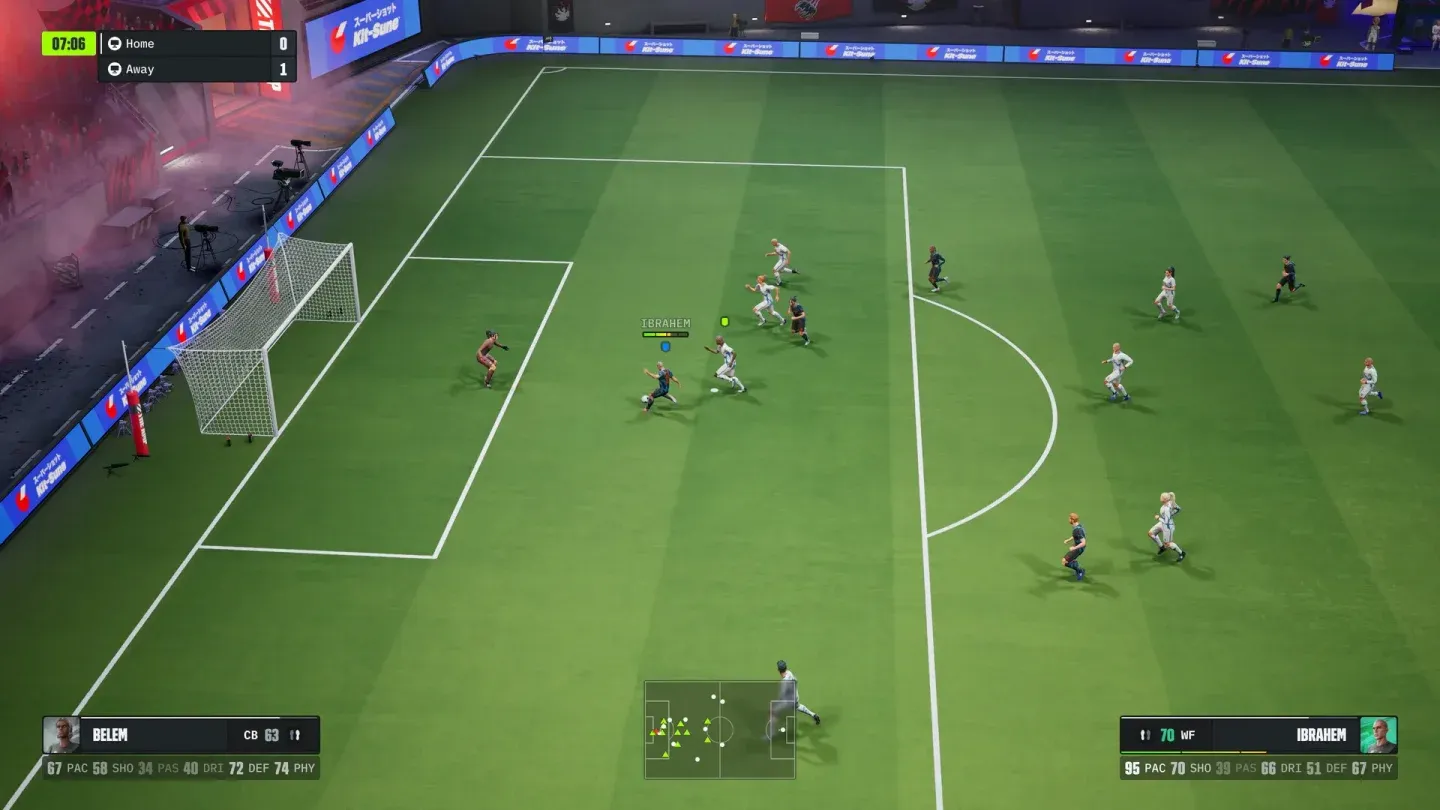
solve goals finishing Xbox app
Is this a Steam problem or a GOALS problem?
The fact that the Xbox app installation works without issue points toward Steam's side of the process as the likely source. The game itself installs and runs fine once you get past the stuck screen. No in-game content or performance issues have been linked to the bug, so once you are in, you are in.
The GOALS team has not released a patch addressing the issue as of June 4, 2026, so the Xbox app workaround remains the most dependable path for anyone hitting the loop repeatedly.
For more help with the game, check out the full GOALS guides collection as more content drops. GOALS joins a growing lineup of sports games pushing the free-to-play model, and getting past the install screen is the first step to actually playing it.