
Yes, you can play Grand Theft Auto 6 offline on PS5 after installation and setup, with offline access enabled.
You still need to prepare before disconnecting. Download your digital copy, complete its initial launch while connected, and configure the console you intend to use. Xbox Series X|S also supports offline access to eligible digital games through its Home Xbox setting, but Grand Theft Auto 6's full Xbox-specific requirements are less certain. If you are preparing for travel or an unreliable connection, test the game without internet while you can still reconnect to fix a problem.
What does offline support cover?
The PlayStation Store lists Grand Theft Auto 6 with offline play enabled, and Rockstar describes it as a single-player experience. On PS5, the story does not require a constant internet connection once the game and console are ready for offline use.
The Grand Theft Auto 6 single-player campaign is the relevant experience here. You can explore Vice City and complete story missions without keeping the console connected. That does not make every associated feature or service available offline.

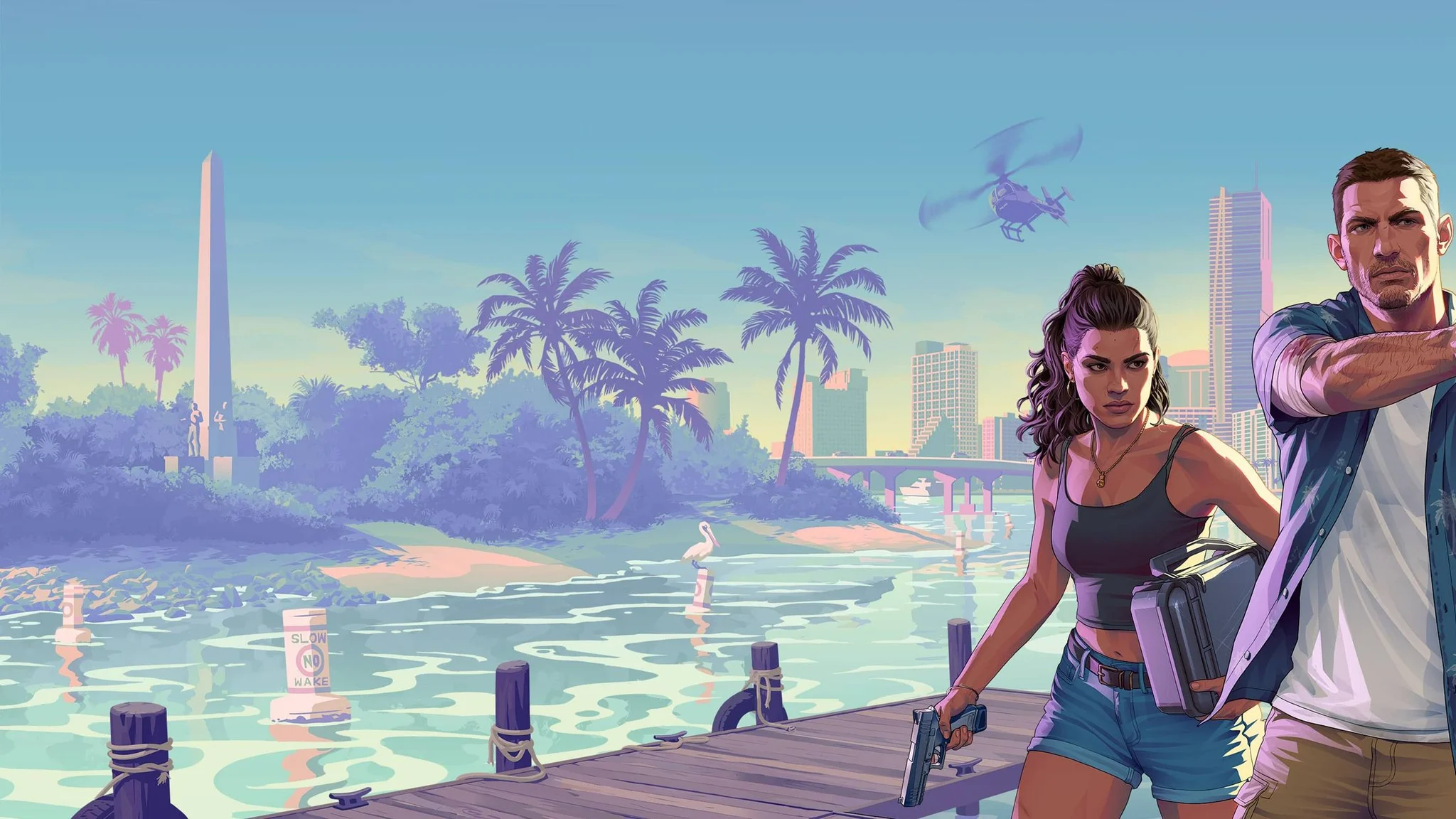
Vice City in Grand Theft Auto 6


PS5 and Xbox offline access compared
The main difference is how firmly the game-specific support is established. PS5 has an explicit offline-play listing. Xbox has a console-level setting for supported digital purchases, but that setting alone does not settle every requirement for this particular game.
| Platform | Offline support | Console setting to prepare | Final check |
|---|---|---|---|
| PS5 | The PlayStation Store lists offline play as enabled | Console Sharing and Offline Play | Launch the installed story after disconnecting |
| Xbox Series X|S | Home Xbox supports eligible digital games offline; the game's full Xbox-specific requirements remain unconfirmed | My home Xbox | Verify that your copy reaches story gameplay without a connection |
Treat offline play as access to the installed campaign, not as a promise that downloads, account services, or every extra feature will work without internet.
How to enable offline play on PS5
Use the PS5 where you plan to play without a connection. Its offline-access setting controls access to purchased and downloaded games, so preparing a different console will not prepare the one you take with you.
Enable the console setting
- Open Settings on your PS5.
- Select Users and Accounts.
- Open Other.
- Select Console Sharing and Offline Play.
- Choose Enable if it is not already enabled.
The setting's screen is the place to check whether offline access is active. Leave an already-enabled setting in place.
Check access for a shared purchase
This PS5 setting also supports Grand Theft Auto 6 game sharing. If you are using a shared purchase, prepare access on the console that will actually run the game offline, rather than assuming a successful launch on another machine covers it.
Complete the game's first launch with an active connection before attempting the offline check. Reaching the download's completion screen is not the same as finishing any initial setup or license verification.
How to prepare Xbox Series X|S for offline play
On Xbox, start with My home Xbox. This console setting allows supported purchased digital games to run without an active internet connection.
Set your Home Xbox
- Press the Xbox button to open the guide.
- Go to Profile & system, then Settings.
- Select General.
- Open Personalization, then My home Xbox.
- Choose Make this my home Xbox if it is not already selected.
Check this setting on the Xbox you intend to use while disconnected.
Verify the game itself
Rockstar has not confirmed every offline requirement for the Xbox version. Do not treat the Home Xbox setting as a guarantee that your particular installation is ready.
Launch Grand Theft Auto 6 while connected and complete its initial setup. Then disconnect and launch it again. If it cannot reach the story, reconnect while you still have access to a working network and check the installation and Home Xbox setting before making plans around offline play.
What still needs an internet connection?
Offline campaign support removes the need to stay connected throughout story play. It does not remove the internet requirements for getting digital content onto your console or using connected services.
Updates, extra content, and account services
You will also need to reconnect when you want to download game updates or additional content. If you want those installed for an offline session, get them before disconnecting.
Rockstar states that certain game features and services may require internet access or a Rockstar Games account. A feature that asks for an online connection should not be treated as part of the offline campaign guarantee.
These instructions concern the game running directly on PS5 or Xbox Series X|S. Playing through a computer involves a different setup, covered in the Grand Theft Auto 6 PC, Remote Play, and capture card guide. Do not use a successful launch through another device as your only check of the console's offline access.
How to check your setup before leaving
The useful test is whether the story launches with the connection removed. Do this while you can still reconnect, not after arriving somewhere without internet.
- Finish installing the game and any updates or extra content you want available.
- Confirm the appropriate offline-access setting for your console.
- Complete the initial connected launch and setup.
- Disconnect the console from the internet.
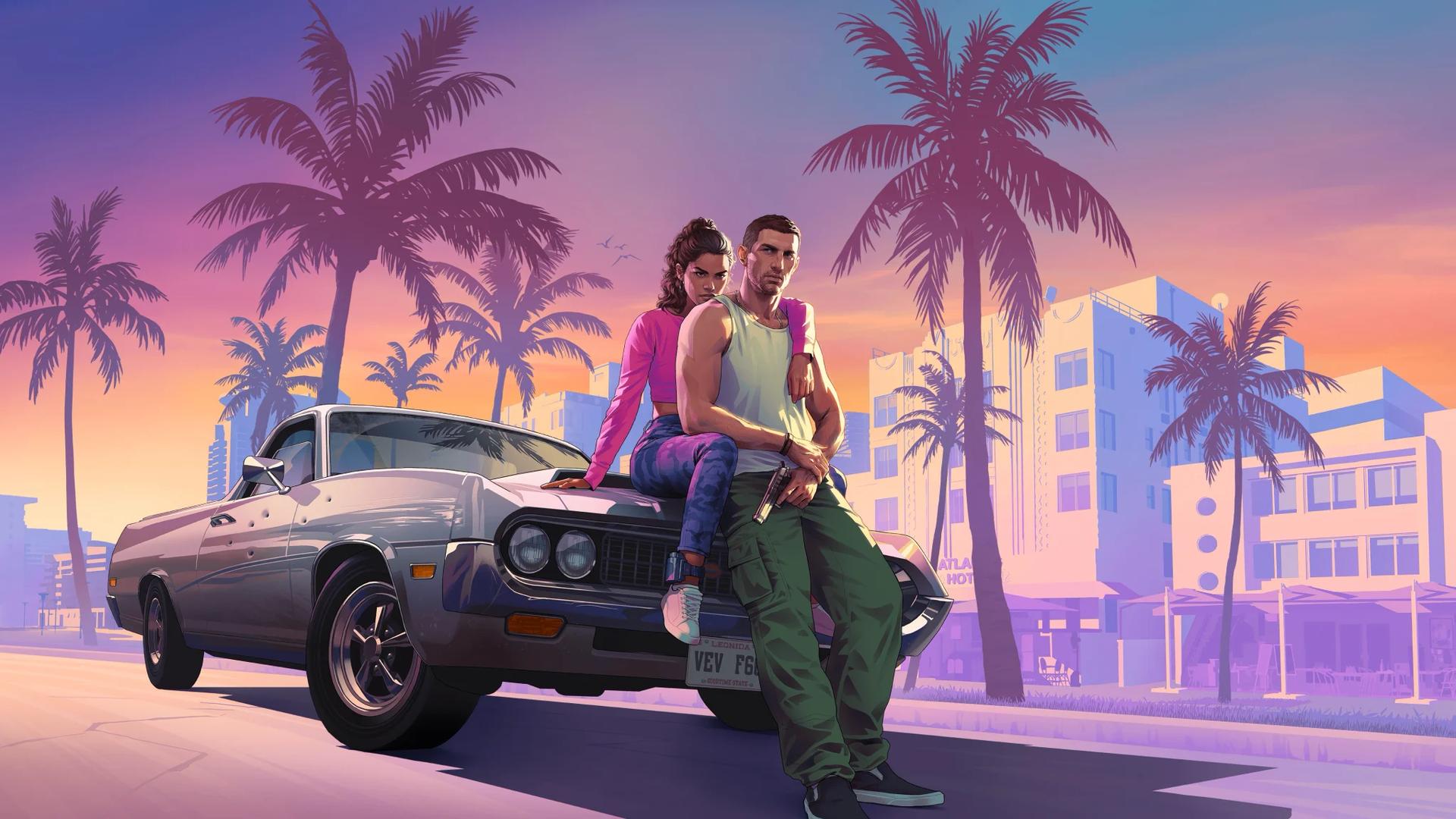
- Launch Grand Theft Auto 6 again and confirm that you can reach story gameplay with Jason or Lucia.
Reaching actual story gameplay checks more than seeing the game's icon or opening its title screen.
Do you need to reconnect every hour?
An hourly reconnection is not a confirmed requirement. There is no established one-hour cutoff for offline story sessions, and an hourly check-in should not be presented as a rule for protecting your progress.
If the console displays a license or account prompt, address that specific prompt while connected. Before relying on an extended offline session, make sure the installed game passes the disconnected launch check on the exact console you will use.