

This GTA 6 bugs tracker monitors two pre-release issues for Grand Theft Auto 6: floating items and occasional frame-rate dips in busy open-world scenes. Both were observed on PS5 Pro and were minor in impact. This tracker covers those two issue types, not every individual object or slowdown. Use the checklist to match a symptom, check its fix status, and avoid mistaking a gameplay restriction for a fault.
Grand Theft Auto 6 bug checklist
Pre-release snapshot: November 18, 2026.
| Issue | Category |
|---|---|
| Items floating in mid-air | Visual |
| Very occasional frame-rate dips during busy open-world scenes | Performance |

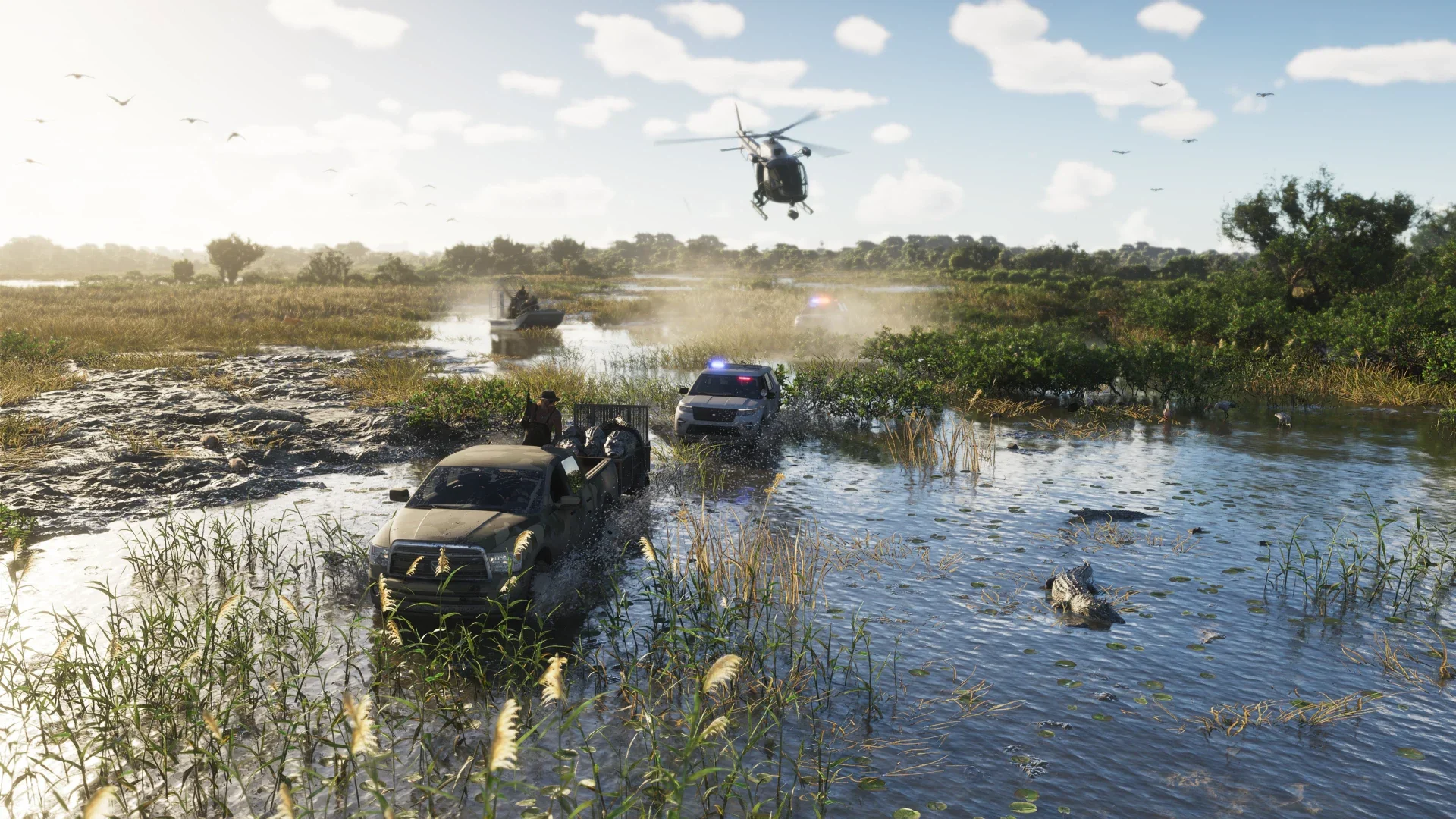
Items floating in mid-air
The visual issue involves certain items appearing suspended above the ground. It was a minor presentation fault, with no game-breaking effect described.
If you encounter this symptom, capture a screenshot with enough of the surroundings visible to identify the scene. Keep the object’s appearance separate from any interaction problem: an item looking misplaced does not, by itself, establish that it cannot be collected or used.
Very occasional frame-rate dips
Grand Theft Auto 6 runs at 30fps on PS5 Pro. The performance issue concerns occasional drops below that presentation during busy scenes, not the standard frame-rate target itself. A steady 30fps image is not the symptom tracked here.
For a useful recording, keep footage from before and after the slowdown so the surrounding activity is visible. Identify the area with the Grand Theft Auto 6 locations guide, and note what was happening on screen. A place name provides context; it does not establish that the whole area has a performance problem.
Has Rockstar fixed these issues?
Rockstar was already aware of both problems and working on them before release. Their status in this snapshot is work underway, not a completed fix. A release-day update was a possibility, not a promise that either symptom would disappear.
The reported 65-hour PS5 Pro playthrough had no crashes, loads into unexpected areas, or game-breaking faults. Keep that result limited to that playthrough. It does not guarantee identical behavior on every console or save, and the PS5 Pro observations should not be presented as Xbox Series X/S results.
When checking a later update, distinguish a patch being installed from a particular problem being resolved. Do not label either tracker entry fixed solely because the game has received an update.
Is it a bug or a gameplay rule?
Several Grand Theft Auto 6 gameplay features place conditions on vehicle access, carried equipment, and character stats. Check those conditions before treating an unexpected result as another bug.
Parked vehicles can require tools
You cannot immediately take every parked vehicle. Some require tools that become available as the story progresses, so being unable to enter a particular car can be a progression restriction.
The phone’s vehicle-scanning app shows whether you can take a vehicle at that point, alongside information about its characteristics and the difficulty of keeping it. Check that readout before classifying a blocked theft attempt as a broken interaction.
Weapons have carry and storage limits
For Grand Theft Auto 6 weapons, the equipped limit is two long arms and two sidearms. Long arms can also be stored in a vehicle’s boot. Check your equipped loadout and vehicle storage before describing a weapon as missing.
Storage also affects how you should interpret the loss of stolen goods:
Core stats can decrease
Health, stamina, and focus can shrink if you stop maintaining them. A lower bar is not automatically a stat-reset bug. Strength training improves health, running, cycling, and swimming improve stamina, and activities such as basketball and fishing improve focus.
Workout progress also has a maintenance requirement. You need to complete another workout within a certain time to preserve progress toward the next level. Check that routine before treating lost training progress as a save problem.
Sprinting uses a different input
Ordinary movement no longer requires repeatedly pressing X or A to run. Clicking the left stick controls jogging or sprinting. If old button habits make your character jump when you intend to run, check the movement input before diagnosing a controller fault.
What to record when you encounter a problem
A useful bug record separates what you saw from what you think caused it. Collect these details before changing several things at once:
- Capture the symptom. Use a screenshot for a misplaced object or a short video for a slowdown.
- Record the platform and installed game version. Keep a later occurrence separate from this pre-release PS5 Pro snapshot.
- Describe the context. Include the location and the action immediately before the problem appeared.
- Note whether it repeats. Distinguish a single occurrence from a symptom that returns under the same conditions.
For a crash, loading fault, or blocked interaction, create a separate record instead of assigning it to one of these two entries. Describe the visible behavior first; a shared location or platform alone does not make it the same problem.