
How to Fly a Plane in Grand Theft Auto 6
To fly a plane in Grand Theft Auto 6, stand next to it and press Triangle (PS5) or Y (Xbox) to get in. Hold R2 or RT to build speed, then gently pull back on the Left Stick to raise the nose and climb. You steer with the Left Stick and swing the nose left or right with the face buttons.
You need an aircraft first. The plane locations guide covers where to find one and how to take off from water or a runway.
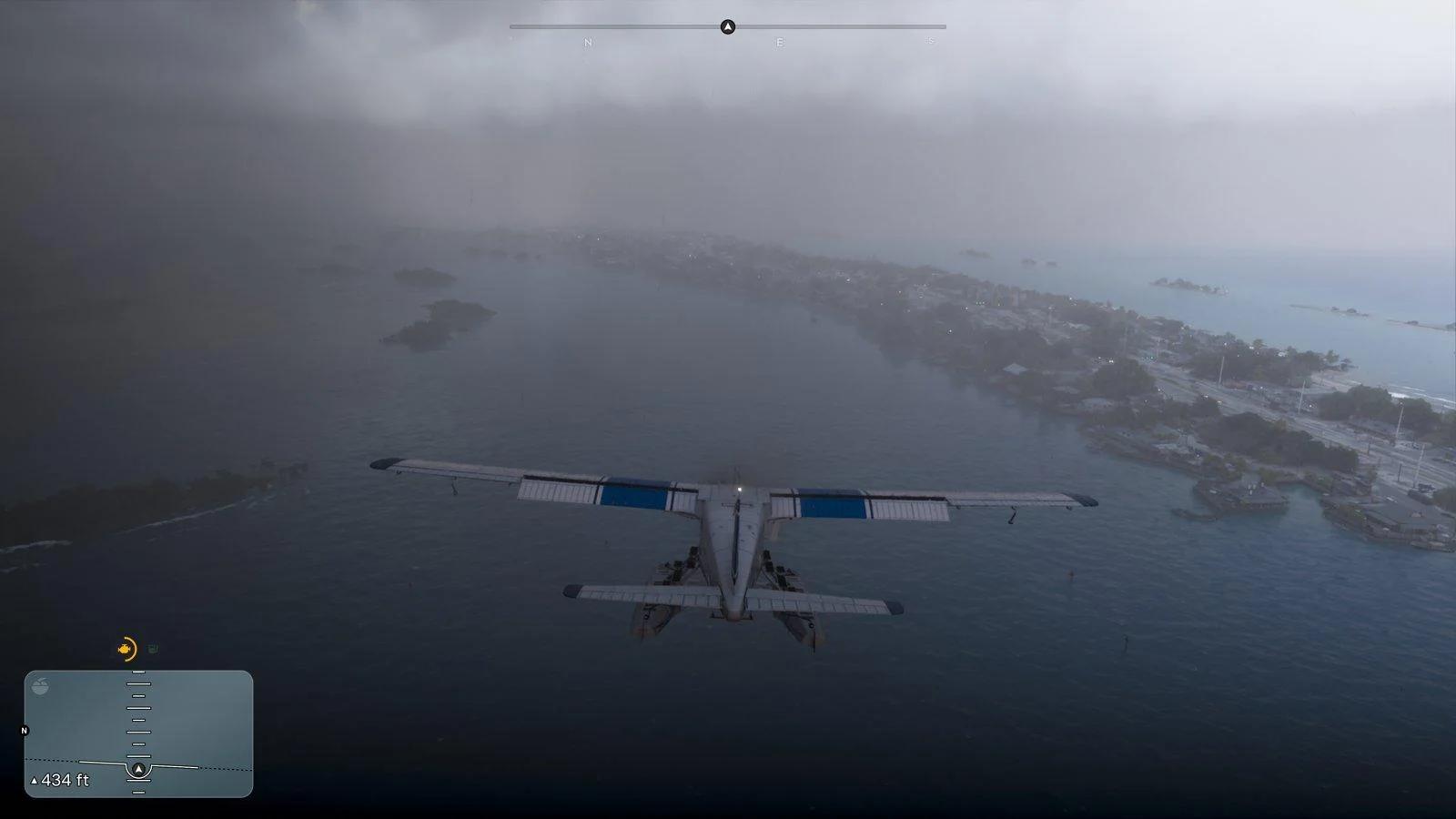
While you are in the air, the minimap switches to a flight indicator with an altitude readout.


Plane Controls on PS5 and Xbox
Default Aircraft Layout
These are the default layout inputs for flying. Every other button keeps its normal in-vehicle job.
| Action | PS5 | Xbox |
|---|---|---|
| Steer (pitch and roll) | Left Stick | Left Stick |
| Speed up engine | R2 | RT |
| Slow down or stop engine | L2 (hold) | LT (hold) |
| Yaw (nose swing) right | Circle | B |
| Yaw (nose swing) left | Square | X |
| Landing gear, if the plane has it | L3 | Left Stick click |
| Look | Right Stick | Right Stick |
| Look behind | R3 (hold) | Right Stick click (hold) |
| Exit the plane | Triangle | Y |
Check Settings and On-Screen Prompts
Open Settings > Control Scheme to preview the aircraft layout on your own platform before you take off.
Take Off, Turn, and Land
Follow these steps in order for a smooth first flight.
- Line up with the runway. Use the yaw buttons and the throttle to point the nose straight down the strip. A crooked start is hard to fix at speed.
- Hold the throttle. Hold R2 or RT until your speed builds.
- Pull back gently. Ease the Left Stick back to raise the nose and start climbing, then retract the landing gear if your plane has it.
- Turn with both inputs. Combine the Left Stick with Square or Circle (X or B on Xbox). Leaning on the stick alone banks the plane too hard.
- Slow for landing. Line up with a runway, lower the landing gear if there is one, then ease off with L2 or LT and descend at a shallow angle.
Large planes need more runway than small ones, so use the full length of the strip.
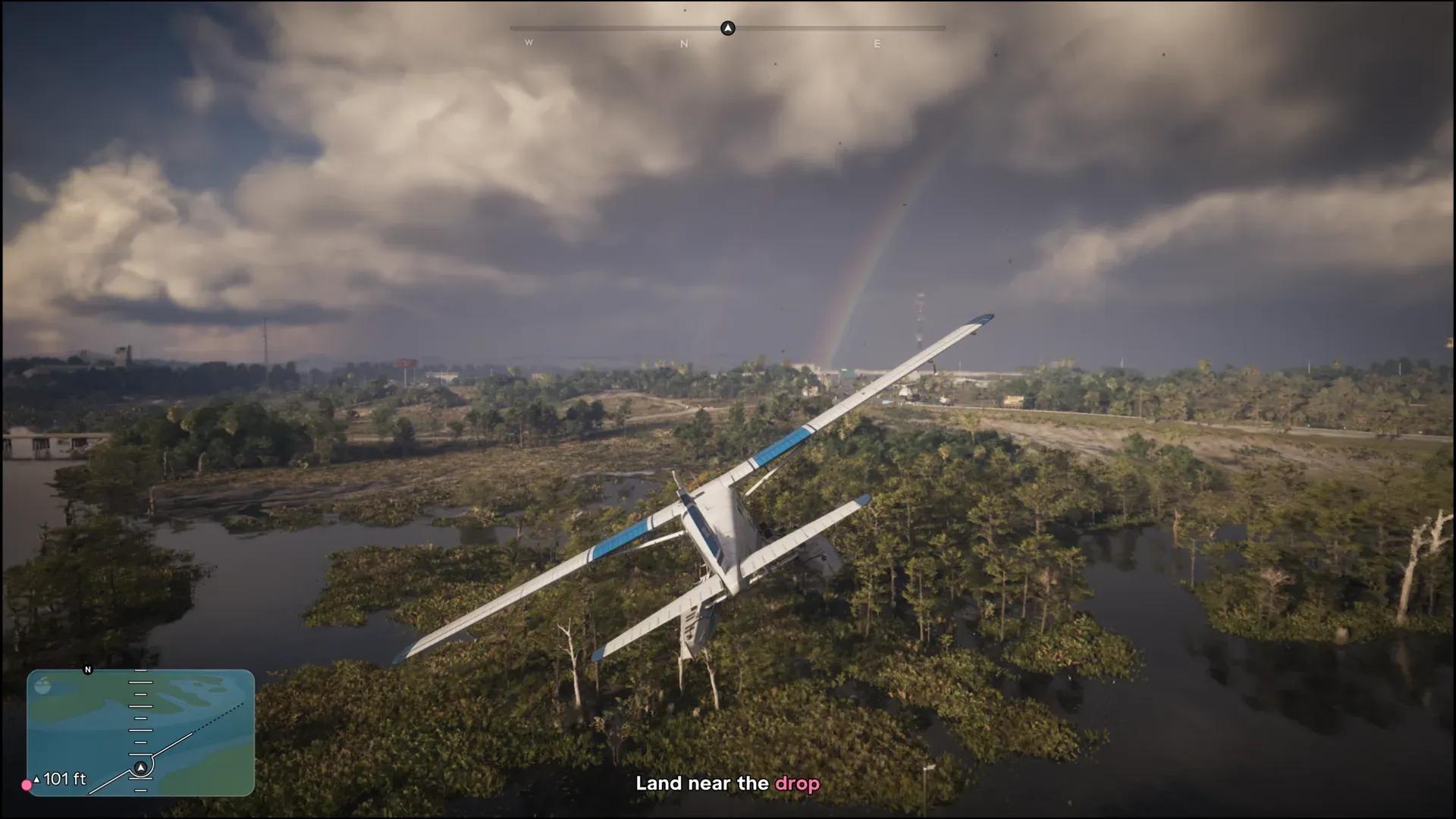
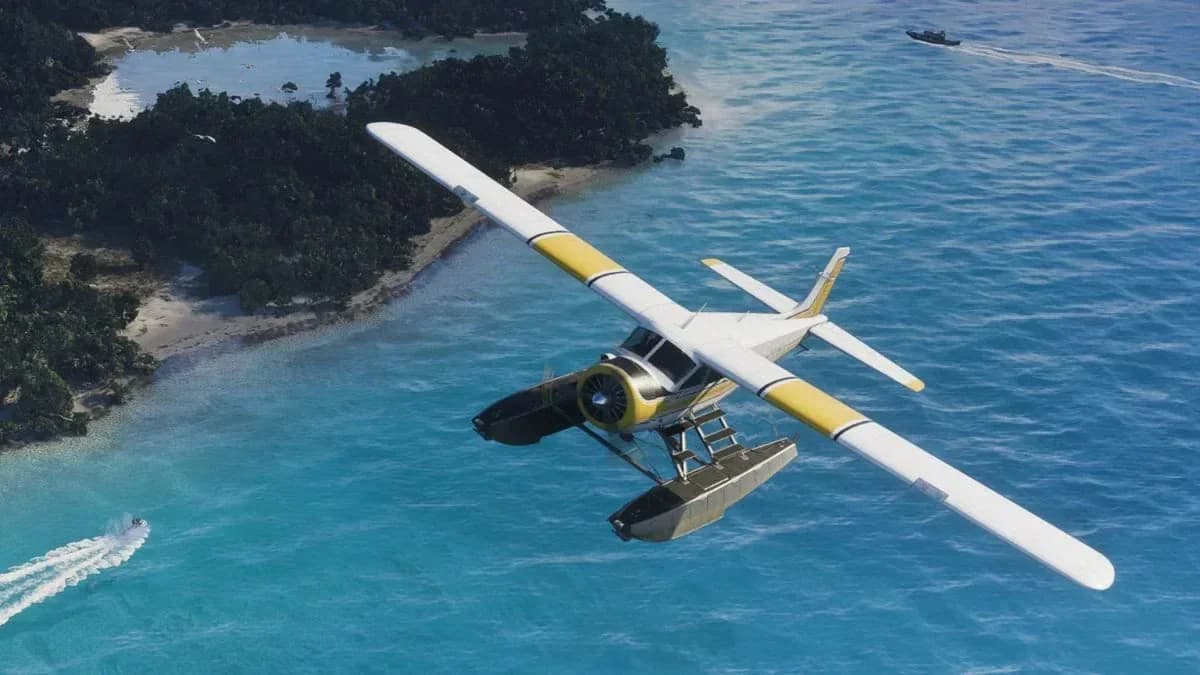
A seaplane lines up a landing near the drop.
Fix Inverted Flight Controls
If pitch feels backwards, Aircraft Movement has its own inversion option in the controller settings. It changes flying without touching your normal camera movement.
The best controller settings guide lists the other options worth changing. If you plan to jump out of a plane, read the parachute guide first.