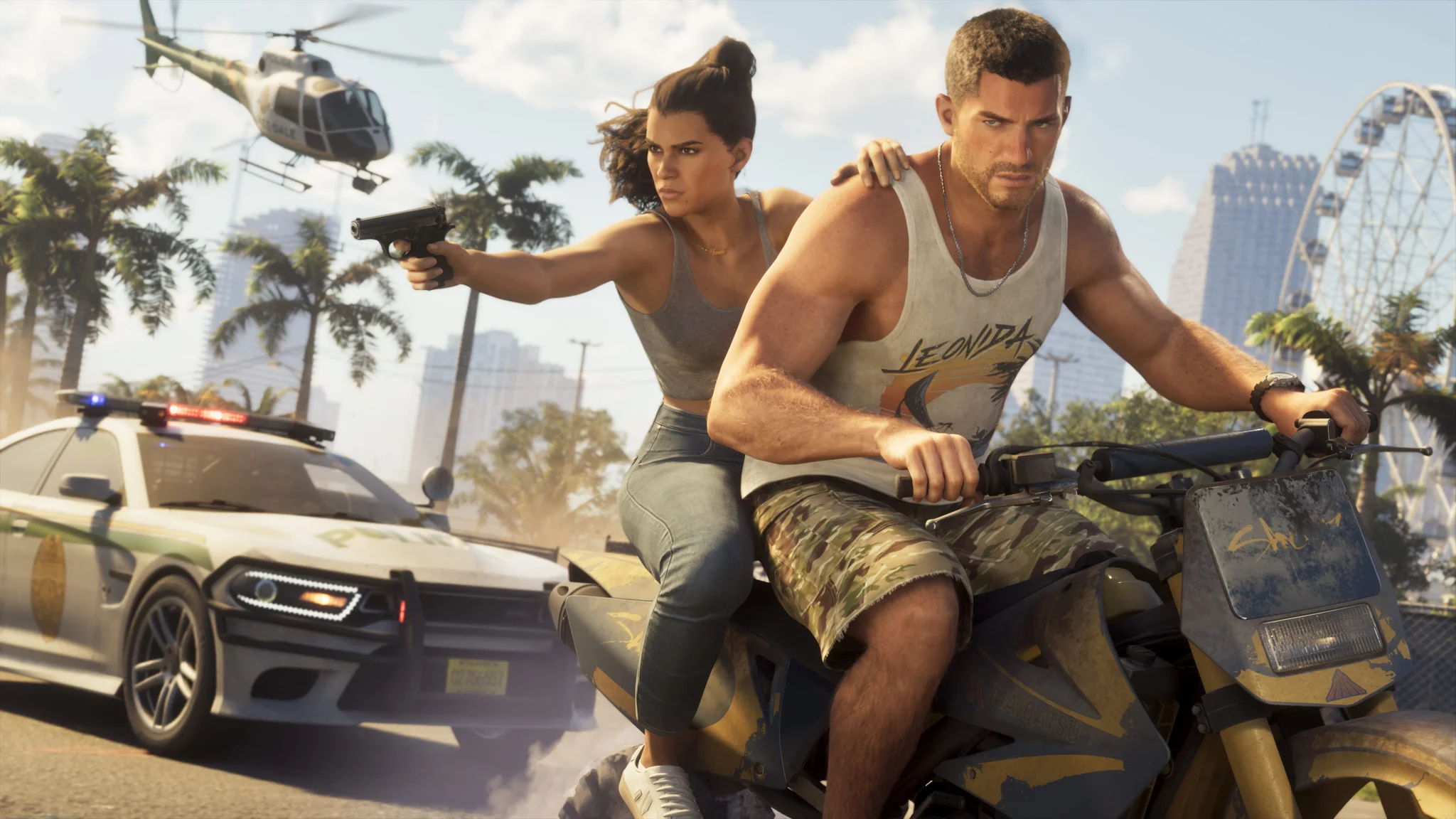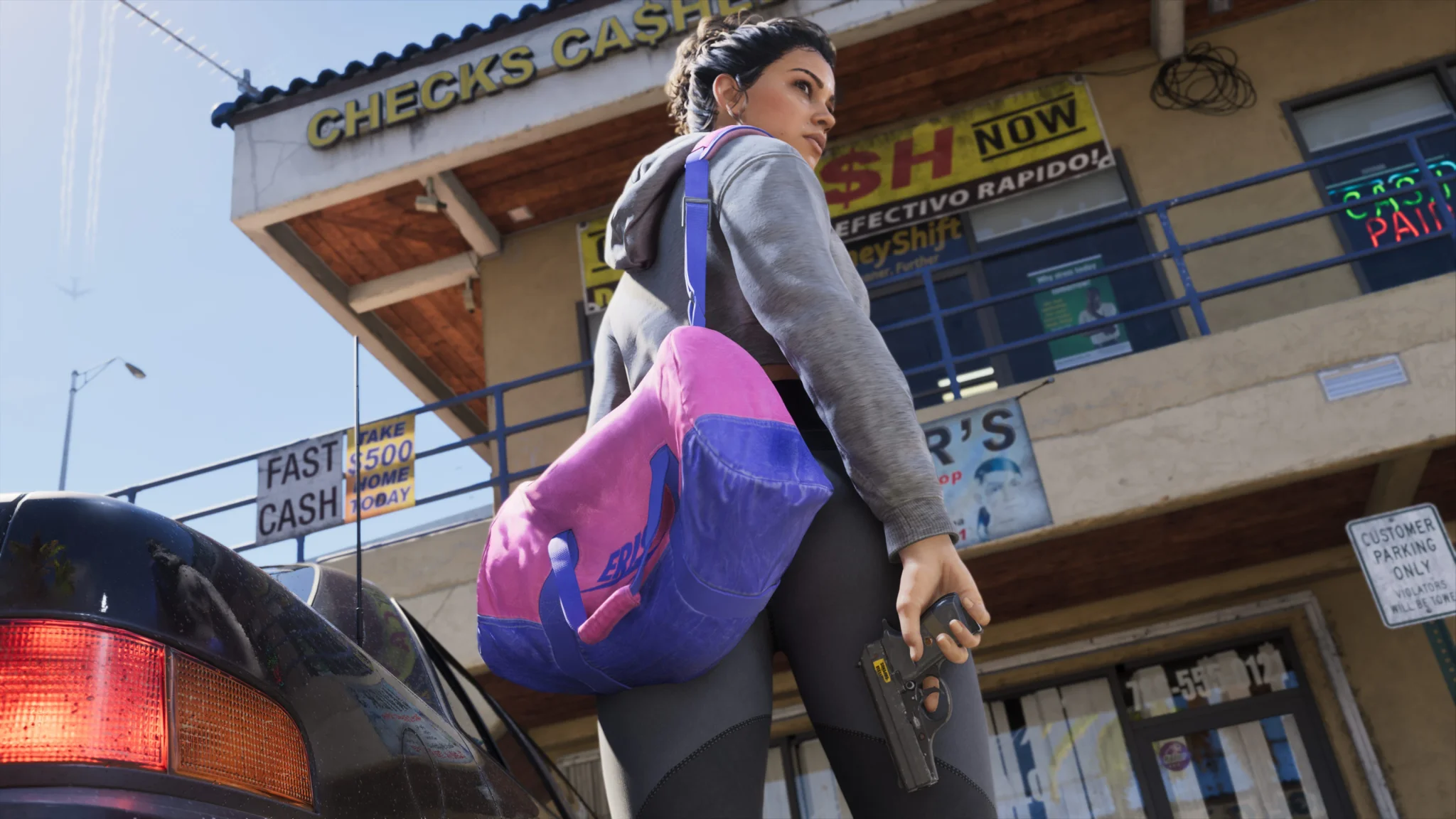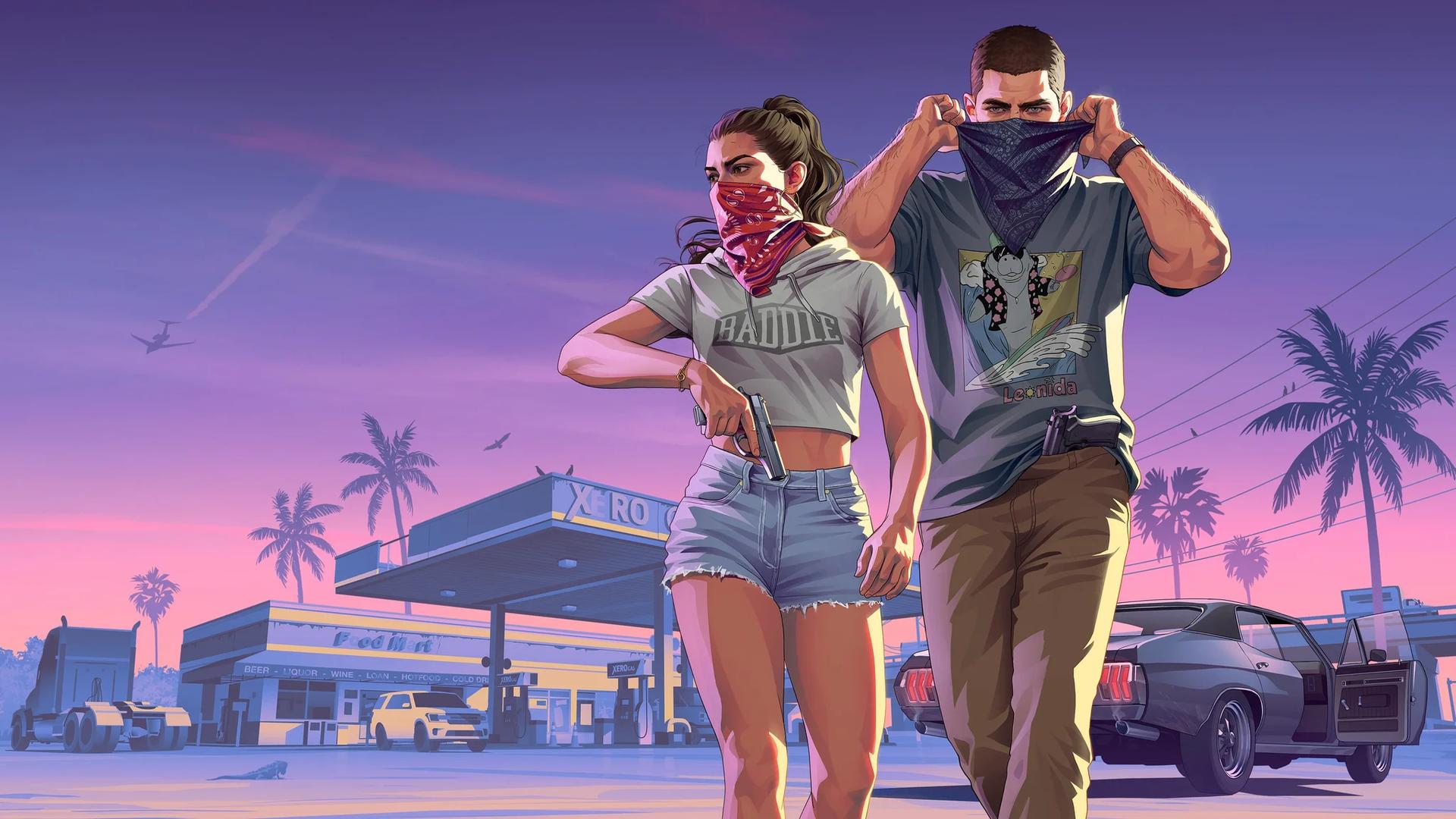

Yes, Grand Theft Auto 6 has photomode at launch, called Photo Studio. You can use it to compose pictures with camera controls, added lighting, and visual effects.
Photo Studio and Snapmatic serve different purposes. The studio handles photography, while the cellphone app lets you browse other people's posts. Before setting up a shot, learn the controller shortcut and the editing limits: cutscenes restrict some options, and the studio cannot change every detail of the scene.
How to open Photo Studio
Photo Studio is in the pause menu. You can select its menu entry or use a controller shortcut after pausing, without opening Jason's or Lucia's cellphone.
To enter the mode:
- Pause the game at the moment you want to photograph.
- Select Photo Studio in the pause menu, or press the shortcut for your console.
- Use the studio's camera, lighting, and effects tools to compose the image.
| Console | Photo Studio shortcut after pausing |
|---|---|
| PlayStation 5 | Press Square |
| Xbox Series X/S | Press X |
The Xbox shortcut is the X face button. On PlayStation, use Square, not the cross button.

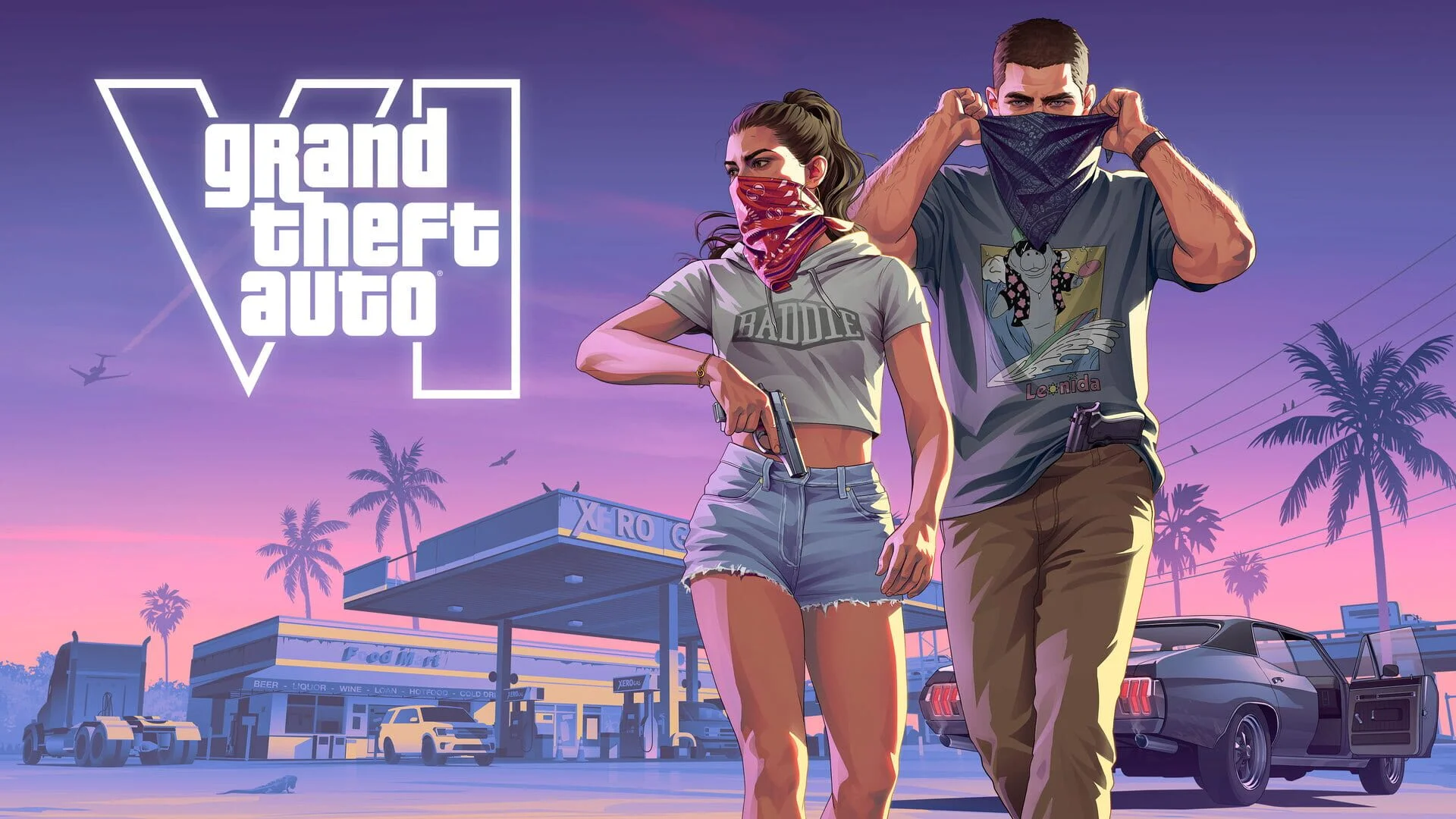
What can you edit in Photo Studio?
Photo Studio includes aspect ratio, aperture, and depth-of-field controls, plus color and post-processing options.
Camera controls and finishing effects
Start with the frame and focus before applying effects, so you can judge whether the subject is clear without a filter doing the work.
| Tool | What to use it for |
|---|---|
| Aspect ratio | Choose the shape of the image's frame |
| Aperture and depth of field | Adjust the shot's focus and blur |
| Color palette | Change the image's color treatment |
| Preset filters | Apply a prepared visual style |
| Vignette | Add shading around the edges of the frame |
For a character portrait, try separating the subject from the background with depth of field. For a wider environmental shot, keep more of the surroundings readable. These are composition choices, so there is no single preset that suits every picture.
Set the aspect ratio early. A frame that works for a wide view may crop out details you wanted in a narrower composition, making later lighting and focus adjustments less useful.
Added scene lighting
The studio lets you insert spotlights, floodlights, and softboxes. You can build several lighting layers and change their hue and intensity, giving you control beyond the illumination already present in the scene.
Work on one light at a time. Establish enough light to make the subject readable, then add another layer if you want to separate it from the background or introduce a different color. Adjusting several lights together makes it harder to identify which one is washing out a face or hiding a useful shadow.
Added lights are useful when the composition works but the subject is difficult to see. They do not replace the need to choose the right conditions in the world before entering the studio.
Photo Studio limits and cutscene restrictions
Weather, time, poses, and expressions
Photo Studio cannot change the weather or time of day. For a picture built around particular conditions, plan around the Grand Theft Auto 6 weather system before opening the studio. Lighting tools can alter how a subject is lit, but they cannot switch the world's conditions.
You also cannot put Jason and Lucia into new poses or change their facial expressions through Photo Studio. Pause when their existing posture and expression suit your picture, then build the composition around that moment.
For a shot where the characters' appearance matters most, choose the moment first. For a shot focused on the surroundings, prioritize the setting and use the available camera and lighting controls to frame it.
Can you use Photo Studio during cutscenes?
Yes, Photo Studio works during cutscenes, but fewer effects are adjustable than during regular gameplay. You can still enter the mode without having access to its full editing toolset.
How Snapmatic differs from Photo Studio
Opening the social feed
Snapmatic is an interactive app on the in-game cellphone. Open the phone and select Snapmatic to browse posts from other people.
Use the feed when you want to explore the game's social posts. It is separate from the pause-menu photography tools, so you do not need to search through the phone to enter photomode.
What you can do with posts
Snapmatic lets you like posts, read the comments underneath them, and mark the destination where an image was taken on your map. Location marking makes the feed useful when a post shows somewhere you want to visit.
You cannot publish posts on Snapmatic. Taking a picture in Photo Studio does not give you a way to upload it to the in-game feed.