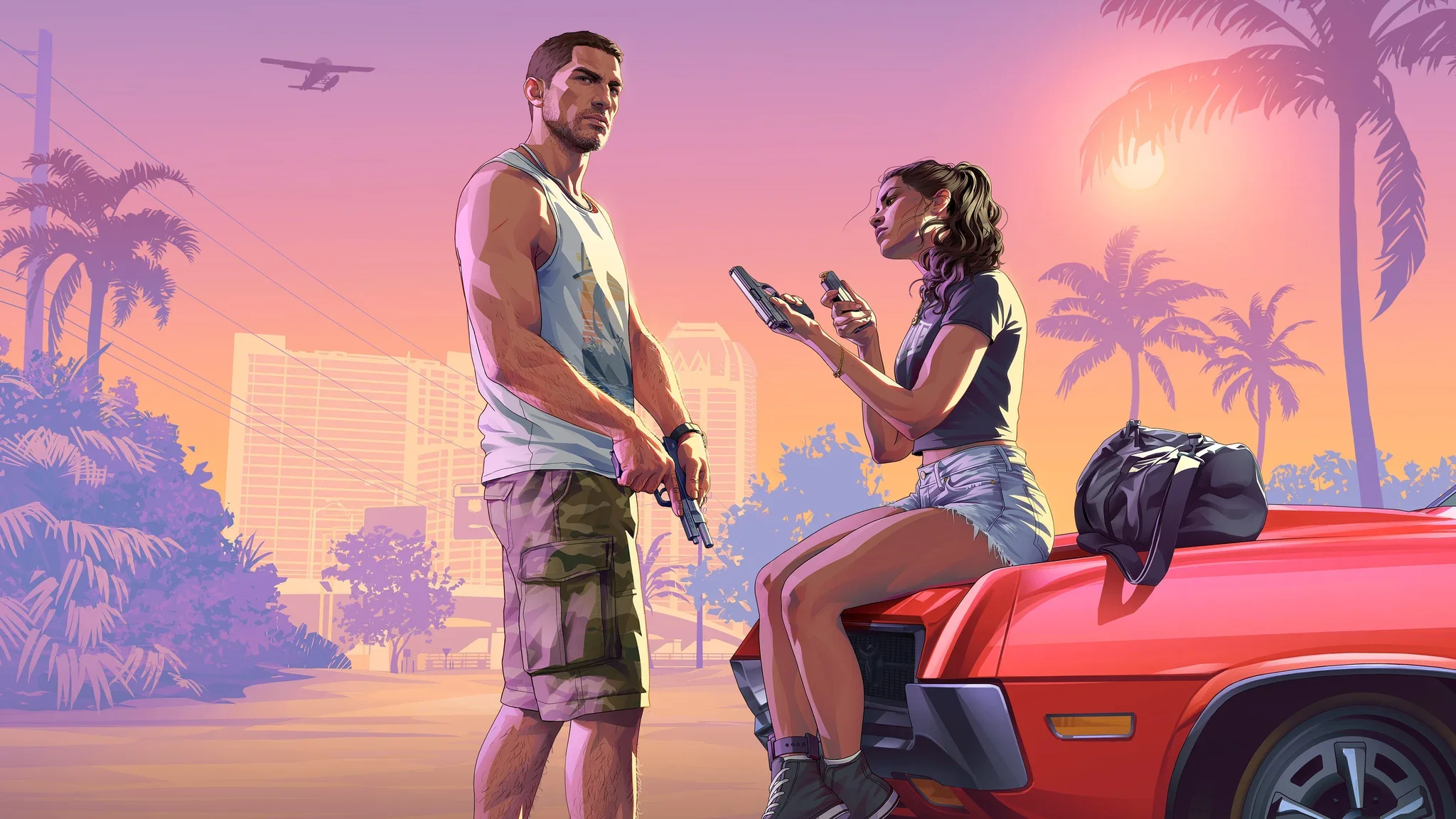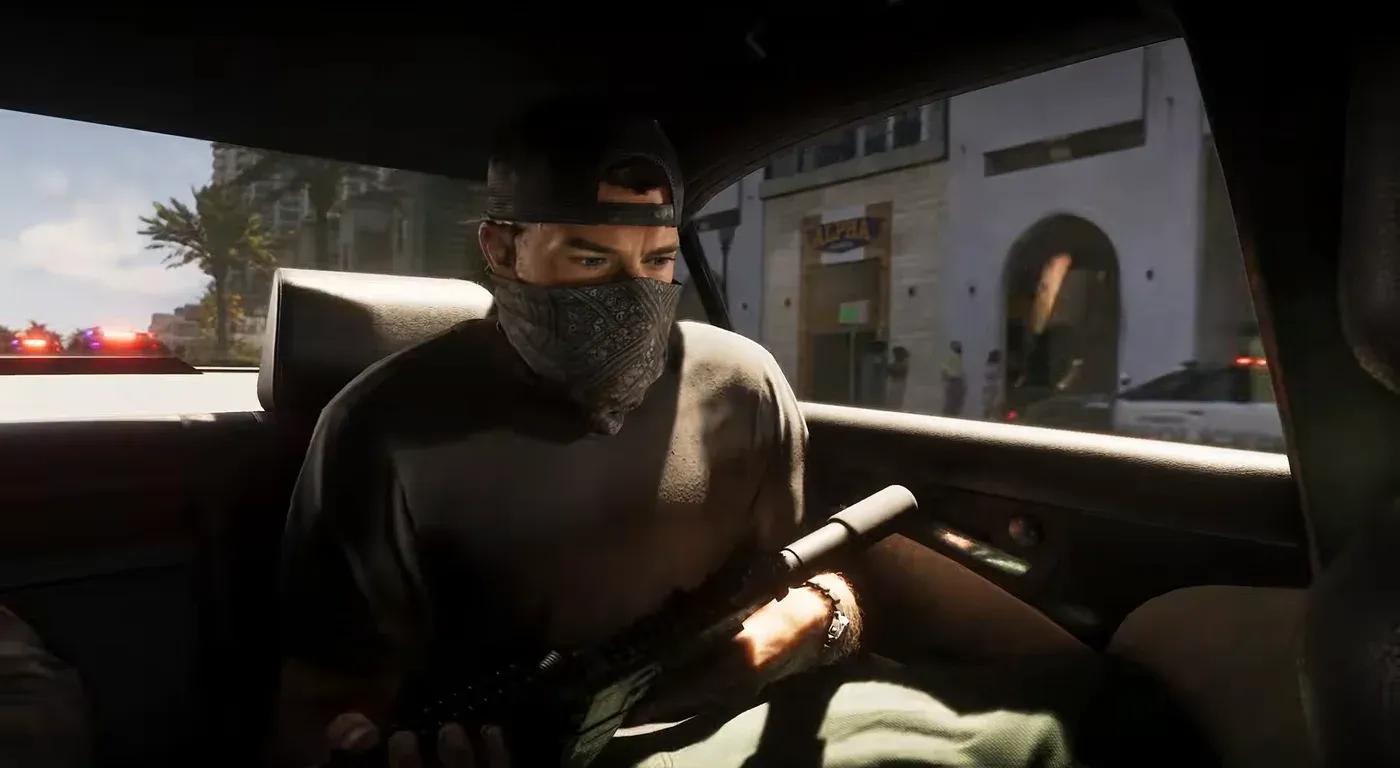

To save weapons in Grand Theft Auto 6, stow them in your registered car’s trunk; permanent recovery requires a purchased or unique weapon. Keeping a gun you found and permanently owning it are separate parts of the weapon system.
An ordinary pickup can stay in storage for later, but losing that copy can still leave you without it. Start with the weapon’s ownership color, then use your trunk or a weapon locker to organize what you carry. The steps below cover storing found longarms, retrieving saved guns, and recovering weapons after a loss.
Which weapons can you save permanently?
Weapon names and handgun icons use three colors to identify ownership. White means temporary, aqua blue identifies a purchased weapon, and gold marks a unique weapon. Use those colors to decide whether a gun needs protecting or can be recovered later.
| Color | Weapon category | Permanent recovery after loss? | Can you modify it? |
|---|---|---|---|
| White | Ordinary found or stolen weapon | No, the lost copy is gone | No |
| Aqua blue | Purchased weapon | Yes | Yes |
| Gold | Unique weapon | Yes | No |
When you buy a weapon in Grand Theft Auto 6, both Jason and Lucia gain access to it. Each character keeps separate modifications and equipped choices, so access to the same gun does not mean both characters use an identical setup.
Purchasing is the route to take when you want a regular gun you can customize. Picking up another copy from an enemy does not grant the ownership benefits of buying that model.

How to store found weapons in your car
Use your registered car, identified by a light blue car icon. Its trunk provides access to your saved loadout and lets you put carried longarms into storage.
Stow your equipped longarms
Follow these steps while carrying the weapons you want to keep:
- Approach the rear of your registered car and open the trunk.
- Hold L1 on PlayStation or LB on Xbox to open Loadout.
- Find the Stow Longarms option.
- Press Square on PlayStation or X on Xbox to store all equipped longarms in the car.
This command handles your equipped longarms together. It is useful when you have picked up a rifle or shotgun you want to keep for another mission without continuing to carry it around.
Get your registered car delivered
If your car is elsewhere, press Up on the D-pad to open your phone, enter Contacts, and call Joey. He delivers the vehicle to the street nearest your character.
Once it arrives, use the trunk interaction above. You do not need to travel back to the place where you left the car to manage its weapon storage.
How to retrieve saved guns and equip longarms
The Grand Theft Auto 6 weapon wheel and inventory system provides a left longarm slot and a bottom longarm slot. At your trunk, you can choose a saved gun for each slot before leaving with your equipment.
Choose weapons from your trunk
Open the trunk, then use the following controls:
- Hold L1 or LB to open Loadout.
- Move the right stick toward the left longarm slot.
- Use L2 and R2 on PlayStation, or LT and RT on Xbox, to browse the saved weapons for that slot.
- Choose the gun you want to carry.
- Move to the bottom longarm slot to select a second longarm.
Browsing a slot changes which stored weapon you equip there. Owning several rifles does not mean every rifle is immediately available in your carried loadout, so make these selections at storage before heading into a mission.
Use an Ammu-Nation weapon locker instead
Ammu-Nation weapon lockers provide another access point for managing your guns. Stores appear as gun icons on the map, and their map entries indicate whether a locker is present. Not every Ammu-Nation has a locker.
At a locker, press Triangle on PlayStation or Y on Xbox for Manage Weapons, or use L1 or LB to open your loadout. The locker and your registered car’s trunk share storage, so you can manage your collection through either access point.
Weapon lockers also recover purchased and unique weapons after you lose them. Purchased guns you previously stored in your car can be recovered through its trunk as well.
Why a stored pickup can still disappear
An ordinary weapon remains a temporary item even after you put it in the trunk. Storage preserves that physical copy for later use; it does not unlock replacement copies.
A white-name weapon can be lost if you drop it, die while carrying it, get arrested, or reload a save with it in your carried inventory. Saving the game is not a substitute for the weapon ownership system. If that temporary copy is gone, you need another pickup or a purchased weapon.
Keep unique mission and exploration weapons
You can find unique weapons in Grand Theft Auto 6 through missions and open-world exploration. A gold pistol marker identifies these pickups, separating them from ordinary dropped guns.
Unlocking a unique weapon automatically saves it to your collection. You do not need to buy the standard version to establish ownership of that unique variant.
The weapon locker also lets you switch between standard and alternate weapon variants. Use that selection when you want a particular version of a gun, rather than searching only through the weapons currently carried by your character.
Does putting a weapon away save it?
Selecting Unarmed changes what your character is actively holding. Hold L1 or LB, then use the right stick to highlight the fist icon in your loadout. This puts away the active weapon, but it is not the trunk’s storage command.
Longarms remain visible on your character’s back when they are not in your hands. Civilians can still see them and call the police, so selecting the fist icon will not conceal a carried rifle or shotgun.
Store longarms before entering a crowded area if you want them off your character. Use Unarmed to stop holding a weapon, and use your trunk or a weapon locker to change what you carry.