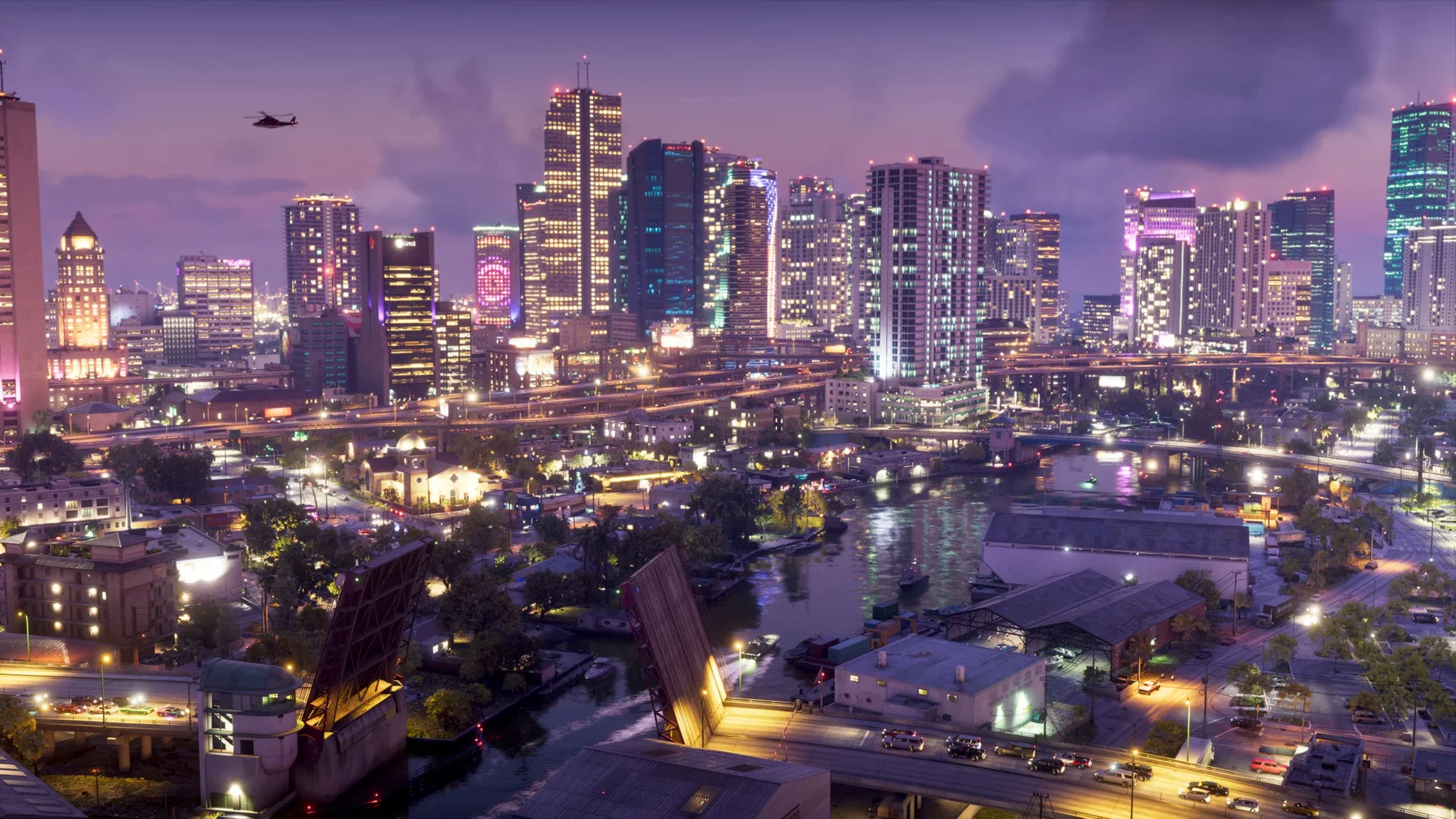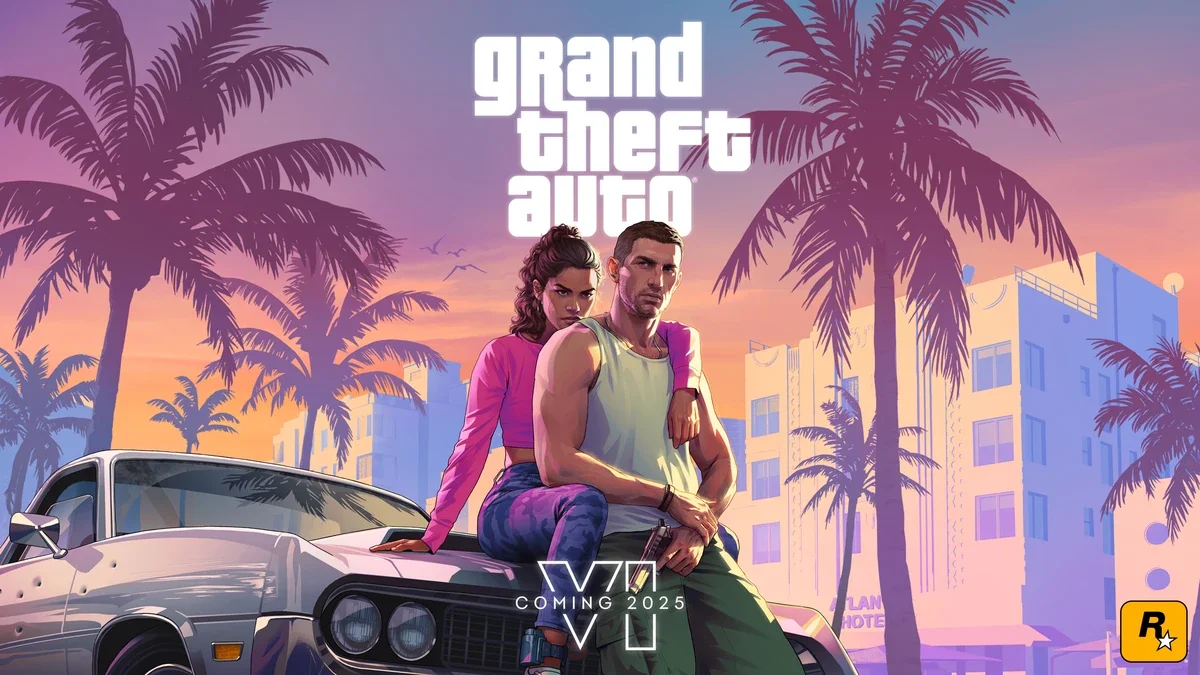

Rockstar Games made the official Leonida map for Grand Theft Auto 6 available to download for free on November 19, 2026. Players can also get a 5775 x 7900-pixel printable version for a paper copy.
How to get the map and cover art
The downloads sit in the media section of the Grand Theft Auto VI website. Rockstar separates the Leonida map and cover art into their own options, with regular and print-ready files available for both.
To download the map:
- Open the game’s official website and head to the media section.
- Find Leonida Map & Cover Art Poster, then select View Options.
- Choose the regular map download for a digital reference, or Leonida Map - Printable for printing, then use the download button.
The regular file can stay on your phone, tablet, or second monitor while you play. For the printable version, choose a matching paper size or ask a print shop to scale the full image to fit.
The cover art poster is a separate free download in the same section. Its printable option lets you put the game’s artwork on paper as well.

What the Leonida map includes
The official map labels counties and key areas across Leonida, including Vice City. Roads, highways, neighborhoods, waterways, and coastlines are visible together, giving you a full-state reference outside the game.
The poster does not label every individual store or activity. Keep Grand Theft Auto 6 guides handy for help with specific tasks; this download is best used to understand the geography and connections between areas.
The in-game map has fog of war that clears as you explore. The downloaded image shows the full state immediately, so opening it means seeing areas you may not have reached yet.
Rockstar chose to make the map available online instead of including it with boxed copies. A separate double-sided physical poster is planned for the Rockstar Store shortly after launch, though no exact sale date has been announced.
That poster will cost $0.99 on its own, or come free with another Rockstar Store purchase.