
No, Grand Theft Auto 6 does not have Director Mode, and you cannot enable it. If you want to experiment with characters, vehicles, and locations, you need to use the base game's sandbox. Several tools can cover individual parts of that experience, including character switching and Photo Studio, but they are partial substitutes. Choose the tool that matches what you want to do instead of looking for a separate Director Mode menu.
What is missing without Director Mode?
Director Mode in Grand Theft Auto 5 offered a separate single-player sandbox. You could control different characters, choose where to spawn, change game settings, and spawn props. Those controls brought several scene-setting functions together in one mode.
Grand Theft Auto 6's alternatives are spread across ordinary gameplay and its photo mode. They can help with a screenshot or an open-world experiment, but they do not provide that same collection of character, spawning, and prop controls.
Director Mode was itself a solo feature, so its absence is a different question from which single-player modes Grand Theft Auto 6 offers. A story sandbox and a dedicated scene-building mode serve different purposes.

Which tools can replace parts of Director Mode?
Start with the result you want. Taking a photograph needs a different tool from changing your character or bringing a car into the scene.
| What you want to do | Closest tool in Grand Theft Auto 6 |
|---|---|
| Change your playable character | Switch between Jason and Lucia |
| Bring in a vehicle | Summon a car through a garage contact |
| Move to another setting | Fast travel |
| Capture a still image | Photo Studio |
Choose your character first
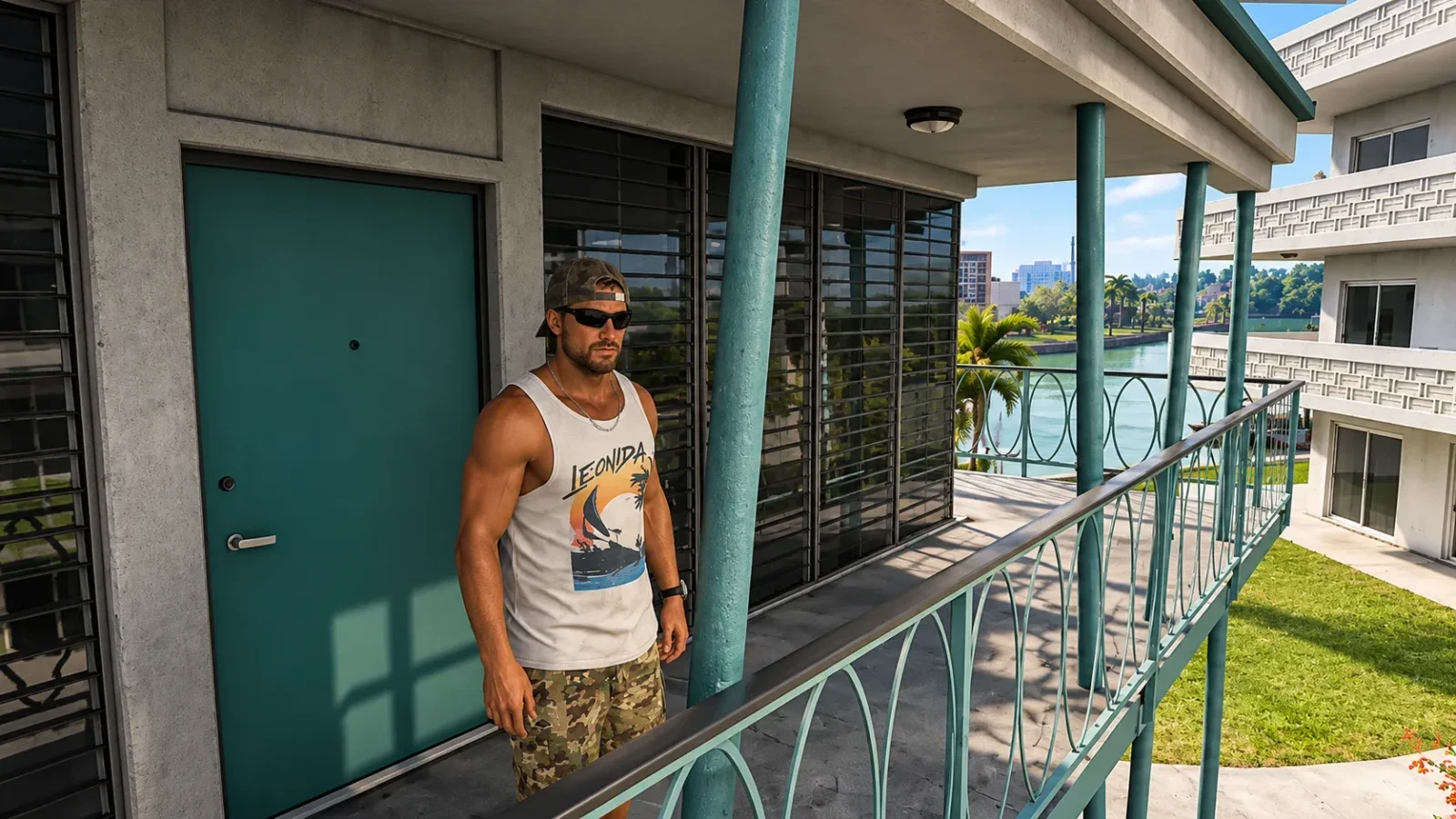
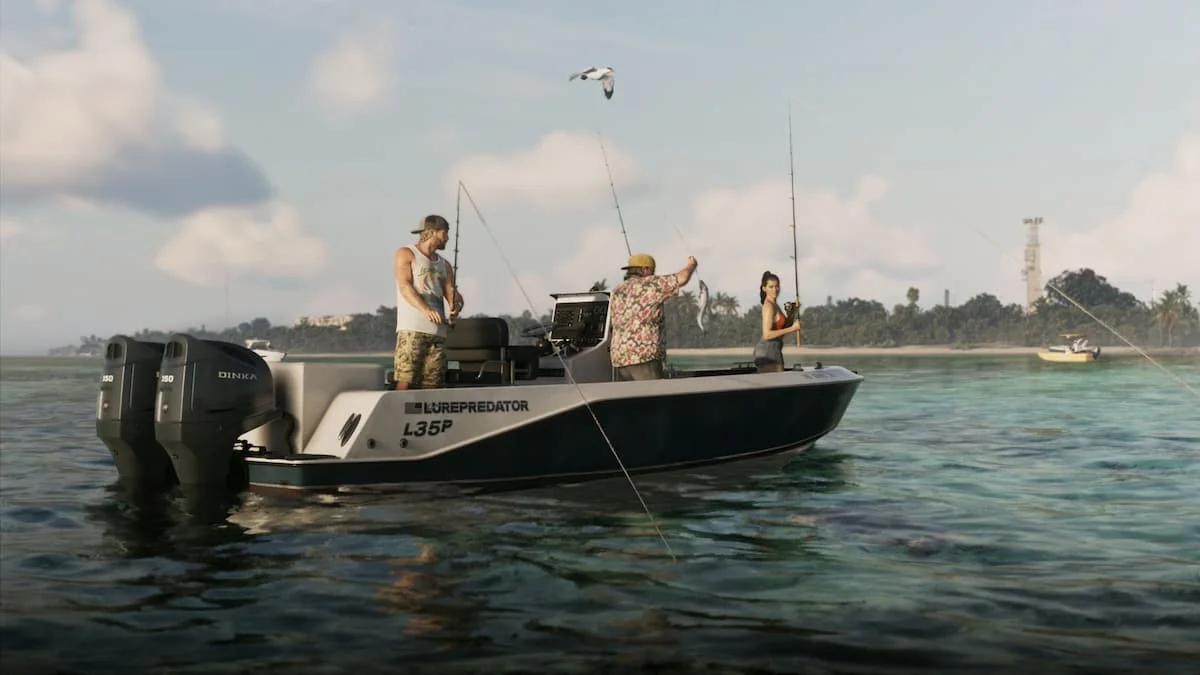
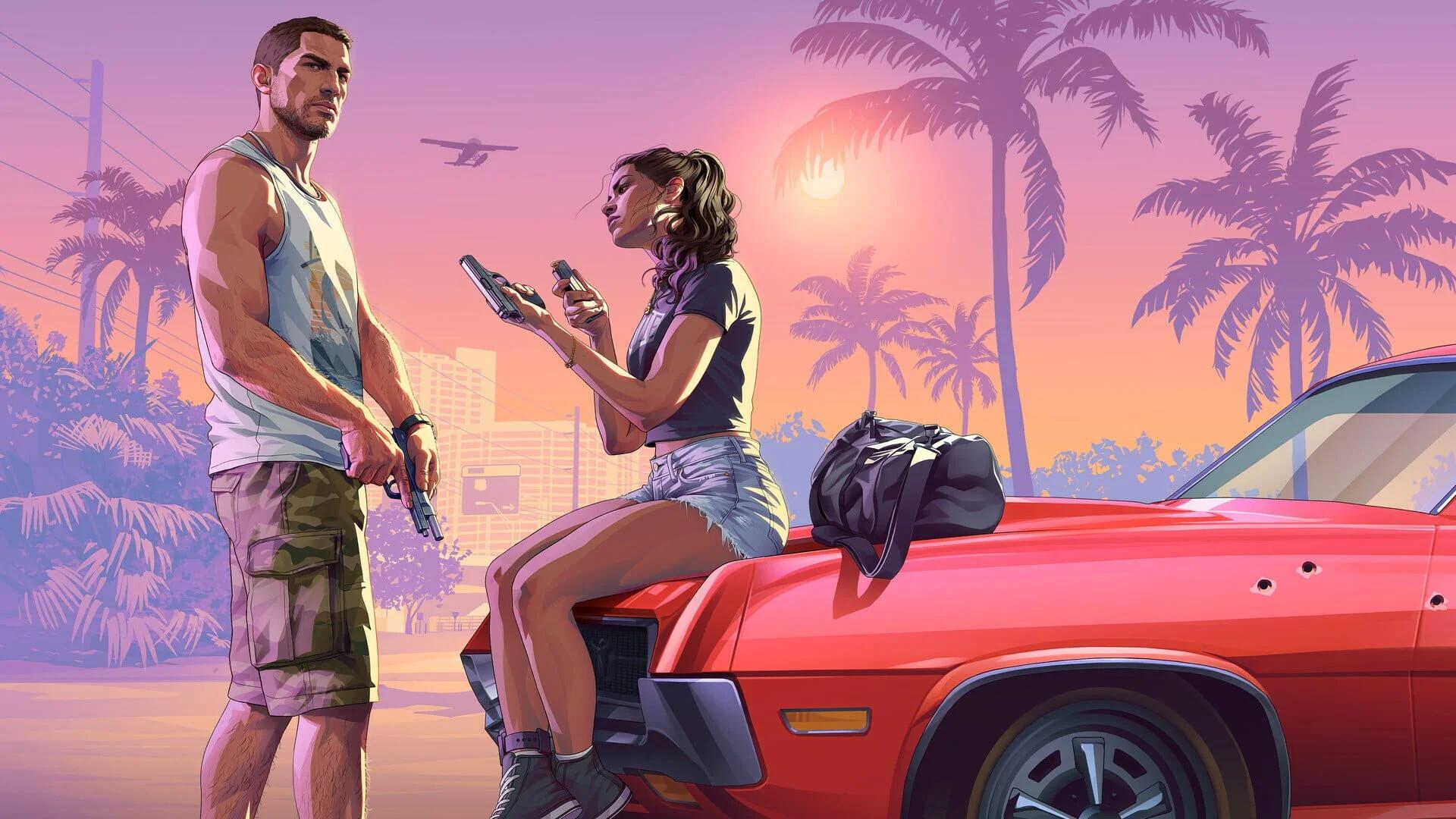
If your idea works with Jason or Lucia, decide which protagonist you want before arranging the rest of the scene. Character switching is the closest match for that specific part of Director Mode, but plan around the two leads instead of expecting a broader cast-selection menu.
Arrange the vehicle and location
The car-summoning option uses a contact you make at a garage. Once you have that contact, you can use the vehicle service as part of preparing a scene. It is useful when the car itself is central to the image or experiment.
For a scene built around a particular setting, choose the destination before arranging the vehicle. Fast travel can handle the journey, while the garage contact handles the car. These remain separate actions within the base game, so allow for that setup instead of expecting an instant scene-loading tool.
Capture the result with Photo Studio
Use Grand Theft Auto 6's Photo Studio when the goal is a still image. The photo mode has its own name, so look for Photo Studio when following instructions about taking pictures.
A practical scene-setting order is to choose your protagonist, reach the location, arrange a vehicle if needed, and then take the photograph. This combines the relevant tools without treating the photo interface as a replacement for Director Mode's wider sandbox controls.