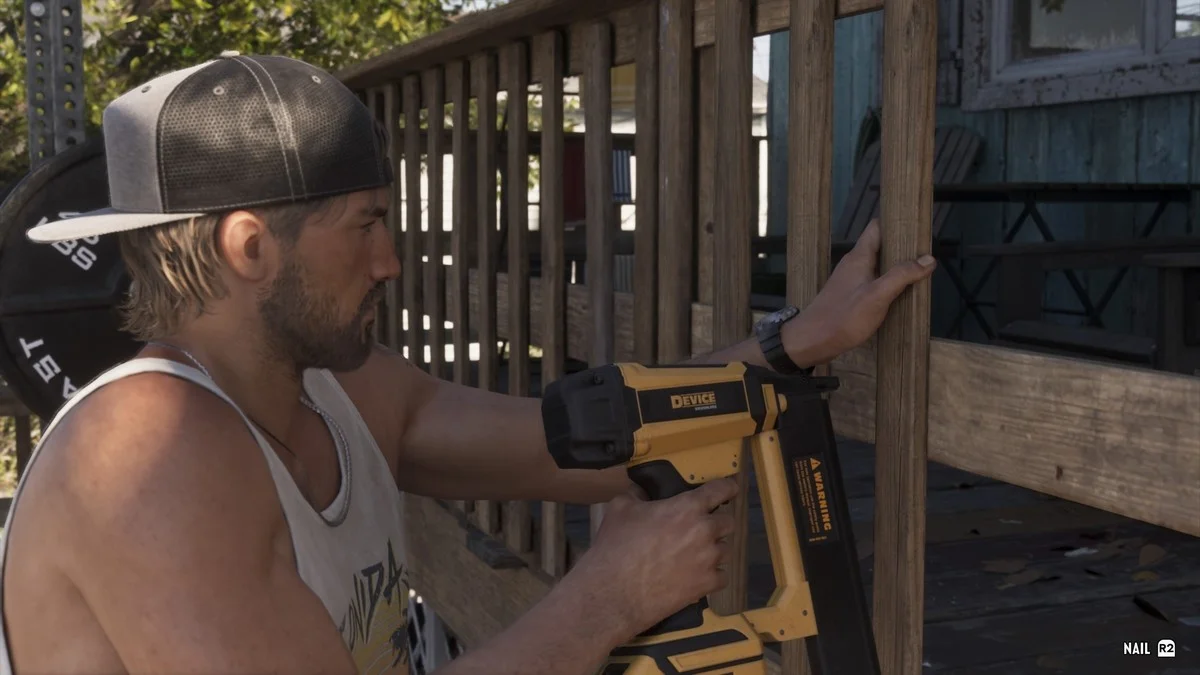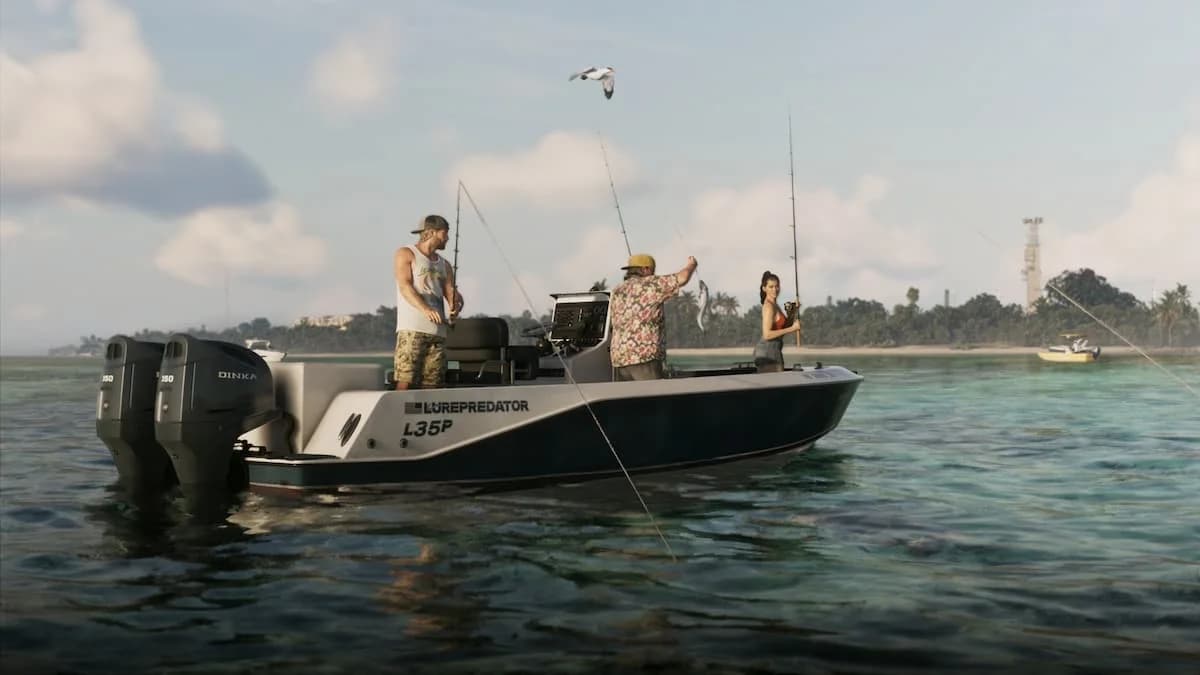

To start fishing in Grand Theft Auto 6, pick up a rod from the small pier beside Jason's house and follow the fishing tutorial. Your first catch comes down to finding active water, placing the lure beyond the fish, and changing your approach once something bites.
The controls below use Xbox-style prompts: LT and RT are the triggers, while LS and RS are the left and right sticks. Reeling uses a rotating stick input, while controlling a struggling fish uses the other stick.
How to unlock fishing
Several fishing rods sit together on the small pier beside Jason's house. Taking one brings up the fishing instructions immediately, making this a straightforward place to learn the activity early in the game.
Jason's first house is in Key Lento, in the Keys. If you have not reached it yet, the Grand Theft Auto 6 Gone Fishing mission walkthrough covers the early story mission that brings him home. Gone Fishing follows a smuggling run and rescue, so its objectives are separate from catching fish with a rod.

Fishing equipment and controls
A Fishing Rod with a Small Saltwater Lure provides a starting setup for catching fish. The lure's name appears in the fishing interface, alongside prompts for handling the rod.
Small Saltwater Lure interface
Controller reference
Use this table to separate the casting, hooking, and reeling inputs. The trigger used to cast also hooks a fish later, so its job depends on the stage of the attempt.
| Action | Xbox-style input |
|---|---|
| Focus to find likely fish locations | LT |
| Grip the rod | Hold LT |
| Charge and cast | Hold RT, then release |
| Hook a fish | RT |
| Control the fish | LS |
| Reel the line | Rotate RS |
Casting distance depends on how long you charge the cast. Retrieval speed depends on how quickly you rotate the reel input. Treat these as separate adjustments: one determines where the lure lands, and the other determines how it moves through the water.
Where to fish
Choose a casting spot by looking for visible fish activity. Fish can be seen swimming below the surface, and fish jumping out of the water provide another sign of a useful place to cast.
Focus highlights areas where fish might be located. Use those areas as starting targets, then watch the water itself to judge where the fish are moving. You can also see fish following your bait during a retrieve.
Fish locations in focus view
Pick a target before casting
Choose a patch of active water before charging the rod. A visible group gives you a reference for both distance and direction, making it easier to place the lure beyond the fish and draw it back through them.
If you are also tracking wildlife between fishing spots, equip binoculars from the weapon wheel's bottom-right slot to study animals you encounter. The Grand Theft Auto 6 animals locations and checklist covers that broader wildlife search.
How to catch fish
Cast beyond the fish
Aim slightly past your target, not directly into the middle of it. Your retrieve then brings the lure through the area where the fish are swimming, giving them time to approach it.
Hold the casting trigger longer when you need more distance. Match the charge to the target instead of automatically making the longest possible cast. The useful landing point is just beyond the fish you want to reach.
Retrieve slowly until you get a bite
Keep the lure moving slowly through the target area. Reeling too quickly can pull it past the fish before they have time to bite.
Watch for fish approaching or following the bait, but wait for the bite before using the hook input. A fish swimming nearby is still a target, not a secured catch.
Control the struggle, then reel when tired
Once a fish is hooked, use its behavior to decide what to do next. The struggle and tired phases call for different responses.
| Fish behavior | What to do | Main goal |
|---|---|---|
| Struggling | Use the control input and keep centered toward the fish | Manage its movement |
| Tired | Rotate the reel input quickly | Pull the fish closer |
The tired phase is your opportunity for fast reeling. Do not carry the slow lure-retrieval pace into that opening, and do not treat every moment of the fight as an instruction to reel at full speed.
What to do with your catch
Check the species, weight, and record
Landing a fish opens a result screen showing its species and weight. Atlantic Spanish Mackerel is one named catch, and a record catch can display NEW RECORD. The screen also includes a progress counter, shown in a format such as FISH 1 / 25.
Use the weight readout to set a target for another fishing session. A heavier catch gives you a concrete record to pursue without needing to change the basic casting and retrieval method.
If your next priority is funding a purchase, compare earning activities in the Grand Theft Auto 6 early money guide before committing to another round of record hunting.
To release the fish, use the THROW BACK option with B on the result screen.