
December brings the holiday season, and Grow a Garden players are hunting for free cosmetics and decorations to upgrade their farms. With Christmas approaching, surprise giveaways are in full swing, and this guide covers the latest working codes. Code releases are rare, but when they arrive, they typically include exclusive trophies, chambers, and decorative pieces unavailable through normal gameplay.
The Garden Game doesn't stick to a predictable code schedule. New codes appear during major updates, special events, or community milestones. Your best approach is checking back frequently to catch these limited-time rewards before they disappear.
Grow a Garden Active Codes for December 2025
What do Grow a Garden codes actually give you?
Codes in this cozy casual game are purely cosmetic. No seed packs or gameplay boosts here. You're unlocking decorative items that let you customize your garden space with exclusive style.
Current active codes reward you with:
- Event-specific trophy decorations
- One-of-a-kind chamber cosmetics
- Time-limited architectural pieces
After redemption, these items show up in your cosmetics inventory, kept separate from your regular backpack. They're essentially collectibles proving you played during specific moments in the game's timeline.

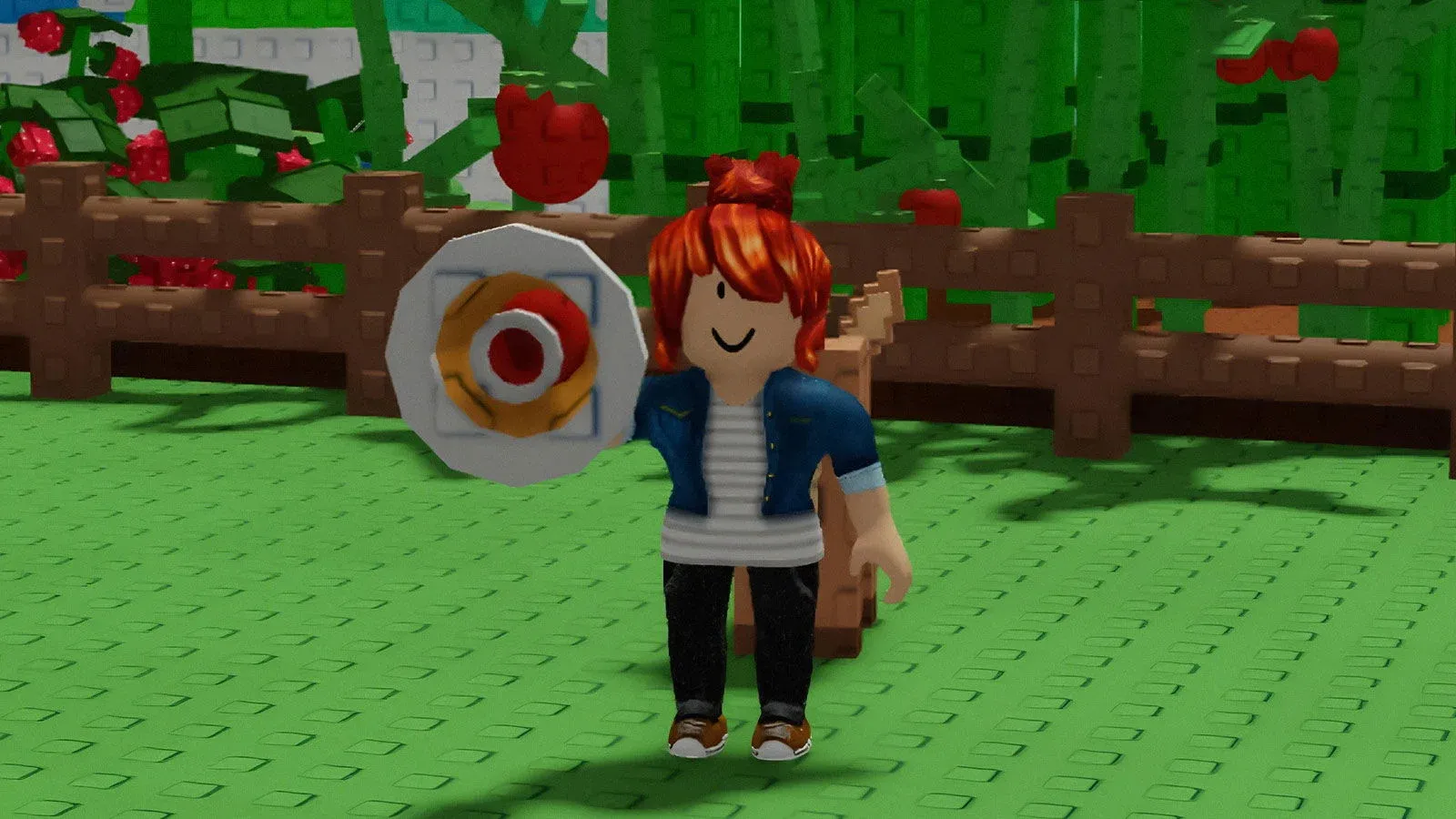
Active codes for December 2025
These codes work right now for instant rewards:
| Code | Reward | Type |
|---|---|---|
| RDCAward | RDC Award Trophy Cup | Cosmetic |
| BEANORLEAVE10 | Green Bean Chamber | Cosmetic |
Both codes are case-sensitive, so type them exactly as displayed. The RDCAward code commemorates the game's Roblox Developers Conference appearance, while BEANORLEAVE10 connects to the Farmers Market update.
Looking for more collection expansion methods? The Grow a Garden Ultimate Farmers Market Event Guide covers trading strategies for unlocking additional exclusive items.
Redeeming codes in five steps
Redemption takes under 30 seconds once you locate the right menu. The process is identical across PC, mobile, and tablet.
Here's how:
- Open Grow a Garden through the Roblox platform
- Click the gear icon in the top-left corner (next to your backpack)
- Scroll down to the bottom of the Settings menu
- Enter your code in the redemption field
- Press Claim to collect your item
Your reward appears immediately in the correct inventory. Cosmetics land in your cosmetics section, other items go to your backpack. A confirmation message pops up when redemption works.

In-game Code Redemption
Common code redemption problems
Running into error messages? Here's what they mean and how to resolve them.
"Code Is Not Active!" signals the code expired. Developers pull codes regularly, sometimes within days of launch. No workaround exists beyond waiting for fresh codes.
"Code is Invalid!" typically points to a typing mistake. Verify your spelling, capitalization, and spacing. Codes are case-sensitive and require exact matches.
Previously claimed codes won't function twice on the same account. Each code redeems once per player, full stop. Alternate accounts won't help either, since items bind to your account.
The LUNARGLOW10 code needs addressing. You'll find it listed everywhere online, but developers disabled it after players discovered an exploit. It might return someday, but skip trying it now.
That covers the latest Grow a Garden codes. Redeem them while they're still live and enjoy the bonus holiday decorations for your farm. For more Grow a Garden tips, guides, and strategies, explore additional guides here.