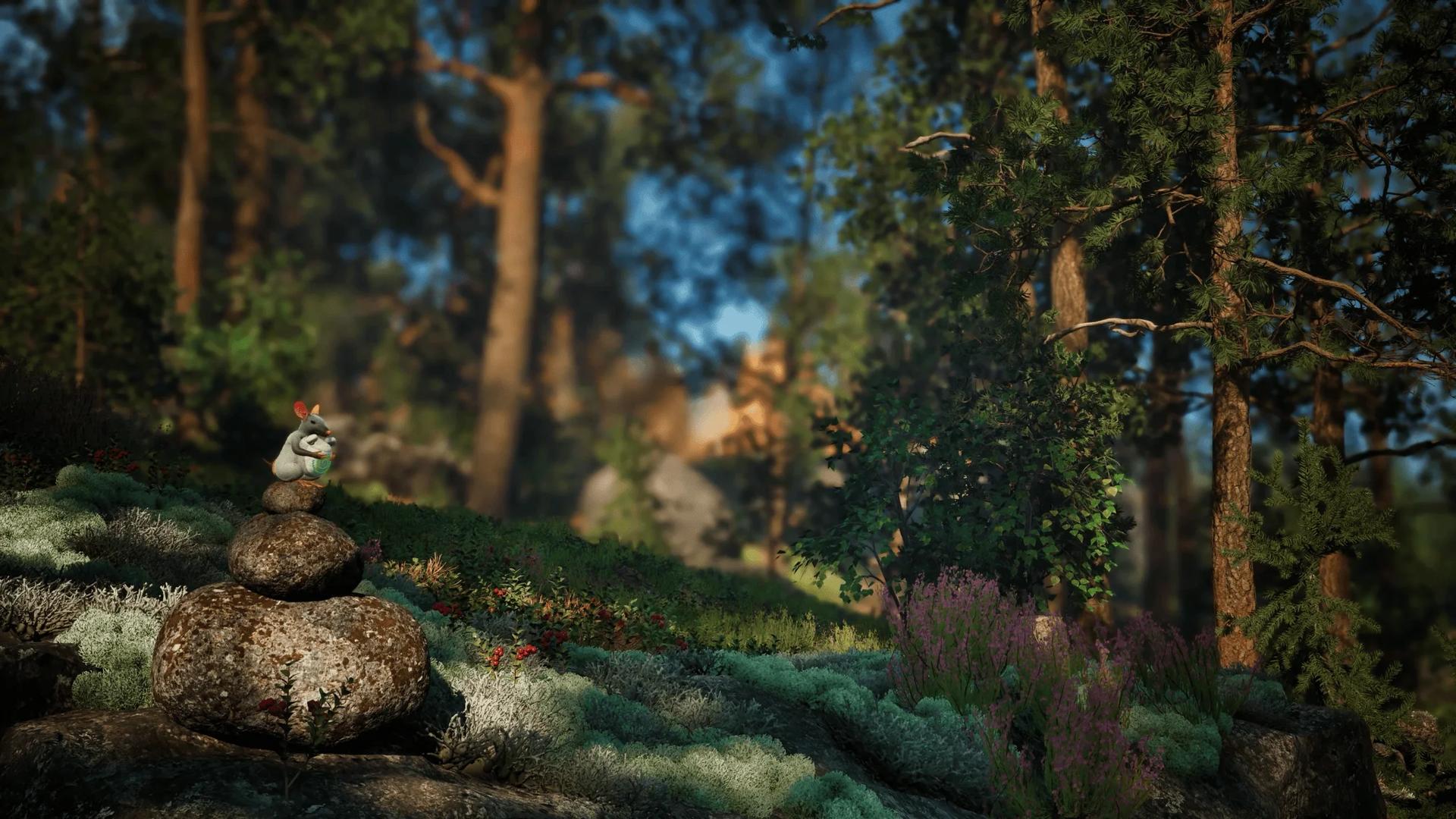

Hela: of Mice & Magic supports two-player local split-screen co-op on one device, while the full game allows up to four players in native online sessions. You can mix these methods to play with up to four people total, though the local limit remains two players per device.
The setup depends on whether your friends are sharing your device, connecting to a streamed Steam session, or using the full game's native online multiplayer. The PC demo supports local play and gives you a way to try cooperative puzzles before organizing a larger group. Start by choosing your connection method, then follow the matching steps below. The exact local join instructions here apply to the PC demo.
Single-player and co-op options explained
Hela lets you combine local and online players, but four-player co-op does not mean four-player split-screen. The local limit remains two players per device.
| Play option | Player limit | Availability | How it works |
|---|---|---|---|
| Solo | 1 player | Demo and full game | Use magical Shades to help with multi-mouse puzzles |
| Local split-screen | 2 players per device | Demo and full game | Share one device with separate left and right views |
| Native online co-op | Up to 4 players | Full game | Connect players across separate devices |
| Mixed local and online | Up to 4 players total | Full game | Combine split-screen pairs with online connections |
| Steam Remote Play Together | 2 players in the streamed local session | Steam demo supports it | Stream the host's split-screen session to a remote friend |
Choose local split-screen when you are together. Use Remote Play Together when one friend is elsewhere and you want to share the Steam demo. Native online co-op is the option for a larger party.
The demo does not include native online multiplayer. Remote Play Together streams a local session through Steam; it does not unlock the full game's online mode.
How to set up split-screen on PC
Connect your inputs and join
On PC, one player can use a keyboard and mouse while the other uses a controller. You do not need two controllers for that arrangement. If the first player also uses a controller, connect a second one for the joining player.
Follow this join sequence in the PC demo:
- Connect the joining player's controller before launching the game.
- Launch the demo and stay at the main menu.
- Press Y on the joining player's controller at the Y to join prompt.
- Start or continue the game with both players joined.
The display splits into left and right views. Each side has its own button prompts, including different prompts when one player uses a keyboard and mouse and the other uses a controller.
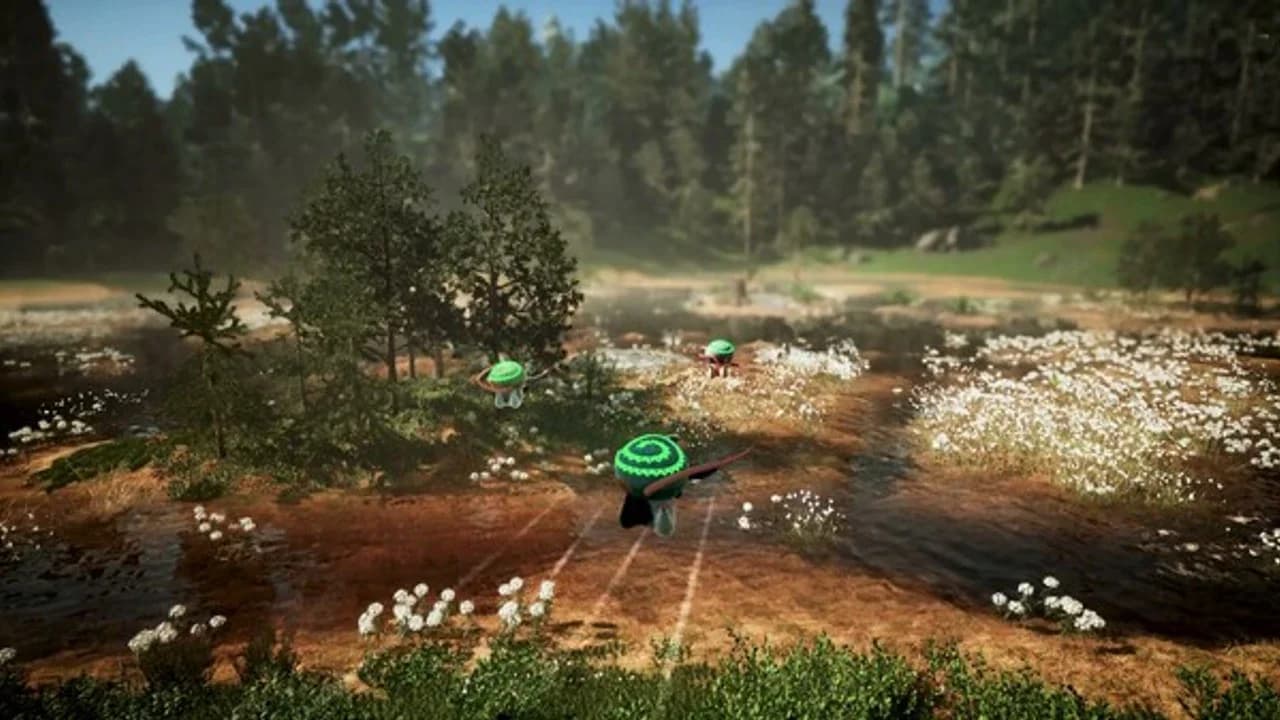
Two-player split-screen views
Check performance with both players active
Split-screen adds work for your PC. The minimum PC specification targets the mode at 1080p, the Low preset, and 30 fps. If you're struggling with performance after the second player joins, use that resolution and preset as your starting point. The target is not a guarantee for every PC.
How to join a friend through Steam Remote Play Together
Steam Remote Play Together lets a remote friend join your local session without owning another copy. Your PC runs the game and streams it to them, so this is streamed split-screen, not a separate native online session.
To send the invitation:
- Launch the Hela: of Mice & Magic demo through Steam.
- Press Shift + Tab to open the Steam Overlay.
- Open your friends list and right-click the friend you want to invite.
- Select Remote Play Together and have your friend accept.
- Use the local join flow above to add the second player.
The remote friend occupies the second local player slot. This approach keeps the same split-screen layout and local player limit; it does not create room for a third or fourth player.
How full-game online and mixed co-op work
The full game's online mode supports a party spread across separate devices. You can also combine local split-screen with online connections. For example, two people sharing one device can play with another pair sharing a second device.
Plan your group around these arrangements:
- Separate devices: Each friend connects as an online player.
- Two local pairs: Each device runs split-screen for its pair.
- One local pair and two separate friends: The local pair shares a device, while the other friends connect individually.
Online play uses Epic Online Services and supports Steam account linking. No Friend's Pass has been announced, so do not plan a native online group around a free guest-copy feature.
PC LAN play and system link are not supported. Being connected to the same home network does not add a separate LAN multiplayer option.
Platform compatibility and cross-play
Hela's platform lineup includes PC, PlayStation 5, Xbox, and Nintendo Switch 2. Platform availability and cross-play are separate questions: a game appearing on two systems does not establish that those systems can join the same party.
The Xbox store lists Xbox cross-platform multiplayer. That label does not establish compatibility with PlayStation or Nintendo Switch 2. Epic Online Services can support cross-play, but its use alone does not establish which platform combinations Hela enables.
On Xbox consoles, native online co-op requires a Game Pass Essential, Premium, or Ultimate membership. Steam Remote Play Together is a separate PC sharing feature, not a way to invite console players into Hela's native online party.
How shared objectives and regrouping work
In the demo, quests and Glimmer are shared between the local players. Both sides display the same Glimmer counter, and completed requests appear for both. You can divide tasks without competing over separate versions of those objectives.
You do not have to stay beside your partner. One player can talk to a character while the other works on a puzzle elsewhere. Different fur and backpack colors help distinguish the mice, but the demo characters have the same abilities.
Open the player wheel and choose Teleport to player when you want to regroup. The wheel also contains Kick player, so check the option before selecting it.
Solving puzzles together with Shades
Hela's adventure can be completed alone through the Shade System, which creates magical copies of your mouse. A Shade stays where you create it and continues the action you were performing, such as standing on a plate or holding a rope or object.
Shades can also serve as rope anchors, trampolines, or bridges. Human players handle the moving parts of a puzzle, while Shades can hold positions that need to remain occupied.
Match your Shades to your party size
The limit is four mice in total, counting real players and Shades together.
| Real players | Shade capacity | Practical use |
|---|---|---|
| 1 player | Up to 3 Shades | Fill several puzzle positions while controlling one mouse |
| 2 players | Up to 2 Shades | Let both players move while copies hold other positions |
| 4 players | Shades disabled | Coordinate the puzzle directly with the whole party |
The demo's four-plate cave door illustrates the setup. With a local partner, each of you can occupy a plate while Shades cover the remaining positions. You do not need four real players to solve a puzzle built around four mice.
Use a Shade before a risky climb
Shades also work as checkpoints. Leave one in a safe position before attempting a difficult climb, then swap back to it if you fall. In co-op, keep track of which copies are holding puzzle positions before replacing them for another task.
