
Ever spent hours perfecting your character's look in Hytale, only to cover it all up with bulky armor? You're not alone. The community pushed hard for this feature, and the developers listened. Here's the thing: you can now keep your character visible while maintaining full combat protection.
What Is Armor Visibility Toggle?
The armor visibility system lets you hide individual gear pieces without losing their stats. You'll deal the same damage, take the same hits, and maintain all bonuses. The change is purely cosmetic, perfect for players who value character customization over visual immersion.
This feature arrived in Update 2 after massive community feedback. Initially, developers worried it would "break immersion," but player demand changed their minds. Now you control exactly what shows on your character.

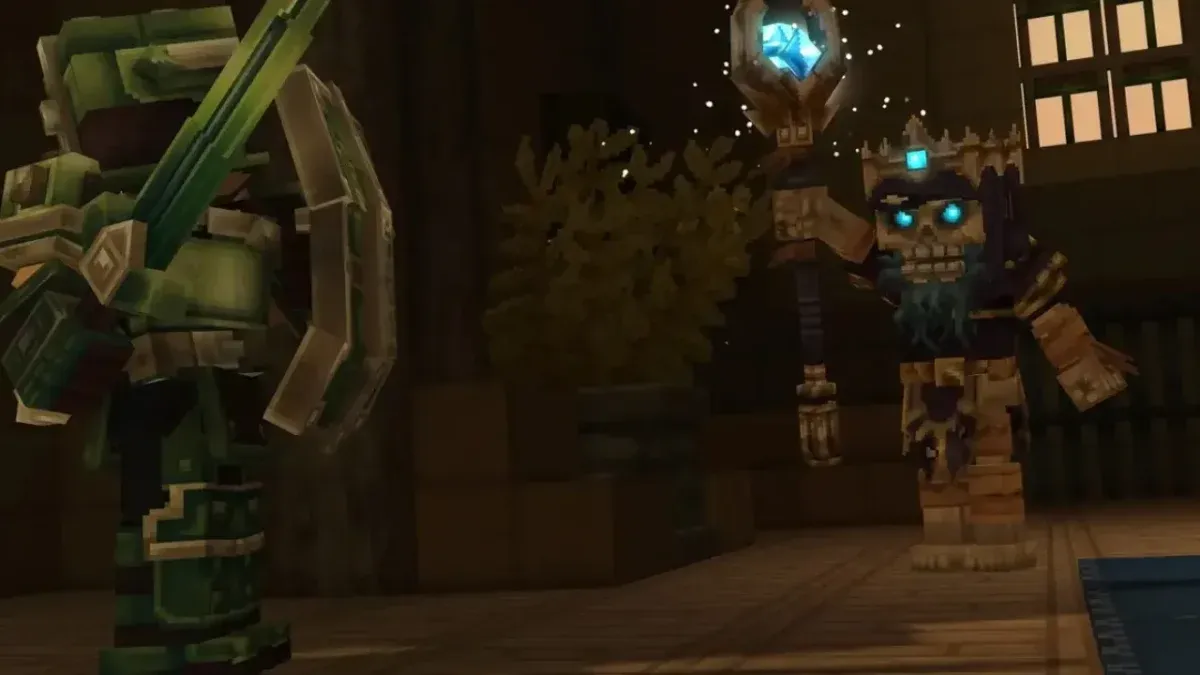
How to Toggle Armor Visibility
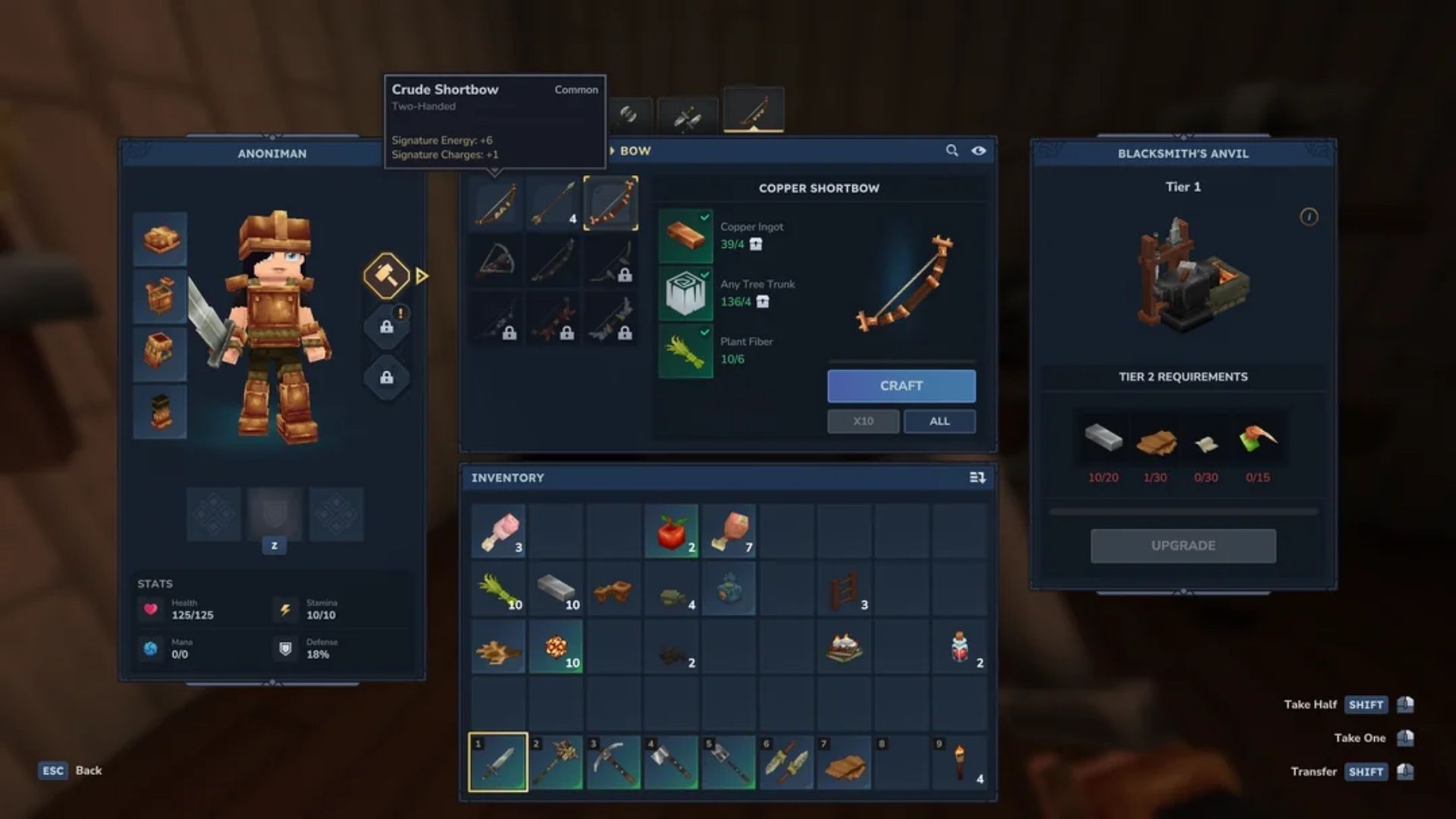
Opening your character screen reveals the visibility controls. Press Tab to access the menu, then look for small eye icons next to each armor slot.
Step-by-Step Process
- Press Tab to open your character screen
- Locate the eye icon beside each armor piece (helmet, cuirass, gauntlets, pants)
- Hover over the icon to see "Toggle [Armor Piece] Visibility"
- Click the icon to hide that specific piece
- The eye icon changes to a closed eye when armor is hidden
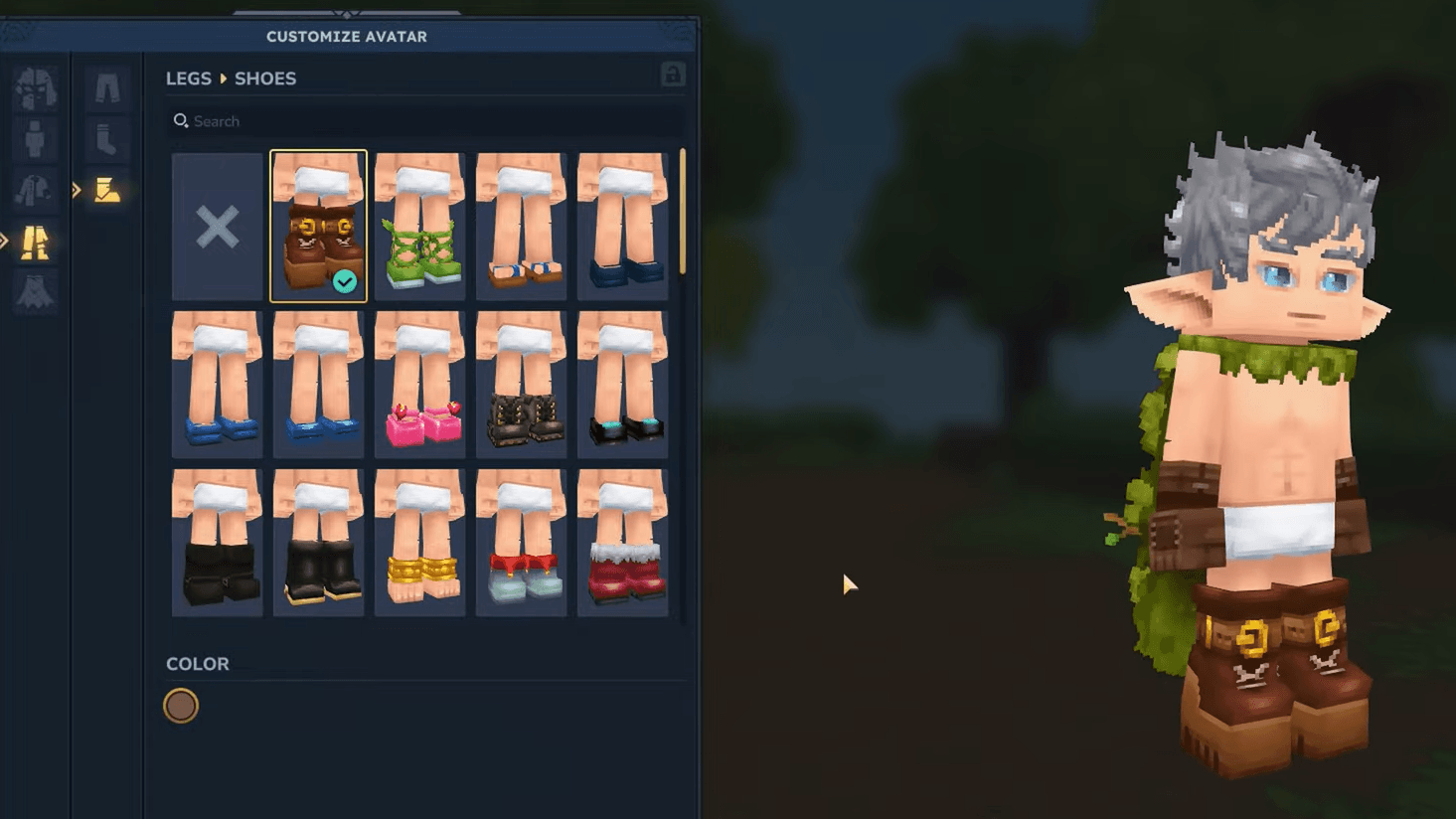
You'll want to experiment with different combinations. Some players hide only helmets to show facial features, while others prefer full nude visibility with complete stat protection.
Mixing Armor Visibility for Perfect Balance
What most players miss is the flexibility here. You don't need an all-or-nothing approach. Mix visible and hidden pieces to create unique looks that balance customization with thematic consistency.
Popular Visibility Combinations
| Setup | Visible Pieces | Hidden Pieces | Best For |
|---|---|---|---|
| Face Focus | Cuirass, Gauntlets, Pants | Helmet | Showing facial customization |
| Full Custom | None | All armor | Complete character visibility |
| Practical Mix | Helmet, Cuirass | Gauntlets, Pants | Balanced immersion |
| Upper Body | Helmet, Gauntlets, Pants | Cuirass | Torso customization |
The key here is testing different setups in safe areas before heading into combat. You'll maintain protection regardless, but visual clarity matters for navigation and combat awareness.

Pro Tip: Toggle visibility before major boss fights to ensure you can clearly see your character's position during chaotic encounters.
Server Settings and Multiplayer Considerations
Server administrators control whether players can hide armor. This becomes crucial for PvP environments where visual identification matters. Check our Hytale Guide: How To Enable PvP Online Multiplayer for competitive visibility rules.
Server-Side Controls
Hosts can disable armor hiding to enforce:
- Fair PvP identification where opponents need to see gear quality
- Roleplay immersion for servers prioritizing realistic appearances
- Combat clarity in team-based modes where visual cues matter
If you're running a casual server, allowing full visibility freedom encourages creative expression. Competitive servers typically restrict it to maintain tactical balance.
Troubleshooting Visibility Issues
Sometimes armor pieces don't hide properly or reappear unexpectedly. Here's how to fix common problems:
Armor Reappears After Relog:
- Reapply your visibility settings in the character menu
- Check if the server disabled the feature
- Verify you're using Update 2 or later
Eye Icon Missing:
- Confirm you're in the character screen (Tab), not inventory
- Update to the latest patch version
- Some modded servers may remove this feature
Cosmetics Conflict:
- Remove and reapply cosmetic loadouts
- Toggle armor visibility after equipping new pieces
- Restart your client to refresh appearance data
Strategic Visibility for Different Playstyles
Your approach to armor visibility should match your playstyle. Combat-focused players might prefer full visibility for better spatial awareness, while builders and explorers often hide everything to showcase custom designs.
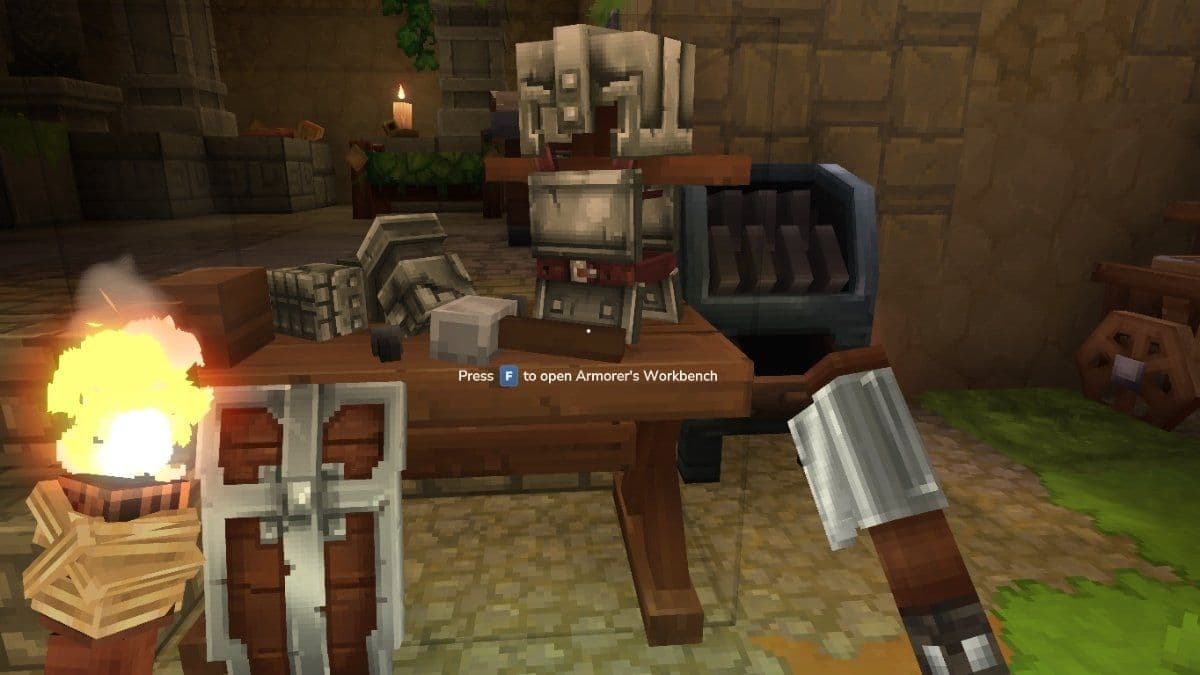
Armor visibility comparison
Combat Players
Keep helmets visible for directional awareness cues. Many helmet designs include peripheral indicators that help during multi-enemy encounters. Hide lower pieces if they obstruct movement visibility.
Builders and Explorers
Full armor hiding works best when you're focused on construction or exploration. You'll appreciate seeing your character's complete design during long building sessions. Check out our Ultimate Hytale Armor Tier List Ranked to understand which gear offers the best protection while hidden.
Roleplayers
Mix visibility based on your character's story. A noble knight might show ornate armor, while a rogue character hides heavy pieces to maintain a stealthy appearance. The flexibility supports any narrative you're building.
Does Hiding Armor Affect Progression?
Your gear progression remains identical whether armor is visible or hidden. You'll still need to farm materials, craft upgrades, and hunt bosses for better equipment. Learn efficient farming in our Hytale Thorium Guide: Desert Mining and Crafting Guide to unlock powerful mid-tier gear.
The visibility system purely affects appearance. Stats, set bonuses, and resistances all function normally. This means you can focus on acquiring the best statistical gear without worrying about visual conflicts.
The armor visibility system represents Hytale's commitment to player expression. You spent time creating your character, and now you can actually see that work during gameplay. Whether you're exploring dangerous biomes from our Hytale Voidheart Guide: Master Void Enemy Farming for Epic Gear or building massive structures, your character stays visible without sacrificing protection.
Experiment with different visibility combinations until you find what works. There's no wrong approach, just personal preference. The flexibility ensures both immersion-focused players and customization enthusiasts find satisfaction in Hytale's character systems.