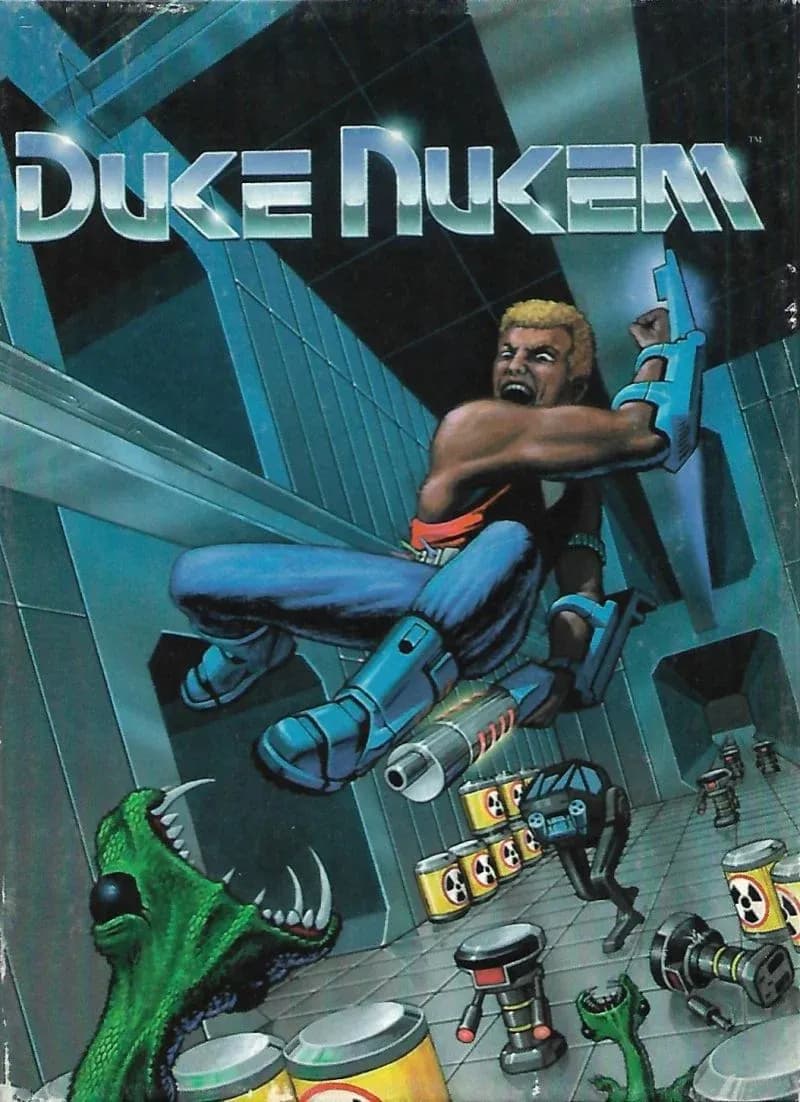

DLSS 5 in Duke Nukem means the 1991 side scroller, not the 3D one , and yes, it runs. DOSBox launches the game, dgVoodoo2 wraps the DOSBox window into DirectX 11, a feeder invents motion vectors, RenoDX hosts the add-on, and the official NVIDIA library does the rest. Tested on an RTX 5090 Mobile with a Core Ultra 9 275HX, where 16 EGA colors cost roughly 10 fps.
The model never sees Duke. It sees a DOSBox window full of pixels, which is why the setup is identical for every DOS game and why the result is so disappointing. Everything after the wrapper is the standard chain.
What You Need
| Component | Its job in the chain |
|---|---|
| DOSBox 0.74-3 or DOSBox-X | Runs the DOS executable. |
| dgVoodoo2 | Turns DirectDraw or Direct3D 9 output into DirectX 11. |
| ReShade with add-on support | Injects the stack into dosbox.exe. |
| DLSS5-Feeder and motion vector shaders | Fakes the motion and depth data. |
| RenoDX DLSS 5 add-on | Adds the Neural Rendering panel. |
| NVIDIA neural rendering library | The official DLSS 5 model, not a leak. |
Step 1. Wrap DOSBox Into DirectX 11
A Duke Nukem 1991 DOSBox setup needs nothing exotic , the game itself is tiny and undemanding. The wrapper is where the fun starts.
- Set output to ddraw in classic DOSBox or to direct3d in DOSBox-X.
- Copy DDraw.dll or D3D9.dll from the dgVoodoo2 MS x86 folder next to dosbox.exe.
- Add dgVoodooCpl.exe and dgVoodoo.conf to the same folder.
- Set the output API to Direct3D 11 at feature level 11.0 in the control panel.
- Start the game and confirm the dgVoodoo watermark appears.
Step 2. Vectors, RenoDX, Library
- Install ReShade on dosbox.exe with add-on support and select DirectX 11.
- Add the 32-bit DLSS5-Feeder build and its motion vector shader pack.
- Copy the RenoDX DLSS 5 add-on next to the executable.
- Add the official neural rendering library from any DLSS 5 title, plus a standard DLSS upscaler file.
- Launch, press Home, open the Add-ons tab and enable Neural Rendering.
The same RenoDX DLSS 5 old-games routine covers every DOS title. Only the wrapper file changes between engines, and the step-by-step instructions list each DirectX branch if something refuses to load.
What DLSS 5 Does to a Side Scroller
The model was clearly trained on first-person 3D scenes. On flat platforms and sprites it behaves like an expensive ReShade filter that occasionally adds a shadow nobody asked for. That is the honest state of DLSS 5 support for 2D games.
| Element | What happens |
|---|---|
| Background tiles | Get soft lighting and a slight texture smear. |
| Duke sprite | Gains shading, sometimes a face, never dignity. |
| Enemies | Change color with the preset. |
| HUD | Gets repainted too, since nothing masks it. |
DLSS 5 EGA graphics expose the color bias brutally. With only 16 colors to start from, Default pushes the screen green, Natural pushes it blue, and Cinematic goes purple with lifted blacks.
Nuances
- Keep Injection point on Output, because render-stage injection has nothing to grab in a 2D game.
- Keep passes at x1, since every extra pass darkens the image.
- Leave Enable Upscaling off , it is unfinished.
- Debug in windowed mode, since fullscreen DOSBox can hide the overlay.
Verdict
The original Duke Nukem PC release deserved better than this, and that is exactly why we did it. As a stunt it works. As one of the DLSS 5 retro games worth playing, it does not.
Source: Worst Guides Ever