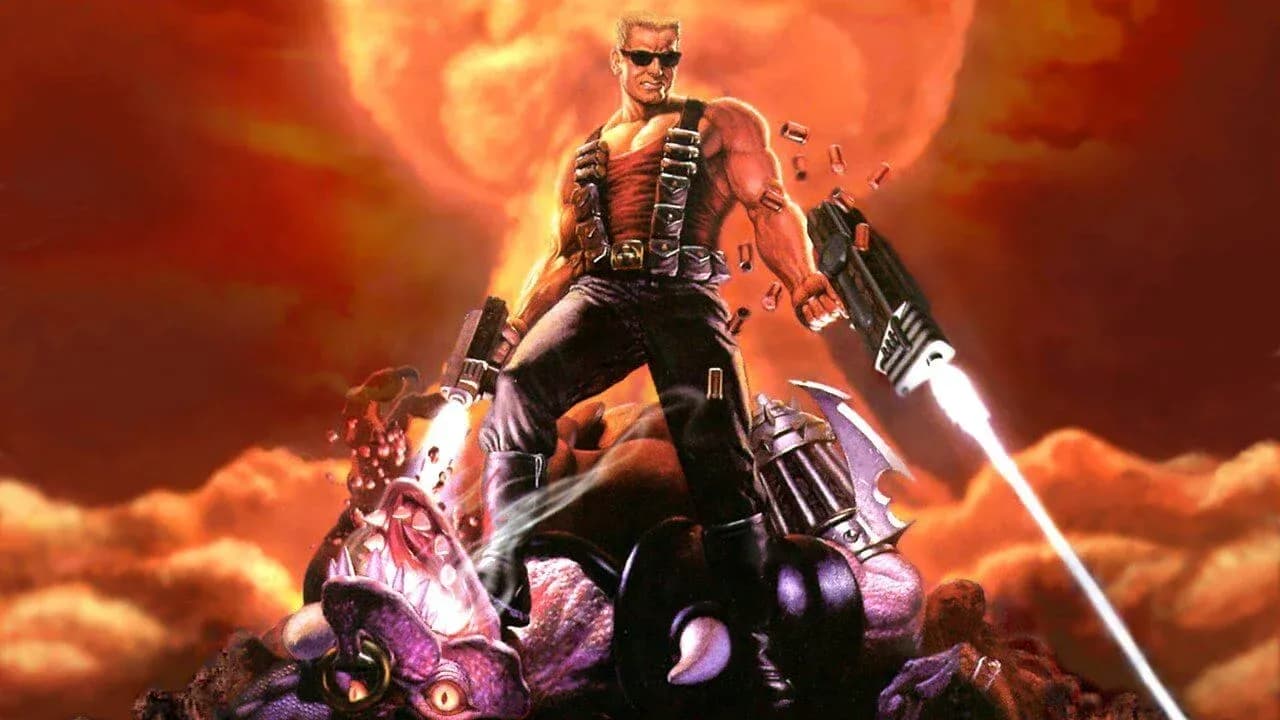

DLSS 5 Duke Nukem 3D runs through the same torture rack as every DOS game. DOSBox runs the original executable, dgVoodoo2 wraps the DOSBox window into DirectX 11, a feeder fakes motion vectors, RenoDX hosts the add-on, and the official NVIDIA library repaints the result. Tested on an RTX 5090 Mobile with a Core Ultra 9 275HX at around 10 fps.
The good news is that Duke 3D is actually first person, which is the kind of scene the model likes. The bad news is everything else.
Why DOSBox and Not a Source Port
The EDuke32 vs DOSBox question has a simple answer here. EDuke32 renders through OpenGL, and dgVoodoo2 does not wrap OpenGL, so the DOS route is the one that lands cleanly on DirectX 11. Purists will also enjoy the authentic 1996 software renderer being judged by a 2026 neural network.
| Option | Renderer | Fits this chain |
|---|---|---|
| Original DOS executable in DOSBox | Software, shown through DirectDraw or Direct3D 9 | Yes, via dgVoodoo2 |
| EDuke32 | OpenGL or software | Not through dgVoodoo2 |
| 20th Anniversary World Tour | Its own renderer | Not tested |
Step 1. Wrap DOSBox
Any Duke Nukem 3D Atomic Edition copy with the DOS executable will do. The Build engine eats more CPU than Wolfenstein, so give DOSBox room.
- Set core to dynamic and cycles to max in dosbox.conf.
- Set output to ddraw in classic DOSBox or to direct3d in DOSBox-X.
- Copy DDraw.dll or D3D9.dll from the dgVoodoo2 MS x86 folder next to dosbox.exe.
- Add dgVoodooCpl.exe and dgVoodoo.conf to the same folder.
- Pick dgVoodoo2 Direct3D 11 output at feature level 11.0 and apply.
- Run SETUP.EXE once, pick your video mode, and confirm the dgVoodoo watermark in game.
Those are the only Duke Nukem 3D DOSBox changes that matter. Higher VESA modes look nicer and cost CPU, so start at 640x480.
Step 2. Vectors, RenoDX, Library
- Install ReShade on dosbox.exe with add-on support and select DirectX 11.
- Add the 32-bit DLSS5-Feeder build and its shader pack for RenoDX motion vectors.
- Copy the RenoDX DLSS 5 add-on next to the executable.
- Add the official neural rendering library from any DLSS 5 title, plus a standard DLSS upscaler file.
- Launch, press Home, open Add-ons and enable Neural Rendering.
Every branch of this process, including folder depth for each DirectX version, sits in the full instructions.
What the Model Does to the Build Engine
The Duke Nukem 3D Build engine draws sectors and sprites, not real 3D models. Walls and floors respond well, because they read as a corridor. Enemies and Duke's hands are sprites, so the model guesses. DLSS 5 hallucinations grow fast at multi-pass, because x2 and above ignore frame history and redraw each frame from scratch.
| Setting | Starting value | Reason |
|---|---|---|
| Injection point | Output | Render stage injection has no real geometry to modify. |
| Intensity | Medium | Higher values recolor the whole level. |
| Preset | Natural | The least aggressive palette. |
| Passes | x1 | Each extra pass darkens the frame. |
| Enable Upscaling | Off | Unfinished and prone to flicker. |
Nuances
- Pig Cops and Assault Troopers can change faces between presets, which is funnier than it should be.
- Fast strafing ghosts, because the vectors are estimated, not provided by the engine.
- The HUD gets repainted, since nothing masks it.
- Fullscreen DOSBox can hide the overlay, so debug in a window.
Among DLSS 5 DOS games, Duke 3D looks the most convincing, simply because it is closer to the shooters the model was trained on. It is still the slowest Duke Nukem 3D graphics mod you will ever install.
Verdict
It works, it looks almost interesting in corridors, and it plays at 10 fps. Hail to the king, briefly.