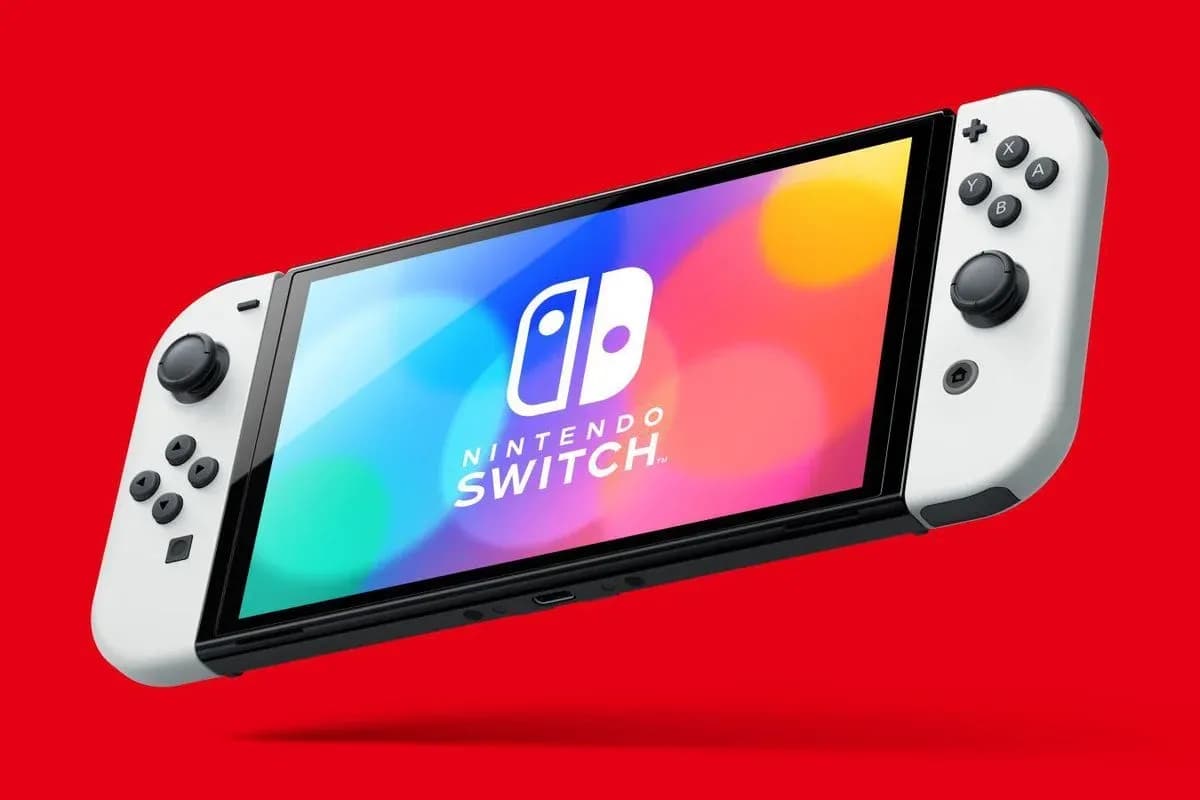

DLSS 5 on a Nintendo Switch OLED is technically a lie with a working demo. The Switch never runs neural rendering. The PC runs the game with DLSS 5, Sunshine streams it, and Moonlight on a modded Switch OLED displays it. No Android layer is involved , everything sits on the native side through Atmosphere. The host machine used here was an RTX 5090 Mobile with a Core Ultra 9 275HX.
Everything about DLSS 5 itself happens on the PC, exactly as in any other guide. The Switch part is pure streaming, which is why it works at all.
What You Need
| Component | Its Job |
|---|---|
| Switch OLED with a modchip and Atmosphere | Runs homebrew on the native system |
| Sunshine on the PC | Captures and encodes the game |
| Moonlight for Switch | Decodes the stream on the console |
| One Wi-Fi network for both devices | Lets Moonlight find the host |
| DLSS 5 stack on the PC | Feeder, RenoDX and the official library, set up per game |
Step 1. Prepare the Switch
A Switch OLED Atmosphere setup requires a modchip, since the OLED cannot be exploited through software. Once Atmosphere boots, the console is ready for homebrew , and for trouble.
Step 2. Install Sunshine on the PC
- Download Sunshine for x86 from the official LizardByte GitHub and install it.
- Open https://localhost:47990 to reach the WebUI and create your login.
- Set Emulated Gamepad Type to Xbox 360, otherwise many games treat the Switch controls as a PlayStation pad.
Step 3. Cut the Switch Off From Nintendo
Connect the Switch over MTP, open atmosphere/hosts, and edit default.txt. Paste the standard Nintendo blocking list from the NH Switch Guide into the Atmosphere hosts file.
Step 4. Install Moonlight
Moonlight Switch homebrew must go directly into sd/switch/Moonlight-Switch , not through an SD installer. Launch it from the homebrew menu and pair it with the PIN from the Sunshine WebUI.
Step 5. Put Both Devices on One Subnet
To stream PC games to the Switch over Wi-Fi, both devices must share a subnet. Many routers split wired and wireless clients, so a laptop on a cable and a Switch on Wi-Fi will never see each other. Moving the laptop to Wi-Fi resolves this.
Step 6. Set the Bitrate
| Codec | Bitrate | Result at 720p |
|---|---|---|
| H.265 | 17 Mbit/s | Clean, no visible artifacts |
| H.265 | 10 Mbit/s | Playable, artifacts start showing |
17 Mbit/s on H.265 is the sweet spot for the OLED panel. Controller mapping works out of the box once Sunshine emulates an Xbox 360 pad.
Step 7. DLSS 5 on the Host
Nothing changes on the PC side. For modern games, DLSS5oneclick bundles the feeder, RenoDX, and everything else. For DirectX 8 and 9 games, dgVoodoo2 2.87.3 lifts them to DirectX 11 first. The full instructions cover every DirectX branch on the host.
Nuances
- The OLED's small screen hides low polygon counts, which flatters old games under neural rendering.
- Neural rendering drops the host frame rate hard, so the stream shows exactly what the PC delivers.
- An Android layer on the Switch would allow higher bitrate, but it is not required.
- Sunshine on the host and Moonlight on the client is the entire setup , nothing else is needed.
Verdict
DLSS 5 handheld gaming exists, as long as the hand holds a screen and the desk holds an RTX 5090. Pointless, technically correct, and better looking than most native Switch ports.
Source: Worst Guides Ever