
Fortnite underwent scheduled maintenance for the v43.11 update on November 24, 2026, interrupting access to the game and several connected services. Players trying to sign in or join matches during the maintenance could encounter connection errors.
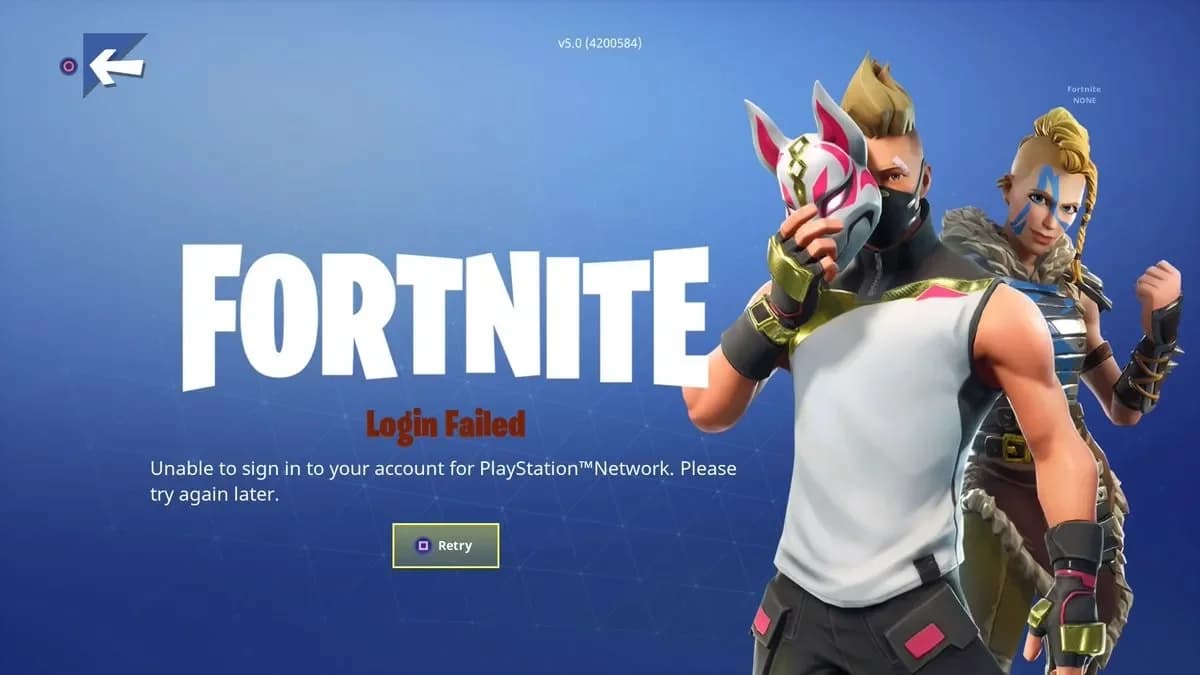
Fortnite's login screen
Epic Games classified the disruption as planned maintenance.
Epic Games disabled matchmaking 30 minutes before the scheduled maintenance window, preventing players from finding new matches ahead of the server work.
Services affected by the maintenance
The scheduled work covered more than matchmaking. Epic Games listed these services as affected:
- Game access
- Login
- Matchmaking
- Parties
- Voice chat
- The Item Shop

Connection fixes for persistent errors
Players facing login problems after a maintenance window can try the following client-side steps. These address the local game or connection and cannot bring a server undergoing maintenance online.
- Restart Fortnite. Close the game and launch it again to see whether the login error clears.
- Install pending updates. Make sure the game client has downloaded any available update before trying to connect again.
- Verify PC game files. In the Epic Games launcher, open the game's three-dot menu, select Manage, and use Verify Files.
- Restart your console or PC. Reboot the device, then relaunch Fortnite and try signing in.
- Reboot your router or modem. A local connection issue can affect an individual player even when it is not part of a wider service disruption.