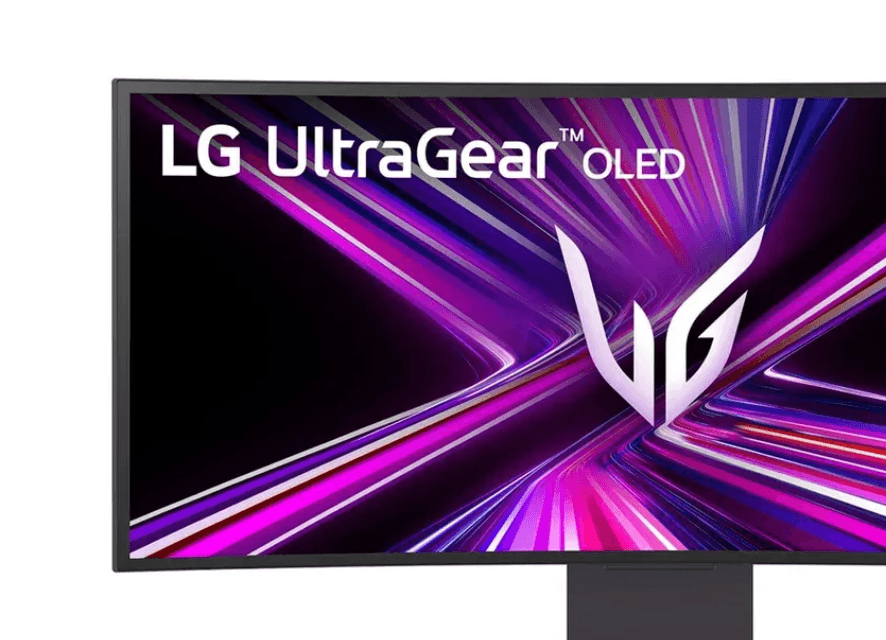

"Adware was our thanks for spending $1,200." That line pretty much sums up what LG UltraGear monitor owners are dealing with right now, and it has the PC hardware community genuinely furious.
The short version: plug in a new LG UltraGear monitor, boot up your PC, and a tool called the LG Monitor App Installer quietly lands on your system. No prompt. No consent dialog. No opt-in. It just shows up, sets itself to run on startup, and starts serving pop-up ads for McAfee Premium every single time Windows loads.
What the LG Monitor App Installer actually does
The LG Monitor App Installer is not new software. What is new is how aggressively it appears to be auto-installing itself, with a significant spike in reports from users who never chose to install anything beyond drivers. Hardware investigators replicated the behavior consistently across multiple Windows 11 machines simply by connecting the monitor and powering it on. The installer arrived silently, almost immediately after the drivers, with zero notification at any point in the process.
Once installed, the app requests a permissions set that goes well beyond what a monitor companion app should need. The list includes access to all system resources, internet connectivity, geolocation data, device information, online activity, contact data, user credentials, and transaction data. That is a broad data collection scope for software that most users will never knowingly install.
The immediate visible symptom is a pop-up recommending a 30-day free trial of McAfee Premium, appearing on every boot. The installer's described purpose is to push additional apps to your monitor setup while advertising third-party subscriptions. Because it runs silently at startup, plenty of users would never spot it sitting in the Start menu unless they specifically looked.
The affected models and the older hardware angle
The LG 34GX900A-B was the specific model used to demonstrate the issue, with the installer appearing reliably on fresh setups. The much-coveted LG 39GX950-B OLED panel is also among the confirmed affected hardware. Notably, the problem is not limited to brand-new purchases. Testing found the same pop-up behavior on monitors up to three years old following a recent Windows update, which suggests this is not just a new-monitor-out-of-box problem.
For context, bloatware bundled with pre-built PCs has been around for decades. Manufacturers strike deals with software providers, and consumers end up with trial antivirus software and toolbars cluttering their fresh installs. That practice is annoying but familiar. What makes this situation different is the vector: a peripheral, not a full PC, silently pushing adware onto a machine the user already owns and set up themselves. That is a meaningful line to cross.
LG's broader privacy picture
LG is simultaneously dealing with scrutiny on the TV side of its business. A recent software update for LG smart TVs introduced AI-based service terms covering voice recognition tools, with language placing the responsibility on the TV owner to inform any guests that their conversations could be recorded and processed. That disclosure traces back to a settlement with the Texas Attorney General's office, which secured a formal agreement requiring LG to present smart TV users with a clear description of viewing data collection and a straightforward way to opt out.
Taken together, the monitor adware situation and the smart TV data collection terms paint a consistent picture of a company pushing the boundaries of what consumer hardware can quietly do with your data and your system.
The question of whether the LG Monitor App Installer is actually capturing screen content or deeper activity remains open. There is no confirmed evidence of pixel-level surveillance at this point, but the permissions the app requests leave that door technically open, and the fact that it installs without consent makes the permissions list harder to dismiss.
What this means for gamers running LG displays
If you own an LG UltraGear monitor and run Windows 11, your startup app list is worth a close look. The LG Monitor App Installer can be uninstalled through the standard apps menu. Blocking future silent installs of this type requires the Local Group Policy Editor, which Microsoft no longer ships by default with consumer Windows installations, so most users do not have easy access to that tool without additional setup steps.
For gamers who spend serious money on high-end displays and care about keeping their systems clean and performant, this is exactly the kind of background noise that degrades the experience. A $1,200 monitor should not come with adware as a default feature. Checking your installed apps regularly and auditing your startup list is good practice regardless, and right now it is especially relevant for anyone in the LG ecosystem.
For more hardware and gaming coverage, browse our gaming guides and game reviews while LG's response to the growing backlash is still pending.