
Paralives launched into early access with a surprisingly complete cheat system baked right in. No mods required, no third-party tools. Just a console window and a growing list of commands that cover everything from instant cash to manipulating your para's age, job, relationships, and even setting things on fire.
Here's the lowdown: the cheat console opens with CTRL+F1, and unlike The Sims 4, there's no master enable command to type first. You open the window, type your command, hit Enter, and it fires. Commands are not case sensitive and don't require a forward slash. That alone makes the system noticeably less fiddly than what life sim veterans are used to.
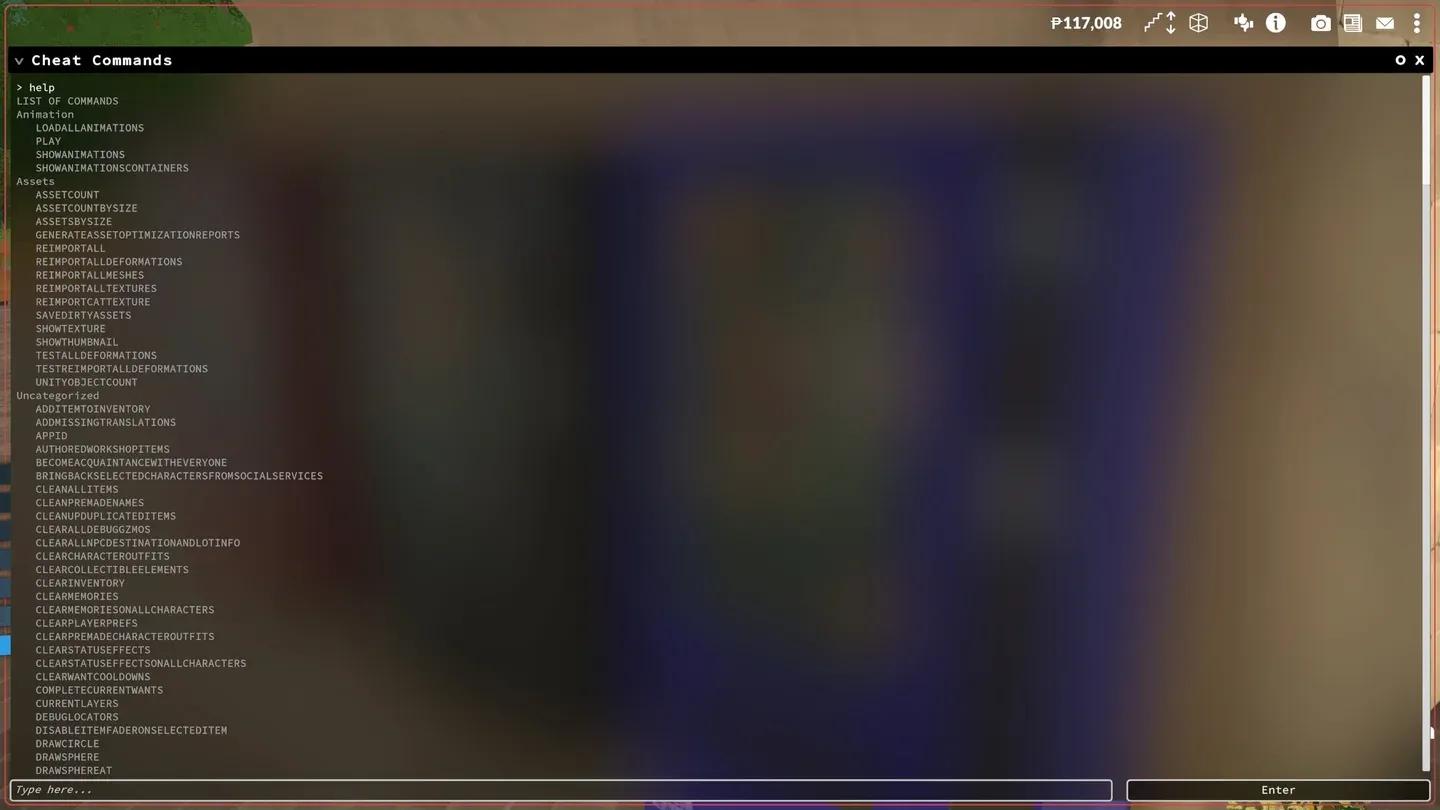
The Paralives cheat console
How the paradime economy bends to your will
Money cheats are the first thing most players go looking for, and Paralives delivers several options depending on how much control you want. PIGGYBANK drops 1,000 paradimes into your household. MAKEITRAIN gives 10,000. JACKPOT hands over 50,000. If you want a truly random windfall, LOTTERY generates anywhere between 1 and 100,000 paradimes.
For more precise control, PRINTMONEY and SETMONEY both accept a specific number as an argument. The difference is meaningful: PRINTMONEY adds to your current balance, while SETMONEY replaces it entirely. If you're trying to hit an exact figure for a build project, SETMONEY is the cleaner option.
There are also billing commands worth knowing. GENERATEBILL sends a fresh bank statement to the mailbox, and CLEARBILLS wipes everything out. CAUSEOUTAGE and FIXOUTAGE let you toggle power to a lot, which is either useful for testing or just a fun way to make your parafolk's evening miserable.
Skill progression on demand
What most players miss is that Paralives organizes skills into two tiers: broad knowledge skill categories (like KnowledgeMusic or KnowledgeFitness) and specific individual skills underneath them (Piano, Guitar, Dancing, Exercising, and so on). Leveling the parent category speeds up learning across all its child skills.
The key commands here are LEVELUPSKILL and SETSKILLLEVEL, both of which take a skill ID as an argument. Want your para to be a level 9 astronomer? SETSKILLLEVEL Astronomy 9 handles it instantly. SHOWSKILLS prints your para's current skill values directly in the console so you can see exactly where they stand before making changes.
A note worth flagging: two skills listed in the SHOWSKILLS output, Outdoorsiness and Fishing, are not yet functional in the current early access build. The commands accept them without errors but nothing changes.
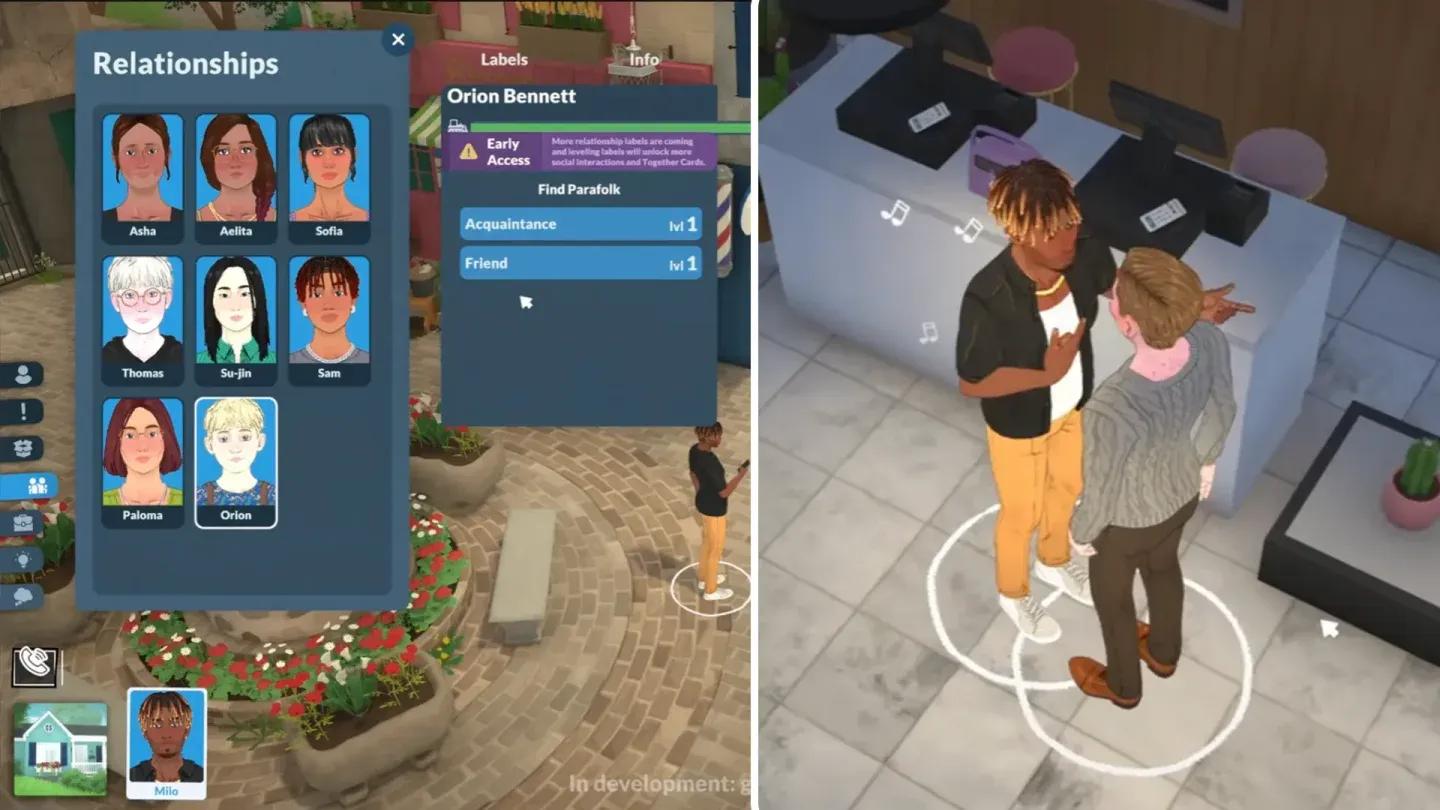
Paralives occupation system
Relationships, needs, and character control
The relationship commands in Paralives are currently limited compared to the rest of the system. SHOWCHARACTERRELATIONSHIPS prints all of a selected para's current relationship labels to the console, and BECOMEACQUAINTANCEWITHEVERYONE instantly adds the Acquaintance label between your para and every other character in town. More granular relationship editing doesn't appear to be available yet, which tracks with the game's early access status.
Needs are more flexible. RELIEFALLNEEDS maxes out every need bar at once, and SETNEED lets you target a specific need by ID and set it to a value between 1 and 10. The need IDs include Hunger, Hygiene, Sleep, Affection, Fun, Peace, MeTime, Bathroom, Grump, EnergySurplus, GetAwayFromFire, and NeedToMove. DECAYNEED works in reverse, dropping a specified need by a set amount.
Occupation tools and the ENDWORKDAY shortcut
For players who want to accelerate career progression without grinding through work days, ENDWORKDAY immediately concludes the current shift and grants the para their salary plus any earned upgrade points. UPGRADEOCCUPATIONS unlocks new upgrade options for the selected para's current job.
The occupation system also has a set of diagnostic commands. PRINTALLOCCUPATIONS lists every job the para holds, and PRINTNUMBEROFEXTRASFOREVERYOCCUPATION displays all possible jobs and their upgrade paths in the console. If a para has accumulated job strikes, CLEARSTRIKES removes them without any in-game consequences.
The rest of the console: time, fire, and debug tools
Beyond the player-facing cheats, Paralives includes a solid set of time manipulation and debug commands. ADVANCEHOUR and ADVANCEDAY move the clock forward, while SETHOUR jumps to a specific time. SKIPTO5MINUTESBEFOREWORK is a genuinely useful shortcut for players who want to manage their para's morning without fast-forwarding manually.
Fire cheats exist too. SETSELECTEDCHARACTERSONFIRE does exactly what it sounds like, and EXTINGUISHALLFIRESS cleans it up. SETITEMONFIRE targets a specific object. These are mostly useful for testing scenarios or, let's be honest, a bit of controlled chaos.
For players running into pathing or performance issues, UNSTUCK and UNSTUCKALL correct para positions when they get stuck mid-navigation. REPAIRALLITEMS fixes every broken object in the game at once, and UNSPOILALLITEMS refreshes any spoiled food without needing to throw it out.
Paralives is still in early access as an indie game, and the cheat system will almost certainly expand alongside the rest of the game. For a deeper look at everything the game has to offer right now, the Paralives guides collection is the place to start.
Roblox Resources
Check out Roblox Gift Cards on Amazon here.
Learn about other popular Roblox experiences: