

Valve's Steam Machine is out, reviews are in, and the verdict lands exactly where you'd expect: it's a genuinely impressive piece of hardware for the right person, and a financially baffling one for everyone else.
Priced from $1,049 for the base model up to $1,428 for the top-end configuration, the Steam Machine is Valve's attempt to bridge the gap between console and PC gaming. Plug it in, log into Steam, and your entire library appears on your TV. No driver headaches, no PCPartPicker rabbit holes, no crashing out of a game because your DirectX version is wrong. For a certain kind of player, that simplicity is worth real money.

Use code TRYHARD33 at checkout to redeem this offer before code expires again.
Get 33% Off GAMES+ Subscription
What Valve actually built here
The design story is genuinely strong. The Steam Machine is compact enough to sit upright next to a TV without the awkward sideways shuffle that the Xbox Series X and PS5 require. A swappable magnetic faceplate and an LED strip give it enough personality to not look like a generic black box. It fits in a travel backpack alongside its cables and the new Steam Controller. For a PC, that's remarkable.
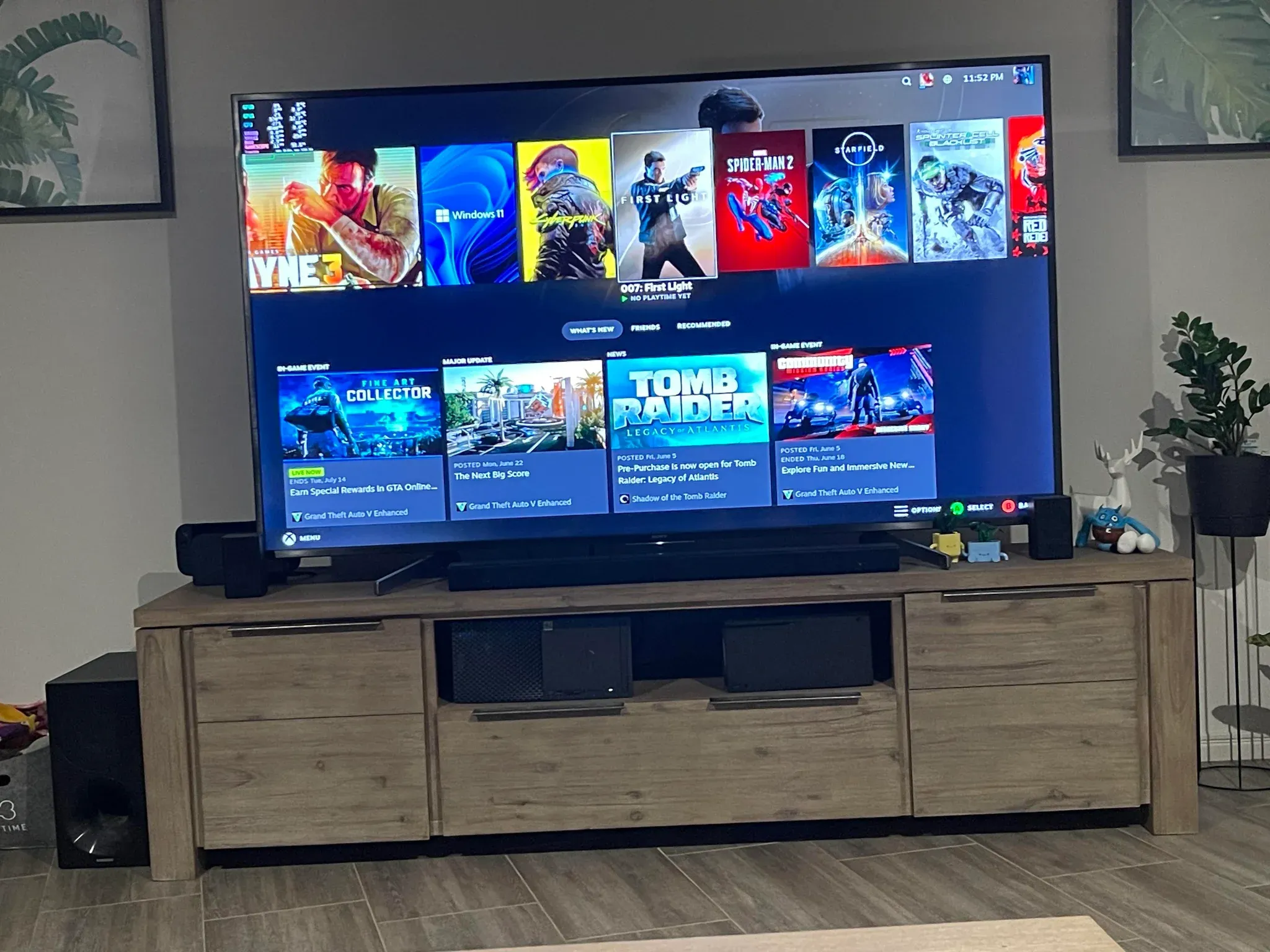
Setup is even faster than a Nintendo Switch 2. Plug it in, set your time zone, log into your Steam account, done. If you already own a Steam Deck, the interface is identical since it runs the same version of SteamOS. If you've never touched SteamOS, the learning curve is minimal. Your recently played games sit front and center, the store is a few button presses away, and every menu is organized in a way that doesn't require a manual.
Here's the thing: that ease of use extends to actually playing games. Every title tested at launch, from brand-new AAA releases to unverified indie games, launched without issues. That's a meaningful improvement over the original Steam Deck launch, where compatibility was genuinely hit-or-miss.
Performance: the honest picture
The Steam Machine handles a wide range of games at 1080p and 60 fps with default settings. Monster Hunter Stories 3 runs cleanly at 60 fps where the Steam Deck struggles to hold 30. Lego Batman: Legacy of the Dark Knight hits over 100 fps with the frame limiter off. Even Crimson Desert, which isn't officially verified for the platform, runs at a playable 60 fps with some visual compromises.
But Valve's initial 4K/60fps marketing promise has proven misleading. The realistic ceiling for most demanding games is 1080p, and that's where you'll want to stay if smooth framerates matter to you. FSR 4, AMD's more powerful upscaling tech, is expected to arrive for the Steam Machine after launch with no firm date confirmed yet. Until it does, the upscaling options on offer are functional but not impressive.
Stalker 2 performs comparably to an Xbox Series X at default settings, though it becomes unstable if you push past the 60 fps cap. Borderlands 4 runs well in first-person but drops frames noticeably when you mount up. The seams show when you push hard, but the floor is higher than most expected.
The value question that won't go away
What most players miss is that the Steam Machine's value proposition isn't really about specs. Valve is building an ecosystem. The Steam Controller, Steam Deck, and Steam Machine all share a unified interface, cross-save functionality, and a consistent design language. Your save file from a Steam Deck session transfers instantly to the Steam Machine. You don't pay a monthly online fee. You have access to Linux desktop mode, which opens up modding and emulation in ways that a PS5 simply cannot match.
For a console player who has never thought to run an HDMI cable from their PC to their TV, the Steam Machine feels like a revelation. For anyone who knows what Big Picture Mode is, the appeal shrinks fast. A comparable mini-PC running Steam in Big Picture Mode costs significantly less and outperforms the Steam Machine on every benchmark.
Anti-cheat compatibility is still a real limitation too. Several of the biggest live-service games in the world, including Fortnite, don't run on SteamOS due to anti-cheat restrictions. Spending over a grand on a machine that can't run some of the most-played games on the planet is a genuine concern, not a minor footnote.
For players who want to optimize their gaming setup across multiple devices, our PowerWash Simulator 2 deadzone sliders guide is a good example of how controller settings can make a real difference on SteamOS-powered hardware.
Who should actually consider buying one
The Steam Machine makes the most sense for a specific type of player: someone who owns a Steam library, finds PC gaming intimidating, wants a couch-gaming setup, and isn't interested in comparing benchmark sheets. If that's you, the convenience factor is real and the experience is genuinely polished.
If you're already comfortable with PC hardware, the math doesn't work. A more powerful machine for the same money is a few Google searches away. Valve knows this, which is why the Steam Machine's pitch leans so heavily on lifestyle and ecosystem coherence rather than raw performance.
The platform will improve. FSR 4 support is coming, Valve has a track record of pushing meaningful updates to Steam Deck over time, and the software ecosystem only gets stronger. Whether the hardware keeps pace with a potential new console generation launching in 2027 is a separate and more pressing question.
For players who want to get the most out of their current PC gaming setup while waiting to see how the Steam Machine evolves, our gaming guides cover performance optimization and controller settings across a growing library of titles. And if you're already deep in the Valve ecosystem and running games on lower-end hardware, the Killer Bean performance fix guide shows how much headroom you can recover with the right settings tweaks.