Search games, articles, guides...CtrlK
Sign InGet Started
Solar, wind, rain, and fuel explained. Learn which power sources to build first and how to keep your van charged across all four maps.

Written by Mostafa Salem
Head of Gaming Research
See more GAMES.GG guides on Google
Add us as a preferred source and our guides show up first in your results.
Outbound Axe Guide: How to Get, Craft, and Use It
Learn how to unlock, craft, and use the Axe in Outbound to chop logs and dead trees for wood materials.
Outbound Scrap Metal Guide: Where to Find It and What It Builds
Find Scrap Metal fast in Outbound by hitting Signal Towers, managing supply caches, and keeping a reserve for key workstations.
Outbound Resources Guide: Every Material and How to Get It
Every resource in Outbound, where to find it, and how to collect it across all four biomes and power systems.
Your van in Outbound runs on electricity, not gasoline, and keeping that battery topped up is one of the most important habits to build early. The game gives you four distinct energy systems: a Power Unit that burns organic materials, Solar Panels, Wind Turbines, and Rainwater Turbines. Each one has a specific weather condition where it shines, and none of them work well in isolation across every map. Knowing which to prioritize, and when to swap between them, is what separates a van that crawls to a stop mid-exploration from one that keeps rolling without interruption.
Power Unit fuel input slot
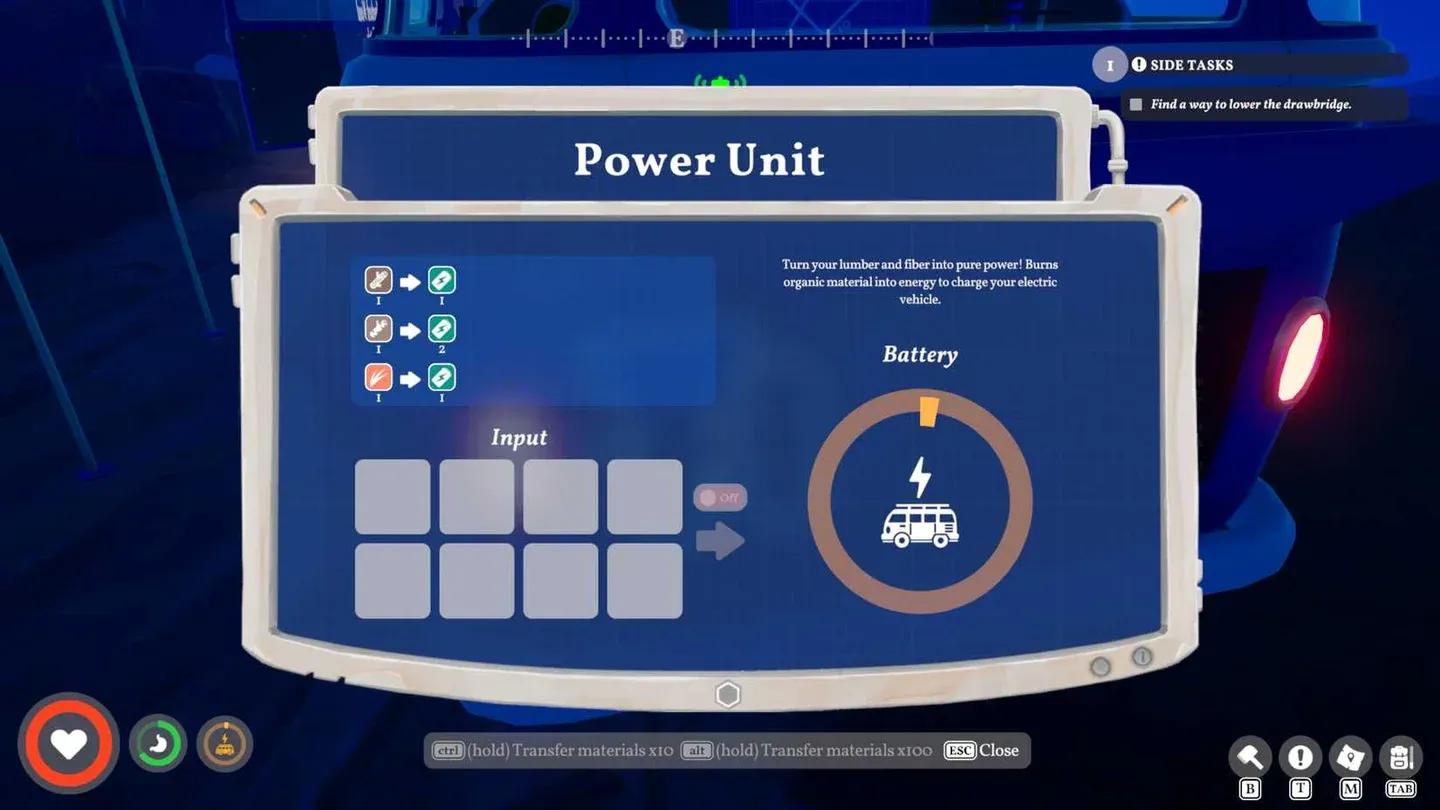
From the moment you roll out of the starting area, your van already has a Power Unit installed next to the engine. You interact with it by opening the engine bay at the back of the van, then dropping in Fiber, Everwood, or other types of wood to burn as fuel. Each material adds a small amount of charge, and the more you load in, the more energy you generate.
Here is the problem: wood and Fiber are also your most-used early crafting materials. Burning them as fuel will quietly throttle your progression if you do it too often. The Power Unit is best treated as a backup for genuine emergencies, not a primary charging strategy. Focus on locking down one of the weather-based options as fast as possible.
Adding extra chargers to your van does not appear to affect its weight. That means you can stack multiple energy sources without worrying about the payload penalty that hits when you overload your van with furniture and raw logs.
For a broader look at getting your van set up efficiently from the start, the Outbound ultimate beginner's guide covers the full early-game loop including Signal Towers and your first resource priorities.
There are seven total blueprints that provide power to your van. Every single one is unlocked at a Signal Tower or landmark terminal by spending a Download Voucher, which you craft at the Recycler using 2x Litter. The table below covers every option, what it costs to build, where it unlocks, and when it actually works.
| Blueprint | Build Cost | Unlocks In | Active Condition |
|---|---|---|---|
| Solar Panel | 5 Scrap Metal | Map 1: Forest and Farms | Sun is out |
| Efficient Solar Panel | 1 Electronics, 2 Sheet Metal, 2 Bolts | Map 2: The Coast | Sun is out |
| Wind Turbine | 5 Fiber | Map 1: Forest and Farms | Wind is blowing |
| Efficient Wind Turbine | 2 Cloth, 2 Thread | Map 3: The Canyon | Wind is blowing |
| Rainwater Turbine | 5 Fiber | Map 2: The Coast | Raining |
| Efficient Rainwater Turbine | 2 Strong Weave, 2 Hardened Metal | Map 3: The Canyon | Raining |
| Power Unit | 3 Rocks, 3 Fiber | Map 1: Forest and Farms | Manual fuel input |
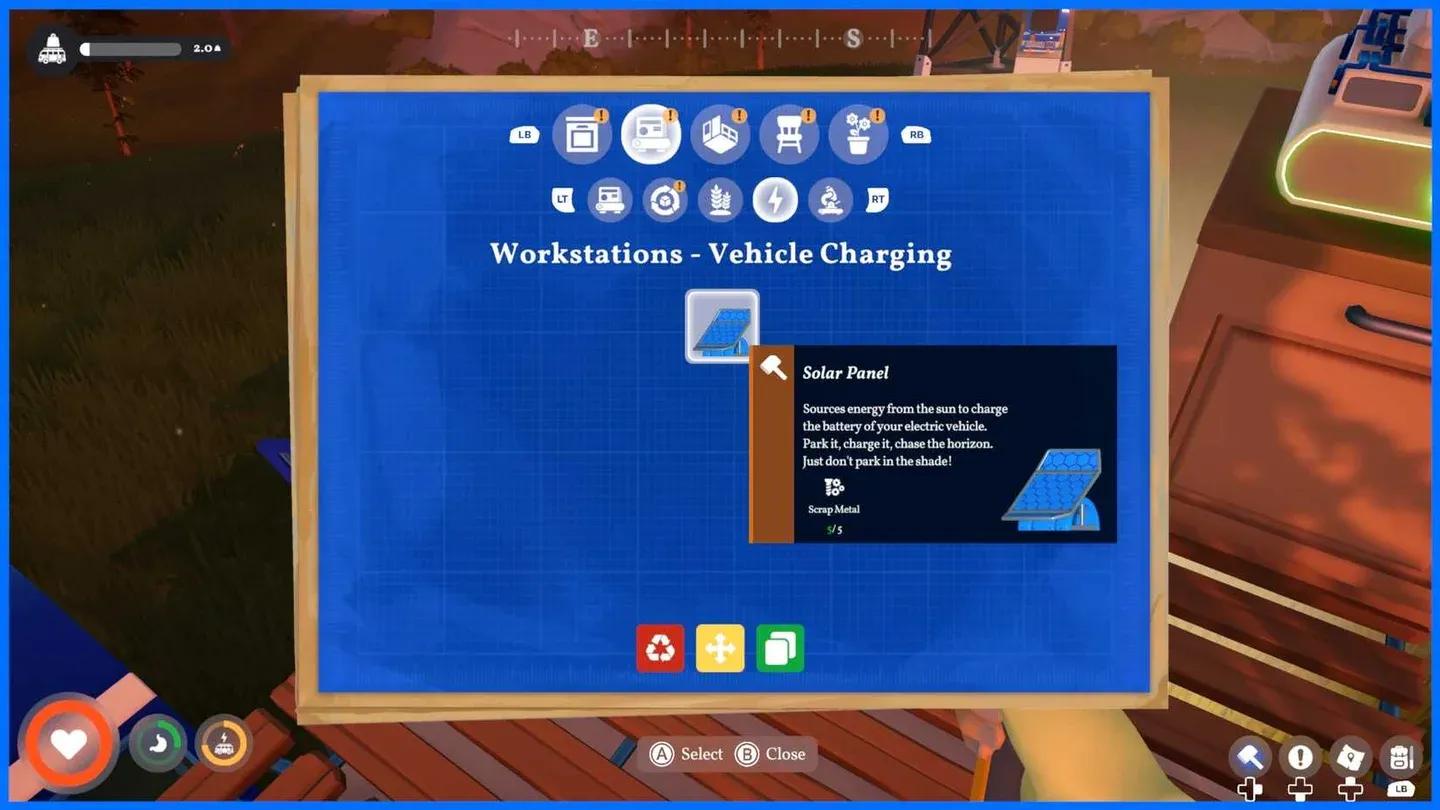
The Solar Panel at 5 Scrap Metal is the cheapest weather-based option and available from Map 1, making it the obvious first pick. The Wind Turbine costs the same in blueprint slots but requires Fiber to build, which puts it in direct competition with your fuel supply. Prioritize Solar first, then add Wind as a complement.
Scrap Metal itself is worth farming aggressively near the metallic Signal Towers in the early biomes. It respawns daily in those areas and completely disappears once you reach the canyon biomes, where towers switch to wooden structures.
Solar panel on van upper deck
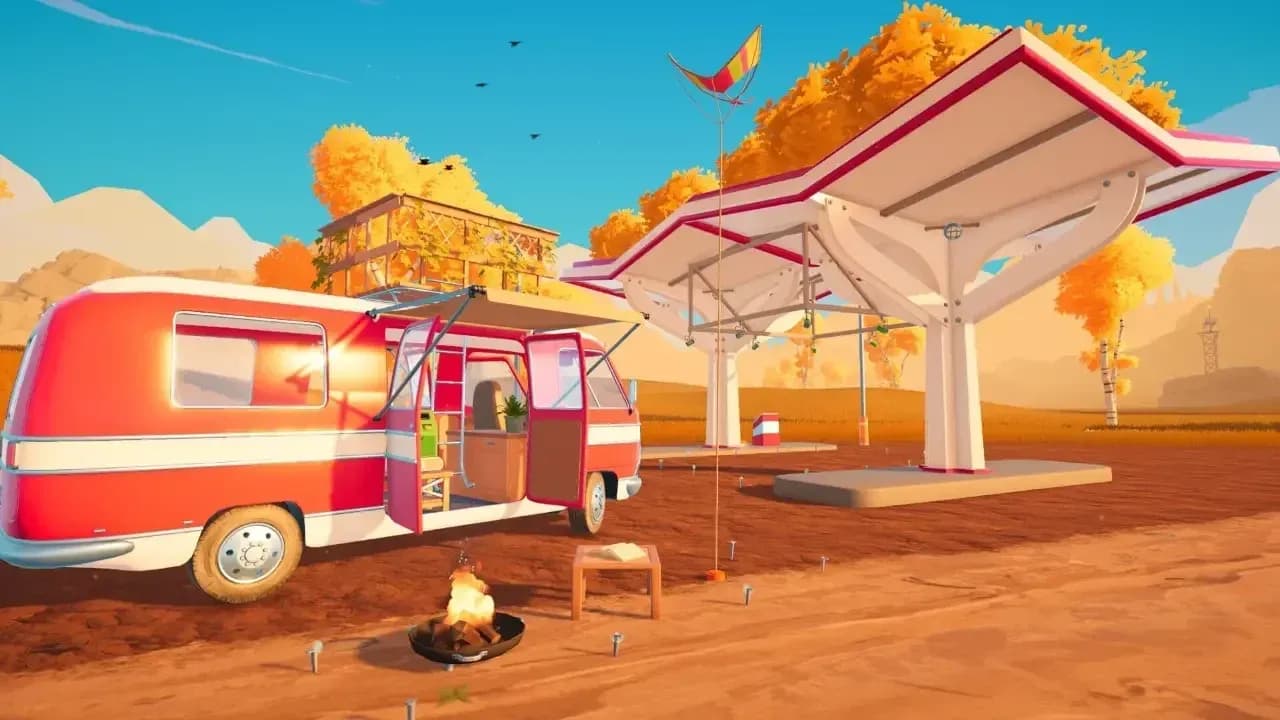
Scattered across each map are Recharge Stations, which look like small shelter structures without fuel pumps. Once you spot one, it gets marked on your map with a lightning bolt icon on a pylon. Park your van within the marked ground area, find the terminal, press the button, and your battery fills completely in seconds.
The catch: you can only use each station once every 15 minutes. They are also sparse enough that going out of your way to reach one is rarely the most efficient play when your battery is already critically low. Treat them as a bonus top-up when you happen to pass by, not a reliable recovery strategy.
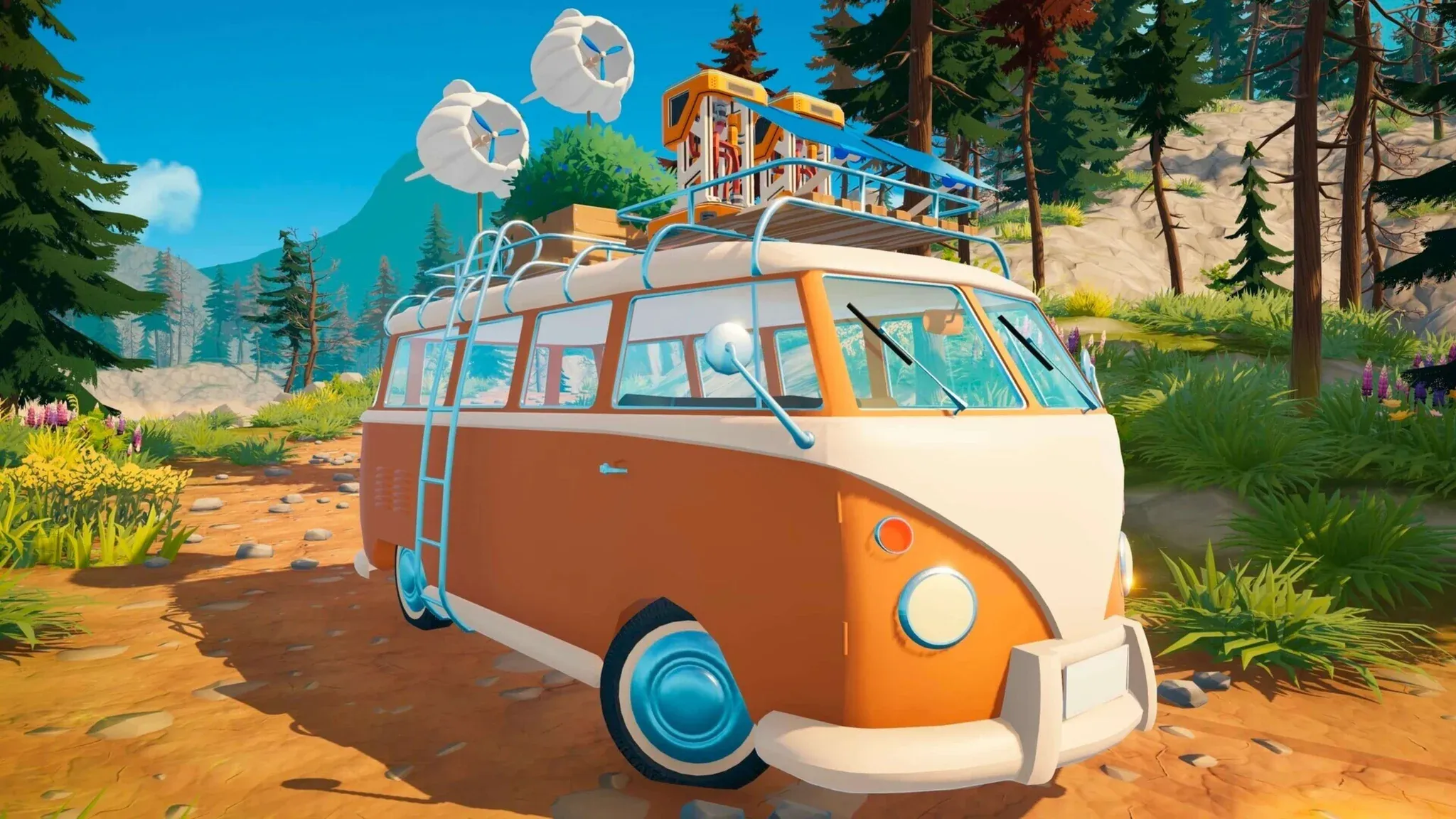
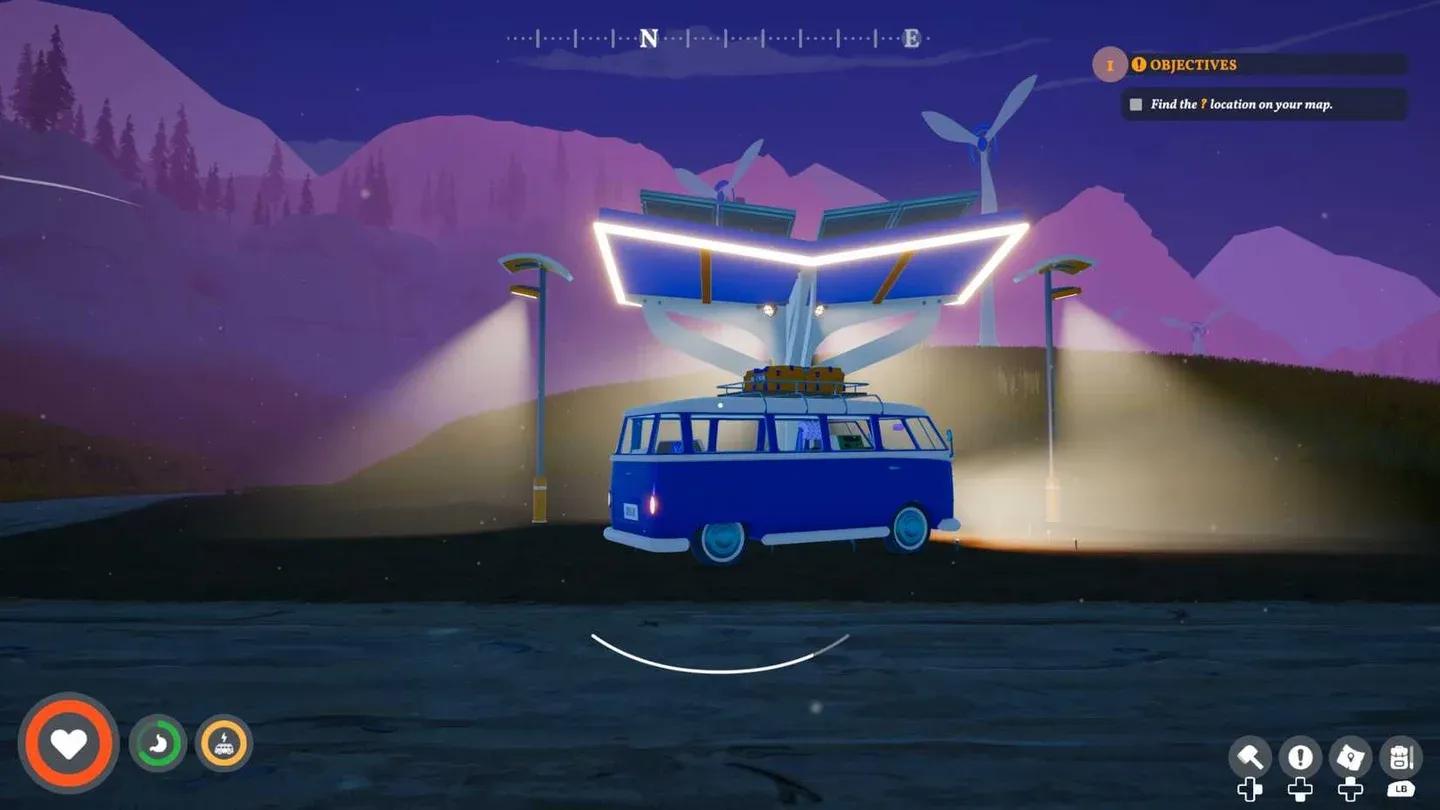
Solar Panels and Wind Turbines need to be placed on the upper deck of your van. This means you cannot build them until you have the upper deck unlocked and at least some flooring laid down. The upper deck blueprint requires 10 Everwood and 3 Scrap Metal to craft after getting the Building blueprint from the Treehut. For the full process, check out the guide on how to unlock and build the upper deck on your van.
One important detail that trips up new players: solar panels only charge when the van is parked and not moving. Driving around does not generate passive solar income. Park up whenever you set up camp or stop to explore on foot, and let the passive charging do its work.
Wind turbine van installation
Each of the four maps in Outbound has distinct weather patterns, and your energy loadout should reflect that. Running the same setup across every biome is a reliable way to end up stranded.
Map 1: Forest and Farms This map has mixed weather. A combination of Solar and Wind covers most conditions, with the Power Unit as a fallback when it rains. Both blueprints are available here, so get them early.
Map 2: The Coast The coast is frequently rainy and windy. Wind Turbines and Rainwater Turbines will charge faster here than solar. The Rainwater Turbine blueprint unlocks on this map, so grab it as soon as you arrive.
Map 3: The Canyon It never rains in the canyon. Focus entirely on Solar and Wind. The Efficient variants of both unlock here, so upgrading makes sense if you have the materials.
Map 4: The Celebration Weather conditions shift more unpredictably. A balanced spread of all available energy types is the safest approach to avoid dead spots.
Short answer: as rarely as possible. Everwood and Fiber are needed for the Sawmill, bridge repairs, van construction, and a wide range of crafting recipes. Burning them in the Power Unit for a small charge is a poor trade in most situations.
The exception is genuine emergencies: if your battery is about to die far from a recharge station with no sun or wind available, the Power Unit saves you. Keep a small emergency stack in your van storage, but do not rely on it as your primary charging loop. For a look at which blueprints to spend your Download Vouchers on to get the most useful systems running first, the best blueprints to get first guide lays out the priority order clearly.
Emergency fuel in Power Unit
Every piece of furniture, raw material, and workstation you load onto your van increases its total weight. A heavier van drains the battery faster while driving, which means your passive charging systems have to work harder just to keep pace. Building the Vehicle Research Station and crafting Bolt Press upgrades increases your maximum payload and reduces this drain.
The practical implication for energy management: do not haul raw logs or excess materials you do not immediately need. Deposit resources into van storage efficiently rather than carrying them on your person. For a refresher on using the storage panel correctly, the guide on how to deposit materials into your van covers the hidden hatch location and how to avoid accidentally dumping food and Download Vouchers.
For everything else Outbound has to offer across all four biomes, the full Outbound guides collection has you covered from resource farming to landmark repairs.