
Emotes in Pokemon Pokopia are a small but satisfying layer of personality that makes exploring your island feel alive. Whether you want to wave at a passing Pikachu, strike a pose for Photo Mode, or communicate with friends during multiplayer, knowing how to unlock and use every emote puts you in full control of your self-expression. This guide breaks down every method for getting new emotes, where to find them, and exactly how to navigate the Communications Wheel.
How Do You Unlock Emotes in Pokemon Pokopia?
There are three distinct ways to add emotes to your collection, and each one rewards different types of exploration. None of them require spending in-game currency, so the more you explore and interact, the faster your emote library grows.
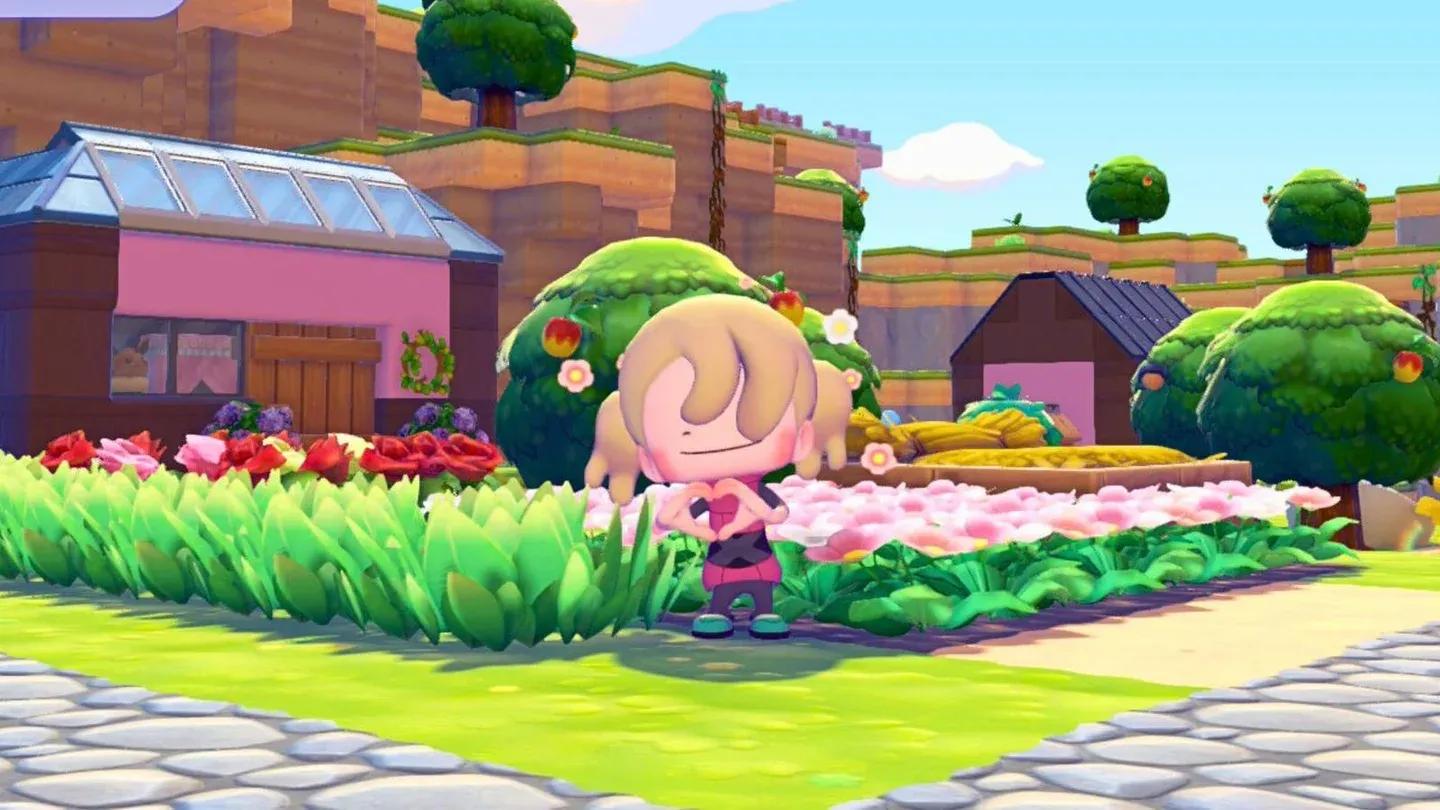
Human Records unlock new emotes

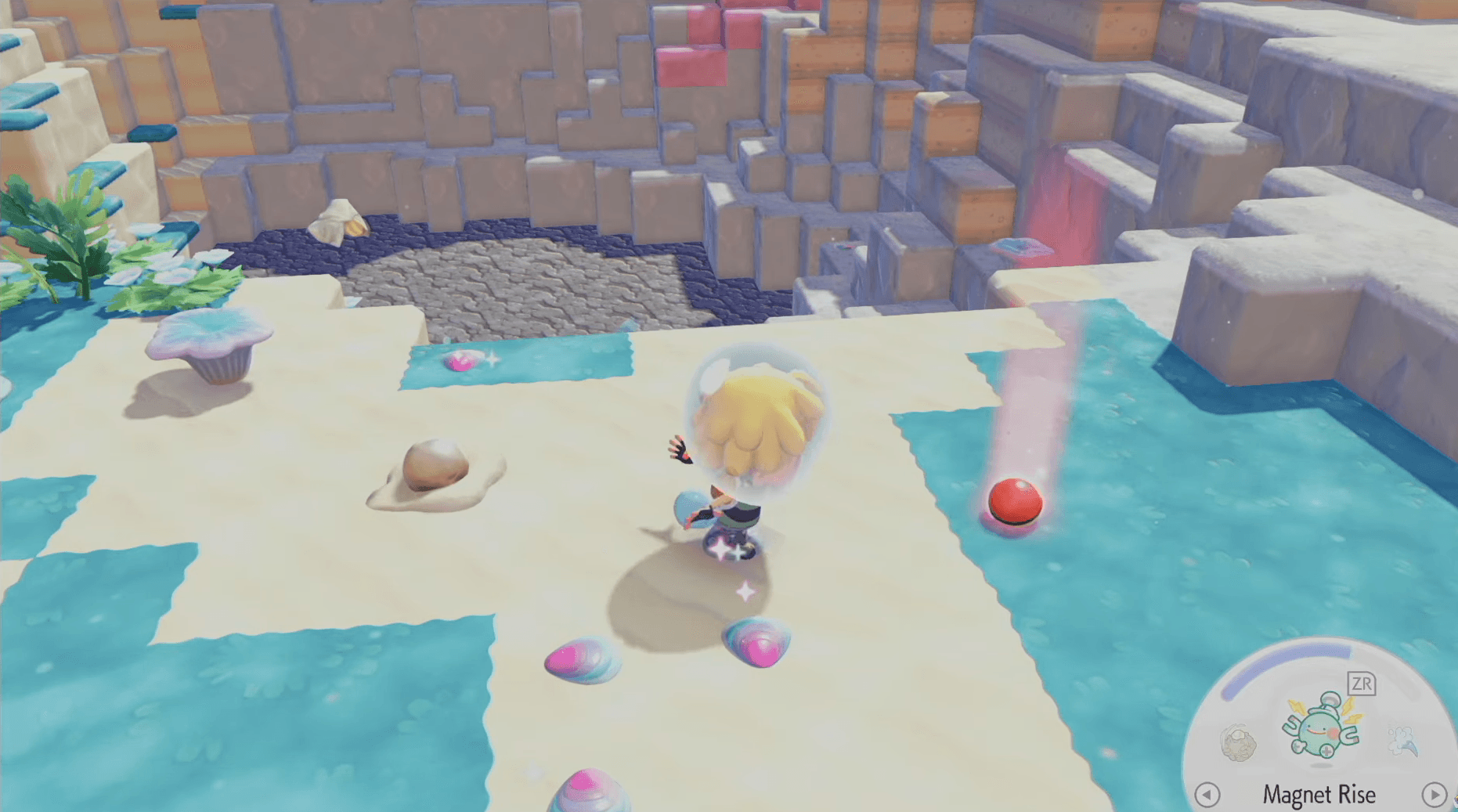
Collect Human Records Across Every Area
Human Records are scattered throughout the various areas and biomes of Pokemon Pokopia. These collectibles take the form of everyday objects from the human world, including newspapers, journals, photographs, magazine ads, and letters. When you interact with any of these items in the overworld, you receive the associated emote immediately with no additional steps required.
The four emotes tied to Human Records are:
- Greetings!
- Point Here
- Goodbye!
- Smile
Each record has a fixed map location, so consulting the full Human Record location list helps you track down any you may have passed without noticing.
Talk to Pokemon With Speech Bubbles
A second category of emotes comes directly from Pokemon interactions. When a Pokemon has a speech bubble floating above its head, it has something to communicate. Walking up and talking to it can trigger a special interaction, and there is a meaningful chance that conversation will reward you with a new emote.
These interactions are random and can happen at any location across the island, so there is no specific route to follow. The key habit is checking every Pokemon with a visible speech bubble rather than skipping past them on your way to a task.
Emotes Available From the Very Start
A small selection of emotes is unlocked automatically when you begin the game. These starter emotes are available immediately and do not require any collection or interaction to access.
How to Use Emotes
Once you have emotes in your collection, triggering them takes only a few button presses.
- Press Down on the D-Pad to open the Communications Wheel.
- Use the Left Joystick to scroll through available emotes.
- Press A to select and play the emote you want.
- To use another emote immediately after, repeat the process from step one.
How Do You Customize Your Emote Wheels?
Pokemon Pokopia gives you the ability to personalize which emotes appear on your wheel so your favorites are always within quick reach. The system supports three separate Emote Wheels, letting you organize emotes by situation, such as one wheel for social interactions, one for Photo Mode poses, and one for general use.
| Control | Action |
|---|---|
| Y | Remove an emote from the current wheel |
| X | Register (add) an emote to the current wheel |
| D-Pad (while wheel is open) | Switch between the three available wheels |
Changing between wheels mid-session means you can keep a full set of expressive emotes ready without scrolling through your entire collection every time.
How Do You Send Messages in Pokemon Pokopia?
Beyond emotes, the Communications Wheel also includes a send messages option for quick text-based communication. This is especially useful during multiplayer sessions when a simple emote does not quite cover what you want to express.
- Open the Communications Wheel with Down on the D-Pad.
- Use the Left Joystick to navigate to the send messages option.
- Browse the available preset messages, which include phrases like "Okay" and "Thank You".
- Select your chosen message with A.
Just like emotes, frequently used messages can be marked as favorites so they appear at the front of the list. This keeps communication fast during cooperative play without interrupting the flow of your session.
Why Bother With Emotes?
Emotes serve a practical purpose beyond simple fun. In multiplayer, they are your primary tool for non-verbal communication with other players. In Photo Mode, they add personality to your island snapshots and can make the difference between a flat screenshot and a genuinely memorable image. Building out all three customized Emote Wheels also makes you faster and more expressive in every social situation the game throws at you.
For more Pokémon Pokopia, check GAMESGG guides below:
How to Get Eevee & All Eeveelotions
How to Rebuild the Pokemon Center