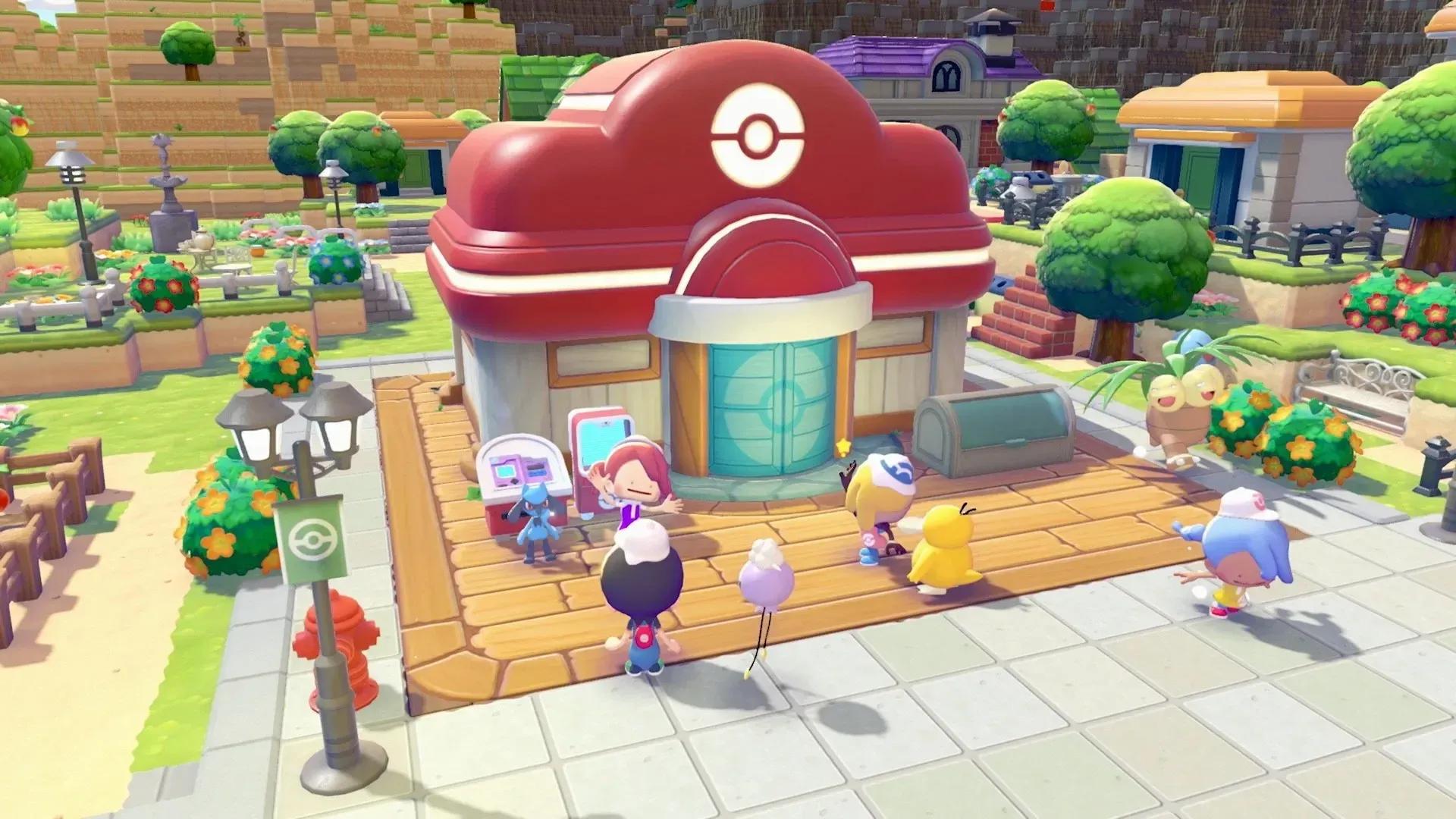

Rebuilding the Pokemon Center is one of the most important milestones in Pokemon Pokopia. It unlocks healing, item duplication, and trading, all of which make the rest of your adventure significantly easier. The process involves several steps spread across the early story, so knowing exactly what to prepare ahead of time saves you a lot of backtracking.
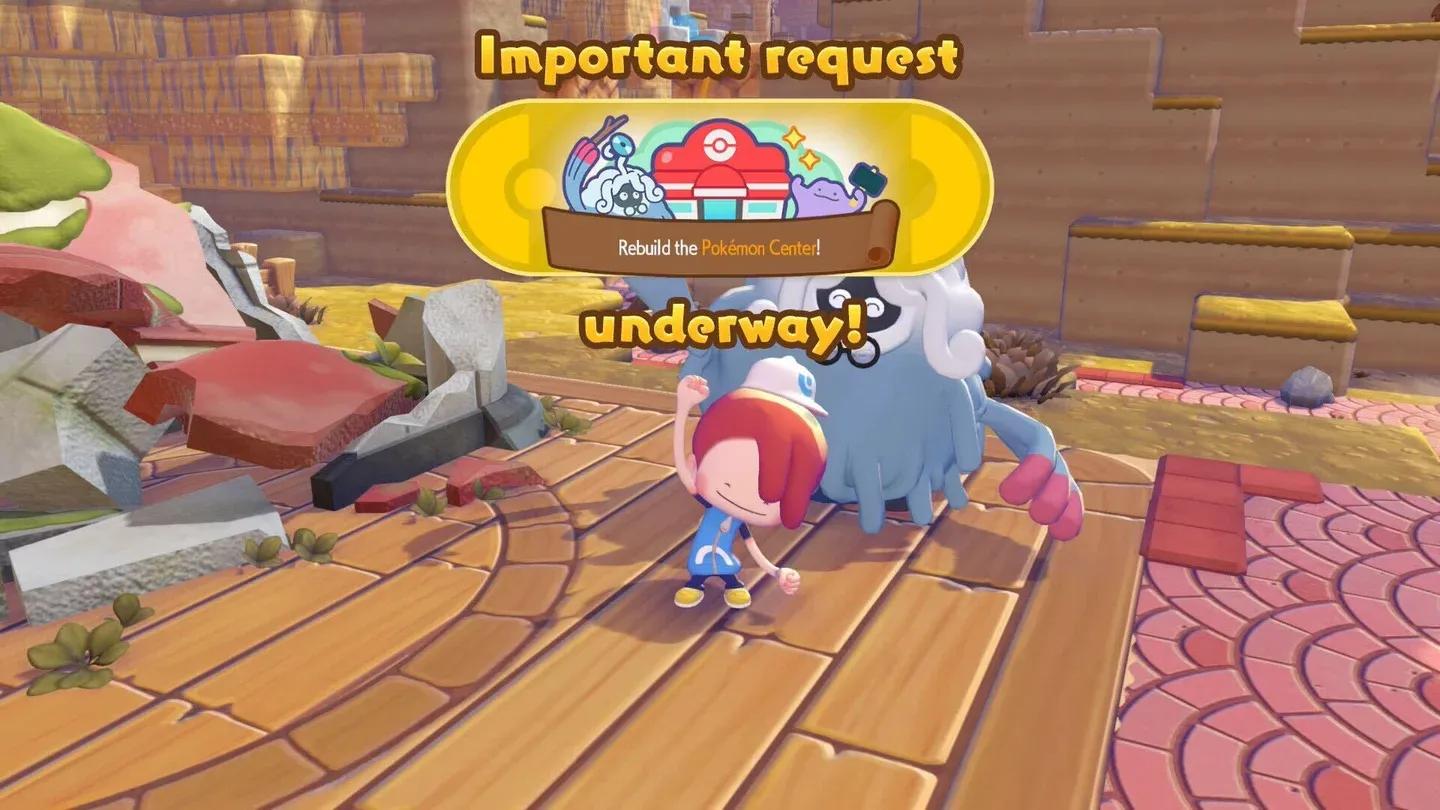
Pokemon Center rebuild kit
What Do You Need to Rebuild the Pokemon Center?
Before you can start construction, you need to meet a few prerequisites. None of them are difficult, but they do require you to progress through the early story at a natural pace.

Step 1: Earn the Ditto Flag
The first unlock gate is the Ditto Flag. To get it, you must build your first Leaf Den and place at least 3 pieces of furniture inside it. Once the interior is decorated, speak with Charmander and bring them to Professor Tangrowth. A cutscene plays, and you receive the Ditto Flag as a reward.
After that, place the Ditto Flag on or near the Leaf Den to mark it as your home. This completes the prerequisite Request and opens the door to the Pokemon Center rebuild chain.
Step 2: Raise Environment Level to 3 and Buy the Rebuilding Kit
Once you have placed the Ditto Flag, speak with Professor Tangrowth again. He unlocks the Request to repair the Pokemon Center and directs you to the Shop.
The Pokemon Center Rebuilding Kit only appears in the Shop after your Environment Level reaches 3. You raise this level by building more habitats and increasing the Comfort Levels of your befriended Pokemon. The kit costs 1000 Life Coins, which you earn by completing Challenges.
After purchasing, the kit is automatically placed in front of the ruined Pokemon Center. Stand near it to see the full list of requirements.
What Materials Are Required to Rebuild?
Depositing materials into the kit is a straightforward process once you know what to gather. Here is exactly what you need:
| Material | Amount Required | How to Obtain |
|---|---|---|
| Lumber | 20 | Have Scyther (Chop Specialty) convert Small Logs |
| Stones | 20 | Gathered from the environment |
| Leaves | 10 | Gathered from the environment |
| Vine Ropes | 10 | Gathered from the environment |
How to Get Lumber Fast
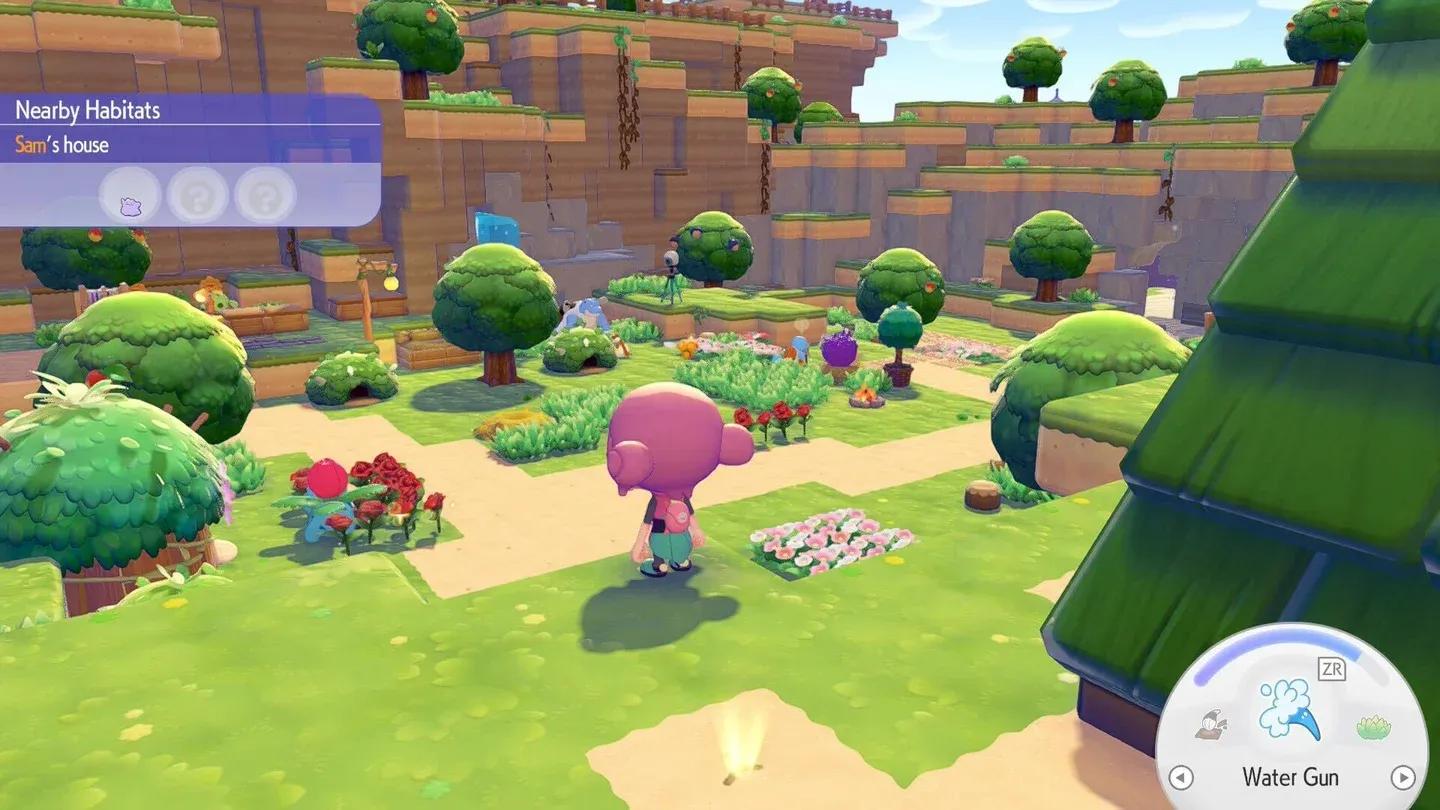
Lumber is the trickiest material because you cannot pick it up directly. You need to befriend Scyther, who has the Chop Specialty. Create a Tree-Shaded Tall Grass habitat to attract Scyther, then give him Sturdy Sticks to complete his request and unlock the Cut move.
After befriending Scyther, talk to him and select Look at this!, then choose Small Logs from your inventory and ask him to Make me some lumber. Importantly, just 2 Small Logs yield 10 Lumber, so you only need 4 Small Logs total to hit the 20 Lumber requirement.
Scyther lumber conversion menu
Which Pokemon Are Needed for the Rebuild?
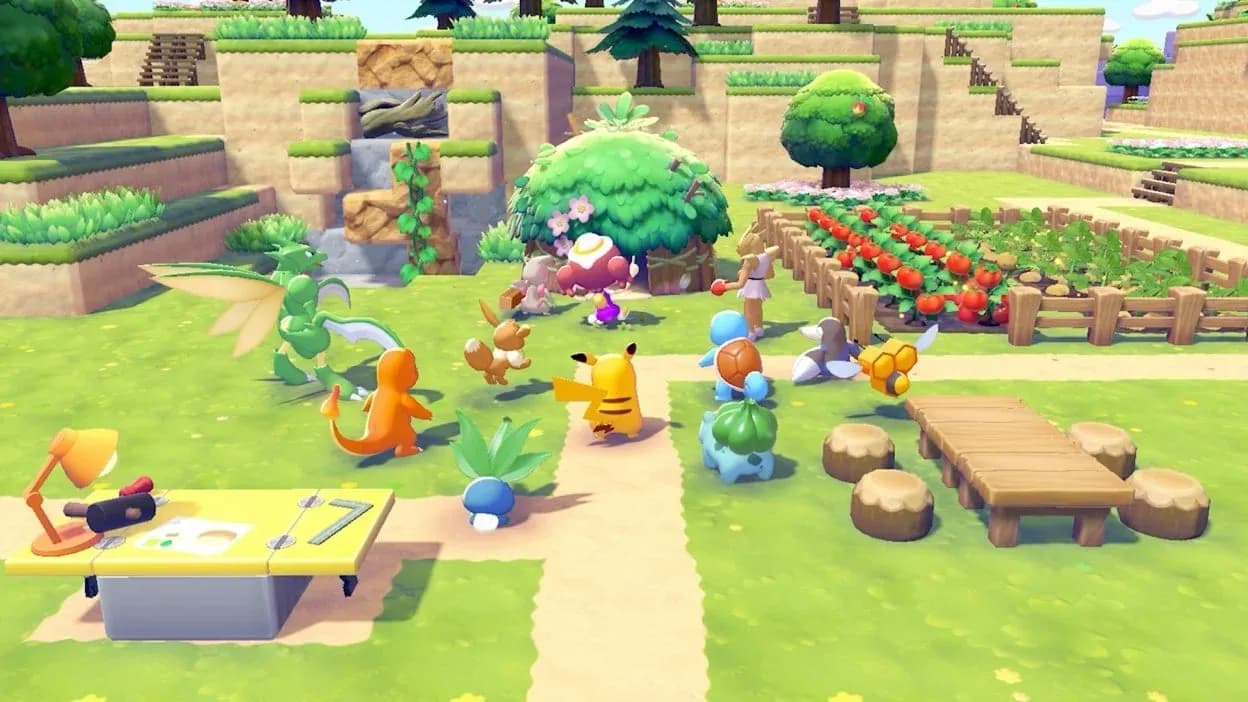
Materials alone are not enough. You also need to bring 8 Pokemon to the construction site and make a request. The specific requirements are:
- 1 Pokemon with the Build Specialty
- 1 Pokemon with the Bulldoze Specialty
- 1 Pokemon with the Chop Specialty (Scyther works here)
- 5 additional Pokemon matching the silhouettes shown at the kit
To have Pokemon follow you, talk to them and ask them to accompany you, then lead them to the Pokemon Center kit location. If you are missing any of the required Pokemon, you will need to build additional habitats and continue progressing the story to attract new species.
Required Pokemon specialties
How Long Does the Rebuild Take?
Once all materials are deposited and all 8 Pokemon are brought to the site, you must wait until the next real-world day for the Pokemon Center to finish construction. The game uses your Nintendo Switch 2 system clock to track this timer.
If you do not want to wait, you can advance your system clock to the following day to skip the wait entirely. This is an accepted method and does not carry any penalties in Pokemon Pokopia.
What Features Does the Rebuilt Pokemon Center Unlock?
Once the Pokemon Center is standing again, three major features become available inside.
Heal Your PP at the Healing Machine
On the right side of the interior, the healing machine restores your Power Points (PP). PP fuels all of your Moves, so having a reliable place to recharge is essential for sustained exploration and habitat building.
Duplicate Items With the 3D Printer
The 3D Printer sits on the left side of the interior. It can copy any item you have a reference photo of, spending Pokemetal as the resource. This includes items found on Dream Islands and objects collected from other players' worlds, making it a powerful tool for filling out your collection without grinding.
Trade Items With Pokemon
If a Pokemon with the Trade Specialty is present in the Pokemon Center, they will offer items for trade. You must provide items of similar or higher value to complete a trade. This is a great way to acquire items you have not found yet by offering duplicates from your own stockpile.