
Get the Celestial Compass in Anime Adventures on Roblox by joining Gomu and redeeming CELESTIALCOMPASSU21 at the codes booth near spawn. The code gives you one compass per account.
The compass is a Mythic item for targeting a specific Mythic unit through the Special Banner. Claiming it and obtaining your chosen unit are separate steps: you need to activate the item, set a target, and summon on the correct banner. It is not an instant unit reward.
How to get the Celestial Compass


Complete the redemption requirements
Join Gomu, the Roblox community for Anime Adventures, before claiming the reward. You can find it through the experience's Roblox community page.
The code redemption area is near the lobby spawn. Look for the CODES booth or circle, then approach it to open the entry window.
Find the booth near spawn
Enter the compass code
Follow these steps once the community requirements are complete:
- Launch Anime Adventures.
- Walk to the CODES area near spawn.
- Paste CELESTIALCOMPASSU21 into the Enter Code field.
- Select Redeem to claim the reward.
- Open Items and check for the Celestial Compass.
Copy the complete code, including the U21 ending, without adding spaces before or after it. Preserve its capitalization to avoid an entry error.
How to use the Celestial Compass
Select your target Mythic
Activate the compass through your inventory:
- Select the Items icon on the left side of the screen.
- Find and select the Celestial Compass.
- Select Use.
- Choose the Mythic unit you want from the selection list.
Set your target before you begin summoning. The compass directs your Special Banner summons toward that choice, but selecting a character does not immediately add it to your roster.
Open the Special Banner
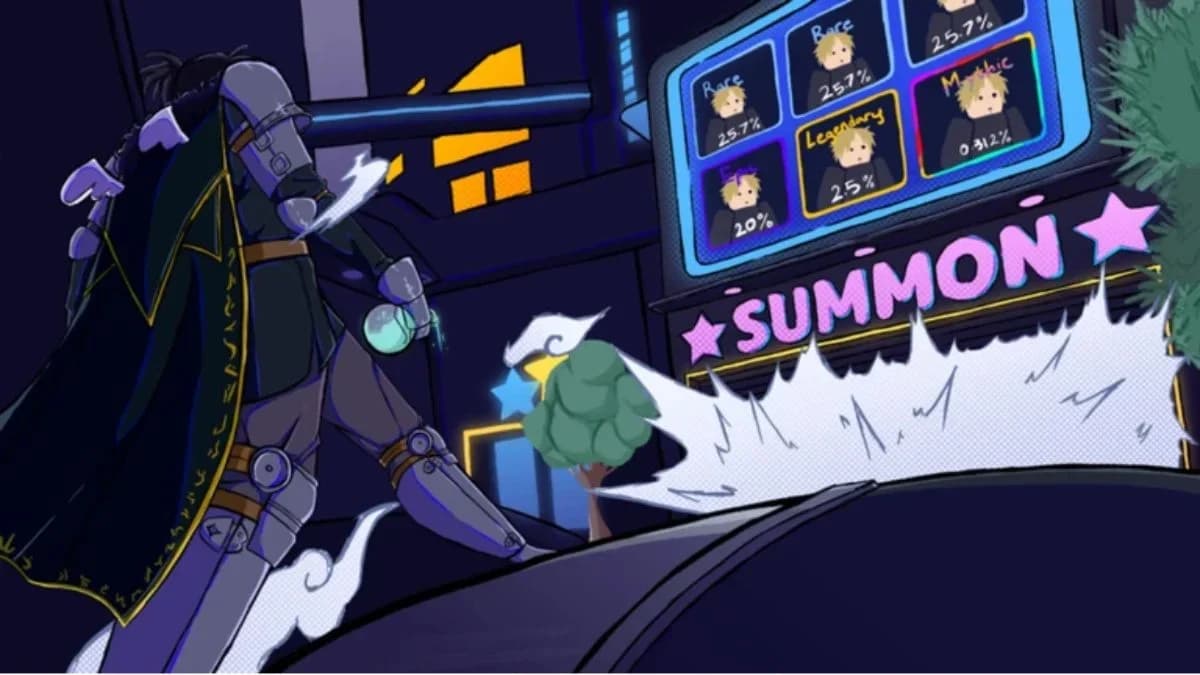
Walk to the summon area or select the summon icon, then open Special Banner. Begin summoning after setting your compass target.
You can also access the compass through its slot on the Special Banner. Select that slot to open the Mythic selection process directly from the summoning interface.
How the compass guarantee works
Special Banner vs. regular banner
The Celestial Compass guarantees your chosen Mythic when you reach pity on the Special Banner. It does not guarantee that your very next summon will produce that unit.
Your selected Mythic does not need to be among the banner's currently featured characters. You can pursue the target without waiting for its featured rotation.
| Banner | Celestial Compass support | What to do |
|---|---|---|
| Special Banner | Uses your selected Mythic target | Summon here after setting your choice |
| Regular banner | The compass does not work here | Switch to the Special Banner |
When the compass is consumed
The compass is consumed only when you obtain the selected Mythic. Activating it or choosing a target does not use it up, and summons that do not produce your selected unit leave the compass intact.
You can cancel or change your selection before obtaining the target. If you decide to pursue a different character, update the selection before continuing to summon.
What to check if the code does not work
Resolve a community requirement message
If redemption displays a community requirement, select Join Community in the prompt. Complete the Gomu membership step, return to the code entry window, and submit the code again. Joining the community does not automatically finish the earlier redemption attempt.
Check your entry and inventory
If you still cannot claim the item, check these points:
- Code entry: Compare your entry with CELESTIALCOMPASSU21 and correct any typing errors.
- Previous claim: Look in Items before retrying. An account that has already claimed this reward cannot use the code to get another compass.
- Correct experience: Make sure you launched Anime Adventures, not a different Roblox experience with a similar name.
- Code expiry: Reward codes can expire. Correct spelling does not make an expired code redeemable.
Once the compass appears in your inventory, select your Mythic target and use the Special Banner for your summons.