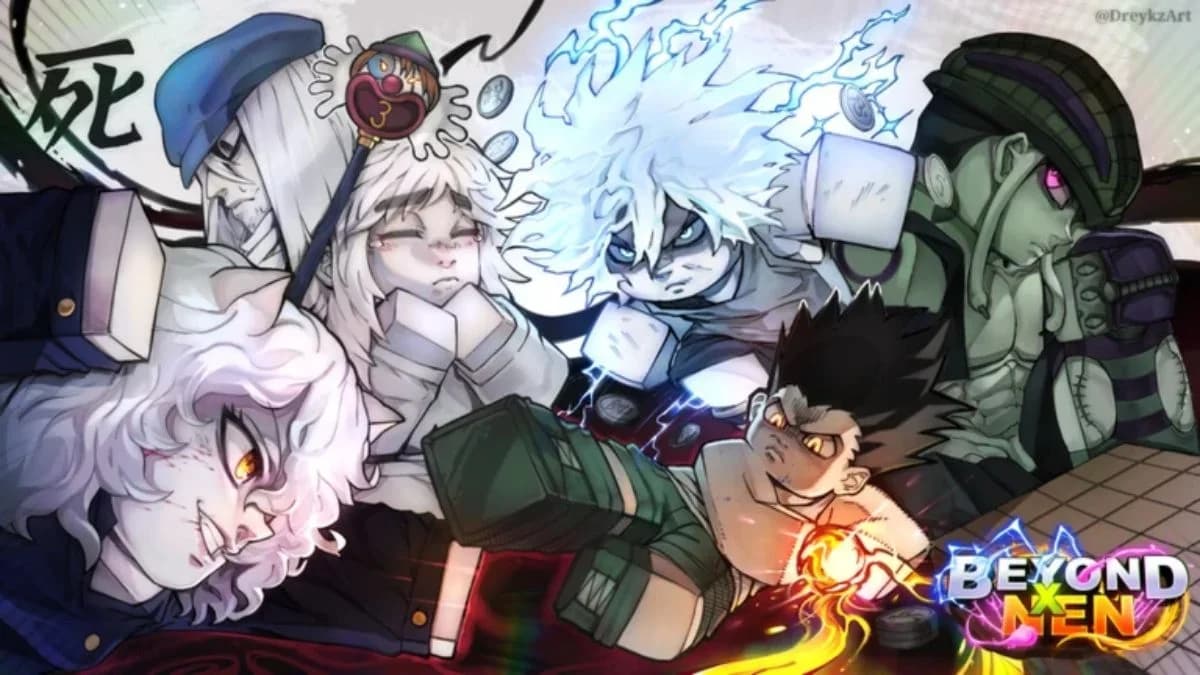

Six active Beyond Nen codes give you 100 spins and one reset orb in Roblox. These rewards help you roll for races, lineages, and Nen affinities as you develop your character in this Hunter x Hunter-inspired action RPG.
The main choice is where to redeem: spin rewards have a main-menu route, but item rewards need the in-game menu. Use the checklist below to track your claims, then follow the steps for the reward you want. Neither route requires spending your spins immediately.
Active Beyond Nen codes for November 2026
These six codes are active as of November 11, 2026. Copy the code strings exactly, including their capital letters and exclamation marks. Beyond Nen codes are case-sensitive.
| Code | Spins | Additional reward |
|---|---|---|
| PATCH1! | 30 | None |
| PATCH2! | 20 | None |
| UPDATECOMING | 20 | None |
| 20KLIKES | 10 | None |
| THANKYOU! | 10 | None |
| RELEASE! | 10 | 1 reset orb |
If you are prioritizing claims, start with PATCH1! for the largest individual spin reward. Choose RELEASE! first if you want the reset orb, and use the in-game redemption route for its item reward.

Expired codes
There are no expired Beyond Nen codes as of November 11, 2026. A failed redemption does not automatically mean a code has expired. Check community membership, spelling, and the redemption menu before ruling it out.
Codes for other Roblox games
All codes
Roblox GloryBound Codes for November 2026
Steal a Superpower Codes for November 2026

Uma Dash Codes for November 2026
Start an AI Company Codes for November 2026
Project Soul’s Codes for November 2026
Roblox Voxel Heroes Codes for November 2026
How to redeem Beyond Nen codes
Beyond Nen has two code-entry routes. The customization screen is convenient for spin-only codes, while the in-game menu can handle codes that award items as well as spins.
| Redemption route | Use it for | Menu path |
|---|---|---|
| Main menu | Spin-only rewards | CUSTOMIZE → NEN |
| In-game menu | Spin rewards and item rewards | M → Products → Codes |
Redeem spin codes from the main menu
Launch Beyond Nen and select CUSTOMIZE on the main menu. This route lets you reach code entry without entering the game world.
Select NEN to reach the customization screen containing the ENTER CODE box and REDEEM button.
Complete the claim in this order:
- Copy a spin-only code from the table.
- Paste it into ENTER CODE.
- Select REDEEM.
- Enter the next code separately, then redeem it.
Paste only the code string. Do not include the backticks used to format codes in this guide or any spaces before or after the text.
Redeem item codes inside the game
Enter the game world and complete or skip the tutorial if you have not already done so. On keyboard, press M to open the in-game menu, then select Products.
Choose Codes to open the in-game redemption panel. This is the route to use when a code includes an item reward.
To finish:
- Copy the code you want to claim.
- Paste it into the code text box.
- Select Redeem.
- Check the reward before entering another code.
You can redeem spin-only codes here, too. If you are already playing, you do not need to return to customization just to claim them.
Why is a Beyond Nen code not working?
Check the problem in the order below. A missing requirement or the wrong menu can prevent a claim even when the code itself is still active.
| Possible problem | What to check | What to do next |
|---|---|---|
| Missing community membership | Whether your playing account has joined the Beyond Nen community | Join the community before trying again |
| Incorrect text | Capital letters, punctuation, and spaces at either end | Copy the exact string from the active-code table |
| Wrong redemption menu | Whether the code includes an item | Use the in-game Products → Codes route |
| Previous redemption | Whether you already claimed that code on this account | Check your earlier claims and rewards |
| Expiration | Whether the other checks explain the failure | The code may have expired since its listed status |
For a spelling check, compare the entire string. PATCH1! and PATCH2! are separate codes, and both include an exclamation mark. UPDATECOMING has no punctuation.
Also check that you launched Beyond Nen, not another Roblox experience with a similar name. Codes belong to the specific game they were issued for.
What should you do with the free rewards?
Claiming the codes and spending their rewards are separate decisions, so you can collect the balance before choosing what to roll.
Choose a target before spending spins
Races, lineages, and Nen affinities affect your combat options. Decide which part of your character you want to change before spending your balance, and avoid rerolling a combination you already want to keep.
Extra spins provide more chances at a different result. They do not guarantee a rare race, lineage, or affinity.
Inviting friends to play Beyond Nen is another way to get extra reset orbs beyond code rewards.
Continue the quests that unlock your abilities
Your character still needs to progress through the game. Start with quests on Whale Island for XP and money. At level 10, the weapon crafting quest lets you choose between the Archive Sword and the Bat.
Unlocking Nen follows a later quest sequence:
- Complete the four stages of the Hunter Exam and earn your Hunter's License.
- Speak to the Librarian in Port Town to begin the Activate Nen quest.
- Follow the quest to Rohan in the Nen Cave on Wayfarer Island.
- Get a Meditation Mat from the Port Town merchant if you do not already have one.
- Place the mat, approach it, and press T to meditate.
- Complete the keyboard-letter challenges, then return to Rohan.
Rolling your character's options and unlocking Nen through this quest serve different parts of progression. Keep working toward the license and quest requirements while deciding how to spend your free balance.
Where to find more Beyond Nen codes
The developers share codes through the Beyond Nen Discord server, the Roblox community, and in-game patch notes. Check those channels for new code announcements and their reward details.
Players verified for chat on Roblox can find the Discord link at the bottom of the game's Roblox page. When a new code appears, check whether it awards an item before choosing your redemption route.