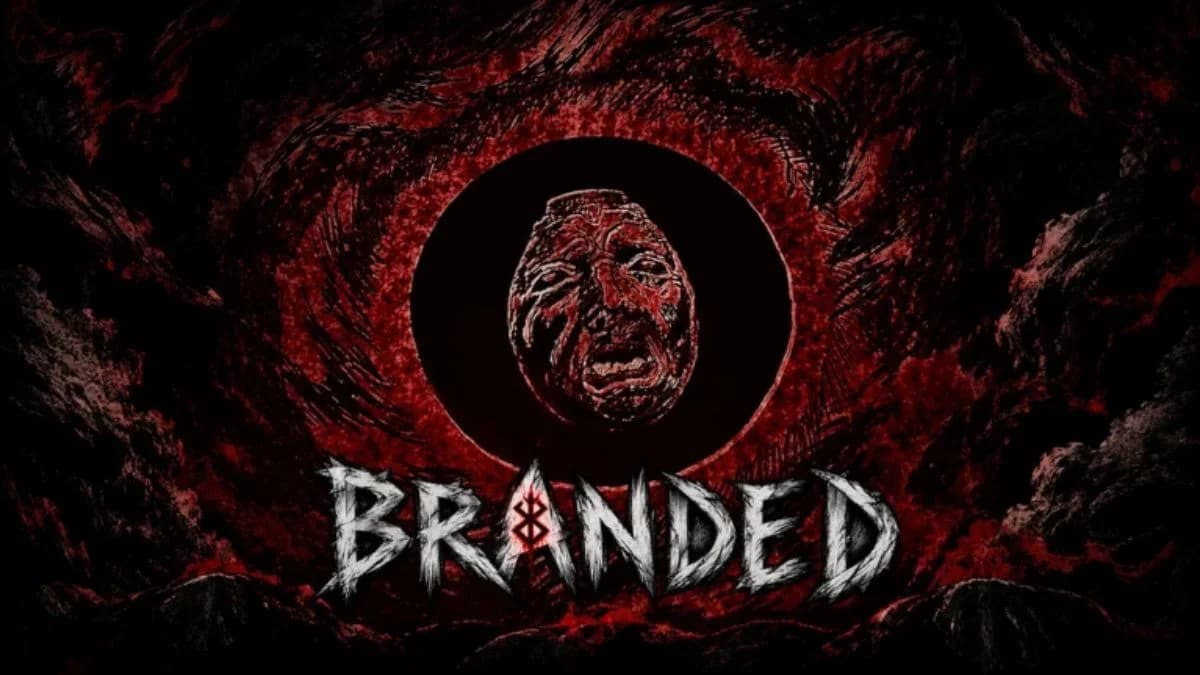

Six active Branded codes in Roblox give you free Omen, Race, Gift, and Brand Rerolls through the game's Settings menu.
Branded is Dead Gods Interactive's dark-fantasy action RPG, with race and class choices alongside skill-based combat. The November 2026 codes below provide extra attempts to customize your character. Use the reward table to choose where to start, then follow the redemption steps, including the community requirement, if this is your first claim.
Active Branded codes for November 2026
There are six active codes in this list. Copy each code exactly as written, including its capital letters and numbers.
| Code | Rewards |
|---|---|
| RELIQUARY | 40 Omen Rerolls and 15 Race Rerolls |
| SORRY4RESTARTS | 15 Race Rerolls and 5 Gift Rerolls |
| WARPREP | 15 Omen Rerolls |
| OMENCHILD | 50 Omen Rerolls |
| OPENBETA | 30 Race Rerolls and 5 Gift Rerolls |
| 600MEMBERS | 15 Race Rerolls, 5 Gift Rerolls, and 2 Brand Rerolls |
Redeeming the full list provides a combined 105 Omen Rerolls, 75 Race Rerolls, 15 Gift Rerolls, and 2 Brand Rerolls.

Which code should you redeem first?
Choose your first code by the reward you need most:
- Race Rerolls: Start with OPENBETA. It has the largest Race Reroll payout among these codes.
- Omen Rerolls: Start with OMENCHILD. Its Omen Reroll payout exceeds either of the other Omen codes individually.
- Brand Rerolls: Use 600MEMBERS, the only active entry that includes this reward.
- Gift Rerolls:SORRY4RESTARTS, OPENBETA, and 600MEMBERS each give the same Gift Reroll payout, so there is no advantage to choosing one first for that reward alone.
These are reroll attempts, so a larger reward gives you more chances to pursue the character options you want, not a guaranteed rare race or Gift.
How to redeem Branded codes
Complete the steps before launching
Join the Dead Gods Interactive Roblox community, then like and favorite Branded before launching the game. Use the community's full name so you select the group associated with the developer.
Find the redemption panel
Open Settings from Branded's main menu. You do not need to enter a combat encounter to reach the code controls.
Select Codes to open the redemption panel. This panel contains the Enter Code text box and the Redeem button.
Complete the remaining steps:
- Paste one code from the active table into Enter Code.
- Select Redeem to claim its rewards.
- Replace the text with the next code and repeat until you have submitted every code you want to use.
Submit codes individually. Pasting the entire list into the text box will not enter them as separate redemptions.
Expired Branded codes
Leave these older codes out of your redemption attempts:
- 175LIKES
- WIPEDAY
- NEWRACES
- 250HYPE
- TENREROLLS
- STRUGGLER
Codes for other Roblox games
All codes
Roblox Bigfoot Codes for November 2026
My Dino Empire Codes for November 2026
Dragon Arena Codes for November 2026
Fish for Secret Animals Codes for November 2026
Throw Food for Animals Codes for November 2026
Anime CardVerse Codes for November 2026
Why a Branded code isn't working
An unsuccessful redemption can come from the text you entered, a previous claim, or the code's expiration. Use the matching action below instead of repeatedly submitting the same unchanged entry.
| Possible problem | What to do |
|---|---|
| Incorrect capitalization or a typo | Copy the complete code from the active table. Branded codes are case-sensitive. |
| Extra spaces | Remove any blank spaces before or after the code, especially after pasting. |
| Previously claimed reward | Move to another code. Most reward codes can only be redeemed once per Roblox account. |
| Expired code | Use another active entry. Correcting the spelling will not restore an expired code. |
If you have already claimed a code successfully, retrying it is not a way to get another batch of rerolls. Continue with the remaining entries in the active table.