
Start BloxNG by learning your sedan’s controls, earning Cash through driving, and saving for an affordable second car before spending on cosmetics.
This Roblox vehicle simulator uses soft-body damage, so a collision can change how your car drives, not just how it looks. Your early progress comes from balancing reward opportunities with the risk of interrupting a good run. The priorities below cover your first drive, dealership purchases, Garage upgrades, and police escapes. BloxNG is in beta, so its physics, interface, and vehicle statistics can change.
Learn the controls before chasing speed
Use your starter car to practise stopping, reversing, and taking corners before attempting fast near-misses. Begin at a pace that leaves you time to steer around traffic. Accelerate more aggressively once you can complete turns without hitting the outside barrier.

PC driving controls
The following keyboard controls cover ordinary driving and vehicle handling. Press H to open the in-game Controls menu.
BloxNG keyboard controls menu
| Key | Function | Useful detail |
|---|---|---|
| W / S | Throttle and brake | Hold S to reverse |
| A / D | Steer | Use small corrections as your speed rises |
| Space | Handbrake | Learn its effect before using it near traffic |
| I | Start or stop the engine | Controls the engine state |
| Z | Switch automatic or manual gearbox | Automatic lets you focus on steering and braking |
| E / Q | Shift up or down | Applies when using the manual gearbox |
| F / E | Exit or enter a vehicle | These actions depend on whether you are seated or on foot |
| X | Switch cockpit or chase view | Chase view helps you see the car’s position near obstacles |
| G | Toggle drift mode | Turns the mode on or off |
| M | Open the map | Clicking the radar also opens it |
BloxNG also supports mobile, tablet, and console. The bindings above are for PC, not a controller or touchscreen layout.
Build a simple cornering habit
Release the throttle and brake before a tight corner, steer smoothly through it, and accelerate as the car points toward the next stretch of road. Rapid left-right corrections can turn an avoidable mistake into a spin.
Keep chase view while learning unfamiliar roads. Cockpit view is an option for familiar routes, but it shows less of the space around your vehicle. Switch cameras on a straight so the change does not interrupt a turn.
Read the damage display before resetting
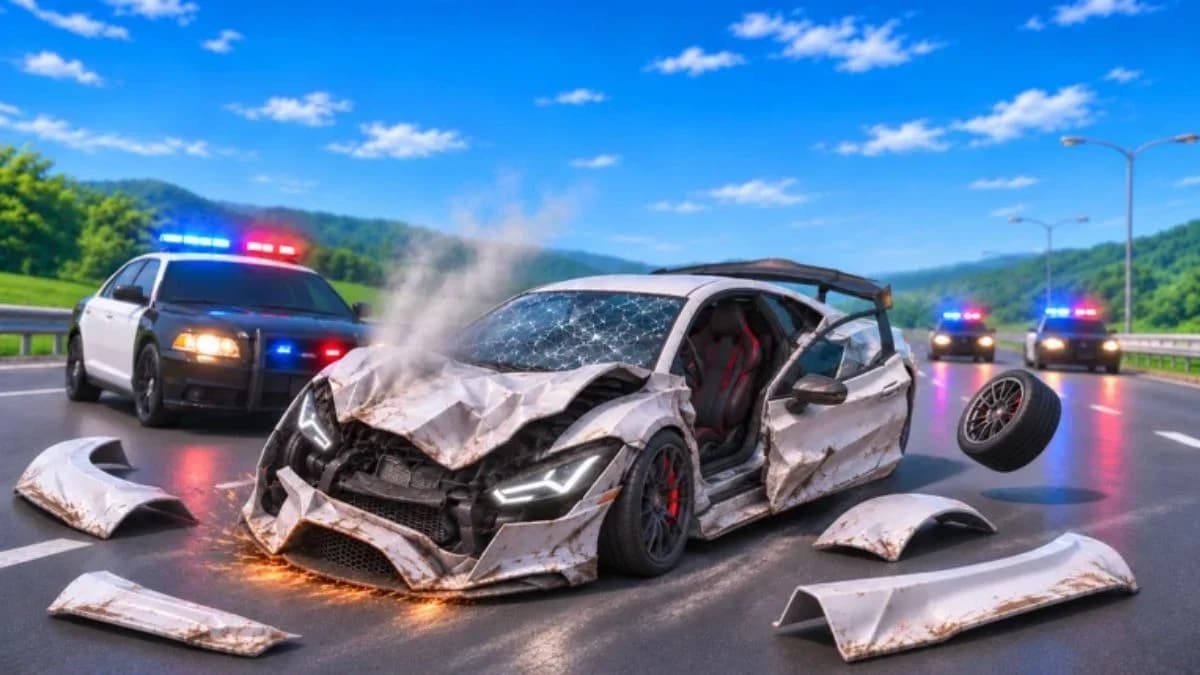
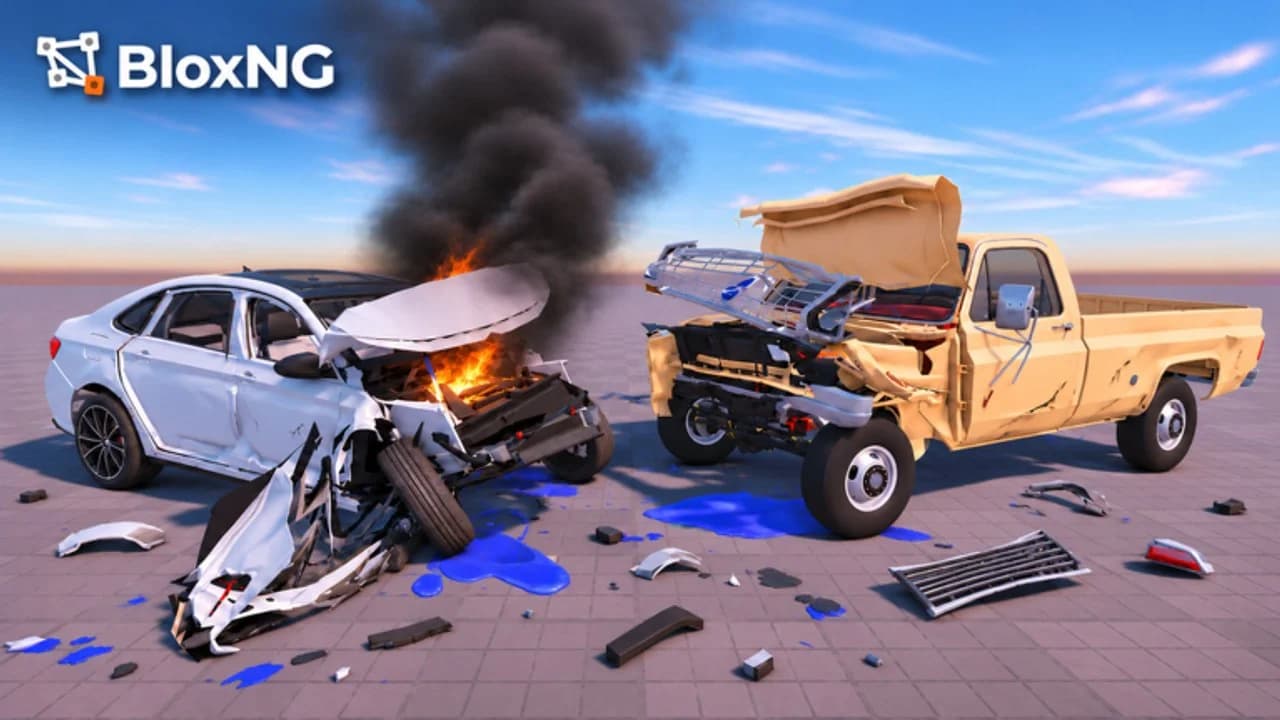
BloxNG’s soft-body system lets individual parts react to a collision. Body panels can crumple, doors can hang open or detach, glass can break, and wheels can come off. Speed, vehicle weight, and impact angle influence the damage, so similar-looking collisions can leave different results.
The vehicle diagram in the top-left corner highlights affected components and their condition. It can identify problems such as a missing wheel or a seized engine. Use it to understand why a car has become difficult to control or stopped working.
Repair, recover, or return to spawn
You do not need to purchase another vehicle after wrecking your current one. Choose the recovery action that matches the problem:
| Situation | Key | Result |
|---|---|---|
| You are inside a damaged car | R | Repairs the current vehicle |
| You are on foot and cannot reach your car | R | Brings your vehicle back to you |
| You want to return to the starting area | T | Respawns you at the start |
Recovery and respawning serve different purposes. Bring the car back when its location is the problem; return to spawn when you want to leave the current area altogether. Police pursuits add a payout consequence to these choices, covered below.
How to earn Cash in BloxNG
Cash pays for vehicles and most customization choices. Ordinary driving starts building your balance immediately, so you can learn the map while saving for your next purchase.
The main earning methods reward different approaches. Choose one for the current run instead of trying to combine every activity at once.
| Method | What earns rewards | Beginner recommendation |
|---|---|---|
| Driving | Driving around the map, with faster driving and near-misses offering higher earnings | Start here while learning roads and traffic |
| Crashes | Crash-related activities, with more severe wrecks typically paying more | Use dedicated crash runs |
| Skill Chains | Linked driving actions, including airtime and successful drifts | Attempt longer sequences once you can control the car |
| Police chases | Bounty-related rewards associated with pursuits and escaping | Leave these until you understand vehicle recovery |
Choose clean driving or a crash run
A Skill Chain tracks qualifying driving actions, and longer chains can earn more Cash. Watch its counter when linking drifts and airtime so you know when you have a reward worth protecting.
Crash rewards are separate from ordinary driving rewards. Treat a deliberate wreck as its own activity: finish a clean driving session before switching to collision experiments. A harder impact may pay more, but it can also leave the car unusable.
Session objectives can give your drive a destination. For example, Drive to the Crash Zone appears with a timer and progress indicator. Follow that objective when it appears if you want a specific target instead of driving without a destination.
How to buy your next car at APEX Motor House
APEX Motor House is the dealership at the main spawn. Its selection is divided into categories such as Everyday, Utility, and Performance, helping you narrow the type of vehicle you want.
Compare the specifications before paying
Each listing shows specifications including horsepower, acceleration, top speed, and weight. Compare those figures with your current car before deciding whether the purchase offers the change you want.
| Specification | What it tells you | How to use it |
|---|---|---|
| Horsepower | The vehicle’s listed engine power | Compare it alongside acceleration, not by itself |
| Acceleration | How quickly the vehicle gains speed | Consider whether you want a car that builds speed faster |
| Top speed | The vehicle’s listed maximum speed | Prioritize it if high-speed driving is your goal |
| Weight | The vehicle’s mass | Remember that weight also influences collisions |
An expensive car is not automatically the right next purchase. Buy something you can comfortably afford, leaving Cash for later improvements. Avoid spending your entire balance on appearance alone while you are still learning how different vehicles behave.
Purchase and access an owned vehicle
- Enter the dealership building at spawn.
- Step into the golden circle to browse its vehicles.
- Select a model you can afford and use its purchase button.
- Open the Garage icon to view your owned vehicles and spawn the one you want.
Some vehicles are associated with game passes. Regular in-game Cash vehicles support the basic progression path, so buying a pass is not required to expand your collection.
How Garage customization works
At the spawn Garage, drive into a bay marked Customize and stop completely inside the marked area to open the customization menu.
Choose a category, select the option you want, review its Cash price, and press Fit to apply it. Most choices cost Cash, so several small changes can consume money you were saving for another car.
Which upgrades should you buy first?
Engine and Turbo upgrades affect how fast your vehicle can drive. Prioritize these when you want to improve a car you intend to keep using.
Other options include paint, horn, window tint, license plate, and underglow. These let you change the vehicle’s appearance or sound, but they can wait while you save for a more useful vehicle purchase. Decide whether your next goal is a different car or improving the current one before buying several options.
Optional purchases and pass controls
You can buy Cash with Robux through the shopping-cart button on the left side of the screen. This is an optional shortcut, not a requirement for earning through gameplay.
Certain pass features have their own keyboard bindings: Shift activates Nitro, Ctrl activates Rocket Boosters, and L controls Global Radio. These controls apply when you own the corresponding passes; they are not all standard equipment on your starter car.
When should you try police chases?
Attempt pursuits after you can drive reliably and recover a damaged vehicle. Driving against traffic or hitting police officers or their vehicles can raise your bounty and trigger a chase. The maximum Wanted level is 5 stars.
A higher Wanted level can produce a larger reward if you escape. Your immediate goal is to break the pursuit without disabling your vehicle, so brake before corners and avoid aggressive swerves near fixed obstacles.
You have two escape approaches:
- Stay in the car: Build distance and remain outside police sight for several seconds.
- Leave the car: Park, get out, and hide away from the officers. Police can detain your avatar when they get close.
Ordinary repairs outside a chase are free. During a pursuit, repairs reduce the bounty payout you can earn, while respawning cancels it entirely. If you want to preserve a chase reward, keeping the car usable is more valuable than forcing another risky near-miss.