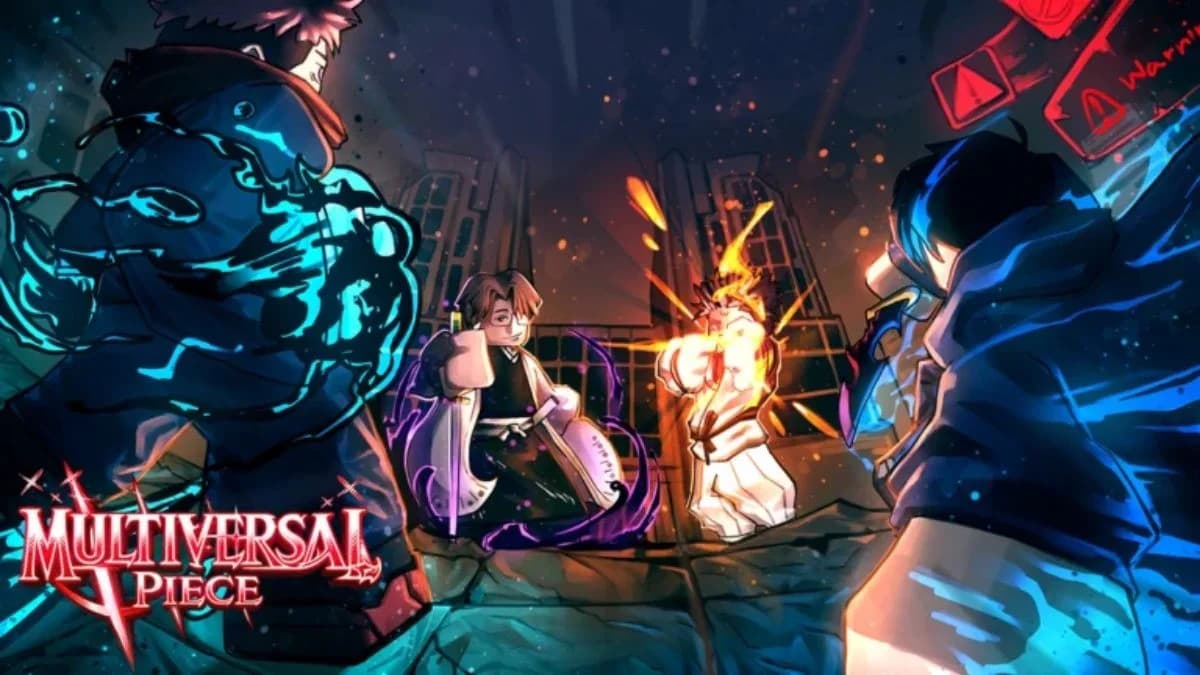

Seven Multiversal Piece codes are active in Roblox for November 2026, including SORRYCODE and MOBILEUI.
These codes offer currency, equipment, materials, and Race Rerolls for an adventure built around island quests, bosses, and collecting fighting options. You can claim the rewards through the settings menu once your character loads. Start with the code that supplies what you need, then enter the remaining codes before returning to quests. One code's reward remains unconfirmed, so its payout is excluded from the totals below.
Active Multiversal Piece codes
The following seven codes are active as of November 21, 2026. Copy each string exactly, including its capitalization.
| Code | Reward |
|---|---|
| SORRYCODE | Reward unconfirmed |
| MOBILEUI | 10 Stellarite |
| BONUS | 1 Katana, 2 Material Boxes III, 10 Race Rerolls, and 2 Stellarite |
| RELEASE | 5 Stellarite |
| BIBOSS | 5 Stellarite |
| PIKACHU | 5 Stellarite |
| DELAY | 5 Stellarite |
Across the six codes with confirmed rewards, you can collect 32 Stellarite, 10 Race Rerolls, 2 Material Boxes III, and 1 Katana. There are no known expired Multiversal Piece codes as of this coverage.

Which code should you redeem first?
Use BONUS first if you want equipment or Race Rerolls. It is the only entry with a confirmed reward bundle that includes a weapon and materials, making it the most useful starting point when currency is not your only goal.
Use MOBILEUI first if you want the largest confirmed Stellarite payout from one code. Its currency reward is twice the amount offered by each of the four Stellarite-only launch codes. The word confirmed matters here because SORRYCODE does not have a confirmed reward amount.
There is no need to choose only one code. This priority simply gets your preferred reward first; the remaining entries use the same redemption process.
How to redeem Multiversal Piece codes
Load into Starter Island and wait for your character to appear. The menu you need is in the upper-left HUD, below your portrait and HP/XP bars. Code redemption has no level requirement.
Open the code field
- Select the four-square menu icon beneath your portrait to expand the toolbar.
- Select the gear icon to open SETTING.
- Scroll down to the CODES section.
- Paste one code into the Text Here field.
- Select REDEEM to submit it.
- Repeat the entry and submission steps for the other codes.
The redemption button is purple and sits beside the code input in the settings panel. The code field is inside this panel, not a separate window opened from the main toolbar.
What if the gear icon is missing?
Expand the four-square menu first. The settings gear appears in the toolbar that opens beneath the character information. Looking only at the collapsed HUD can leave the button out of view.
Once the panel is open, scroll within SETTING to reach the input near the bottom. Opening settings alone does not put the code field at the top of the panel.
Why a Multiversal Piece code might fail
Enter one complete code at a time. Copying several table rows together or adding other text to the field will not match the individual strings shown above.
Use these entry fixes before trying the same code again:
- Keep the spelling intact. Include every letter in the code.
- Preserve capitalization. Use the uppercase strings from the table.
- Remove surrounding spaces. Delete any blank space before the first letter or after the last one.
- Paste only the code. Leave out reward descriptions, quotation marks, and formatting marks.
Which experience uses these codes?
These codes belong to Multiversal Piece by Multiversal Sea. The developer name helps distinguish it from similarly named experiences when opening the game.
The code list contains no confirmed EXP boosts, stat resets, or trait rerolls. Race Rerolls are the reroll reward attached to BONUS, so do not treat that bundle as a confirmed source of every reroll type.
How to get more Stellarite after redeeming codes
The AFK Lobby provides a repeatable source of Stellarite at a rate of 1 every 5 minutes. You can spend Stellarite on rolls for Jackpot or Foxfire.
Compare the free Stellarite options
Codes are not the only way to build your currency supply. The AFK Lobby, Ocean Shop, and playtime milestones offer different timings and limits.
| Method | Stellarite reward | Timing or limit |
|---|---|---|
| AFK Lobby | 1 Stellarite | Every 5 minutes |
| Ocean Shop | Up to 5 Stellarite | Per day |
| Playtime milestones | 4 Stellarite | From the 240-minute milestones |
At the stated AFK rate, 30 minutes produces 6 Stellarite, and one hour produces 12. MOBILEUI's payout alone equals 50 minutes of AFK rewards. Those figures are calculations from the recurring rate, not additional milestone bonuses.
Use the AFK Lobby when you want a continuing currency source after collecting the code rewards. The Ocean Shop has a daily limit, while the playtime reward requires a longer session, so choose the option that fits how long you plan to stay in the game.