
The moment you stop eating raw carrots off the ground and start running a proper kitchen is when Scrap Mechanic's survival loop actually clicks. The Cookbot is the crafting station that makes that possible, turning farmed crops and woc milk into meals that restore health, hunger, and thirst in a single bite. One of those meals can even pull a downed teammate back into the fight. If you have been putting off building one because the component requirements look steep, this guide breaks it down step by step.
What does the Cookbot actually do?
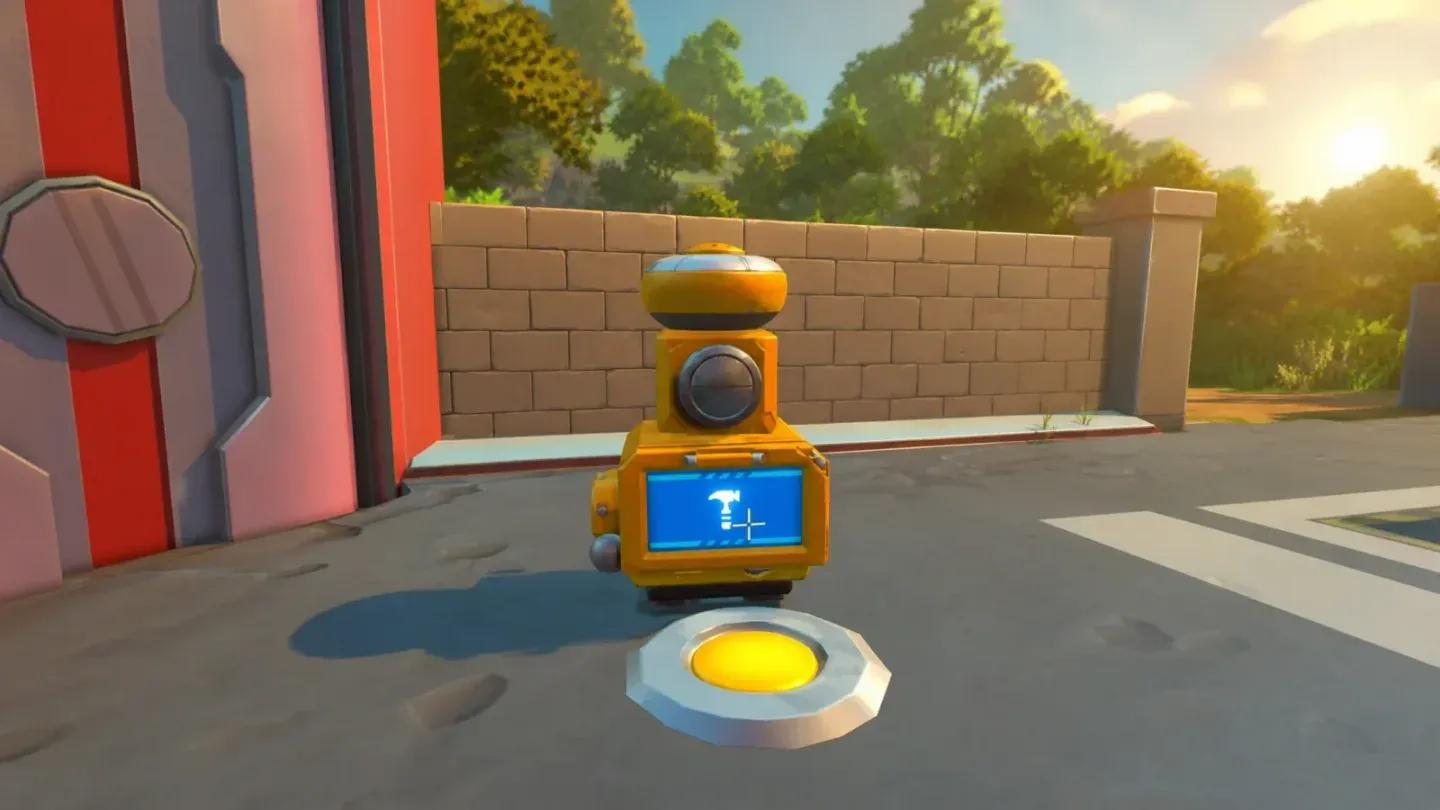
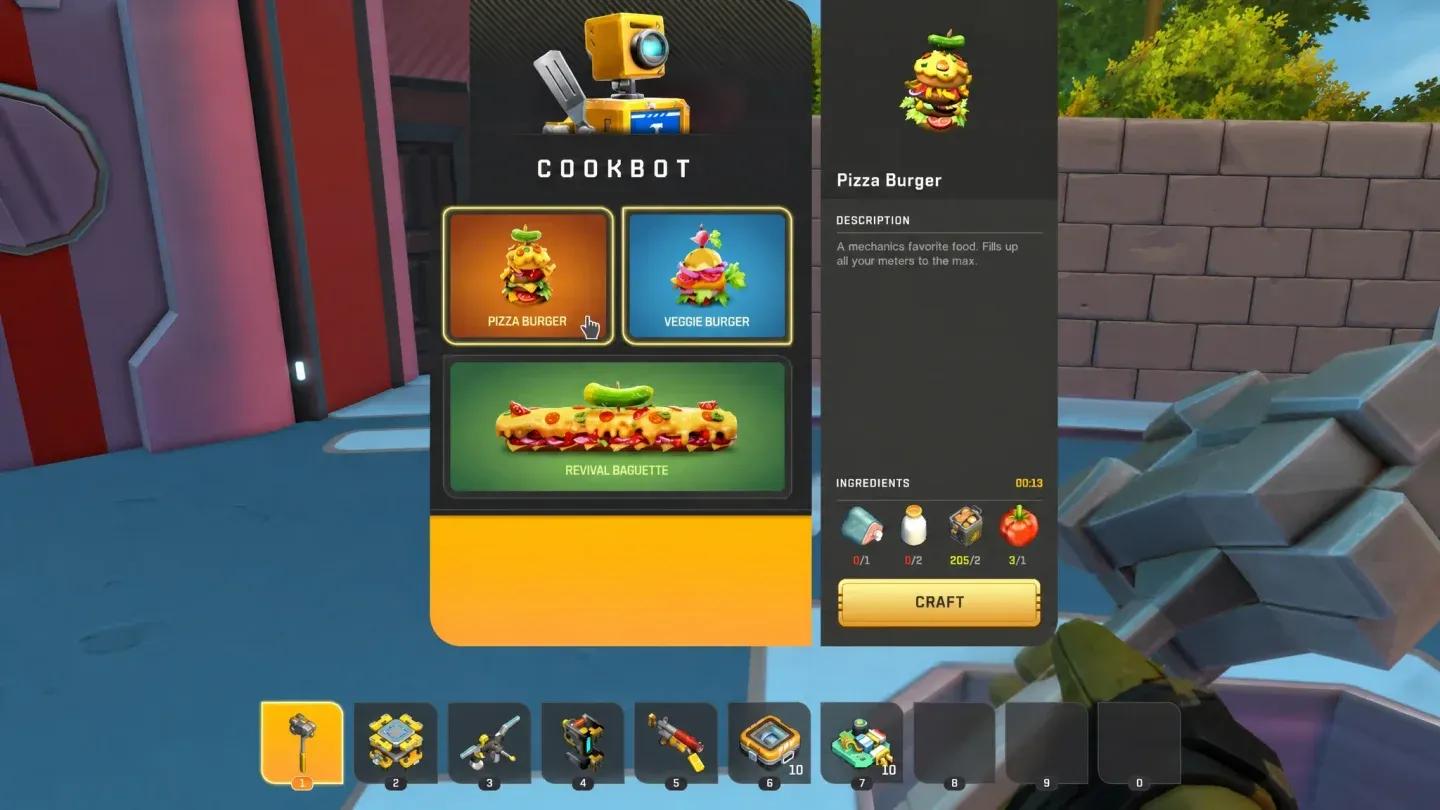
The Cookbot functions as a dedicated cooking station you place permanently in your base. Interact with it to open the recipe interface, drop in your ingredients, and the finished food lands directly in your inventory. Three recipes are available from the moment the station is placed.
- Pizza Burger — fills hunger and thirst to maximum alongside a full 100 health restore.
- Veggie Burger — vegetable-focused alternative that also tops up your stats, though with slightly lower thirst recovery.
- Revival Baguette — feed this to a downed teammate in multiplayer to bring them back. This one recipe alone makes the Cookbot worth building the moment you start playing with others.
Cookbot recipe selection screen

What materials do you need to build the Cookbot?
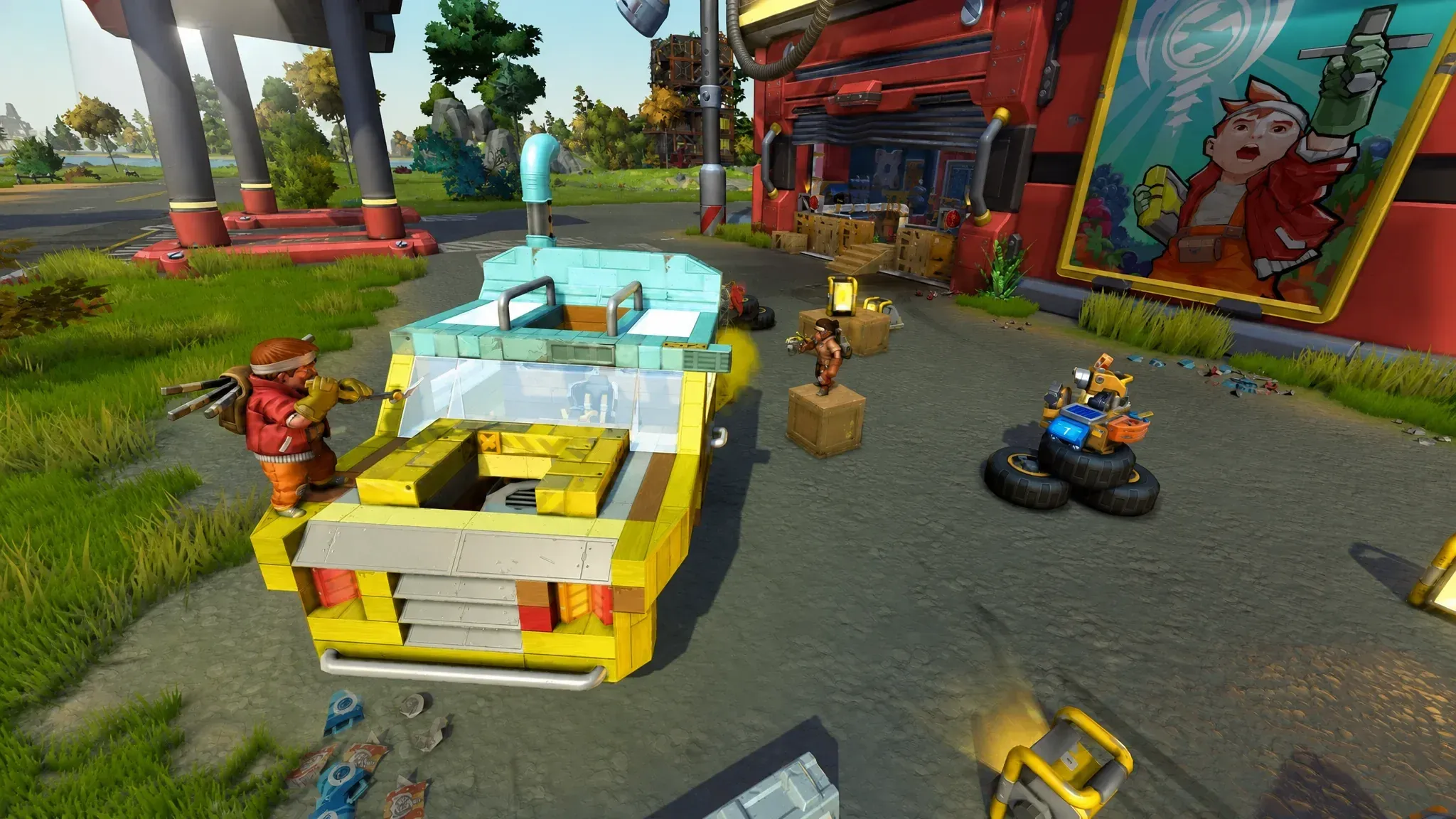
The Cookbot is not made at a standard crafting bench. You build it through a Dispenserbot, which itself requires a Mechanic Station to construct first. That station is the gating requirement, so if you have not unlocked it yet, that is your first objective.
Once the Dispenserbot exists, the material cost to produce a Cookbot is straightforward:
| Material | Quantity |
|---|---|
| Metal Block | 50 |
| Circuit Board | 10 |
| Component Kit | 10 |
The build timer runs roughly 11 seconds after you commit the resources, and the result is a single Cookbot item ready to carry and place.
Circuit Boards and Component Kits are the real bottleneck here. Component Kits are not found on basic roads. You need to push into hazardous zones like warehouses, packing stations, and abandoned structures to scavenge them. Bring a Spud Gun and some vehicle armor before heading out, because farmbots patrol these areas. If your Craftbot is below level four, upgrade it before trying to produce Circuit Boards reliably. Level four unlocks the tech tier that makes advanced component production consistent.
How to build the Cookbot
Meal stats at a glance
Step 1: Unlock the Mechanic Station and build a Dispenserbot
The Dispenserbot is the machine that actually assembles the Cookbot for you. Without it, the recipe does not exist. Head to your Mechanic Station, build the Dispenserbot there, and confirm it is operational before gathering materials.
Step 2: Upgrade your Craftbot to level four
If you are short on Circuit Boards or Component Kits, a level four Craftbot is the fix. Lower tiers do not have the recipe unlocks needed for the advanced components the Cookbot requires. Upgrade before you start the material run.
Step 3: Scavenge Component Kits and Circuit Boards
Head into dangerous points of interest with a defended vehicle. Warehouses and packing stations are the most reliable sources for Component Kits. Stock up on more than you need so you are not making repeat trips.
Step 4: Use the Dispenserbot with your materials
With 50 Metal Blocks, 10 Circuit Boards, and 10 Component Kits in your inventory, interact with the Dispenserbot. Commit the resources and wait out the 11-second build timer. The Cookbot appears as a placeable item.
Step 5: Place the Cookbot in your base
Flush against a wall is the standard placement. It does not need clearance around it, so pushing it to a wall saves floor space and keeps your workshop from getting cluttered. Once placed, it stays put.
What ingredients does the Cookbot need?
Every recipe pulls from farmable and gathered produce. The three ingredient categories you need to keep stocked are:
- Woc milk — collected from wocs roaming the open world.
- Vegetables — potatoes and tomatoes.
- Crops — carrots and similar farmable produce.
Setting up a dedicated farm plot near your base for carrots and tomatoes is the most reliable way to keep the Cookbot running. Keep labeled storage chests adjacent to the station so restocking before an expedition takes seconds rather than minutes.
How do the food stats compare?
Every Cookbot meal restores 100 health, but hunger and thirst recovery varies between recipes. That difference matters more than it looks once you understand the respawn timing.
| Meal | Hunger gained | Thirst gained |
|---|---|---|
| Pizza Burger | 100 | 100 |
| Veggie Burger | 90 | 70 |
| Revival Baguette | 50 | 130 |
The Pizza Burger is the all-rounder. Max hunger, max thirst, full health restore in one item. The Veggie Burger trails slightly on both meters but is still a strong option when Pizza Burger ingredients run short. The Revival Baguette sacrifices hunger recovery for exceptional thirst gain, and its real value is the teammate revive mechanic rather than personal sustenance.
When is the best time to eat?
Health regeneration actively drains your hunger meter, so eating when all three stats are low gets the most out of each meal. The optimal window is right after respawning, when health, hunger, and thirst are all depleted simultaneously.
The timing is tight. After a respawn, thirst damage starts at around 28 seconds and starvation kicks in at roughly 31 seconds. That leaves about a 17-second window to eat before you start taking damage again. Cook meals in advance and carry them so you are never scrambling in that gap.
Building a proper kitchen setup
The Cookbot works best as part of a dedicated food station rather than a standalone item dropped in a corner. A practical setup looks like this:
- Cookbot flush against a wall.
- Labeled storage chests directly adjacent, one for raw crops, one for dairy, one for finished meals.
- Farm plot within short distance so restocking is fast.
- Stone or metal walls around the kitchen section if you are in a high-traffic raid zone.
Players who build a fortified kitchen annex specifically to protect the Cookbot and its ingredient supply report far fewer food crises during extended bot raids. The station itself is not replaceable on the fly, so protecting it is worth the extra material investment.
For more strategies and builds in Scrap Mechanic, the full Scrap Mechanic guides collection covers everything from vehicle construction to base defense. If you enjoy the survival and crafting side of things, there is plenty more to explore across action games with similar mechanics.