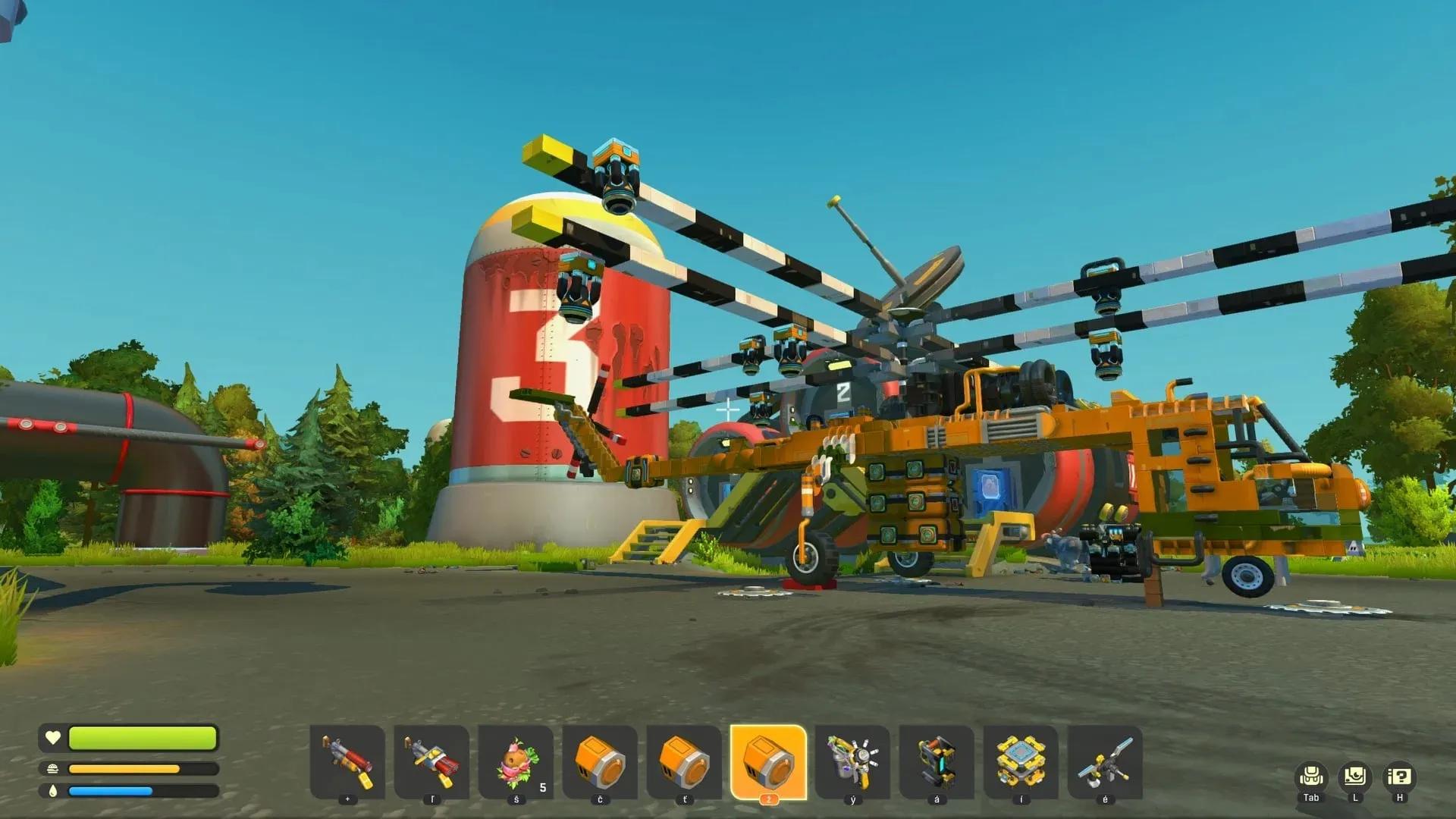

Flying in Scrap Mechanic does not come from a dedicated aircraft part. The game has no wings, no rotors, and no built-in aviation system. What it does have is a well-established suspension glitch that, when combined with four angled Thrusters, produces a craft that lifts off, holds level, and steers across the map. Once you understand the two glitch setups that make it work, the whole build clicks into place fast.
What parts do you need to make a flying machine?
Gather everything before placing a single block. Both glitch setups in this build depend on specific bearing and suspension counts, so running short mid-build means tearing things apart to add pieces later.
| Part | Quantity | Role |
|---|---|---|
| Thruster | 4 | Lift and forward drive |
| Driver's Seat | 1 | Control hub for steering and thrust |
| Controller | 1 | Sets and adjusts thruster angle |
| Bearing | 8 | Steering glitch, thruster mounts, rear stabilizers |
| Suspension | 4 | Steering glitch and rear stability |
| Pipe Corner | 3 | Links rear bearings to suspensions |
| Wood | As needed | Base platform and mounts |

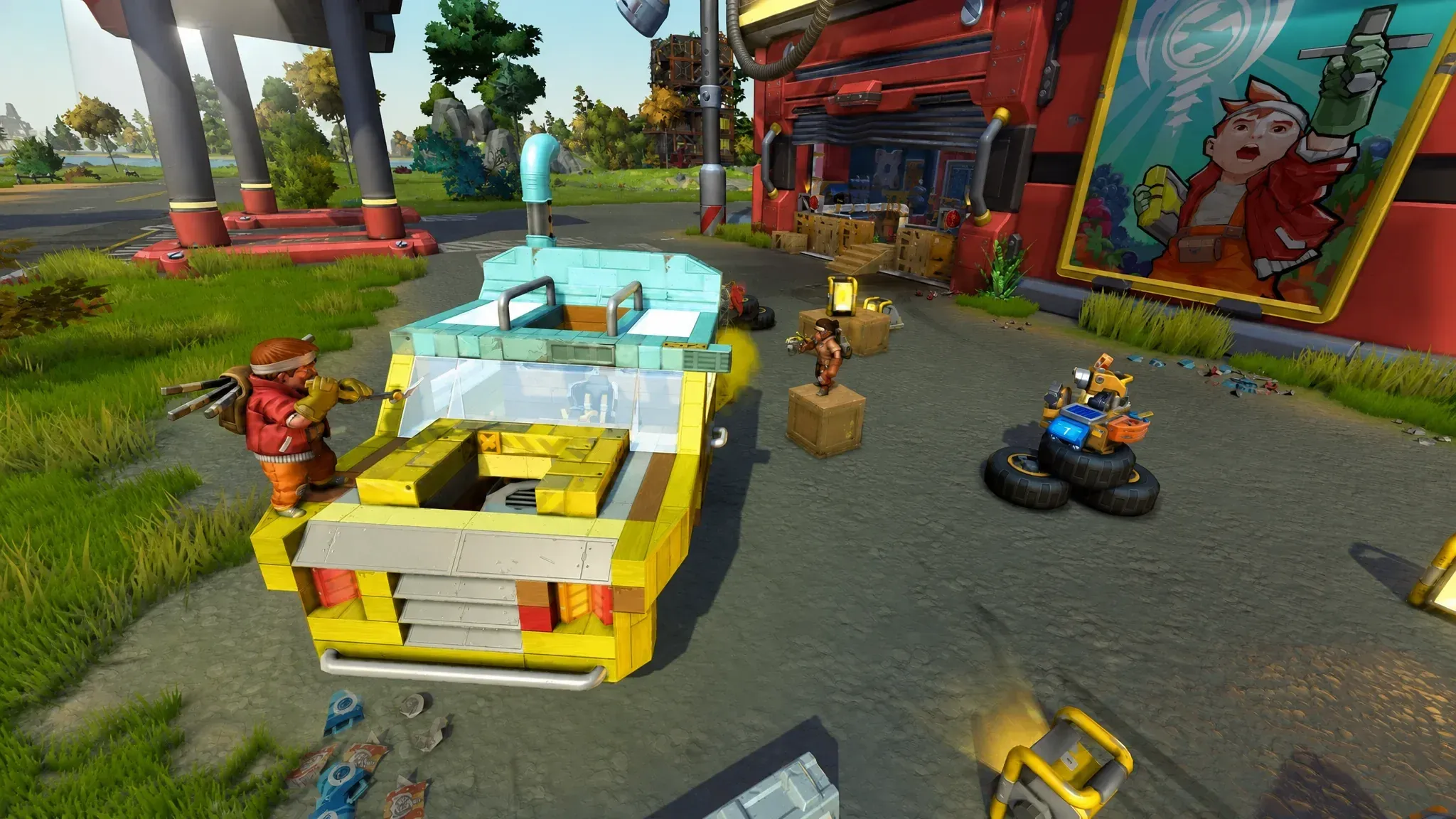
How to build the base and mount the Driver's Seat
Find flat, open ground and drop a lift there. The lift raises the whole structure so you can reach the underside later, which is where the steering glitch lives. Build a wood platform on top of the lift and keep it at least five blocks wide. Anything narrower leaves no room for the seat, the controller, and thruster mounts on both sides.
Place the Driver's Seat dead center on the platform. Every other connection in this build traces back to the seat, so its position determines whether the whole craft is balanced or perpetually pitching to one side.
How to install the steering suspension glitch
This is the part most failed builds skip or wire incorrectly. The steering glitch sits directly beneath the Driver's Seat and rotates the entire craft left and right when you steer.
Raise the structure on the lift to expose the underside, then remove a few blocks directly below the seat to create a gap. Into that gap, place a Bearing and cover it with a block. Attach a Suspension at the front of the gap and place a block next to it. That offset pairing, bearing plus suspension with a block alongside it, is the core of the glitch.
Use the Connect Tool to link the Bearing to the Driver's Seat. Sit in the seat and test left and right input. The platform should rotate in place.
How to mount the Thrusters and Controller
Thrusters push in the opposite direction of the face they point toward, so downward-facing thrusters produce lift. Mounting them on bearings tied to a Controller lets you tilt that thrust forward, converting vertical climb into actual travel.
Attach a Controller to the front of the Driver's Seat. Beyond managing thruster rotation, it also helps balance weight at the front of the craft.
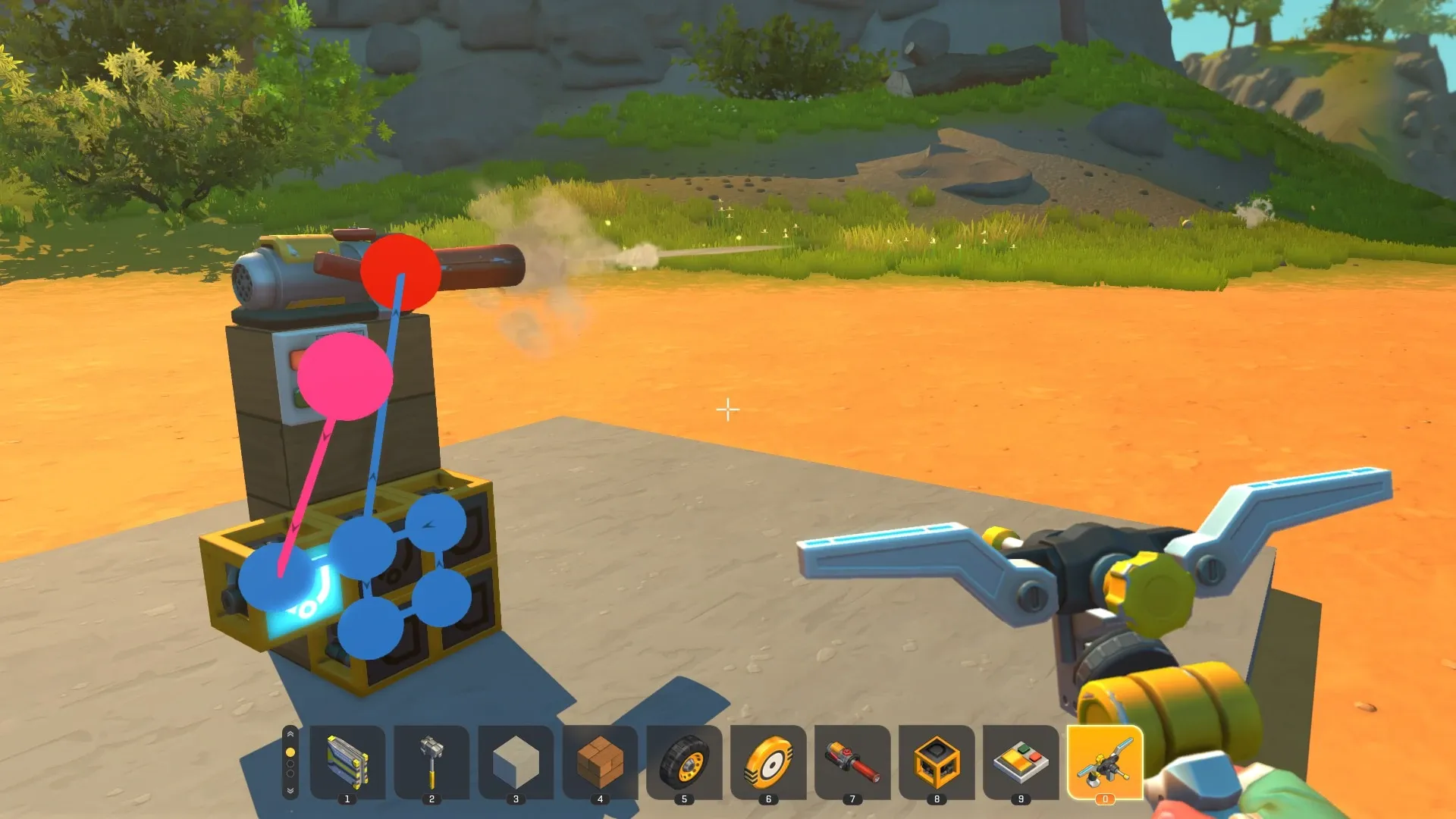
Place two Bearings on either side of the platform and cover each with a wood block, then mount a Thruster on the wood. Repeat at the back so all four thrusters sit on the sides of the craft. Connect all four Bearings to the Controller and set their angle to 30 degrees using the rotation editor. Put the value in the first column so the rotation applies the moment the craft leaves the lift.
Finally, connect the four Thrusters directly to the Driver's Seat. This is what fires them when you press the forward key, powering both lift and forward motion at once.
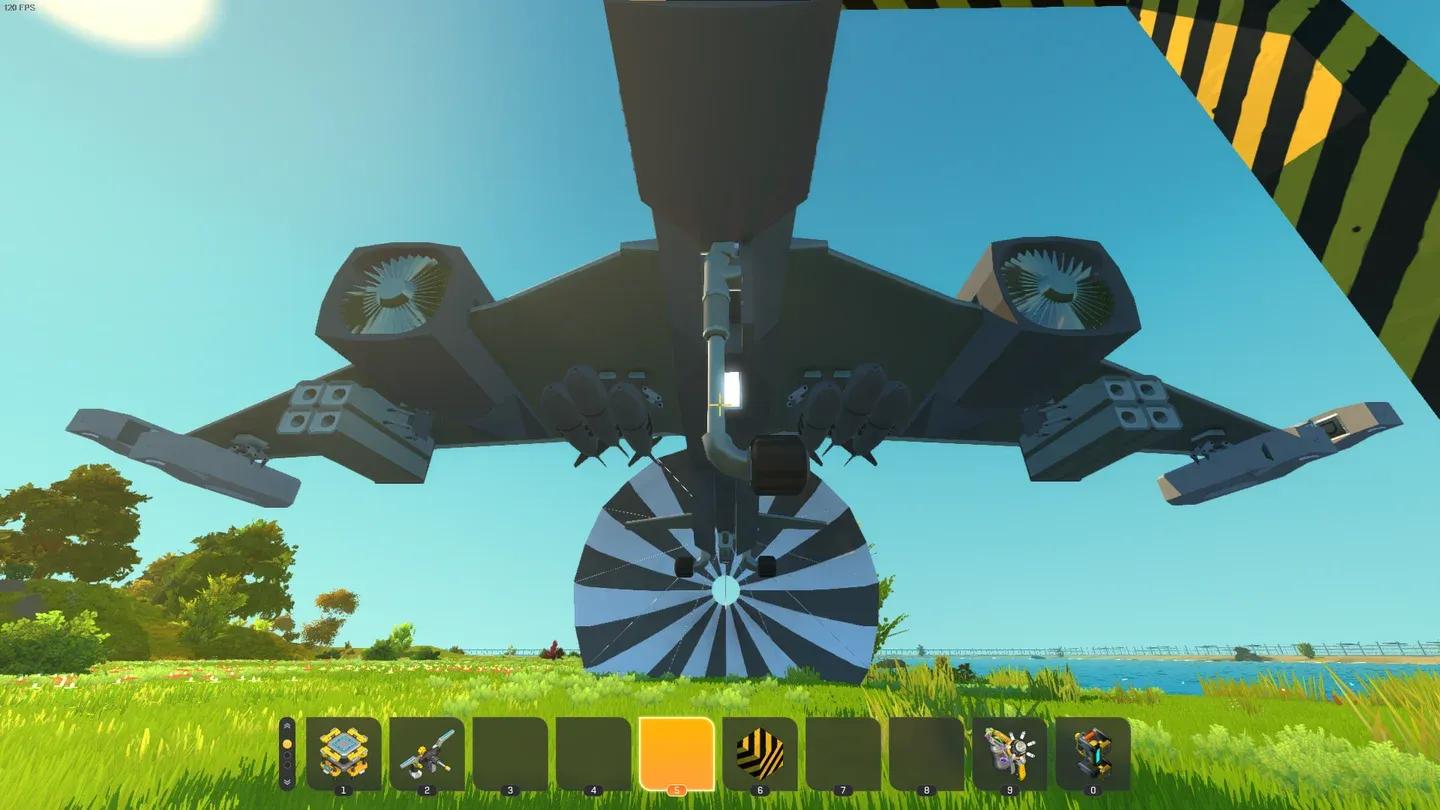
Thruster and bearing layout
How to add the rear suspension glitch for stability
Without rear stabilizers, the craft tips backward and flips the instant it lifts off. Three rear suspension glitches counter that and hold the frame level during flight.
Behind the seat, build three vertical wood columns, each at least three blocks tall, spaced side by side across the back of the craft. Place three Suspensions at the back of the structure, followed by three Bearings mounted on the sides of the columns. Attach a Pipe Corner from each Bearing up to the top of its suspension. Those curved links complete the glitch and give the craft its self-leveling behavior.
How do you tune thruster power and angle?
Drop the craft off the lift and test it. Fresh builds almost always need two quick adjustments before they fly cleanly.
First, lower the thruster power with the hand tool if the craft climbs too fast or feels twitchy. Around 60 percent power gives steadier lift on a lightweight wood frame. Start low and raise it once the craft holds level.
Second, open the Controller and change the thruster angle to shape your flight path. The angle controls how much of the thrust goes into climbing versus moving forward.
| Thruster angle | Flight behavior |
|---|---|
| 30 degrees | Strong vertical climb |
| 15 degrees | Mix of climb and forward travel |
| 0 degrees | Straight, level forward flight |
Adjust between these values depending on whether you need to gain altitude quickly or cruise efficiently across the map.
Why is my flying machine crashing or not working?
Most failed builds trace back to a short list of fixable causes. After testing various configurations, these are the ones that come up repeatedly:
- Craft flips backward on takeoff: The rear suspension stabilizers are missing or too few. Three columns is the number that works reliably.
- Steering does nothing: The underside turning glitch is not fully enclosed by blocks. Seal it completely.
- Craft rockets straight up and never levels: Thruster power is too high or the angle is stuck at a steep climb. Lower both.
- Thrusters push the wrong way: They thrust opposite to the face they point toward, so downward-facing thrusters create lift. Check orientation.
- Platform too narrow: A base narrower than five blocks wide leaves no room for bearings and suspension mounts to sit correctly.
Going further with your flying machine
Once flight and steering both check out, there is room to refine the build further. Swapping the underside blocks for low-friction Square Mesh Blocks turns the craft into something closer to a hovercraft when it is not airborne, letting it slide and drift across terrain instead of grinding to a stop.
For players who want a different flight style entirely, downward-facing thrusters paired with logic gates can produce a hovering drone-style craft rather than a forward-gliding airplane. Creative Mode is the right place to prototype that kind of variation before committing parts in survival.
Scrap Mechanic rewards engineers who iterate. The suspension glitch build described here is the standard starting point, but the angle tuning, power settings, and platform shape all have room to move. For more builds and mechanics breakdowns, the Scrap Mechanic strategy guides collection covers a wide range of construction challenges beyond aircraft.
If you enjoy physics-based sandbox building and want to explore similar titles, the action games genre page has a range of options worth checking out.