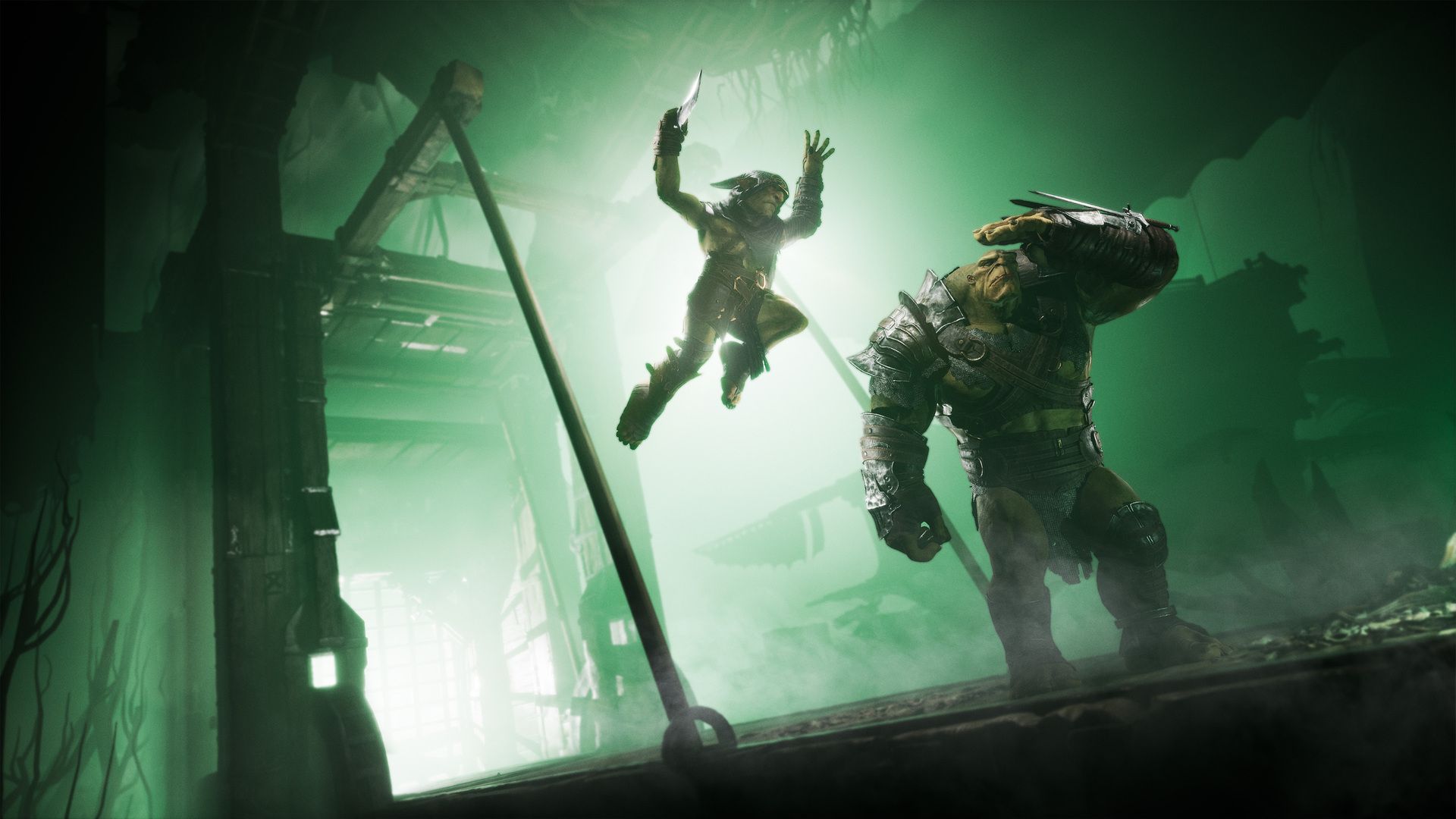

If you've been squinting at your monitor wondering why Styx: Blades of Greed looks like someone smeared petroleum jelly across your screen, you're not imagining things. Cyanide Studios bundled motion blur, depth of field and chromatic aberration together under a single Post Processing slider, meaning the only in-game option to kill the blur also strips out every other visual effect and leaves the game looking like a muddy last-gen port. The real fix lives inside a configuration file, and this guide walks you through every step.
Why the In-Game Settings Won't Cut It
Dropping Post Processing to Low inside the graphics menu does technically remove the blur, but it nukes the rest of the game's visual fidelity along with it. Cyanide Studios tied too many rendering systems to that one slider, so you lose ambient lighting quality, shadow softness, and a handful of other effects that actually make the environments look good.
The only way to surgically remove the problematic effects without torching everything else is to bypass the menu entirely and write custom override commands directly into Unreal Engine 5's configuration file.
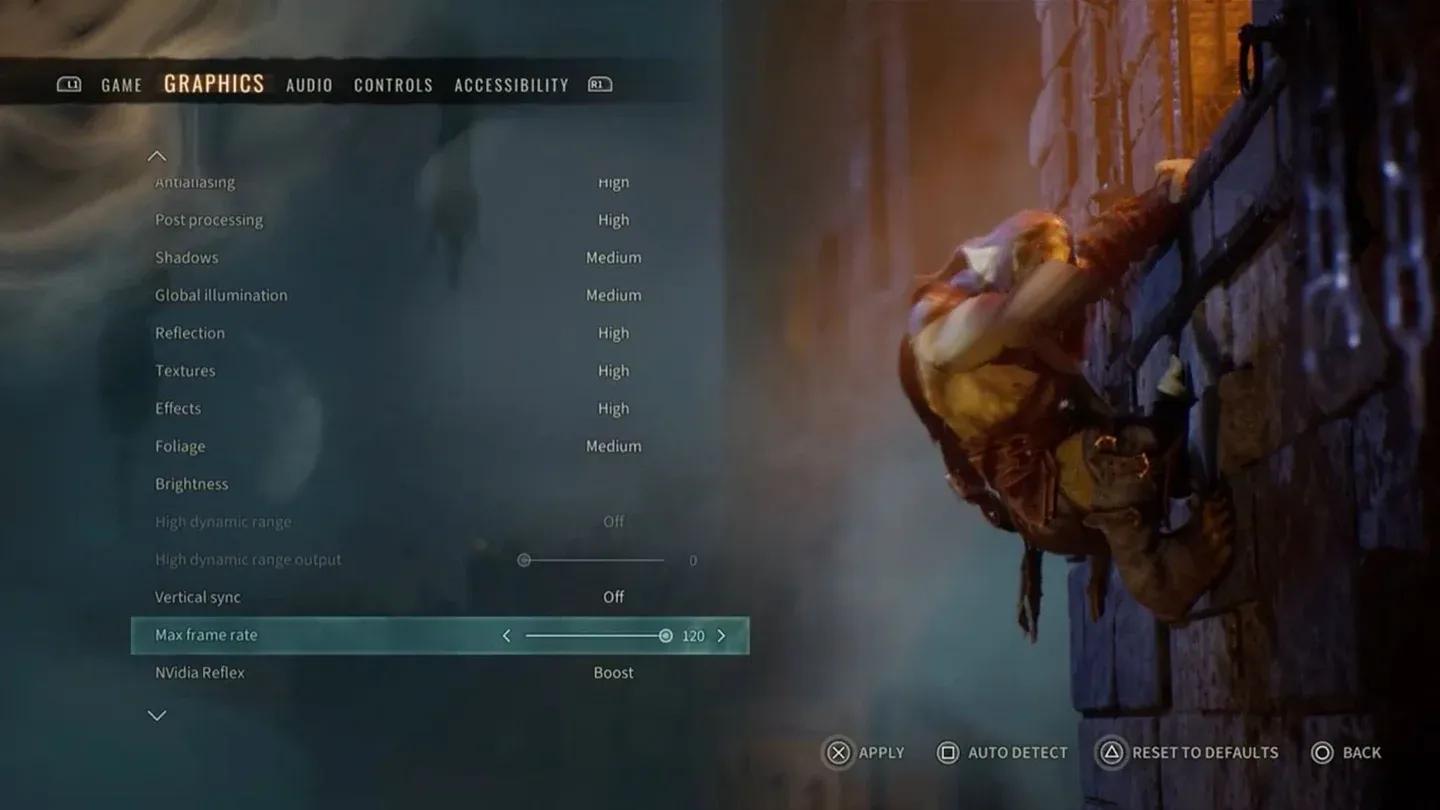
Post Processing settings menu


How to Find the Engine.ini File
You don't need any third-party tools for this. Windows handles everything natively.
- Launch Styx: Blades of Greed, configure your graphics settings to your liking, save, and close the game.
- Open File Explorer and click into the address bar at the top.
- Paste this path directly: %LOCALAPPDATA%\Styx3\Saved\Config\WindowsClient
- Press Enter to navigate there.
- Locate the file named Engine.ini and open it with Notepad.
Scroll all the way to the bottom of the file. Press Enter twice to leave a clean blank line after the existing content, then you're ready to paste your custom commands.
What Commands Should You Add?
You don't have to paste every line below. Pick only the effects that bother you and add those specific commands. Every block must sit underneath the [SystemSettings] header tag, which you type once at the top of your pasted section.
The Full Command Reference Table
| Visual Effect | Commands to Paste | What It Does |
|---|---|---|
| Image Sharpening | r.Tonemapper.Sharpen=1.0 / r.ScreenPercentage=100 | Sharpens the overall image. Use 0.7-1.0 at 1440p, bump to 1.2 at 1080p. |
| Motion Blur | r.MotionBlurQuality=0 / r.MotionBlur.Max=0 / r.DefaultFeature.MotionBlur=0 | Completely kills the smearing effect during camera movement. |
| Chromatic Aberration | r.SceneColorFringeQuality=0 / r.SceneColorFringe.Max=0 | Removes color separation at screen edges, which spikes heavily during dodge rolls. |
| Film Grain | r.FilmGrain=0 | Strips out the artificial gritty grain filter layered over the camera. |
| Vignette | r.SceneColorFringeQuality=0 | Disables the artificial corner darkening around your monitor edges. |

Engine.ini custom settings block
Example: Disabling Everything at Once
If you want to remove all the offending effects in one shot, your pasted block at the bottom of Engine.ini should look like this:
- [SystemSettings]
- r.MotionBlurQuality=0
- r.MotionBlur.Max=0
- r.DefaultFeature.MotionBlur=0
- r.SceneColorFringeQuality=0
- r.SceneColorFringe.Max=0
- r.FilmGrain=0
- r.Tonemapper.Sharpen=1.0
- r.ScreenPercentage=100
Save the file after pasting. Don't close Notepad yet.
How to Lock the File So the Game Can't Reset It
Unreal Engine 5 games are notorious for overwriting manual config edits on launch. If you skip this step, your changes will likely disappear the next time you boot the game.
- After saving Engine.ini, close Notepad.
- Right-click Engine.ini in File Explorer.
- Select Properties.
- Check the box labeled Read-only.
- Click Apply, then OK.
That's it. The game can no longer touch the file, and your settings persist across every session.
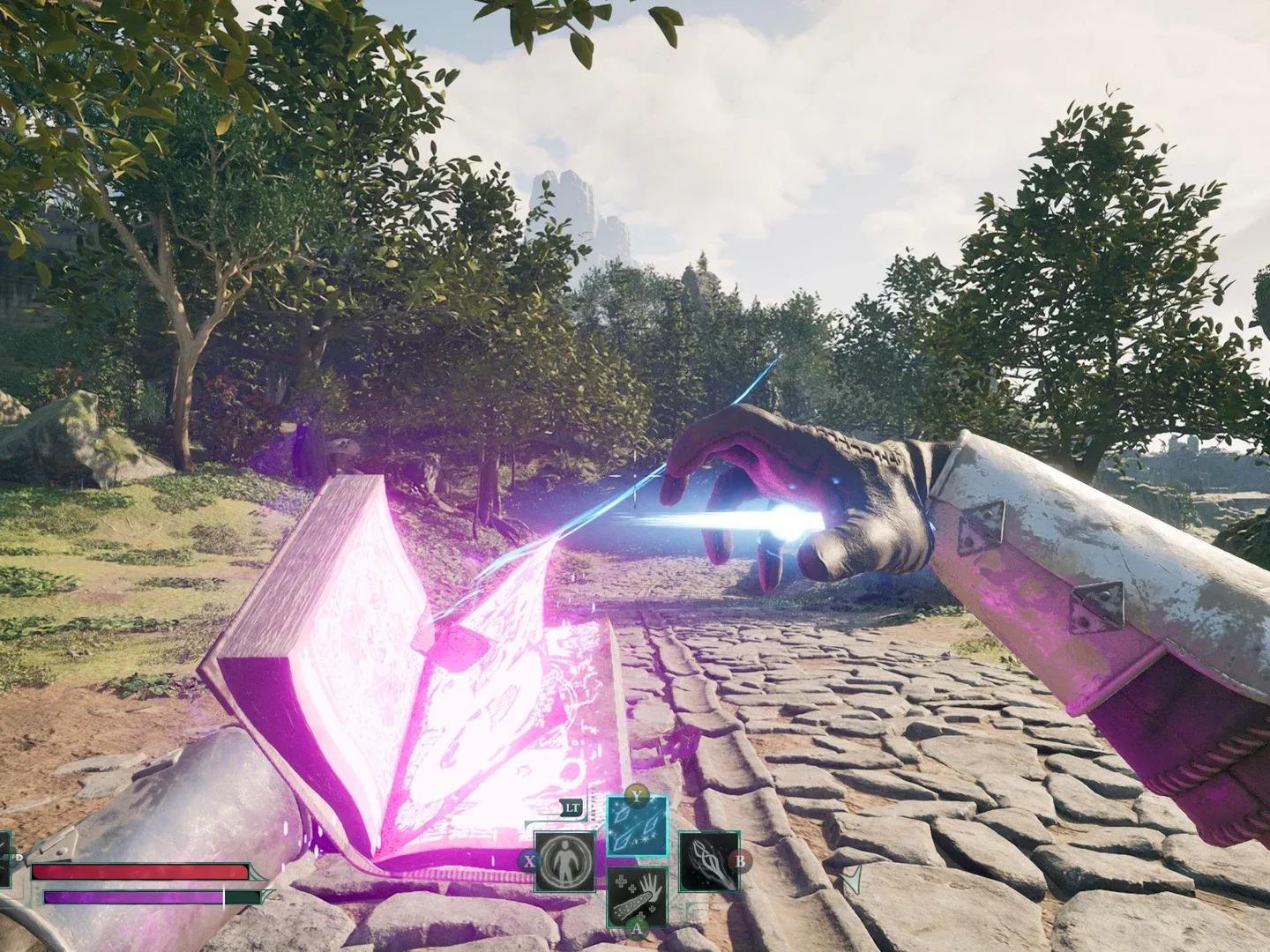
Setting Engine.ini to Read-only
What to Expect After the Fix
Once you relaunch Styx: Blades of Greed with the new config active, the difference is immediately obvious. Textures snap into focus, dodging no longer smears colors across the screen, and spotting hidden collectibles in dark corners becomes significantly easier. The goblin environments actually look like they were designed with intention rather than obscured behind a fog of forced post-processing.
If you notice any weird visual artifacts or unexpected performance dips after applying the sharpening commands, simply remove the r.Tonemapper.Sharpen and r.ScreenPercentage lines. The blur-removal commands on their own have virtually no performance cost.
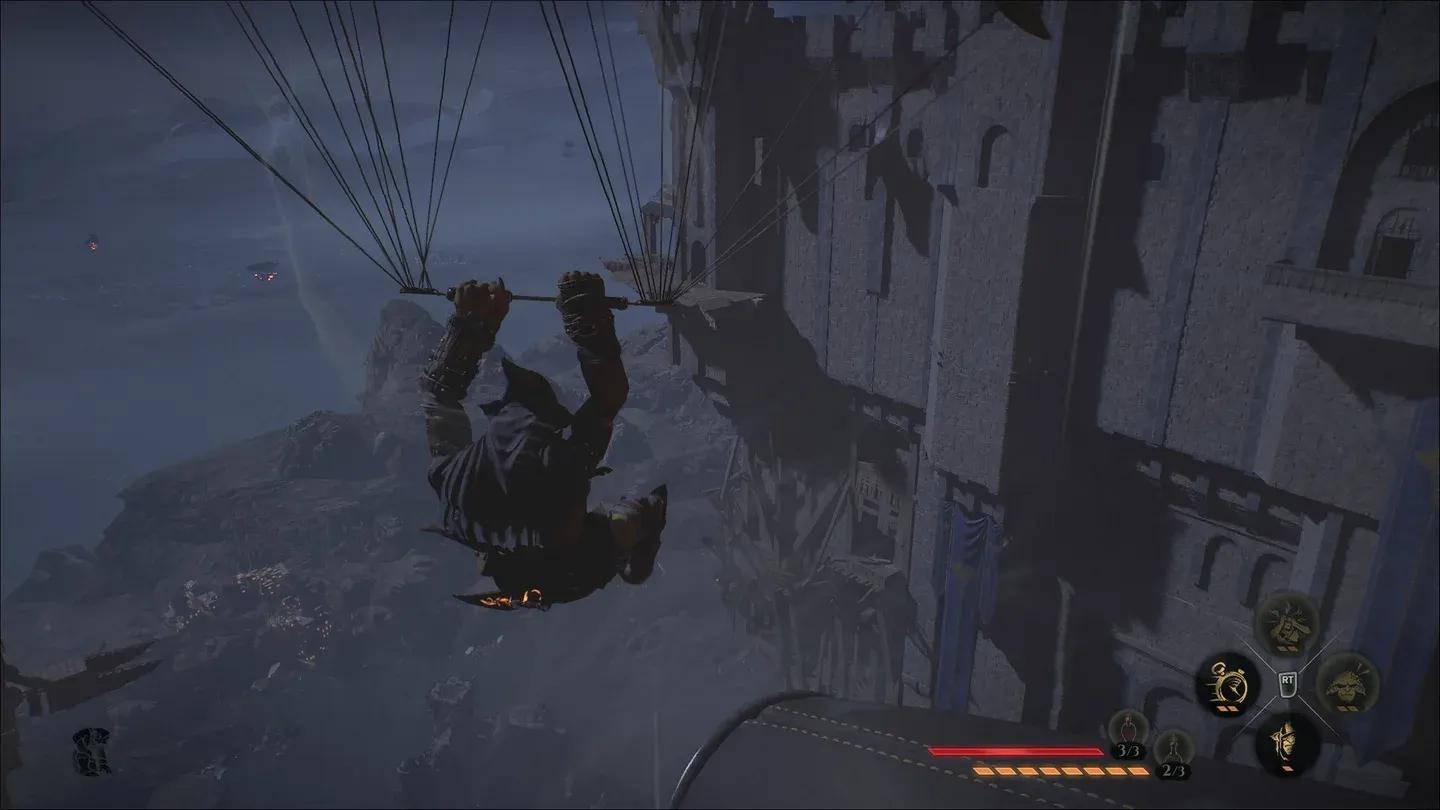
Visual clarity before and after fix
Frequently Asked Questions
Will This Get Me Banned or Flagged?
No. Styx: Blades of Greed is a single-player stealth game with no anti-cheat system monitoring config files. These are standard Unreal Engine rendering overrides used widely across the PC gaming community.
What If the Config Path Doesn't Exist?
If the WindowsClient folder is missing, launch the game at least once to let it generate its save and config directories. The folder should appear after your first session.
Does This Work With Future Updates?
Potentially. If Cyanide Studios patches the post-processing system in a future update, some commands may stop working or become redundant. Always check after major patches and re-verify your Engine.ini is still set to Read-only.