
You can hide your last name in WoW Forever: press Escape, open Options, go to Nameplates and click the checkbox for My Secondary Name. Your surname then stops showing in the game world, but it still appears in chat, and you can’t make a character without one. Every WoW Forever character gets two names, a first name and a surname, and only the full combination has to be free in your region.
Key takeaways
- The setting is Escape, Options, Nameplates, My Secondary Name, and it hides your own surname in the world but not in chat.
- Every WoW Forever character needs a first name and a last name, so there’s no skipping the surname at character creation.
- The built-in option only covers your own surname. Hiding other players’ surnames takes an addon.

Can you hide your last name in WoW Forever?
Yes. Blizzard’s WoW Forever naming rules give the steps: open the Game Menu by pressing Escape, select Options, then Nameplates, and click the checkbox for My Secondary Name. Secondary name is what the game calls your surname, so that one box is the whole setting.
Once it’s off, your secondary name no longer displays in the world, so you lose the long full name floating over your character. It doesn’t vanish everywhere, though. Blizzard says it will still appear in chat, so anyone reading general, trade or party chat still sees your full name next to what you type.
The same checkbox turns it back on, so there’s nothing to lose by trying it both ways. It’s a display option, not a change to your character, and your full name stays exactly as you made it.
Does hiding your second name hide it from other players?
No. Players who tried the setting during the beta in September found it only changes what your own client shows. On the official forums, they reported that other players still see your second name everywhere: on nameplates, in chat, in mouse-over text and on party frames.
So the setting is really for your own screen. If you just don’t like seeing two names over your own head while you play, it does the job. If you were hoping to go by one name to everyone else, it won’t do that.
Can you hide other players’ last names in WoW Forever?
Not with the built-in setting. The option Blizzard describes is My Secondary Name, and it covers your character only, so everyone else keeps both names on your screen. One beta player said the only choice for other players is hiding their whole name or none of it.
Addons can do it. First Names, an addon on CurseForge built for WoW Forever, hides player last names on nameplates and on the Target, Focus, Player and Party frames. In chat links, players show as their first name only. It only changes player characters, not NPCs. For the names above people’s heads it needs Friendly Nameplates switched on, because the default overhead names are drawn by the game and addons can’t change them. Whispers, invites and /who still use the full name underneath.
If you haven’t set up addons before, start with installing WoW Forever addons, because Forever needs its own addon builds and its own folder. Honestly, I don’t think I’ve ever noticed anyone’s name in the game.
Do you have to have a last name in WoW Forever?
Yes. Every WoW Forever character must have both a first name and a last name, and a character with only one name isn’t an option.
If you’re stuck, the in-game random name generator works for the last name as well as the first. Blizzard points players to the trusty in-game random name generator when the full name they want is taken or breaks the rules.
So if you only wanted one name, the closest you can get is picking a surname and hiding it in the world with My Secondary Name. Pick one you won’t mind people reading, because other players will still see it.
Why does WoW Forever have two names?
WoW Forever has two names because it has no realms. Each ruleset in a region is one big server, so names are checked across the whole region, and Blizzard built the two-name structure for that larger, realmless Azeroth. Two characters can share a first name as long as their full names are different.
Names are also locked across rulesets. A full name you take on Normal can’t be used on PvP or Roleplay in the same region, by anyone, including you. That matches how rulesets work generally: you can’t transfer characters between rulesets either, so a name lives with the character you made it on.
I didn’t bother reserving names for the same reason. Early Name Reservation ran from 27 October to 3 November for players who pre-purchased an upgrade. I didn’t think I’d have to pick up a good name, especially because it’s two names. If it was one name, maybe.
What are the last name rules in WoW Forever?
Your last name follows the same rules as your first name, and the game checks the two together. These are the rules that apply to both parts:
- You can’t use the same character three times in a row.
- Numbers and most special characters aren’t allowed, including apostrophes and hyphens.
- Accented letters such as ö, ä, å and á are allowed.
- Curse words, real-world trademarks and in-game titles like King or Sergeant are restricted.
- Splitting a restricted word across your first and last name won’t necessarily make it valid.
- On the Roleplay ruleset, names have to be lore-friendly.
That last rule matters most for surnames. A pun surname is fine on Normal or PvP as long as it isn’t offensive, but Roleplay expects something that sounds like a person in Azeroth. Getting past the filter doesn’t guarantee a name is safe either, since a name can still be flagged later. I’m PvE all the way, and why I’m playing on Normal explains the rulesets if you haven’t picked one.
Can you use the same last name on all your characters?
Yes, as long as each full name is still free. Blizzard’s own example is Asha Brightvale, Thalen Brightvale and Mira Brightvale, three characters sharing one family-style surname with different first names. A guild can do the same with a shared naming theme.
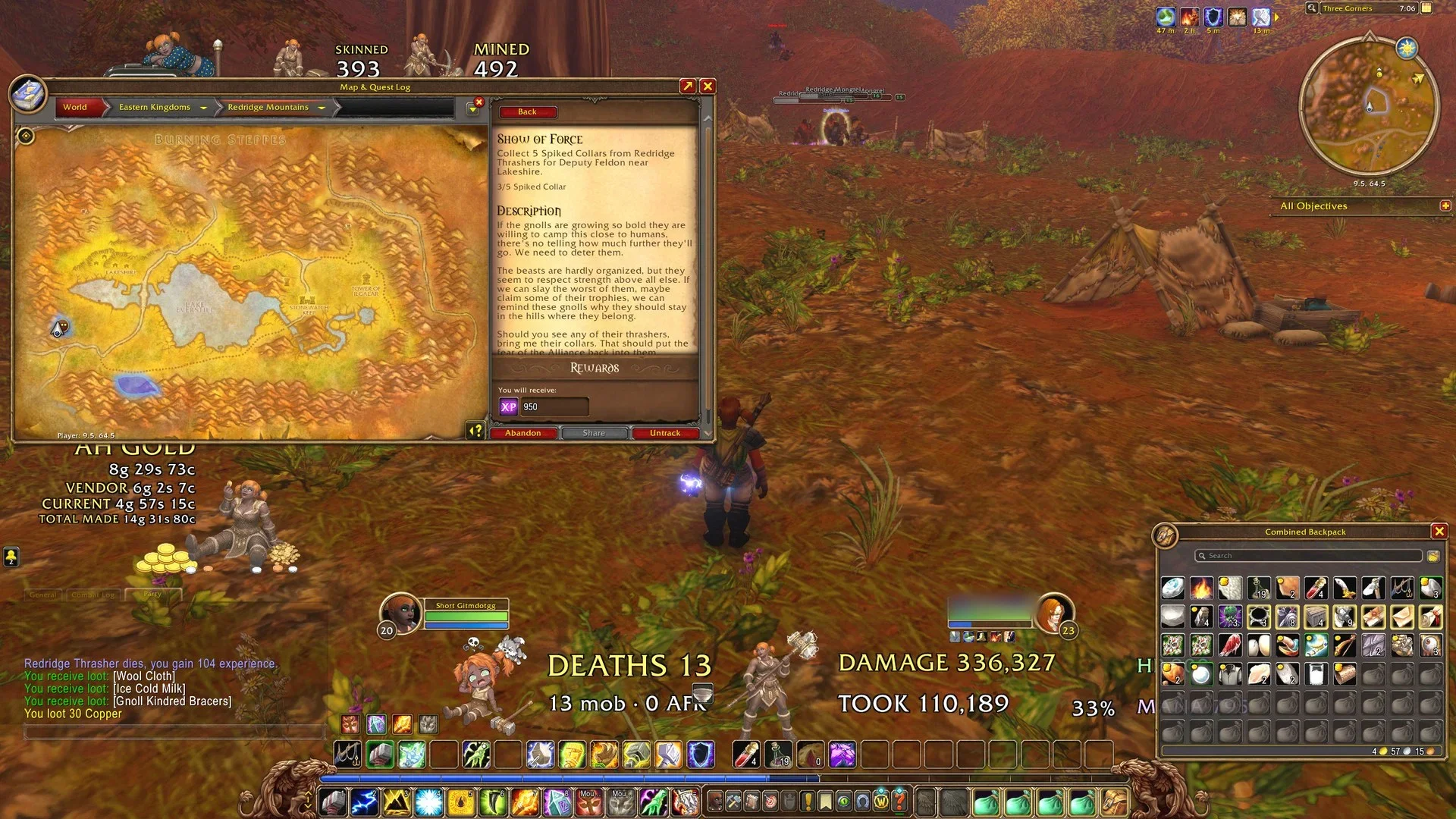
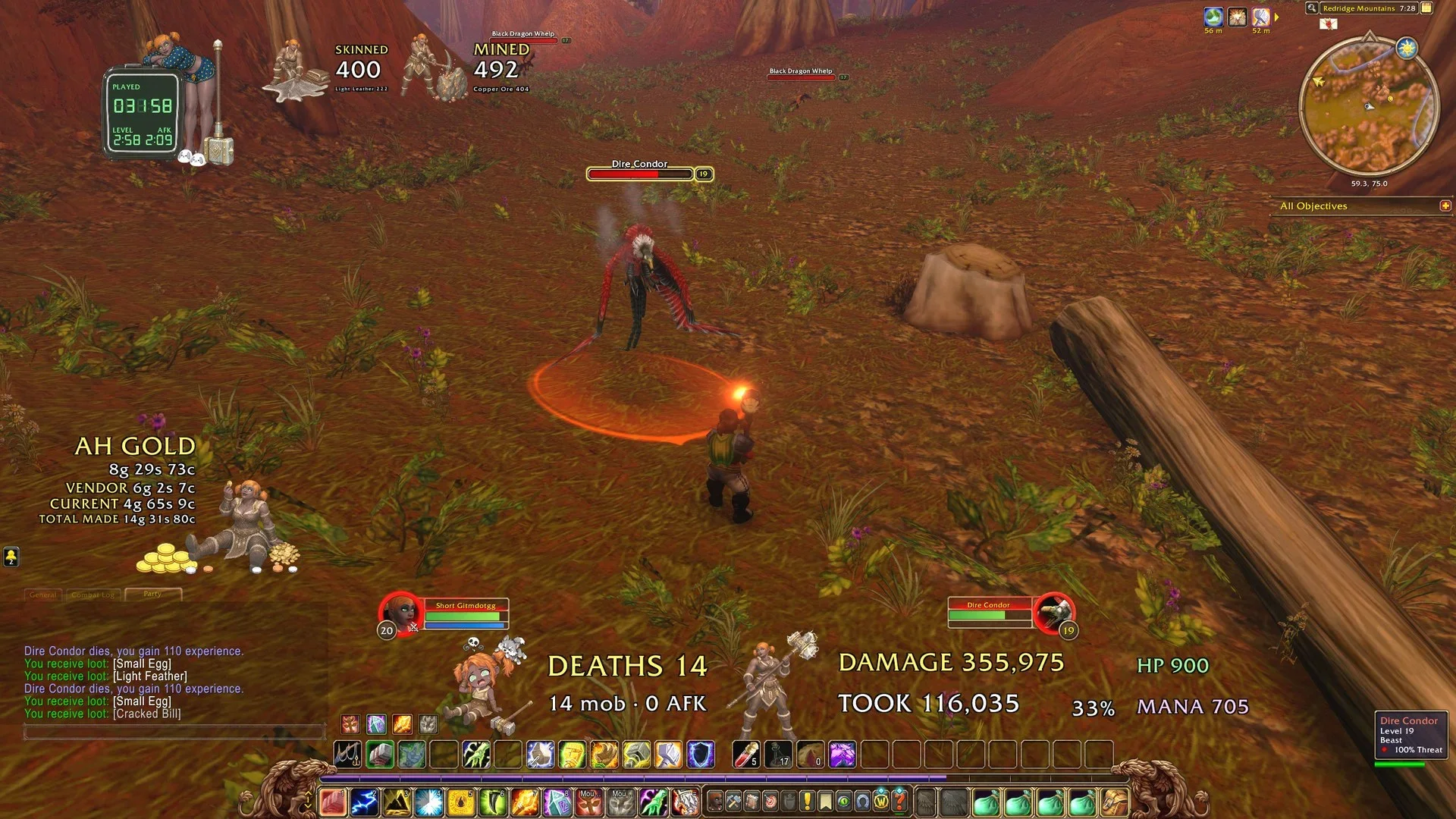
In the beta, all of mine were a first name with Gitmgg, and the first name depended on what that character was doing, like Frosted for my Mage. My dwarf shaman now is Short Gitmdotgg.
Sharing works both ways, though. Your surname isn’t reserved for you, so anyone else can use it with a different first name. A family name across your alts is a theme, not a lock.
Can you change your last name in WoW Forever?
Not by choice, as of late October. WoW Forever had no paid name change then, even though modern WoW and Classic’s progression realms sell one. The way a name does change is a forced rename. During the beta, Blizzard issued forced name changes to characters that broke its naming policies. It also removed beta access for some players whose names were far outside its Code of Conduct.
Those actions were reviewed by the development team, and Customer Service can’t help with appeals. So treat your surname as permanent when you make it, and keep it inside the rules.
FAQ
Can you turn off your last name in WoW Forever? Yes, in the game world. Press Escape, open Options, go to Nameplates and click the My Secondary Name checkbox. Your surname still shows in chat, and other players still see it.
Can you have just one name in WoW Forever? No. Every character needs a first name and a last name. The closest you can get is hiding your surname in the world with the My Secondary Name setting.
Can two players have the same last name in WoW Forever? Yes. Only the full first-and-last combination has to be free in your region, so any number of characters can share a surname.